SubscriptionFlow Recurring Payments for WooCommerce
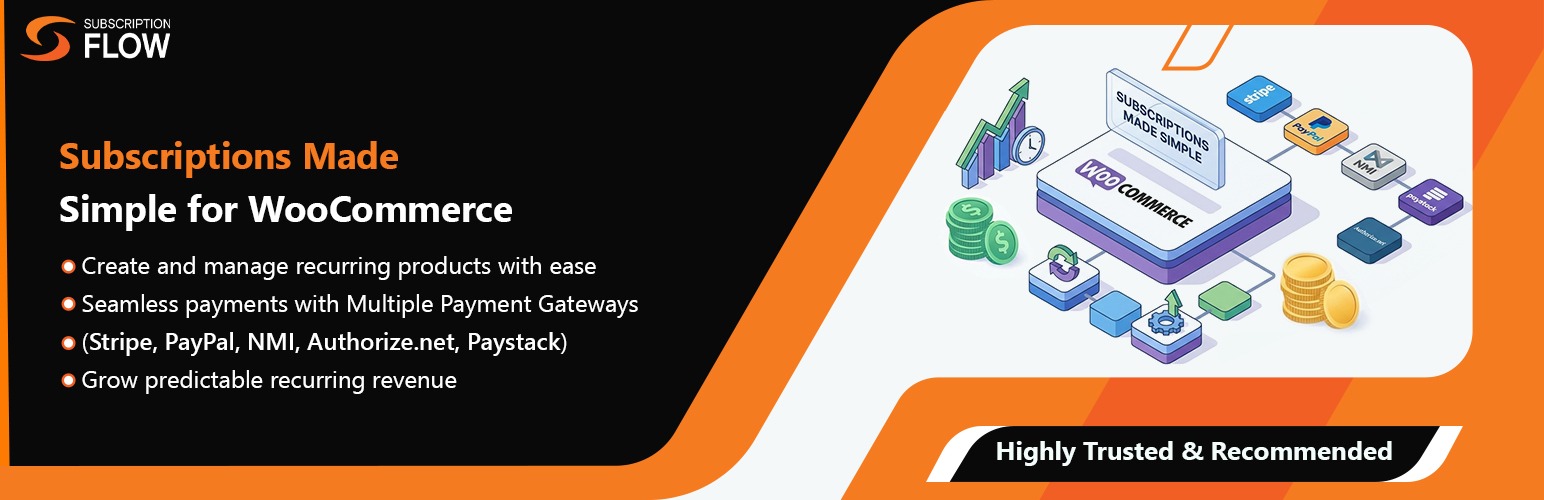
SubscriptionFlow Recurring Payments for WooCommerce
Description
SubscriptionFlow Recurring Payments for WooCommerce is a powerful subscription management plugin that seamlessly integrates with WooCommerce to provide flexible recurring payment options for your online store.
Key Features
- Simple & Variable Subscriptions – Support for both simple and variable subscription products
- Flexible Billing Schedules – Configure custom delivery frequencies (days, weeks, months, years)
- Multiple Discount Options – Offer percentage, fixed amount, or flat rate discounts
- Easy Subscription Management – Dedicated admin page to view and manage all subscriptions
- SubscriptionFlow Integration – Seamless integration with SubscriptionFlow platform
- Customer Flexibility – Allow customers to choose between one-time purchase or subscription
- Beautiful Subscription Widget – Modern, responsive subscription selector on product pages
- Comprehensive Settings – Configure API credentials and customize widget labels
How It Works
- Configure Products – Add subscription settings to your simple or variable products
- Set Billing Schedules – Define delivery frequencies and discount tiers
- Customers Choose – Shoppers select between one-time purchase or subscription
- Automatic Management – Orders are tracked and displayed in the subscriptions admin page
- SubscriptionFlow Sync – Data syncs with SubscriptionFlow platform for advanced management
Perfect For
- Membership sites
- Product subscription boxes
- Digital content subscriptions
- Consumable products (coffee, vitamins, supplements)
- SaaS products
- Any business offering recurring services or products
SubscriptionFlow Integration
This plugin works with the SubscriptionFlow platform to provide advanced subscription management features:
- Customer management
- Payment method handling
- Subscription lifecycle management
- Analytics and reporting
- Customer portal
To use this plugin, you need an active SubscriptionFlow account. Visit SubscriptionFlow.com to learn more.
Additional Information
Support
For support, please visit SubscriptionFlow Support or contact us through the plugin support forum.
Documentation
Detailed documentation is available at SubscriptionFlow Documentation.
Privacy Policy
This plugin integrates with SubscriptionFlow and sends customer and order data to the SubscriptionFlow platform for subscription management. Please review the SubscriptionFlow Privacy Policy for details on data handling.
About SubscriptionFlow
SubscriptionFlow is a comprehensive subscription management platform designed to help businesses manage recurring billing, customer subscriptions, and payment processing with ease.
Learn more at SubscriptionFlow.com
Installation
Minimum Requirements
- WordPress 5.0 or greater
- WooCommerce 3.0 or greater
- PHP version 7.2 or greater
- MySQL version 5.6 or greater
Automatic Installation
- Log in to your WordPress dashboard
- Navigate to Plugins > Add New
- Search for “SubscriptionFlow Recurring Payments for WooCommerce”
- Click “Install Now” and then “Activate”
Manual Installation
- Download the plugin zip file
- Log in to your WordPress dashboard
- Navigate to Plugins > Add New > Upload Plugin
- Choose the downloaded zip file and click “Install Now”
- Activate the plugin through the ‘Plugins’ menu in WordPress
Configuration
- Go to WooCommerce > SubscriptionFlow Settings
- Enter your SubscriptionFlow API credentials:
- Instance URL
- Client ID
- Client Secret ID
- Customize widget labels (optional)
- Save settings
- Navigate to Products and add subscription settings to your products
Screenshots

Product page with subscription widget

Simple product subscription settings

SubscriptionFlow API settings page
Faq
Yes, this plugin requires an active SubscriptionFlow account to manage subscriptions. You can sign up at SubscriptionFlow.com.
Yes! Customers can choose between subscription or one-time purchase for subscription-enabled products, and both types can coexist in the cart.
The plugin works with all WooCommerce payment gateways. Subscription management is handled through SubscriptionFlow.
Yes! You can configure three types of discounts:
– Percentage discount (e.g., 10% off)
– Fixed amount discount (e.g., $5 off)
– Flat rate pricing (e.g., $29.99 per delivery)
- Edit any Simple or Variable product
- Go to the “Subscription” tab in product data
- Enable subscription billing
- Configure billing period and discount options
- Update the product
Yes! You can set up multiple discount tiers based on delivery frequency. For example:
– Deliver every month: 5% off
– Deliver every 2 months: 10% off
– Deliver every 3 months: 15% off
Yes, the plugin is fully translation-ready with the text domain ‘subscriptionflow-recurring-payments-for-woocommerce’.
Navigate to WooCommerce > Subscriptions to view all subscription orders with filtering and pagination.
Reviews
Changelog
1.0.0 – 2024-01-15
- Initial release
- Simple product subscriptions
- Variable product subscriptions
- Flexible billing schedules
- Multiple discount types
- SubscriptionFlow integration
- Admin subscription management
- Customizable widget labels
- Beautiful frontend subscription selector