SummaTap
SummaTap
Description
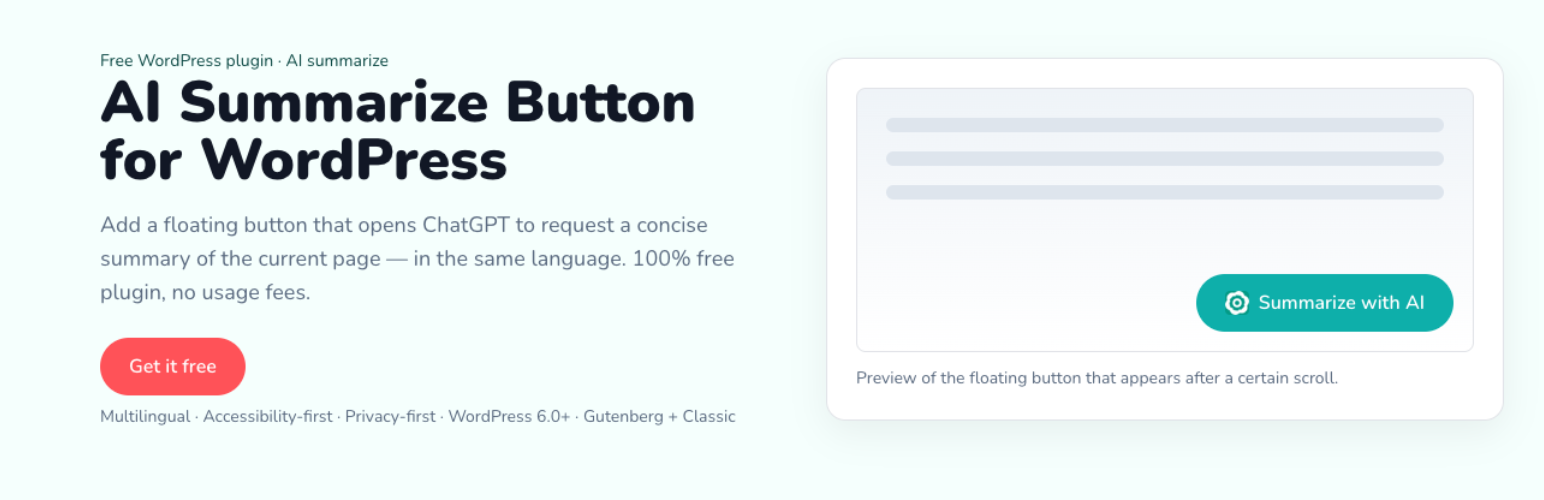
SummaTap adds a clean floating button to single posts, pages, and selected custom post types. After the reader scrolls 10% of the content, the button appears. Clicking it opens ChatGPT in a new tab and prefills the prompt via ?q= (if popups are blocked, no navigation occurs). The prompt includes the page URL, Title, Meta title, and H1/H2/H3 headings (Gutenberg + Classic).
- Multilingual admin and front strings (20 major locales + custom label).
- Positions: top-left, top-right, bottom-right, bottom-left with adjustable offsets and live preview in Settings.
- Exclusions: Advanced settings let you exclude specific post/page IDs.
- Advanced: Optional custom CSS class to style the button from your theme.
- Accessibility: keyboard operable, visible focus, RTL support.
Installation
- Upload
summatapto the/wp-content/plugins/directory or install via the Plugins screen. - Activate the plugin.
- Configure Settings SummaTap (Basic and Advanced).
Faq
The button appears after 10% scroll. We try to measure against .entry-content or main; if not available, we fall back to document scroll.
Reviews
Changelog
1.0.0
- Initial release.