Super Advent Calendar

Super Advent Calendar
Description
WordPress Advent Calendar Plugin
Give your website a festive touch with Super Advent Calendar — a flexible, customizable advent calendar for holiday giveaways or seasonal countdowns. Choose from pre-built themes or build your own, configure each door’s content individually, and delight visitors with built-in animations and special effects.
Want your own images, more animations and confetti or snowfall when a door opens? Have a look at Premium.
Perfect for
- Shops sharing a daily discount code or giveaway in December
- Growing your newsletter by putting a sign-up form behind a door
- Schools, churches and communities counting down to Christmas
- Easter, New Year or any other countdown to an event
Free Features
- Door count: control how many doors your calendar has
- Layout: customize with grid columns and rows
- Animations: reveal doors with a flip or an open door animation
- Themes: choose a festive default theme or design your own
- Schedule: control when doors can be opened, preview on a specific date, schedule all at once or per door, shift all dates for next year
- Content: add content such as text, links or embeds (via shortcodes)
- Appearance: open a link, a modal, or display content inline
- Styles: change typography, padding, colors and dimensions for each slot
- Locked content: each door reveals on its scheduled date; past and future doors stay hidden
Premium Features
Make the calendar truly yours and give visitors a reason to come back every day.
- Images: put your own photos, illustrations or product shots on the doors
- Animations: 8 additional revealing animations, such as slide in, slide up/down, rotate into view and fade and skew
- Special effects: confetti (classic, Christmas, Easter or New Year) or snowfall, triggered when a door is opened
- Save state: doors visitors opened stay open on their next visit, so the calendar fills up day by day
- Premium support
Learn more about the Premium version.
Translation Ready
Speak another language? You can help make Super Advent Calendar available in your language! Join our translation project on WordPress.org and contribute to translating the plugin for the global community.
Documentation
You can find the documentation on our site.
Installation
- Upload
super-advent-calendarfolder to the/wp-content/plugins/directory. - Activate the plugin through the ‘Plugins’ menu in WordPress.
- Go to any post or page and search for the ‘Advent Calendar’ block.
Screenshots

Create an Advent Calendar
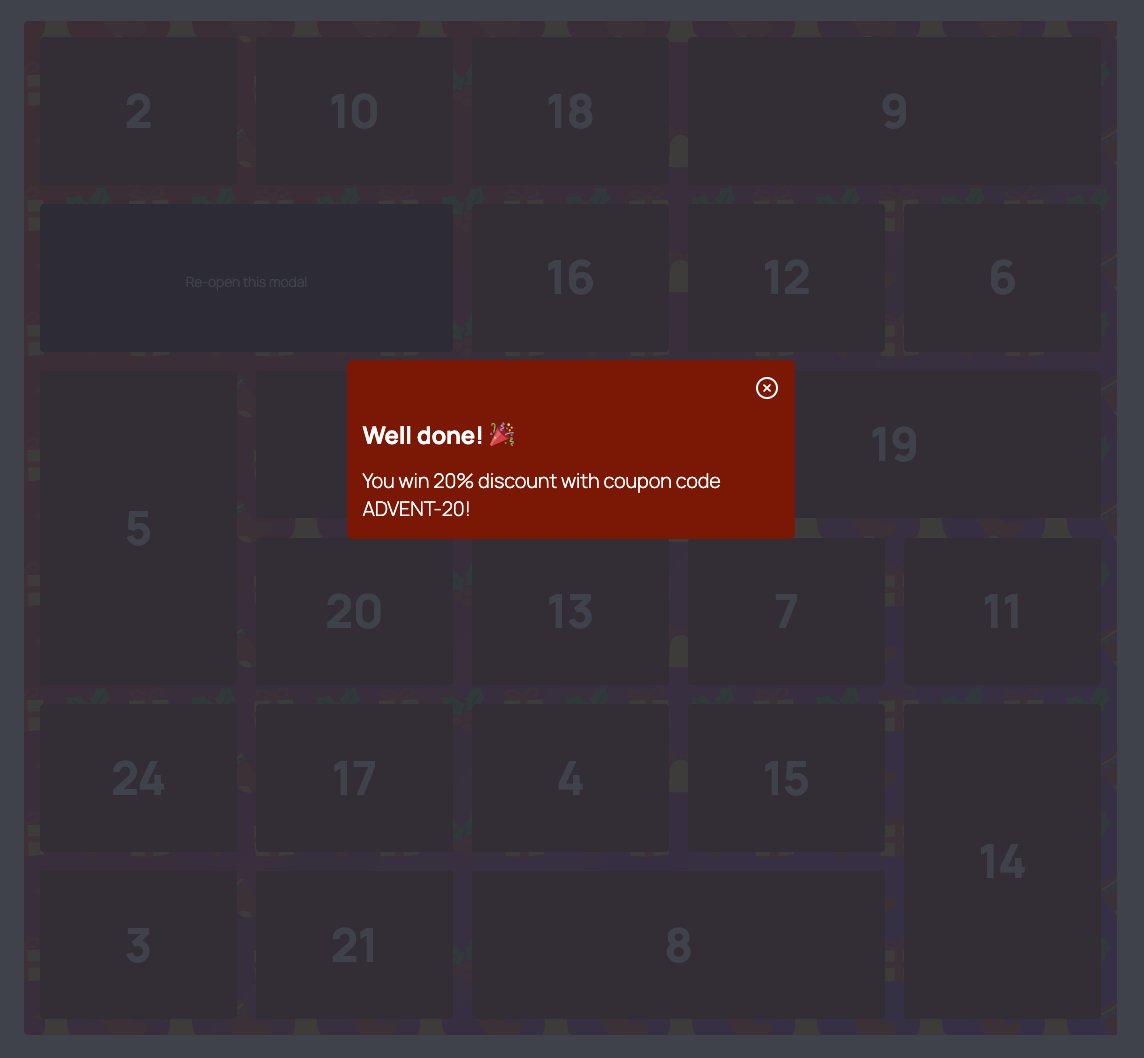
You can also show content in a modal

Choose an animation, schedule all doors at once and preview the calendar on a specific date
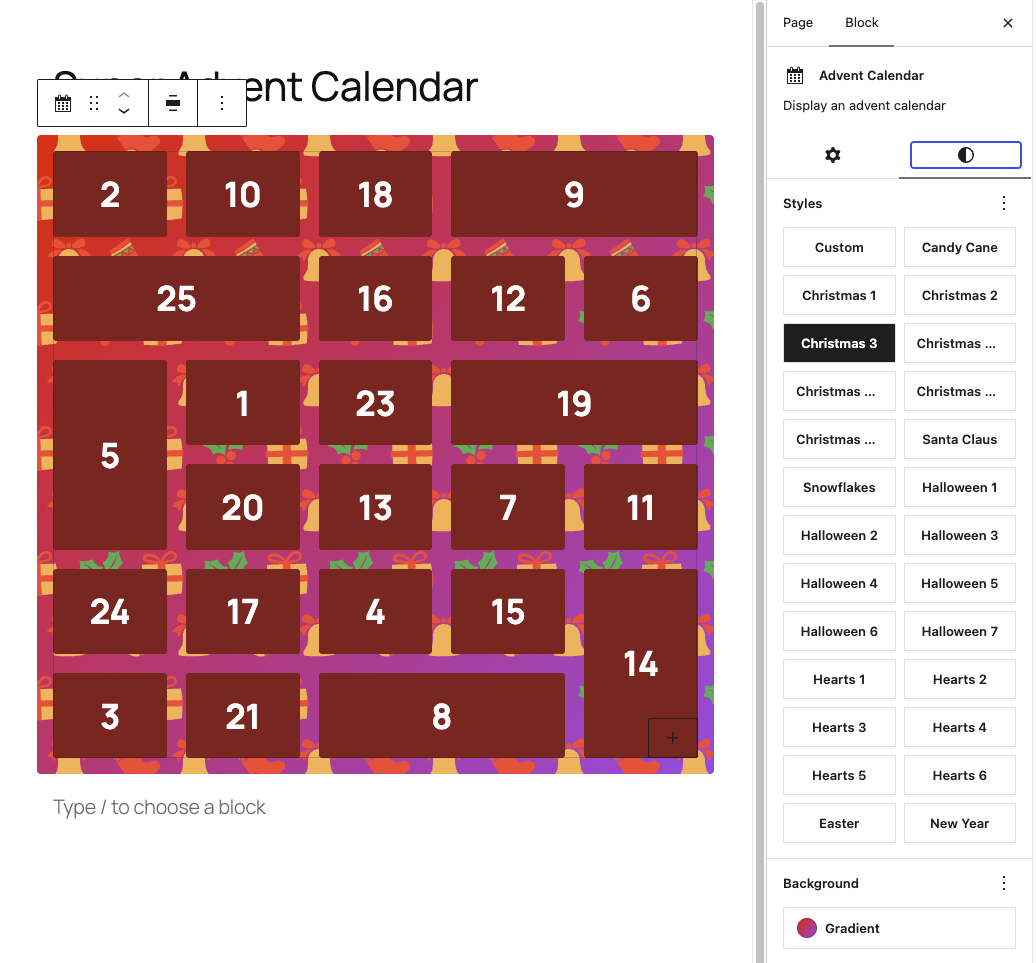
Select a default style or create your own

Add and schedule content to unlock at a certain date/time
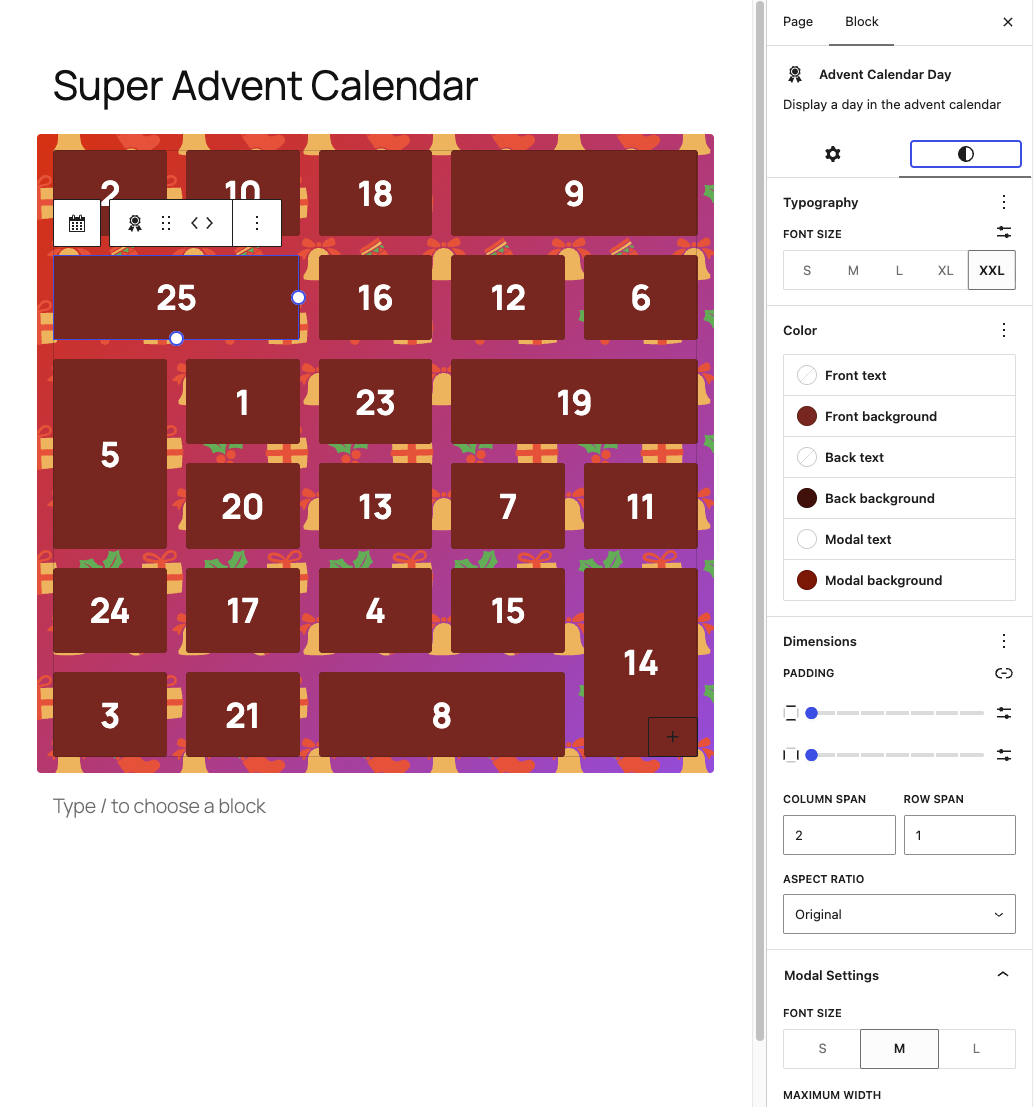
Change colors, typography and dimensions per door
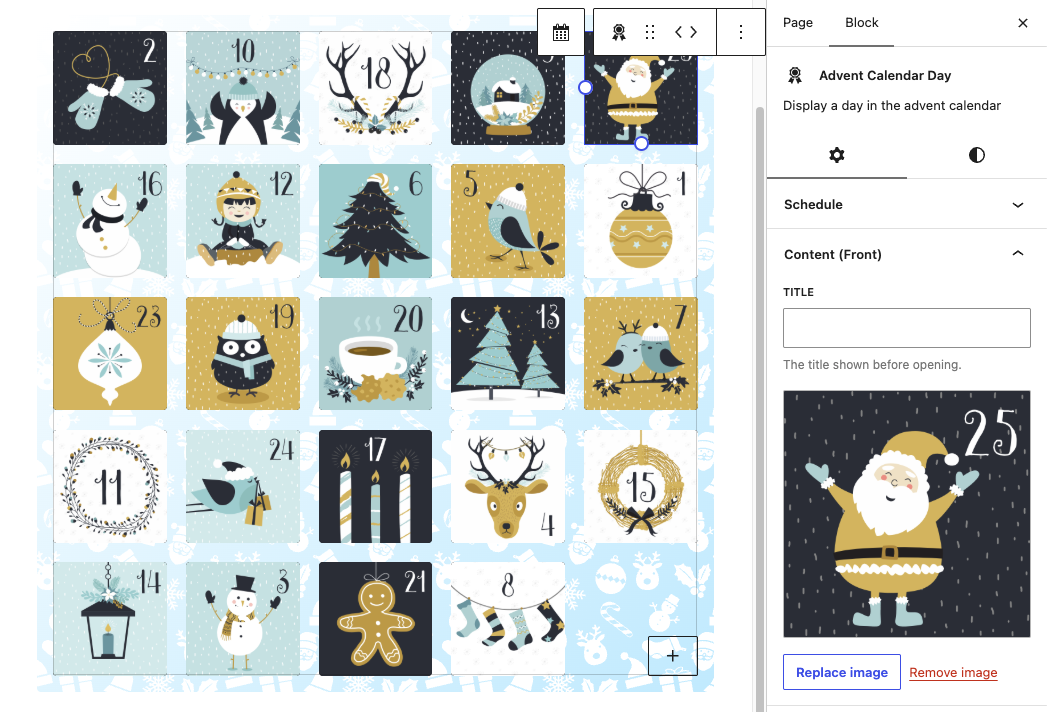
Super Advent Calendar Premium lets you add images to personalize the calendar
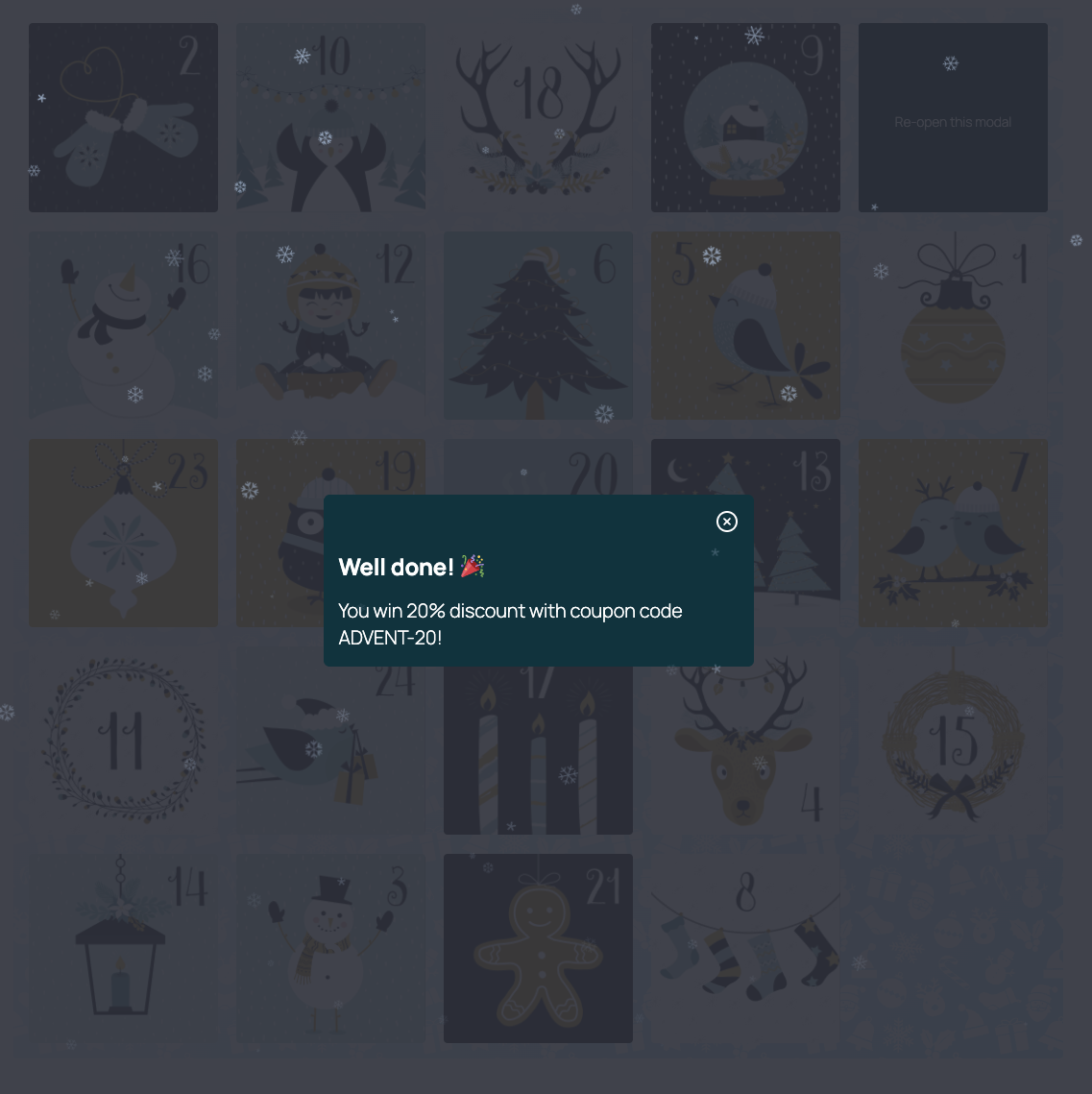
Super Advent Calendar Premium also lets you choose from special effects
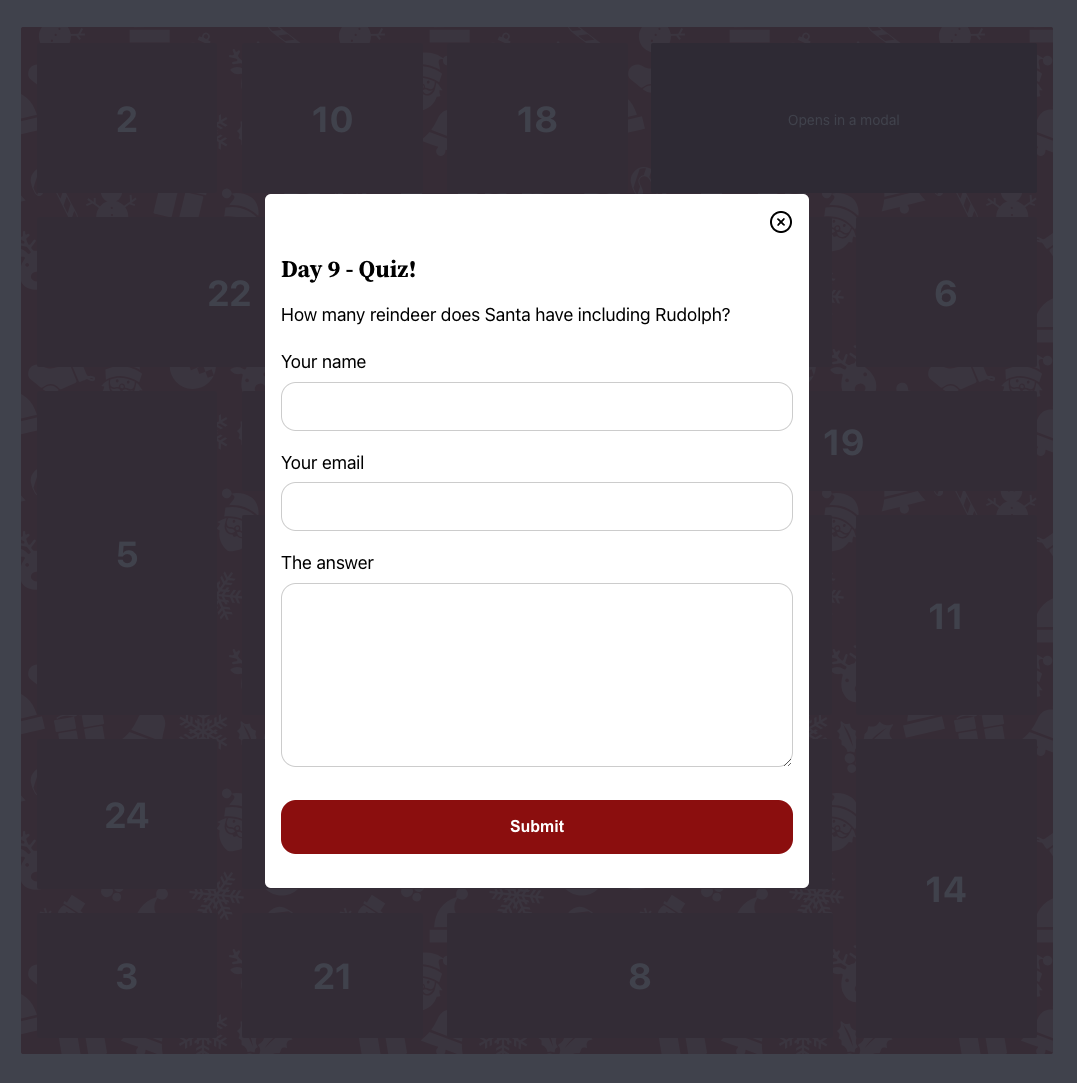
Use shortcodes in door content to embed forms and other dynamic elements
Faq
You can find the documentation at: verdant.studio/plugins/super-advent-calendar
Yes, while the Super Advent Calendar plugin is designed as a Gutenberg block, you can use it with page builders such as Divi, Elementor and WPBakery. For detailed instructions, check out our page builder documentation.
No. The content of a door is only loaded once its scheduled date has arrived, so it can’t be found in the page source beforehand. That makes it safe to hide discount codes and giveaways.
Yes. Shift all door dates at once by a number of days and your calendar is ready for the next season.
Yes. Doors keep opening on the right day, even when the page is served from a full page cache.
Yes. Choose any number of doors and any dates, for example for Easter, a New Year countdown or an event launch.
Yes. Your existing calendars keep working as they are, and the Premium options become available as soon as you upgrade.
We’d love to hear from you! A review on WordPress.org helps others find the plugin and keeps us motivated to improve it.
Reviews
The greatest Advent calendar I've seen
By 
This is a brilliant Advent calendar which does everything I want. It's easy to add or remove windows, and you can put photos, links, or text in them, making it very flexible. This is the first time I've ever paid to upgrade a plugin, and the features in the paid version, such as being able to have opened windows remain open as the days pass, are well worth having.
It's not just for Christmas either. There are themes for Easter, New Year, and you can set up your own custom themes for any time of year. This makes it brilliant for businesses who can promote their services while giving clients a fun reason to visit their website daily.
I look forward to seeing this evolve over time, and to using it for many years to come 😃
This is a great plugin with exceptional support.
By 
What I Liked:
- Easy Setup: Installing the plugin was a breeze. Within minutes, I had the advent calendar up and running on my site.
- Scheduled Content: Setting up different content for each day was straightforward. I scheduled images, special offers, and holiday greetings to reveal on specific dates.
- Responsive Design: The calendar looked great on both desktop and mobile devices, ensuring all my visitors had a seamless experience.
Easy to use & Awesome support
By 
Awesome lightweight plugin with even better support.
Does the job!
By 
A handy plugin for creating an advent calendar, there aren't many of these about! The support for this is superb and they respond quickly to any issues.
Simple and good
By 
Exactly what we were looking for. No errors or complications, easy to use. Many thanks for that!
Changelog
1.24.0: Oct 24, 2026
- Add: add an open door revealing animation
- Change: remove the arrow from the locked door tooltip
- Fix: quote the data attributes of a door so values containing spaces don’t break the json
1.23.0: Oct 20, 2026
- Add: schedule all doors at once and shift all dates by a number of days, e.g. to reuse a calendar next year
- Add: preview the calendar on a specific date (only for users who can edit the calendar)
- Add:
superac_shortcode_contentandsuperac_can_view_calendar_postfilters - Add: editor side feedback on specific changes made
- Fix: doors continue to work on pages served from a full page cache
- Fix: superac shortcode can only request door content of public and published posts
- Fix: a calendar embedding itself through the shortcode crashed the page
- Fix: multiple calendars embedded through the shortcode on one page use the correct doors
1.22.1: Oct 8, 2026
- Change: update dependencies
- Fix: script error instead of fallback text when a card has no content
- Fix: “Invalid URL” message for link cards could not be translated
1.22.0: Jun 11, 2026
- Change: remove custom autoloader, use default
- Change: improve schedule start/end comparison
- Change: improve code and script loading fallbacks
- Change: update dependencies
1.21.1: May 6, 2026
- Change: update dependencies
- Fix: Tailwind (preflight) CSS unscoped on pages loading the calendar
1.21.0: Apr 7, 2026
- Add: 22 additional festive background styles/patterns (making a total of 25)
- Change: upgrade Tailwind from v3 to v4 and rewrite parts of the CSS
- Change: improve the way scripts are loaded
- Change: test with WordPress 7.0 and update support
- Change: update dependencies
- Fix: grid resizing on the editor view
1.20.2: Dec 1, 2025
- Change: test with WordPress 6.9 and update support
1.20.1: Nov 26, 2025
- Change: update dependencies
- Fix: broken links in readme documentation
- Fix: grid should now autofill on smaller screens
- Fix: make superac-day selector more specific
1.20.0: Nov 16, 2025
- Change: use custom DI container and remove dependency to external DI container
- Change: update dependencies
- Fix: prevent locked door with href from scrolling up the page
- Fix: enforce no margin on superac day class on the editor
1.19.1: Oct 12, 2025
- Change: update dependencies
- Fix: load just one canvas element, improves performance on large calendars
Earlier versions
For the changelog of earlier versions, please refer to the changelog on verdant.studio.