SVisciano – Snowfall Effect

SVisciano – Snowfall Effect
Description
Add elegant snow effects to your WordPress site with optimized, lightweight JavaScript.
Designed for mobile and desktop, it self-manages animation performance to prevent lag, keeping your site fast and smooth.
Many aspects of the snowfall behavior are fully customizable, including falling speed, wind, depth effect, rotation, random gusts, density, turbulence, scroll with page, z-index, and more.
To make customization quick and easy, you can also choose from ready-made presets, either using them as-is or starting your personalized snowfall from these.
Installation
- If you have the plugin as a ZIP file, first upload it via the WordPress admin: go to “Plugins” > “Add New” > “Upload Plugin”, and select the ZIP file. WordPress will extract it automatically.
- Activate the plugin through the ‘Plugins’ menu in WordPress.
- Go to “Settings” > “SVisciano – Snowfall Effect” to configure the plugin.
Screenshots
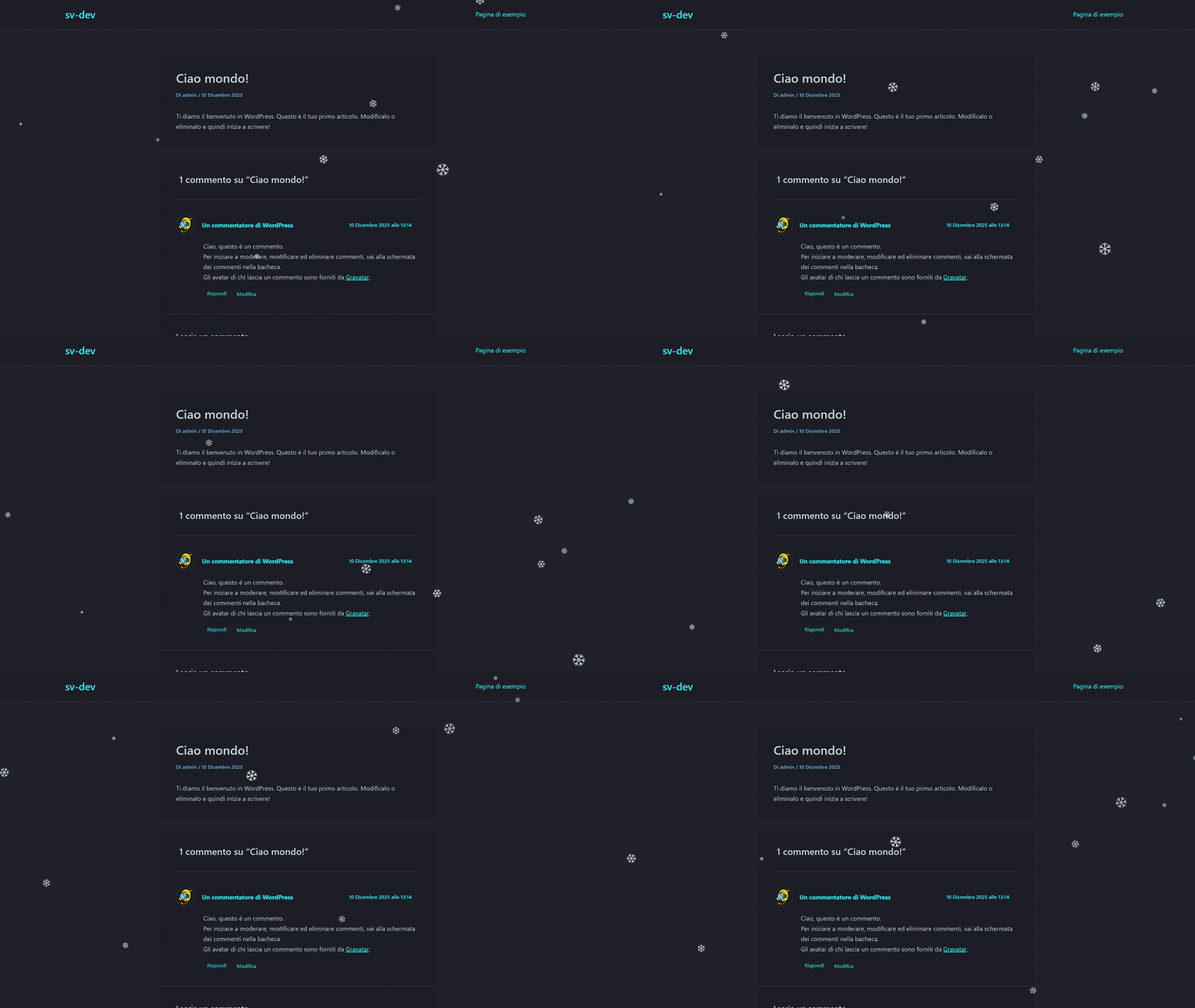
Light snowfall effect with smooth animation.
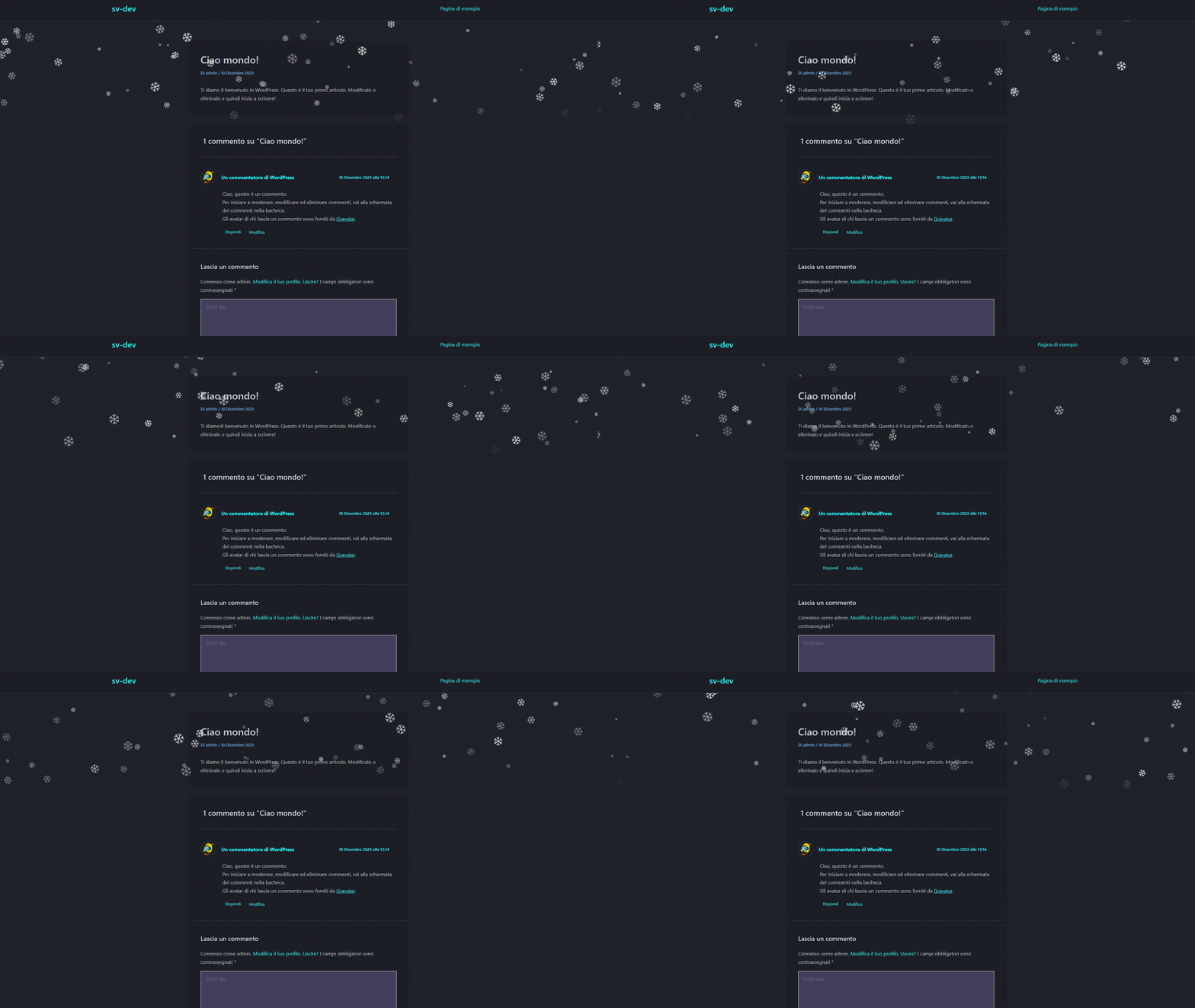
Snow effect correctly layered using z-index, staying behind headers and Vertical Snow Area set to 30%.
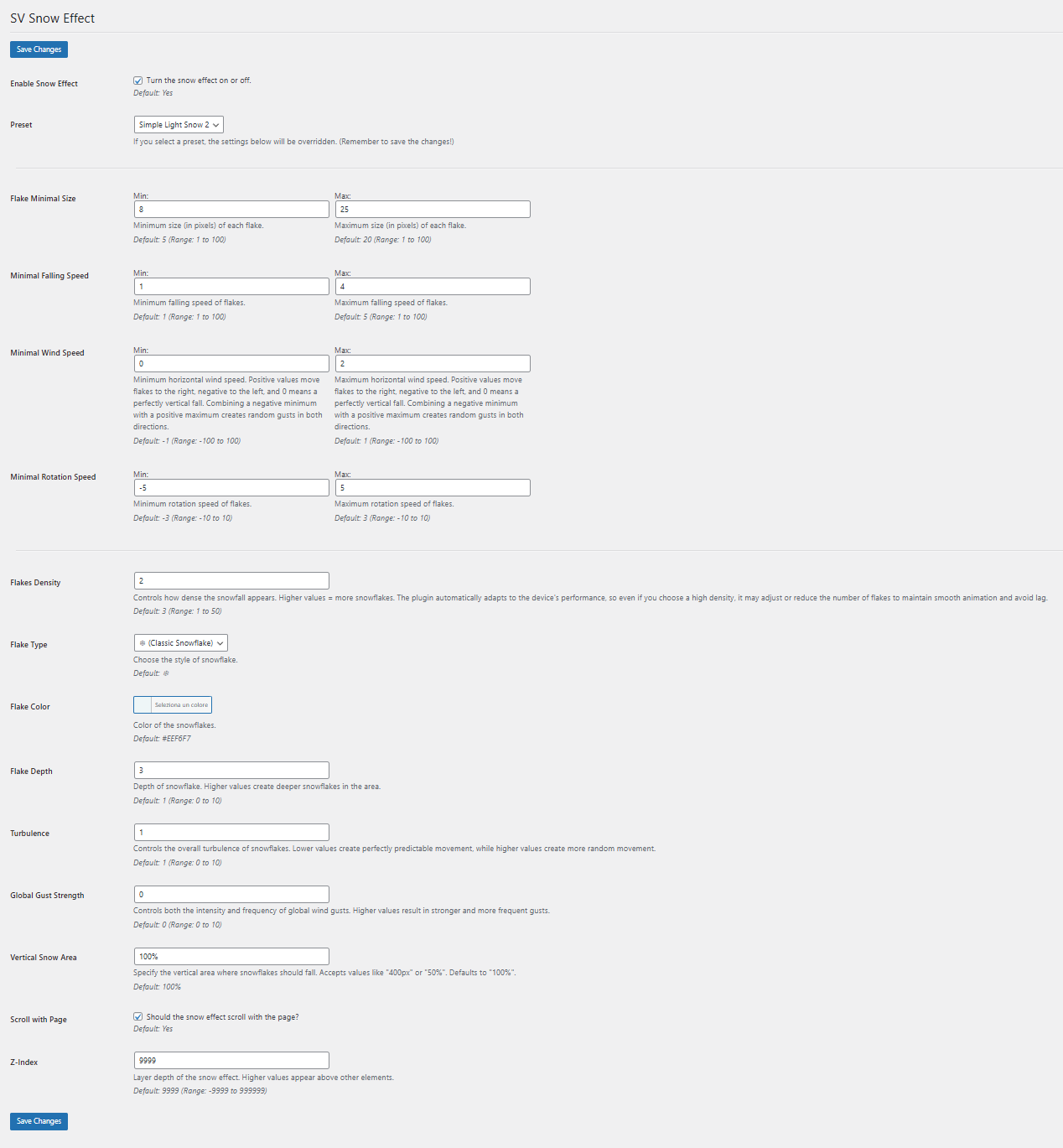
Plugin settings page inside the WordPress admin panel.
Faq
You can toggle the snowfall on or off directly from the plugin settings. This prevents the script from loading when disabled.
This is usually caused by a z-index conflict with your theme or other elements. Try adjusting the z-index value in the plugin settings until the snow appears correctly.
There is a dropdown menu in the settings where you can select one of the pre-configured presets. You can use them as-is or start customizing from a preset.
Absolutely. The JavaScript is optimized for mobile devices, and the snowfall effect self-manages to maintain smooth performance without lag. It is designed to provide a consistent visual experience on any device or screen size, automatically adapting to fit.
No. The plugin uses lightweight, optimized JavaScript that only loads when the effect is enabled, minimizing any impact on site performance. If the effect settings are configured in a way that could impact performance, the plugin automatically adapts, prioritizing smoothness and responsiveness while still trying to stay as close as possible to your chosen settings.
Make sure you click the “Save Settings” button after making changes. The plugin only applies new settings after they are saved.
Reviews
Changelog
0.1.1
- Enhanced stability and performance optimizations
- Minor internal improvements and bug fixes
0.1.0
- Initial release