SwiftXR (3D/AR/VR) Viewer
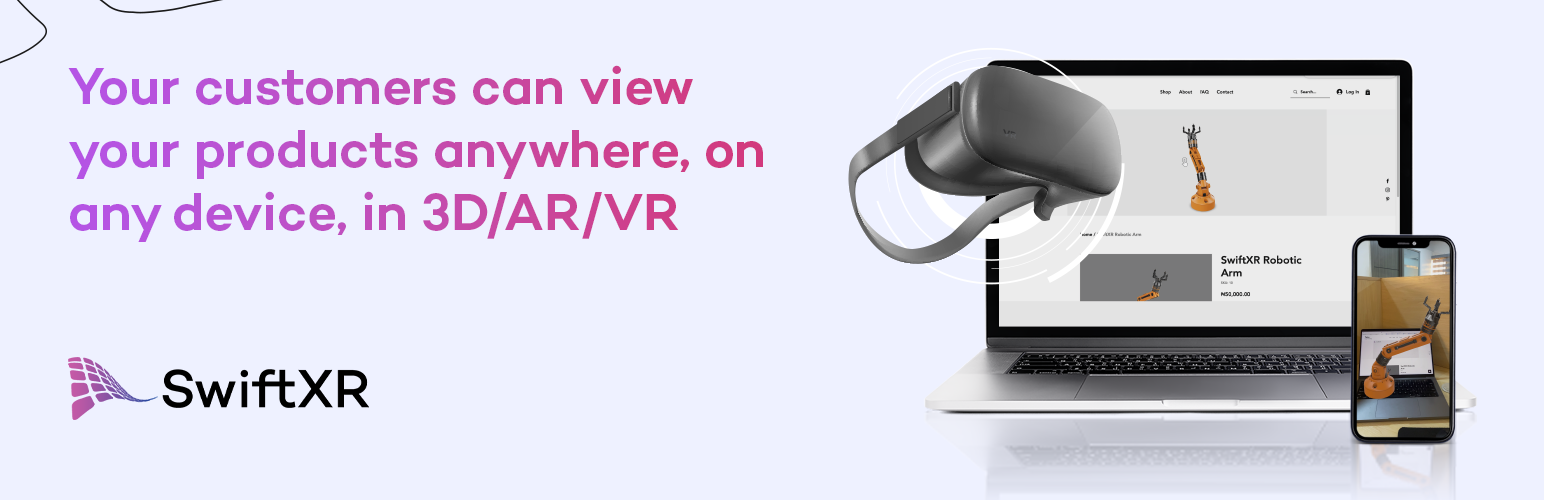
SwiftXR (3D/AR/VR) Viewer
Description
Boost engagement with immersive 3D, AR, and VR experiences. SwiftXR seamlessly integrates interactive visuals into your store, enhancing product exploration and customer interaction. With effortless setup, optimized performance, and scalable solutions, you can create an engaging shopping experience without any technical hassle.
Features
-
WooCommerce support and direct website embedding
-
Immersive 3D, AR & VR – Engage customers with interactive product views
-
Smart optimization – Auto-compression for fast loading without quality loss
-
Easy 3D conversion – Convert .FBX, .OBJ, and .STL to .GLB effortlessly
-
AI 3D creation – Turn 2D images into 3D models or avatars instantly
-
Virtual try-on – Let customers try products in AR instantly, no app required
Learn More
https://home.swiftxr.io/
Installation
This section describes how to install the plugin and get it working.
e.g.
- Upload
swiftxr-viewerto the/wp-content/plugins/directory - Activate the plugin through the ‘Plugins’ menu in WordPress
- Use shortcode in page, post or in widgets.
- The “Guide” page in the SwiftXR Viewer Admin dashboard contains step by step tutorial
Screenshots

WooCommerce Store using SwiftXR.

WordPress Post Page 3D Embed.

SwiftXR Platform.

SwiftXR Viewer plugin admin dashboard page.
Faq
SwiftXR currently supports the following 3D file formats: .glb, .gltf, .fbx, .obj, and .stl.
No problem! SwiftXR has direct integrations with Sketchfab, Opensea, and Rarible, which provide access to millions of free 2D and 3D models for you to use and test with.
Yes! Simply paste the shortcode for the SwiftXR Viewer inside Elementor’s Shortcode elements.
Currently, SwiftXR only supports the 3D file formats listed above, which are widely supported across various software programs. If you have a specific file type you would like to use, please send an email to support@swiftxr.io, and we will see if it is possible to integrate.
For any support or customization needs, please do not hesitate to reach out to us via email at support@swiftxr.io.
Reviews
Superfast 3D Embed 😲
By 
I chose SwiftXR in all the possible dimensions.
Very Innovative and easy to use
By 
The application is very easy to use, easy to implement, I could already envision all use cases that I can use it for, exceptional work form the team
Very Easy to use and Affordable!
By 
This plugin is amazing,.. Its user-friendly interface makes it incredibly easy to use, and the simplicity of its setup is truly impressive. I highly recommend this tool. Moreover, it comes price is really affordable , packed with numerous outstanding features that are sure to enhance user engagement.
Fast and easy to use.
By 
The plugin was fast, and it was really easy to use and set up. It's great to be able to add 3D models to my websites without the hassle of writing the codes.
Gives really cool and innovative vibes to my website!
By 
Okay, no jokes, this 3D thing is cool! I thought it would be mid and boring but it actually made my website pop! I added my logo to my website homepage and people are viewing it in 3D & augmented reality which is dope!!!
Definitely going to add more 3D content for my products next, lol
SwiftXR (3D/AR/VR) Viewer: A Game Changer for Your WordPress Website
By 
If you're looking for a way to take your WordPress website to the next level, look no further than the SwiftXR (3D/AR/VR) Viewer plugin. This powerful plugin allows you to easily add interactive 3D, AR, and VR content to your site, giving your visitors an immersive experience they won't soon forget.
I recently had the opportunity to try out SwiftXR, and I'm absolutely blown away by what it can do. The plugin is incredibly easy to use, even for those without any coding experience. Simply upload your 3D models or use the built-in library of assets, and SwiftXR will handle the rest.
Here are just a few of the things I love about SwiftXR:
- Easy to use: No coding required! Just upload your 3D models or use the built-in library of assets.
- Versatile: Works with a variety of 3D formats
- Customizable: You can customize the look and feel of your 3D content to match your website branding.
- Interactive: Visitors can interact with your 3D content using their mouse or touchscreen.
- Mobile-friendly: SwiftXR works great on all devices, including smartphones and tablets.
SwiftXR is awesome, I recommend it
By 
Everything is cool. This plugin is fantastic! It's really easy to use, and I can't believe how simple it is. I highly recommend it. It's also affordable, has lots of great features, and is easy to set up. It's definitely going to help me engage my users.
Swift and Easy
By 
Swift XR is a platform that allows users to create augmented reality (AR) experiences easily and efficiently, without requiring extensive coding knowledge. One of its notable features is its ability to reduce model polycounts without causing any performance issues, making it easy to create lightweight AR experiences that can be quickly and easily shared.
In addition to its technical capabilities, Swift XR also offers user-friendly payment plans that are tailored to different budgets and needs, making it accessible to a wide range of users. This means that whether you're a small business owner looking to create an AR marketing campaign, a student working on an AR project, or a professional developer creating AR applications, you can find a plan that suits your needs.
Overall, Swift XR's combination of ease of use, performance optimization, and flexible pricing plans make it a top choice for anyone looking to create fast, high-quality AR experiences without the need for extensive coding or technical expertise.
Changelog
1.0.8
- Added WordPress 7.0 compatibility metadata.
- Improved admin nonce checks, input validation, and output escaping.
- Cleaned readme encoding and plugin metadata.
1.0.7
- Updated wordpress version.
1.0.6
- Updated documentation.
1.0.5
- Added Support for Face and Image Tracking.
1.0.4
- Updated ReadMe Information.
1.0.3
- Updated ReadMe Tags.
1.0.2
- Added SwiftXR user guide tutorial.
1.0.1
- Fixed issue with shortcode not rendering.
1.0.0
- Added initial plugin release build files.