Swipe/revert columns on mobile for WPBakery Builder
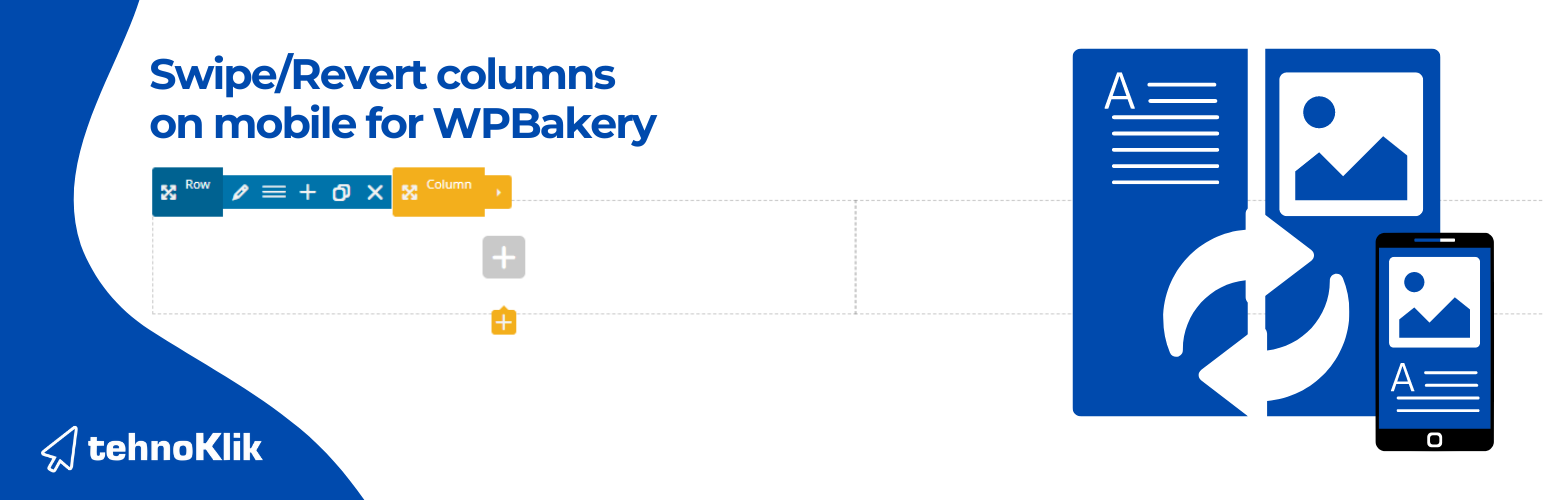
Swipe/revert columns on mobile for WPBakery Builder
Description
Swipe/revert columns on mobile for WPBakery Builder
The plugin adds a new field on the row editor where you can mark whether you want to swipe/revert columns within that row on mobile. Breakpoint for mobile is 769px.
Installation
Upload the swipe-on-mobile folder to the /wp-content/plugins/ directory.
Activate the plugin through the Plugins menu in WordPress.
Installation from WordPress dashboard
Go to Plugins / Add new
Click on Add new button
Choose zip file swipe-on-mobile and click on Install
Activate
Screenshots

How to use plugin