SyntaxHighlighter Evolved Themes
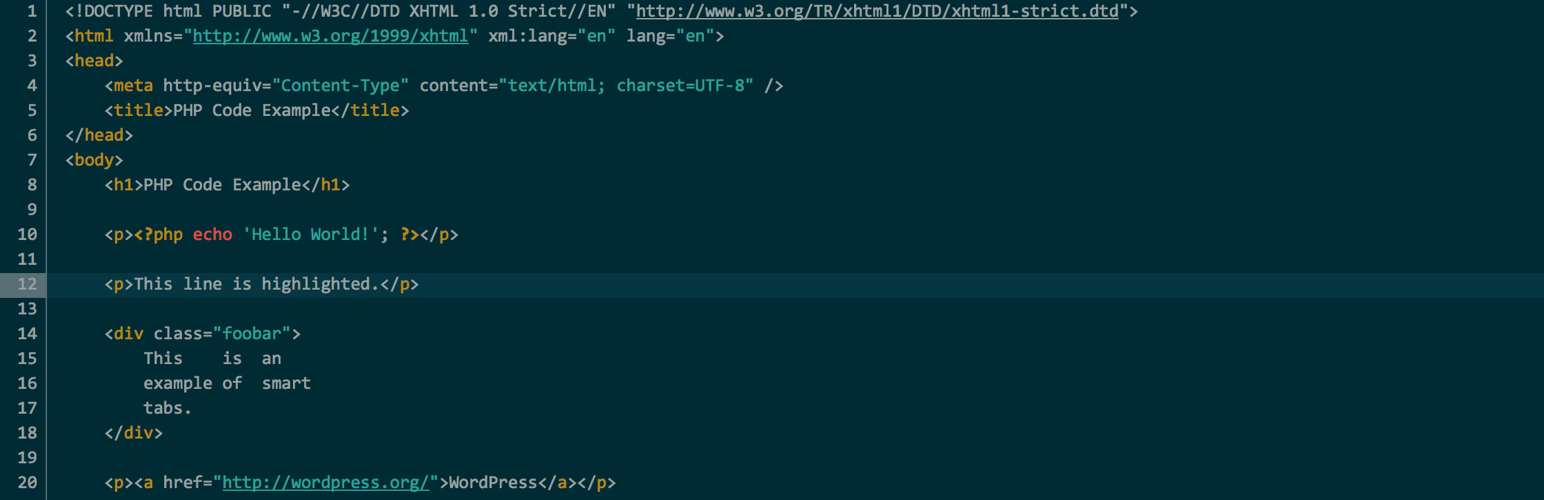
SyntaxHighlighter Evolved Themes
Description
NOTE: This plugin requires SyntaxHighlighter Evolved in order to work.
Once both are activate, new themes are added to the availble themes on the SyntaxHighlighter Evolved settings page.
For more information or to add your own new theme, visit the Github repo.
Installation
- Upload
syntaxhighlighter-evolved-themesto your/plugins/directory for WordPress - Activate the plugin through the ‘Plugins’ menu in WordPress
Screenshots

New themes.

Example of the Solarized Dark theme.
Faq
Will you add new themes?
Of course (when I have a time), just send me a request. In your request, be sure to describe the theme in detail or send me a link to a colorscheme of a theme. A simple screenshot will not suffice.
Reviews
Changelog
1.0.1
- Updated readme.txt
1.0.0
- Initial Release Version