Tabbed Contents Block – Display Content in Tabbed Layout

Tabbed Contents Block – Display Content in Tabbed Layout
Description
Tabbed Contents Block | Documentation | Pricing | Support
The “Tabbed Contents Block” Gutenberg plugin is a powerful tool that allows you to create tab sections within to your WordPress posts or pages. With this plugin, you can organize your content into multiple tabs, making it easy for your readers to navigate and access specific information.
Each tab can have its own title and content, allowing you to present diverse types of content, such as text, images, videos, or custom HTML. The plugin provides a user-friendly interface to add and manage tabs, making it simple to create engaging and interactive content.
Whether you want to showcase different product features, display various services, or present step-by-step instructions, the Tab Content Block plugin enables you to present information in a structured and visually appealing way. It enhances the user experience by reducing clutter and allowing users to focus on the content they’re interested in.
By utilizing the Tabbed Contents Block plugin, you can enhance the organization and accessibility of your content, improving readability and user engagement on your WordPress website.
Tabbed Contents Block Features
- Tabbed Content Layout: Easily organize and display content in a structured, tabbed interface.
- Multiple Tab Designs: Choose from various tab styles and layouts to match your website’s design.
- Fully Customizable Tabs: Personalize tab colors, fonts, sizes, and borders to align with your branding.
- Dynamic Tab Icon: Add icon to individual tabs for enhanced visual appeal and user clarity.
- Dynamic Content Loading: Load content dynamically via shortcodes or custom blocks.
- Active Tab Highlighting: Automatically highlight the active tab for better user navigation.
- Responsive Design: Tabs adapt seamlessly to different screen sizes and devices for a flawless experience.
- Predefined Themes: Choose from a variety of professionally designed themes to style your tabs instantly.
- Responsive Themes: All themes are fully responsive and adapt perfectly to any screen size.
- Shortcode Support: Use shortcodes to add custom content to your tabs.
🚀 Upgrade to Text Typing Pro
- Choose Your Preferred Theme: Select the theme of your choice to personalize your experience and give your website the look and feel that suits your style.
- Hide/Show Tabbed Background: Easily toggle background visibility for tabbed sections with the Hide/Show Tabbed Background feature.
- Background On tabbed: Manage tab-specific backgrounds effortlessly with Background on Tabbed. Customize each tab for a dynamic user experience!
- Padding On tabbed: Easily adjust padding for each tab with Padding on Tabbed. Customize spacing for a seamless and polished layout!
- Hide/Show Tabbed Icon: Toggle icons for each tab effortlessly with Hide/Show Tabbed Icon. Customize visibility for a clean and dynamic design!
- Hide/Show Tabbed Title: Easily toggle the visibility of tab titles with Hide/Show Tabbed Title for a cleaner, customized design!
- Active Tab Customize The Variant Styles: Highlight your active tab with a customizable border using Active Tab Border. Enhance navigation and user focus effortlessly!
- Tabbed Menu Styles: Users can easily variant apply to styles for customization.
- Responsive Settings: Optimize font size, alignment, and appearance for mobile, tablet, and desktop.
- Premium Animations: Exclusive smooth effects available only in Pro.
How to use Tabbed Contents Block
- First, install the Tabbed Content Block plugin from the WordPress dashboard.
- Add the Tabbed Content from the block category called “widgets” in the Gutenberg editor.
- You can change block settings from the right-side settings sidebar.
-
Enjoy!
-
For installation help click on Installation Tab
User Feedback
⭐⭐⭐⭐⭐ It fully met my expectations
❛❛This plugin is excellent for displaying tabbed content. The visual editing screen in the Gutenberg editor was easy to edit content effectively.❜❜
– Did you like this plugin? Dislike it? Have a feature request? Please share your feedback with us
⭐ Check out the Parent Plugin of this plugin-
🔥 B Blocks – Best gutenberg blocks collections for WordPress.
⭐ Check out our other WordPress Plugins-
🔥 Html5 Audio Player – Best audio player plugin for WordPress.
🔥 Html5 Video Player – Best video player plugin for WordPress.
🔥 PDF Poster – A fully-featured PDF Viewer Plugin for WordPress.
🔥 Document Embedder – Best WordPress Document Embedder Plugin.
🔥 3D Viewer – Display interactive 3D models on the webs.
🔥 Advanced Post Block – Best Post Display Plugin for WordPress.
Installation
From Gutenberg Editor:
- Go to the WordPress Block/Gutenberg Editor
- Search For Tabbed Content
- Click on the Tabbed Content to add the block
Download & Upload:
- Download the Tabbed Content Block plugin (.zip file)
- In your admin area, go to the Plugins menu and click on Add New
- Click on Upload Plugin and choose the
tabbed-contents.zipfile and click on Install Now - Activate the plugin and Enjoy!
Manually:
- Download and upload the Tabbed Content Block plugin to the
/wp-content/plugins/directory - Activate the plugin through the Plugins menu in WordPress
Screenshots
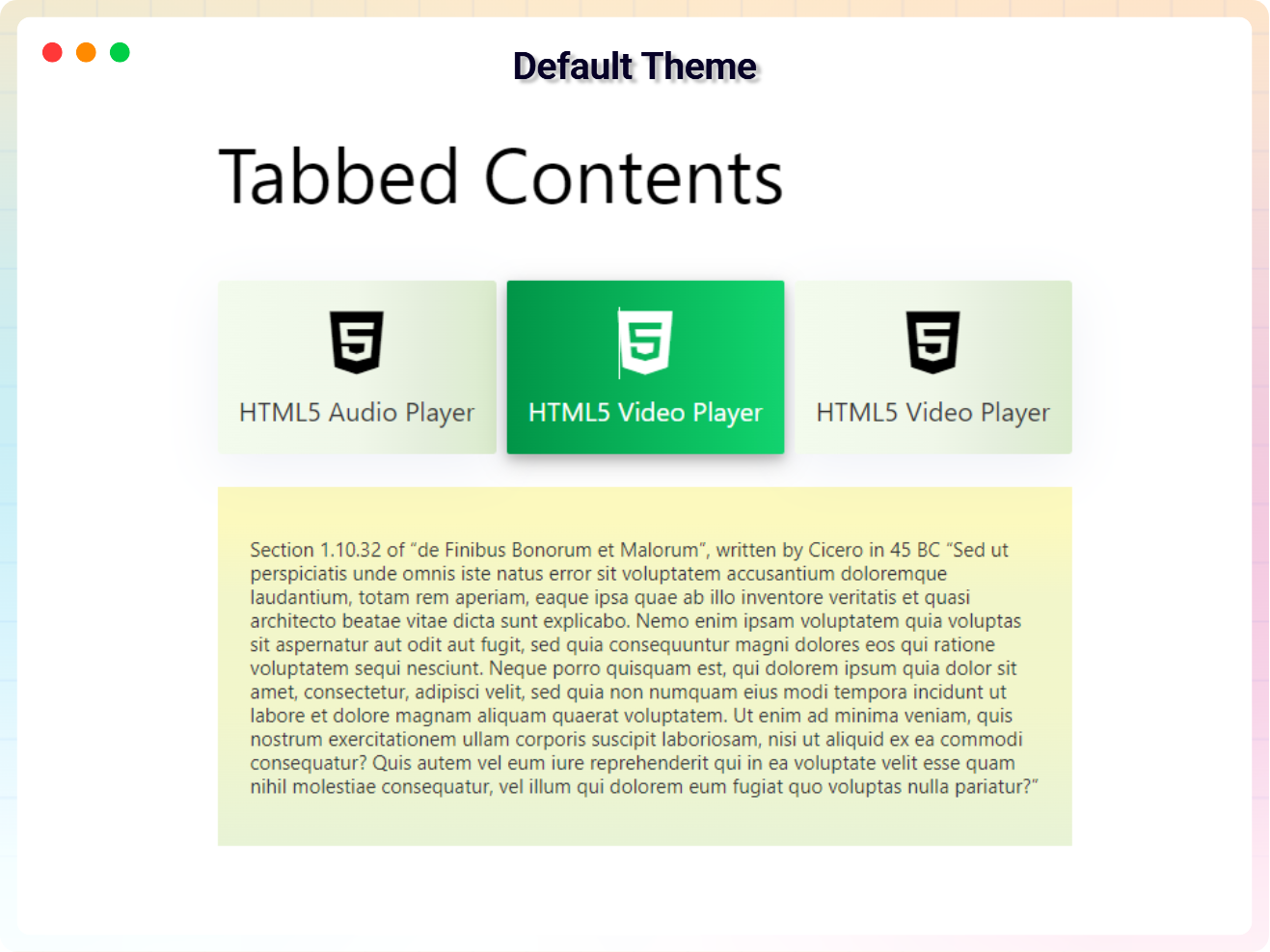
Default Theme
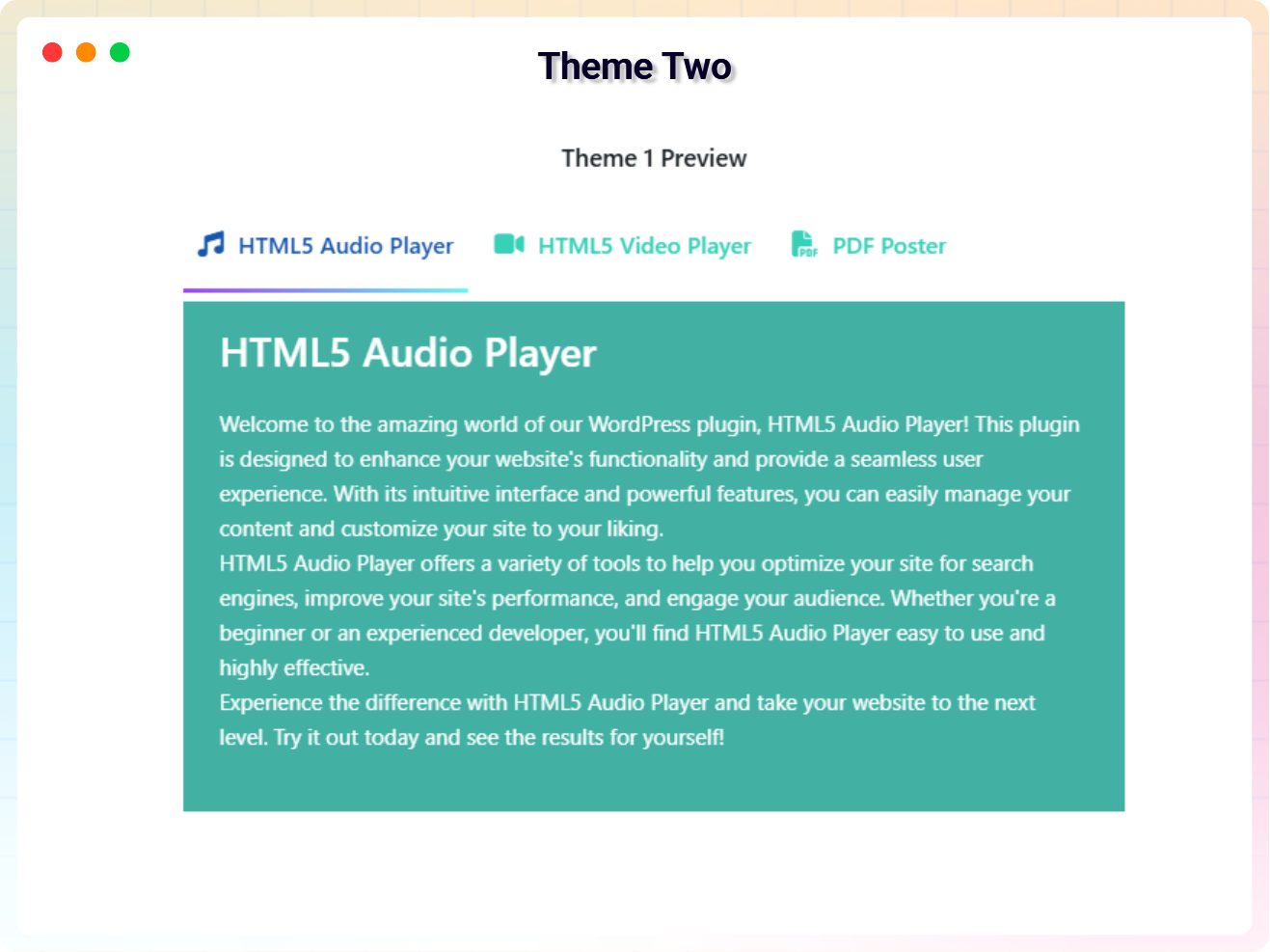
Theme Two
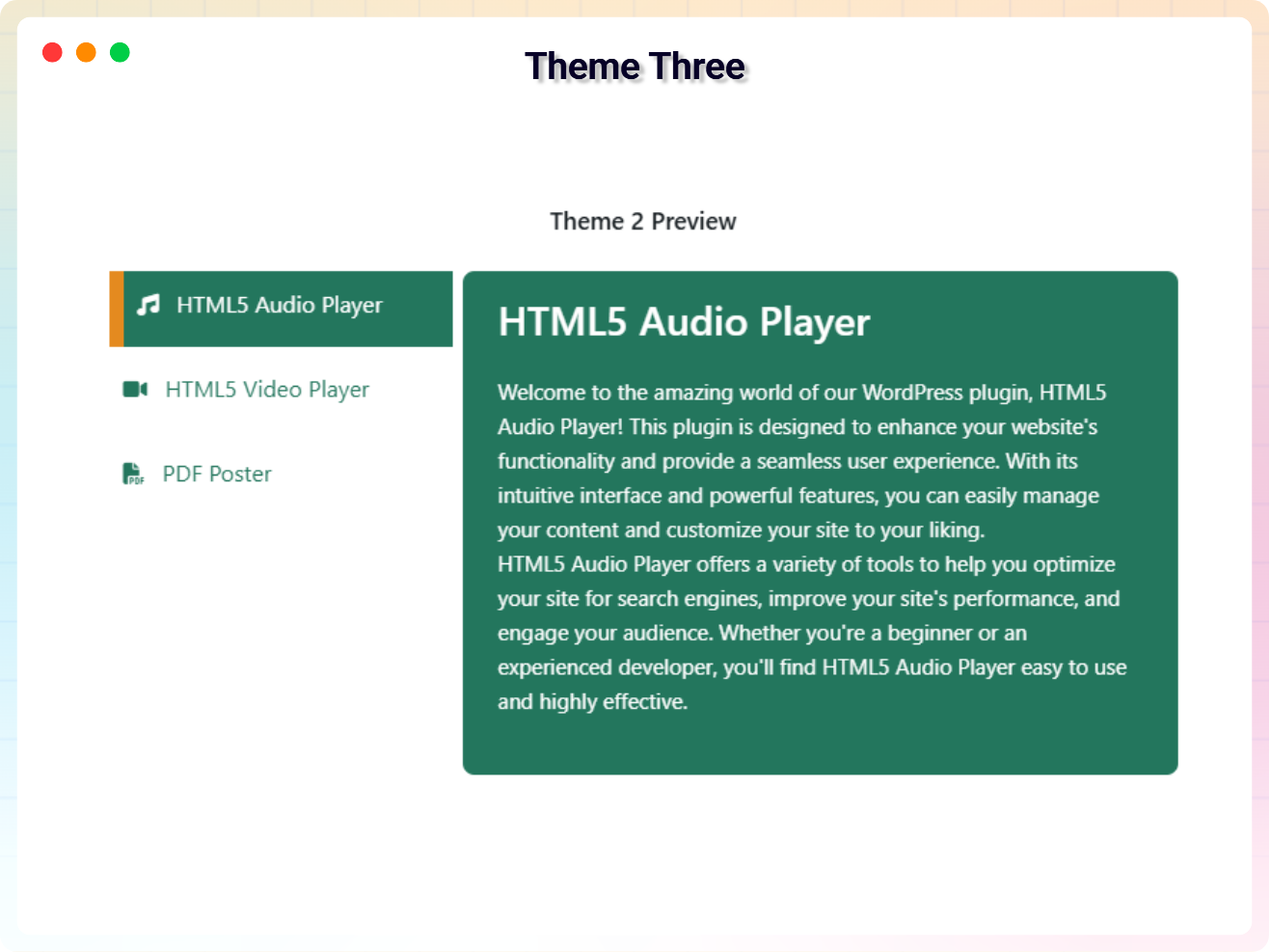
Theme Three
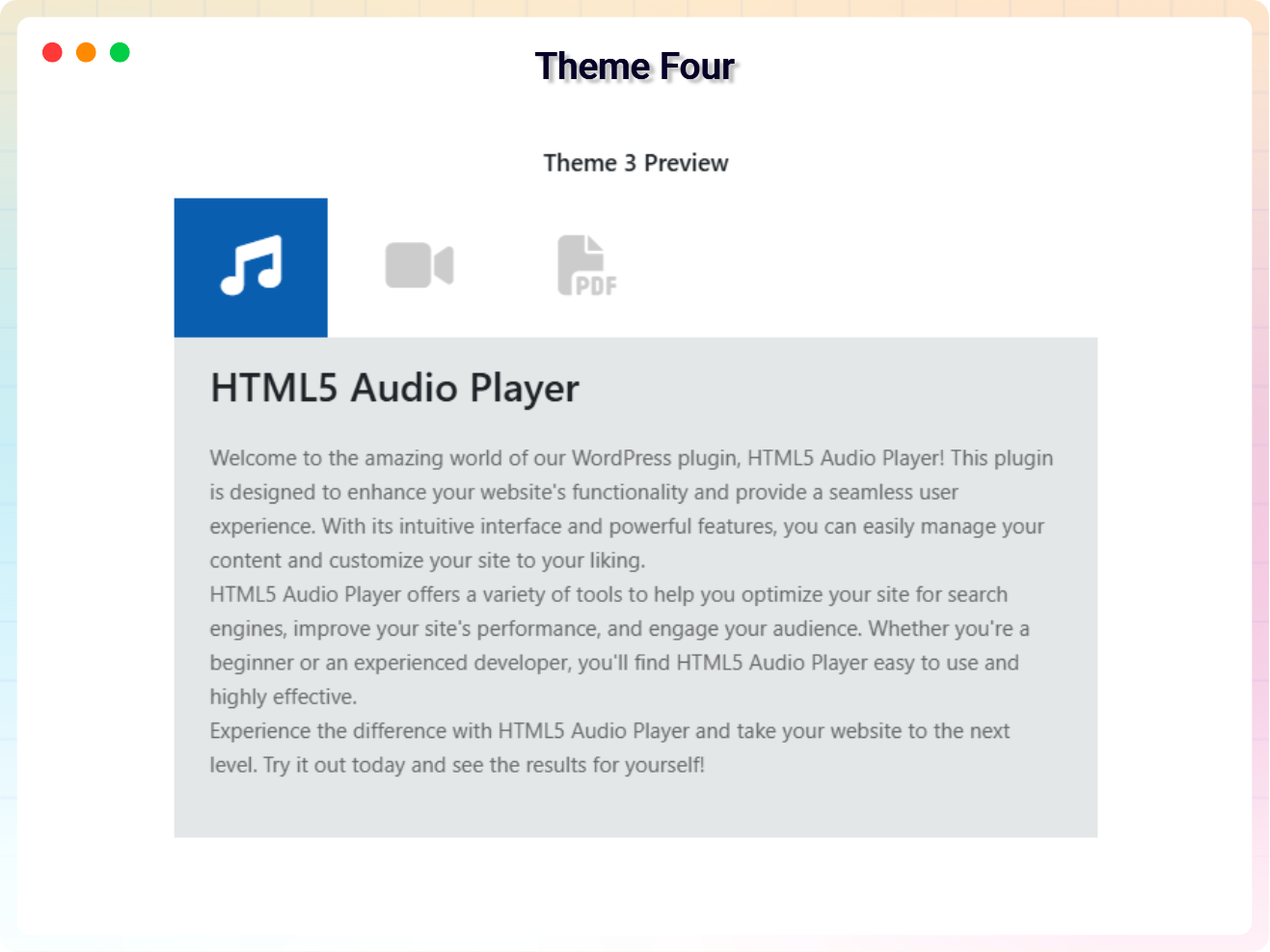
Theme Four
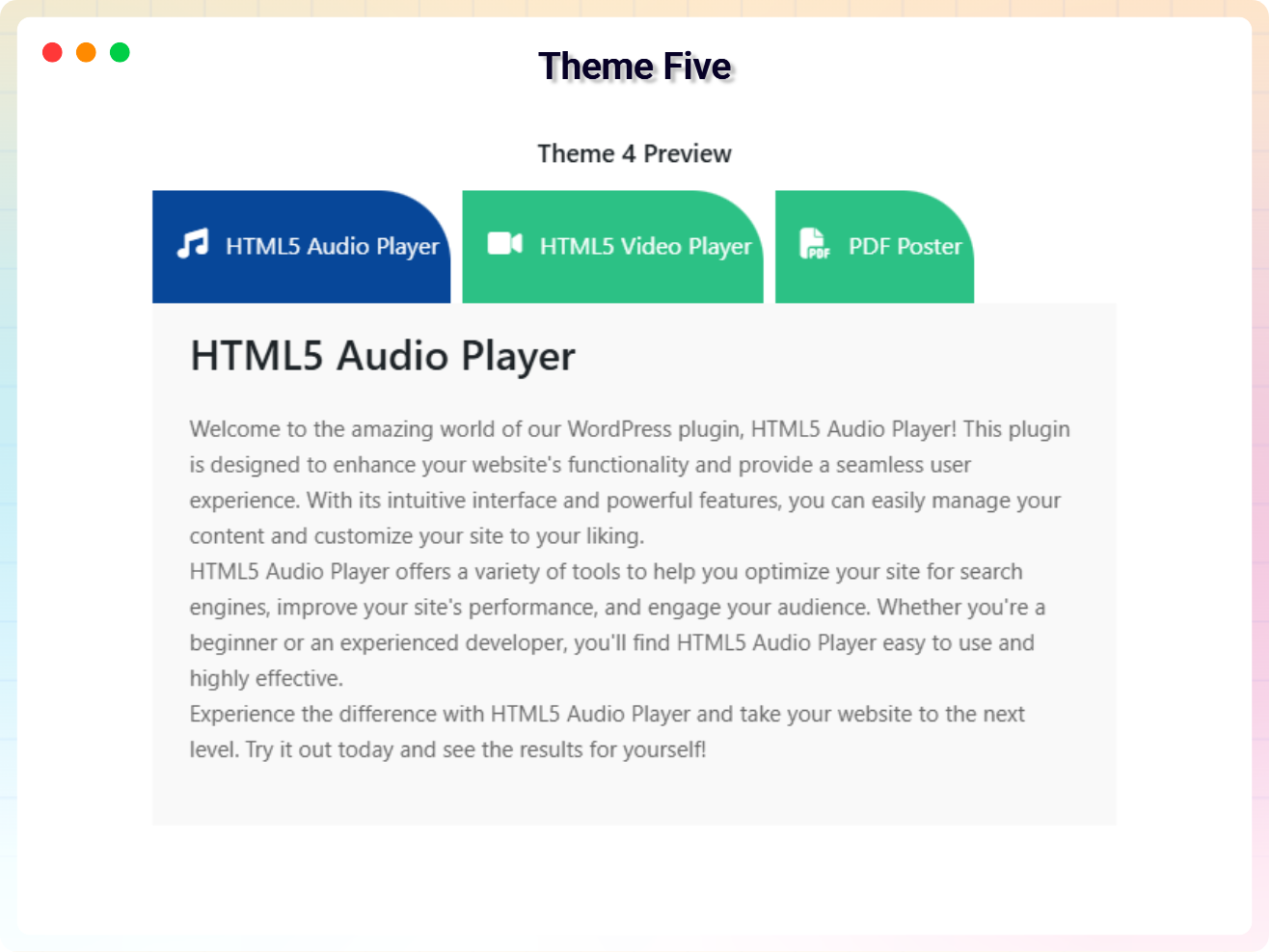
Theme Five

Theme Six
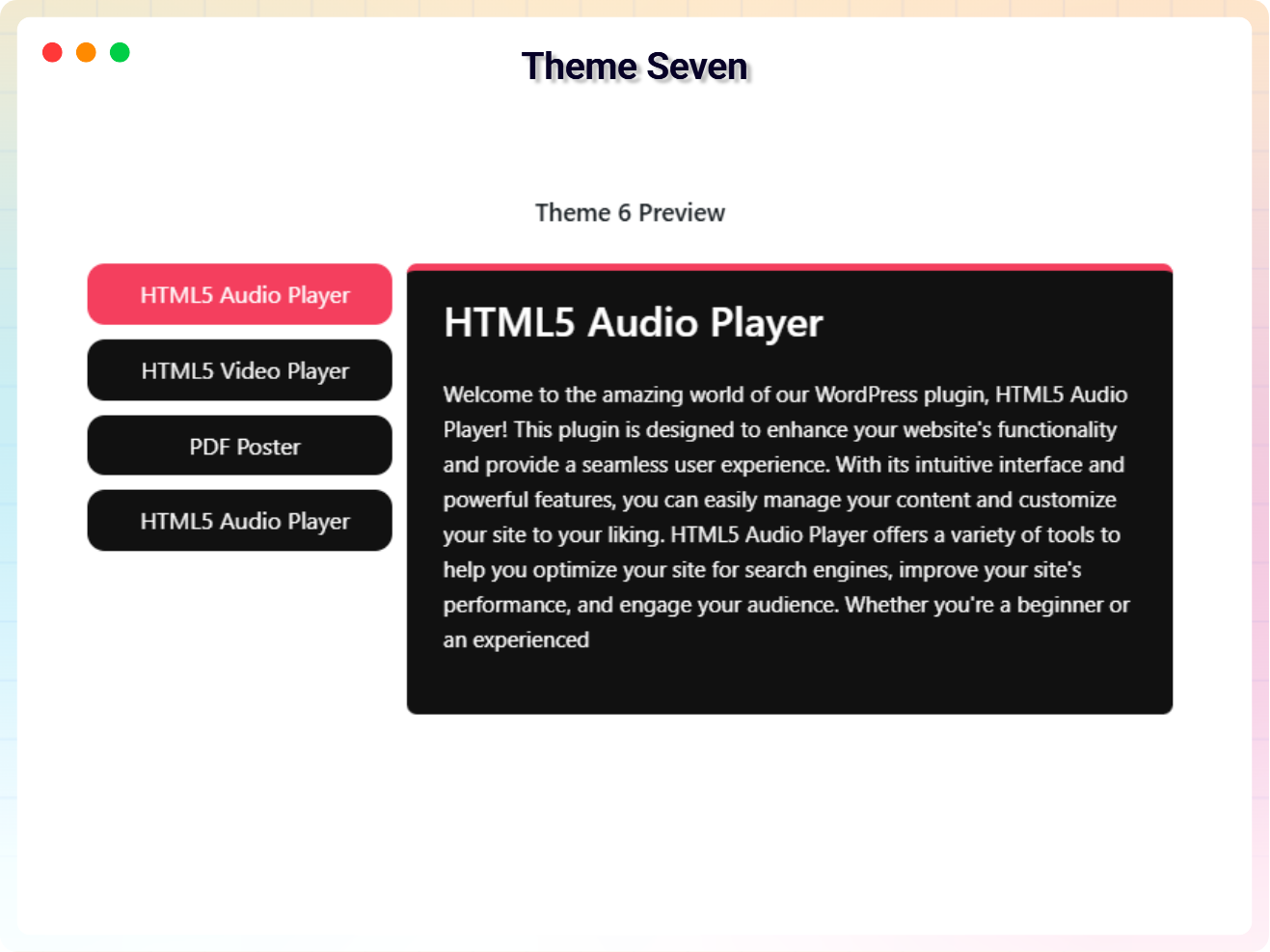
Theme Seven
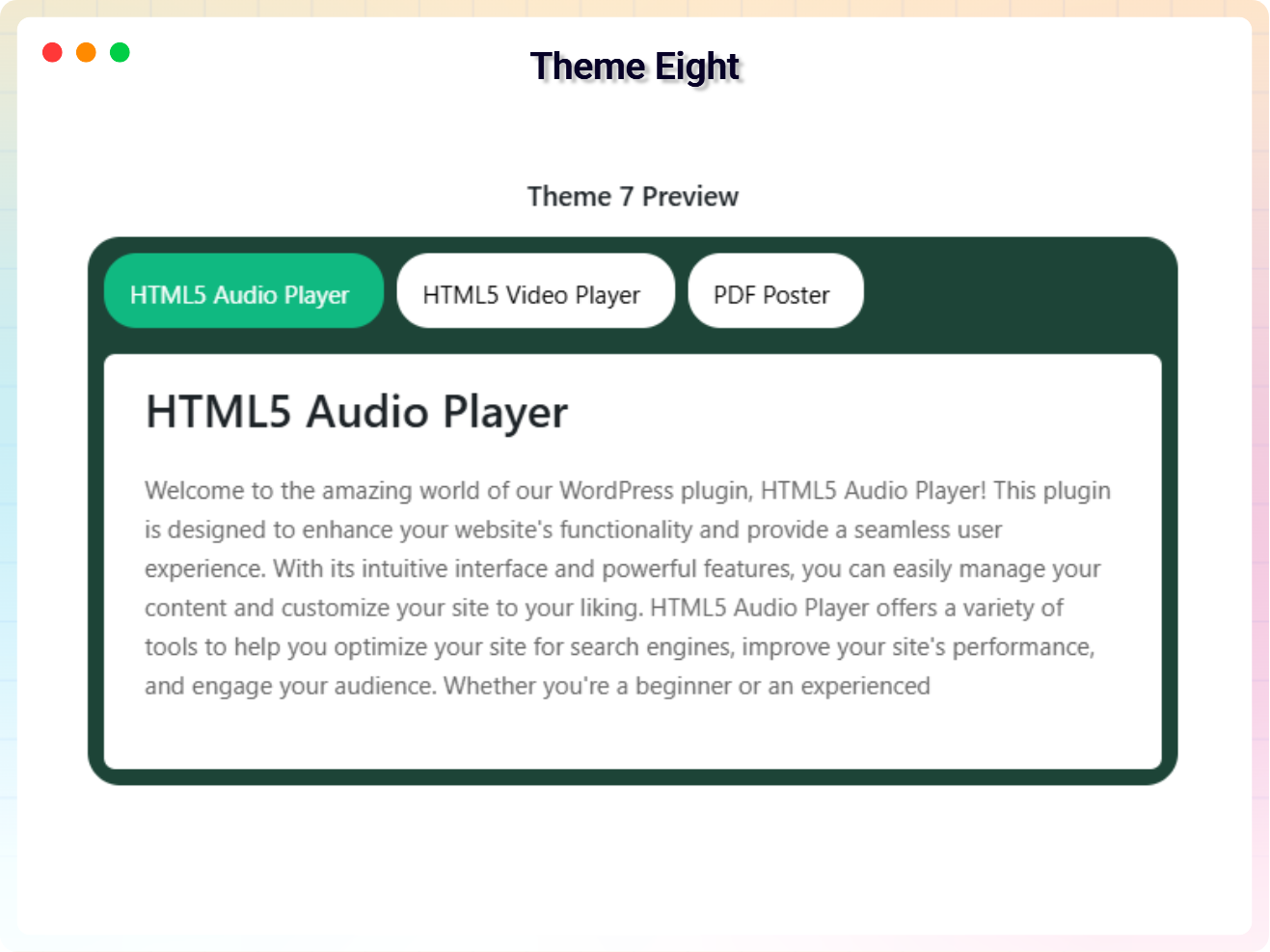
Theme Eight
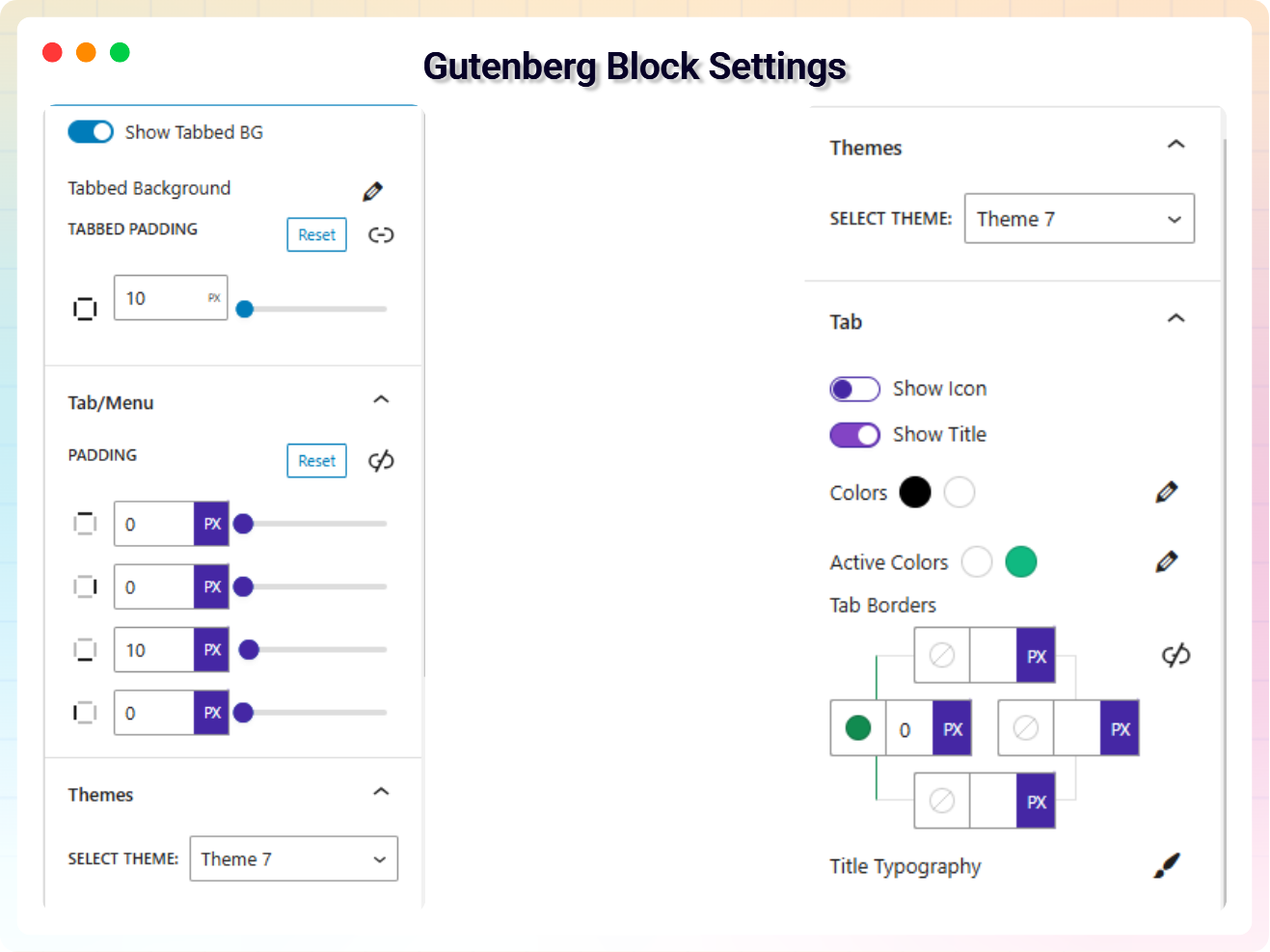
Gutenberg Block Setting
Faq
Yes, it will work with any standard WordPress theme.
Yes, you can change block settings from the Gutenberg block editor’s right sidebar.
You can use unlimited times as you want.
You can post your questions on the support forum here
Please report security bugs found in the source code of the Tabbed Contents Block plugin through the Patchstack Vulnerability Disclosure Program. The Patchstack team will assist you with verification, CVE assignment, and notify the developers of this plugin.
Reviews
It fully met my expectations
By 
This plugin is excellent for displaying tabbed content. The visual editing screen in the Gutenberg editor was easy to edit content effectively.
Changelog
1.1.9 – 15 Nov, 2025
- freemius latest sdk version updated
- Demo created for this plugin
1.1.8 – 10 Nov, 2025
- CSS font size on frontend issue fixed
- Shortcode copy issue fixed
1.1.7 – 5 Nov, 2025
- Freemius_lite sdk version updated
1.1.6 – 15 Oct, 2025
- Fix the index remove tabs issue
- Add a modern dashboard
- Freemius sdk updated
1.1.5 – 25 July, 2025
- Freemius sdk updated
1.1.4 – 17 May, 2025
- Dashboard conflict issue fixed
1.1.3 – 22 March, 2025
- Update some payment issue code
1.1.2 – 4 March, 2025
- update freemius sdk
1.1.1 – 23 Feb, 2025
- update some issue fixed
1.1.0 – 11 Jan, 2025
- Upgrade to premium version
- Add new feature
1.0.6 – 7 Nov, 2024
- Solved the issues
1.0.5 – 24 July, 2024
- Solved PHP Warning
1.0.4 – 1 Oct, 2023
- Fix paragraph overlap issue
1.0.3 – 1 Oct, 2023
- Performance Improvements
1.0.2 – 1 Oct, 2023
- name changed
1.0.1 – 30 Sep, 2023
- icon added
1.0.0
- Initial Release