Tabs Block

Tabs Block
Description
Tabs Block is a simple plugin that adds a Gutenberg block for adding Tabs content to your posts and pages. Fully responsive and accessible.
Installation
This section describes how to install the plugin and get it working.
- Upload the
tabs-blockfolder to the to the/wp-content/plugins/directory - Activate the plugin through the ‘Plugins’ menu in WordPress
- Open for Edit or add new Post or Page
- Click on ‘+’ button to add new Block
- Insert ‘Tab Item’ blocks
- Save changes
Please Note: All of the ‘Tab Item’ blocks will be displayed as a Tab
Screenshots
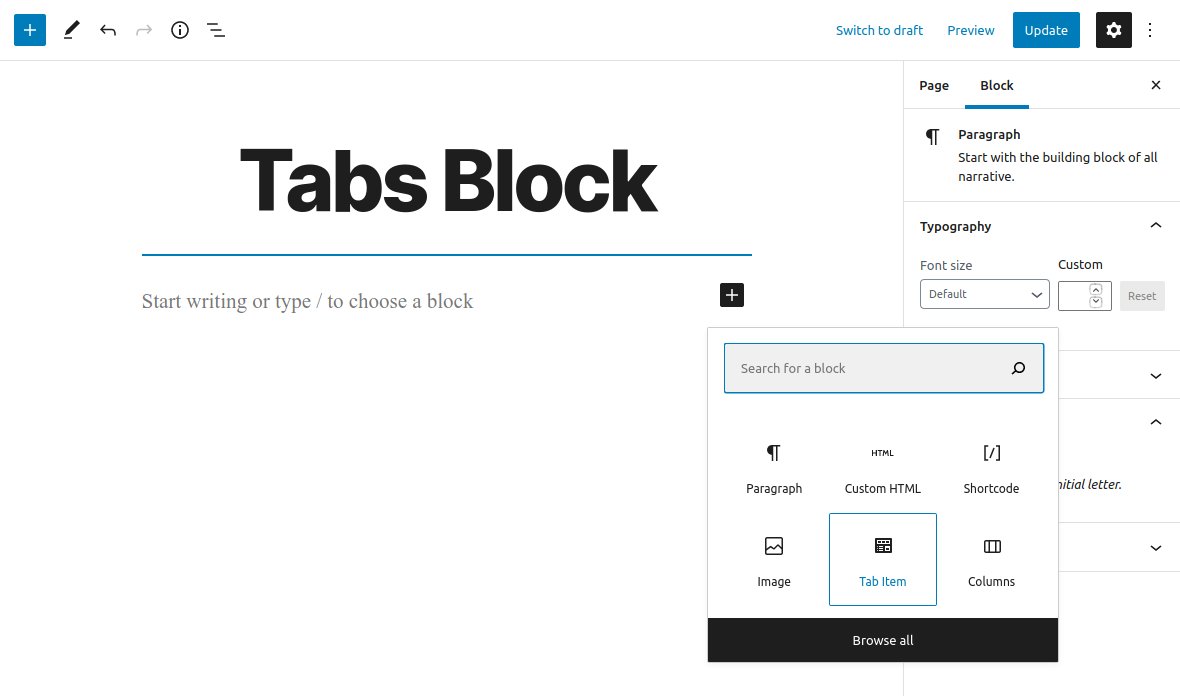
Add new 'Tab Item' Block
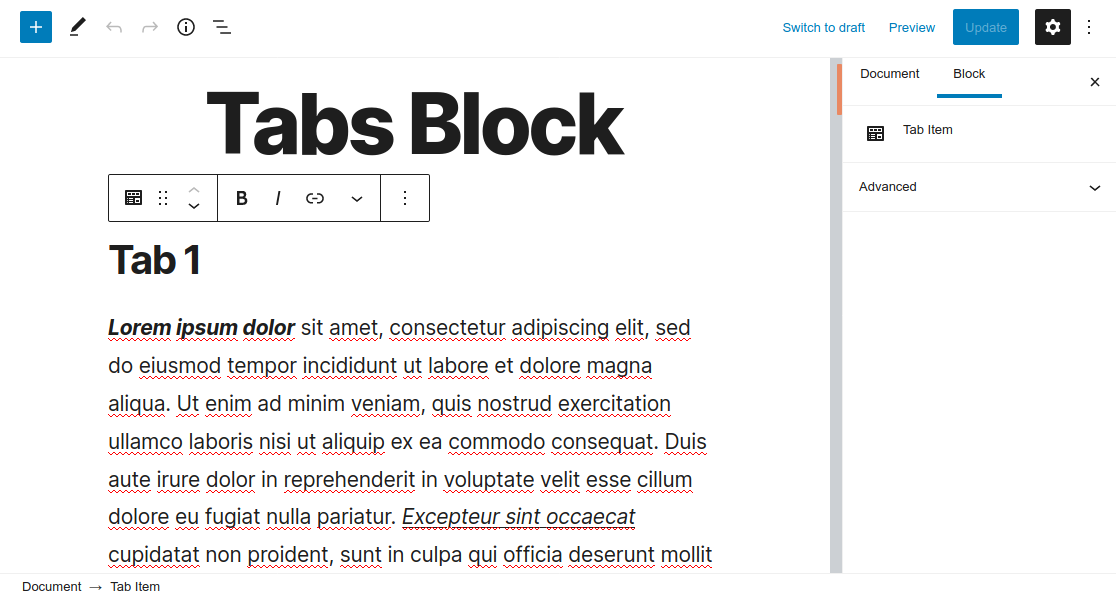
'Tab Item' Block

Tab Block
Reviews
Support links do not work
By 
None of the links on the developer website are active. So communication is not available.
Unfortunately only for textblocks
By 
Basically an important block, but useless because, you can only put in text blocks.
Good for only one set
By 
It works great but only if you only use of set of Tabs in one page. If you wont 2 or more, it puts new tabs on first set.
Amazingly simple. Nice Tab plugin.
By 
It does what it says in a very unobtrusive manner.
Very useful block.
Thanks
Changelog
1.0.0 (November 16, 2020)
- Plugin released