Tags Limit WP and WooCommerce
Tags Limit WP and WooCommerce
Description
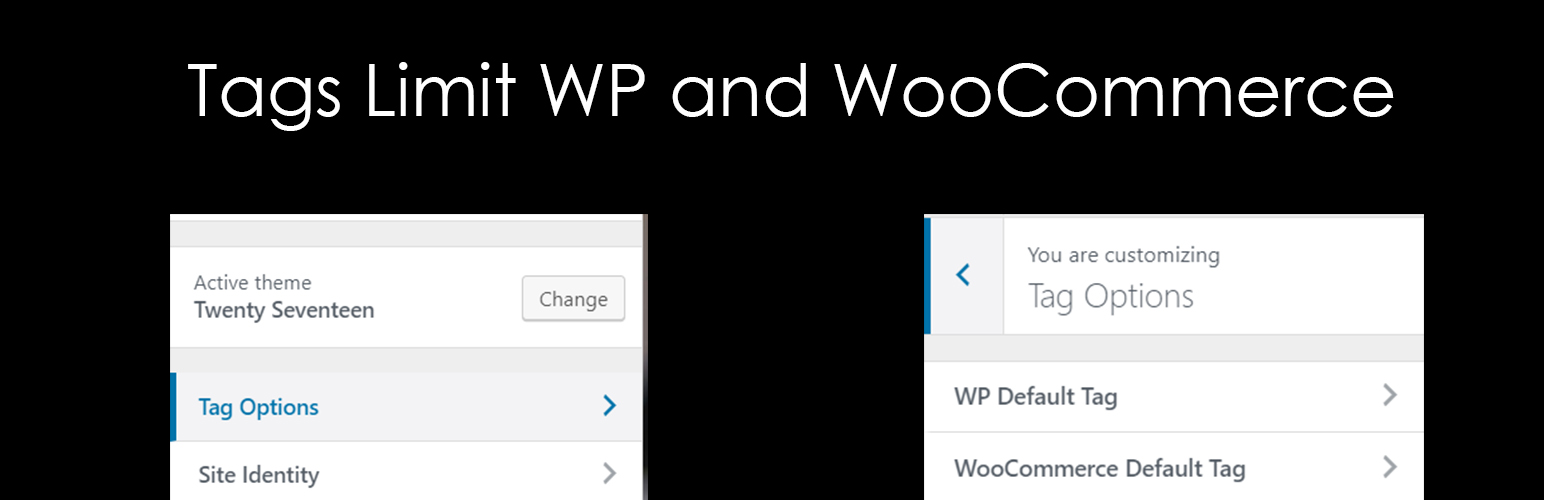
Limit the nummber of Tags in Default Widget and WooCommerce Tags Widget. You can easily add the number of tags cloud to display on the default widget of WordPress and WooCommerce. You can easily manage those tags from Customizer settings. Go to Appearance > Customize > Tag Options to check the available options.
1.0.0 – March 9 2018
- Initial Release in WordPress
Installation
From your WordPress dashboard
- Visit ‘Plugins > Add New’
- Search for ‘tags-limit-wp-and-woocommerce’
- Activate Tags Limit WP and WooCommerce plugin from your Plugins page.
- Go to the Customizer (Appearance -> Customize-> Tags Limit WP and WooCommerce) to change the number of tags in widget to your site.
From WordPress.org
- Download tags-limit-wp-and-woocommerce.
- Upload the ‘tags-limit-wp-and-woocommerce’ directory to your ‘/wp-content/plugins/’ directory, using your favorite method (ftp, sftp, scp, etc…)
- Activate tags-limit-wp-and-woocommerce from your Plugins page.
- Go to the Customizer (Appearance -> Customize) to change the number of tags in widget to your site.
Faq
No FAQ yet.
Installation Instructions
From your WordPress dashboard
- Visit ‘Plugins > Add New’
- Search for ‘tags-limit-wp-and-woocommerce’
- Activate Tags Limit WP and WooCommerce plugin from your Plugins page.
- Go to the Customizer (Appearance -> Customize-> Tags Limit WP and WooCommerce) to change the number of tags in widget to your site.
From WordPress.org
- Download tags-limit-wp-and-woocommerce.
- Upload the ‘tags-limit-wp-and-woocommerce’ directory to your ‘/wp-content/plugins/’ directory, using your favorite method (ftp, sftp, scp, etc…)
- Activate tags-limit-wp-and-woocommerce from your Plugins page.
- Go to the Customizer (Appearance -> Customize) to change the number of tags in widget to your site.