TalkToPC Voice Widget
TalkToPC Voice Widget
Description
Try before you install!
Live Demo: https://talktopc.com/demos/agent_1900570ad
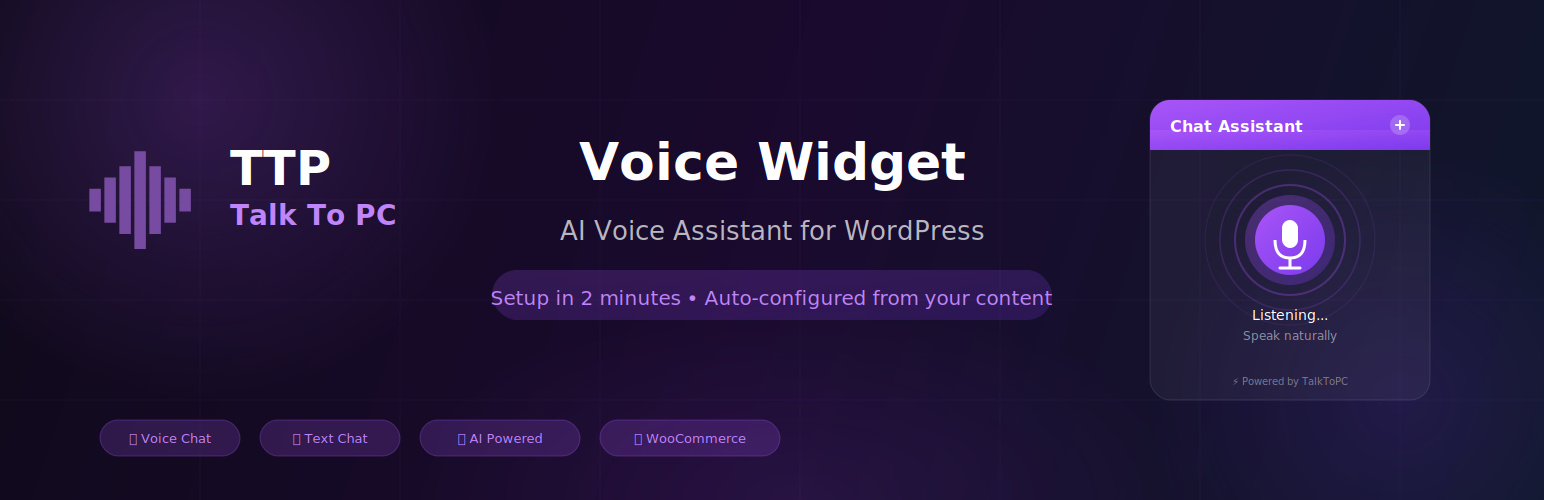
TalkToPC Voice Widget adds an AI-powered voice assistant to your WordPress website. Visitors can have natural voice conversations with your AI agent in over 40 languages — no coding or typing required.
🚀 Quick Setup (Under 2 Minutes):
- Install the plugin
- Click “Connect to TalkToPC”
- Done! Your AI assistant is auto-created with content from your website
The plugin automatically scans your pages, posts, and products to create a personalized AI assistant that knows your business inside and out.
✨ Features:
- One-Click Setup – OAuth connection with automatic AI agent creation.
- 40+ Languages Supported – Full support for English, Hebrew, Spanish, French, Arabic, and dozens more.
- AI-Powered Configuration – System prompt auto-generated from your site content.
- Voice & Text Modes – Visitors can speak naturally or type.
- Fully Customizable – Match your brand with custom colors, icons, and positions.
- WooCommerce Support – AI knows your products, prices, and availability.
- Mobile Ready – Optimized for all devices with microphone access.
- Low Latency – High-speed response for natural, flowing conversations.
🎯 Use Cases:
- Customer support automation
- Instant FAQ handling
- Product recommendations and sales
- Appointment scheduling
- Lead qualification
🔒 Security:
- Secure OAuth 2.0 connection
- No passwords stored
- One-time secrets with automatic expiration
- All data transmitted over encrypted HTTPS
External Services
This plugin relies on the TalkToPC service (https://talktopc.com) to provide AI voice conversations.
What data is sent:
* Site content (pages, posts, products) during initial setup for AI configuration.
* Voice audio when visitors use the voice widget.
* API credentials for authentication.
External domains used:
* https://cdn.talktopc.com – Widget JavaScript files.
* https://speech.talktopc.com – Voice processing.
* https://backend.talktopc.com – API requests.
Service policies:
* Terms of Service: https://talktopc.com/terms-of-service
* Privacy Policy: https://talktopc.com/privacy-agreement
Installation
Automatic Installation
- Go to Plugins Add New in your WordPress admin
- Search for “TalkToPC Voice Widget”
- Click Install Now, then Activate
- Go to TalkToPC in the admin menu
- Click “Connect to TalkToPC” and authorize
- Your AI assistant is ready!
Faq
Click “Connect to TalkToPC” in the plugin settings. You’ll be redirected to TalkToPC to authorize the connection. After authorization, you’ll be sent back to WordPress automatically.
Yes! When you first connect, the plugin scans your pages, posts, and products to create a customized knowledge base. You can regenerate the prompt anytime from the settings.
The AI supports over 40 languages including English, Hebrew, Spanish, French, German, Arabic, Chinese, Japanese, and more. The plugin automatically detects your site’s language for the best experience.
The WordPress plugin is free to install. TalkToPC offers a free trial and various pricing plans for the AI voice service. Visit talktopc.com/pricing for details.
Absolutely! The plugin automatically includes your product catalog, prices, and descriptions in the AI’s memory.
Reviews
Changelog
1.9.111
- Fixed: Customization page – removed toggle button, improved floating button spacing and z-index layering.
- Improved: Added instruction message “Single click to customize • Double click to interact” next to Preview title.
- Fixed: Security improvements – added proper sanitization for visual_tools_selection input using sanitize_textarea_field().
- Fixed: Plugin check compliance – added .distignore file to exclude development files from distribution package.
- Fixed: All $_POST inputs now properly unslashed and sanitized before processing.
- Improved: Debug code now properly guarded with WP_DEBUG and WP_DEBUG_LOG checks.
1.9.108
- Removed: Old Customization page (widget-customization.php) – replaced with improved Customization2.
- Improved: Customization2 page now shows only modified properties in config code (starts with agentId/appId only).
- Fixed: WordPress coding standards compliance – added phpcs ignore comments for debug code and migration utilities.
- Fixed: Database query warnings in migration.php with proper phpcs annotations.
- Cleaned: Removed temporary/debug files (deploy scripts, test files) from plugin package.
- Updated: Menu now shows “Customization” (using Customization2 functionality).
1.9.97
- Added: Live widget customization page with real-time preview.
- Added: Database migration utility for upgrading from old table structure.
- Fixed: Security improvements – SQL injection prevention, output escaping, input sanitization.
- Fixed: Plugin check compliance – resolved all critical errors and warnings.
- Improved: Error logging now respects WP_DEBUG setting.
- Updated: Reduced plugin tags to meet WordPress.org requirements.
1.9.79
- Updated: Documentation and short description for better search visibility.
- Added: Explicit support for 40+ languages in documentation.
- Fixed: Version consistency for WordPress.org submission.
1.9.78
- Fixed: Replaced heredoc syntax with output buffering for WordPress.org compliance.
- Updated: All admin JavaScript files now use ob_start()/ob_get_clean() pattern.
- Technical: dashboard.js.php, common.js.php, and page-rules.js.php refactored.
1.0.0
- Initial release.