Tambar – Bottom Admin Bar
Tambar – Bottom Admin Bar
Description
The sticky header is a widely used feature on many websites, but it can conflict with the WordPress admin bar. Take full control of your WordPress admin bar – reposition, collapse, or hide it!
Features
- Move the admin bar to the bottom
- Set different positions for desktop and mobile
- Hide/show the admin bar by switcher or keyboard shortcuts Shift + Up/Down
- Hide the admin bar for specific roles
Advantages
- 🪶 Feather-light – No performance impact
- 🎨 Native WordPress styling – Seamless UI integration
- 📱 Mobile-optimized – Perfect responsive behavior
- ⌨️ Keyboard-friendly – Work faster with keyboard shortcuts
- 🧑💻 For Developers – Supports third-party plugins
Screenshots
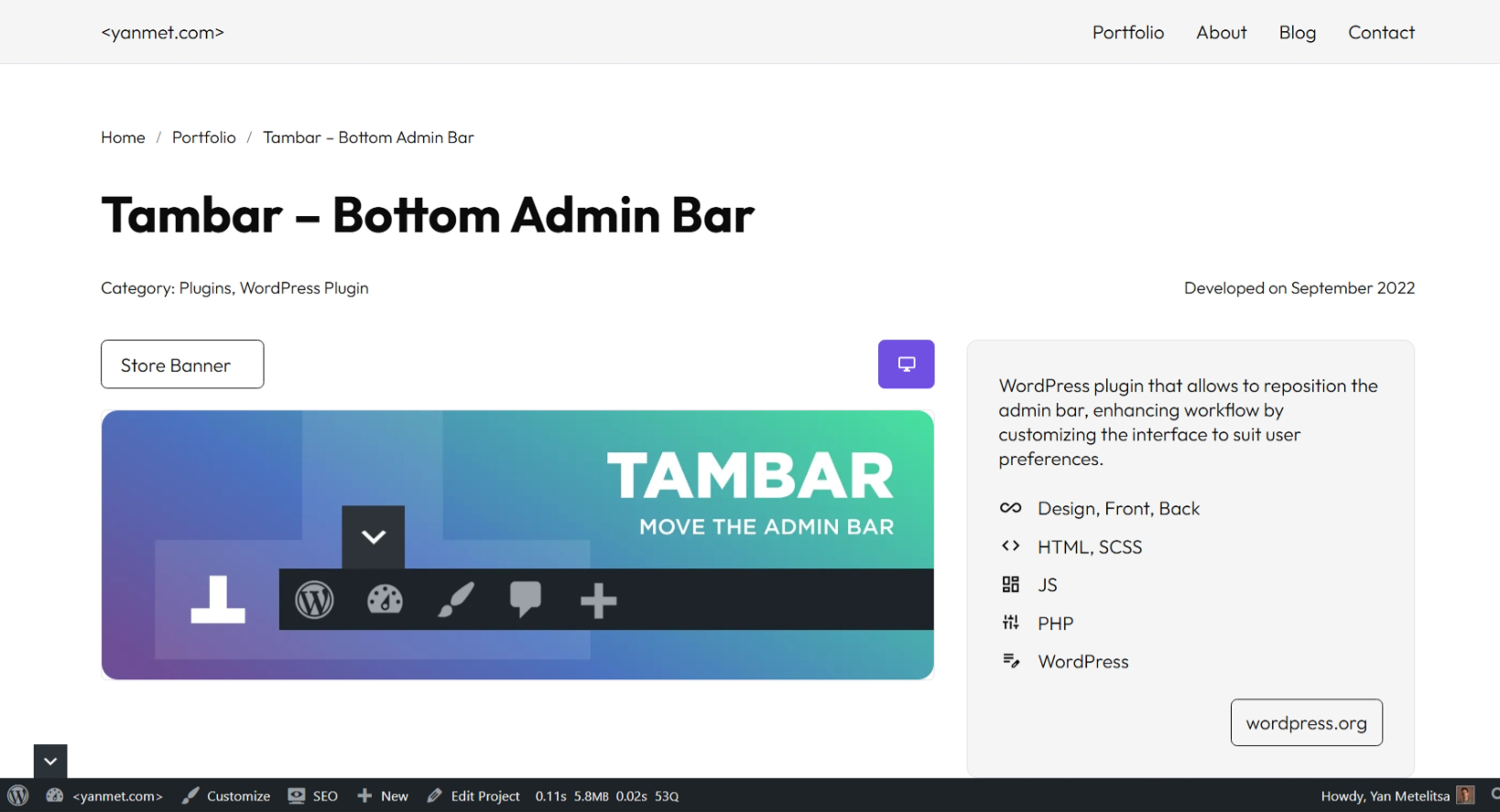
Admin Bar at Bottom

Hide Admin Bar

Settings Page
Faq
For the plugin to function properly, your theme must include the WordPress body_class() function.
The body_class() function generates essential CSS classes that the plugin relies on for proper operation. Most modern WordPress themes include it by default, but some custom themes may omit it.
Reviews
The best choice for your website
By 
I originally built this plugin for my own needs, so it’s crafted with care and attention to detail! I use it in literally every project and actively maintain it.
Changelog
3.0.1
- New: Query Monitor support – admin bar opens if there are warnings
3.0.0
- New: Complete performance optimization and enhanced functionality
2.3.3
- Fix: WordPress 6.7.0 compatibility issue with
get_plugin_data()
2.3.0
- New: Option to hide the admin bar for specific user roles
2.1.9
- Fix: Plugin assets now load only when the admin bar is shown to the user
2.1.6
- New: Switcher options
2.1.0
- New: Admin bar state controlled by CSS (no glare)
2.0.6
- New: Mobile position settings
1.0.0
- New: Added options page
- New: Admin bar hiding feature
0.9.0
- Initial release