Taxflow Connector

Taxflow Connector
Description
Taxflow Connector securely connects your WooCommerce store with the WooTax Cloud platform.
The plugin acts solely as a secure connector between your shop and WooTax Cloud. All accounting workflows, invoice processing and DATEV export generation are performed within the WooTax Cloud service.
This architecture keeps your WooCommerce installation lightweight while allowing WooTax Cloud to continuously improve export quality and accounting features without affecting your shop.
Features
- Secure connection between WooCommerce and WooTax Cloud
- Automatic invoice synchronization
- Background processing for large exports
- DATEV demo export
- Cloud-based accounting workflow
- Connection diagnostics
- Health check
- Guided demo interface focused on cloud benefits
- Clear comparison of demo and full cloud functions
- Optional custom add-ons for individual integrations
- Compatible with WooCommerce HPOS
- GDPR-friendly architecture
WooTax Cloud
After connecting your store you can:
- synchronize invoices
- create DATEV demo exports
- review accounting data
- monitor export history
- manage multiple exports
- use improved cloud processing
- request individual add-ons for payment providers, marketplaces, bank/CSV formats, or special accounting rules
The connector itself does not generate DATEV exports locally. The free demo is limited server-side and is intended to demonstrate the WooTax Cloud workflow with a small number of shop orders.
Privacy
Taxflow Connector communicates with the WooTax Cloud service only after you configure and authorize the connection.
The plugin transfers only the data required for synchronization and export processing.
No advertising, tracking or analytics services are included.
Installation
- Install and activate Taxflow Connector.
- Open WooCommerce Taxflow Connector.
- Connect your shop to WooTax Cloud.
- Verify the connection.
- Start your first synchronization.
Screenshots
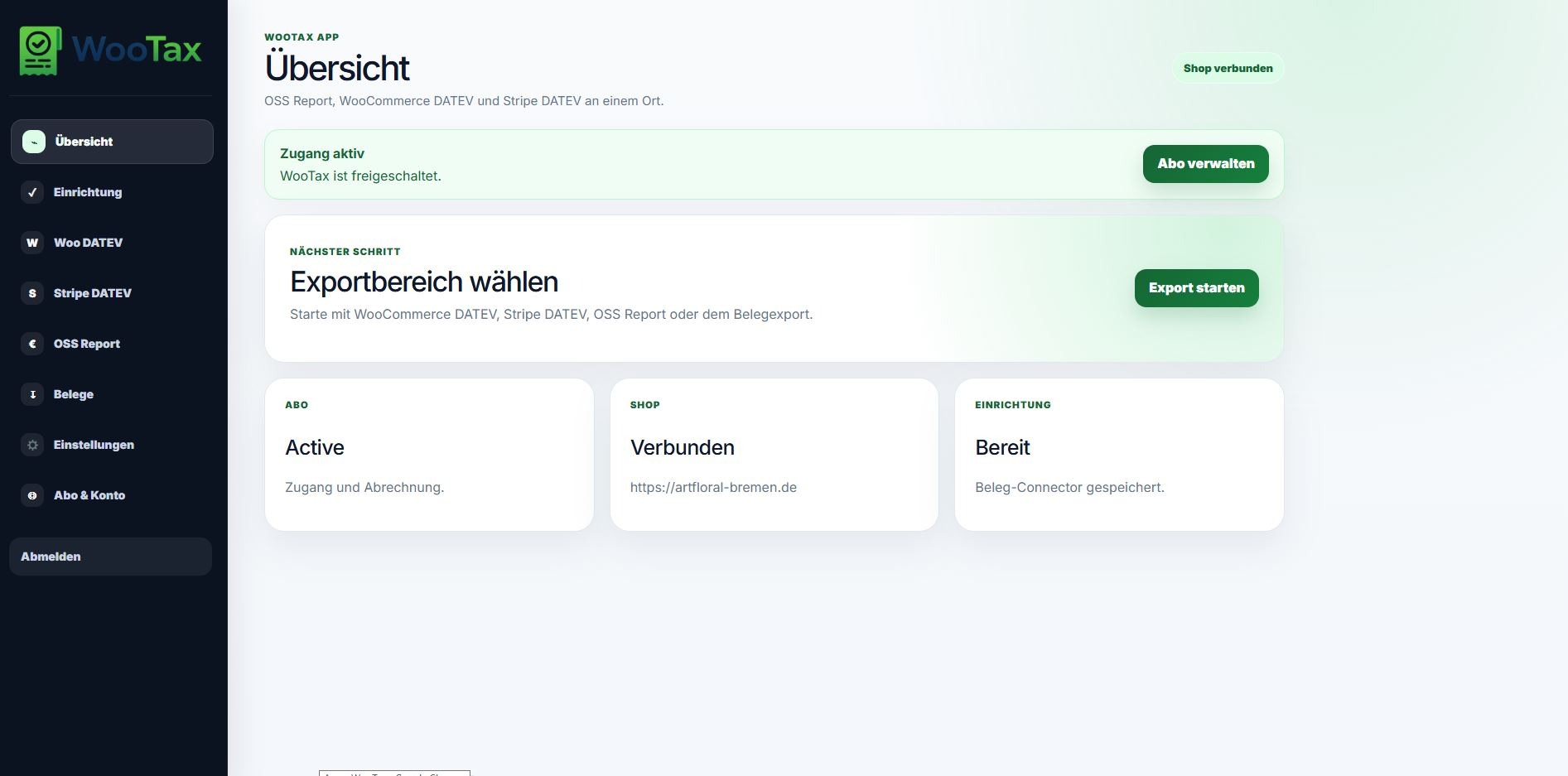
Connector dashboard
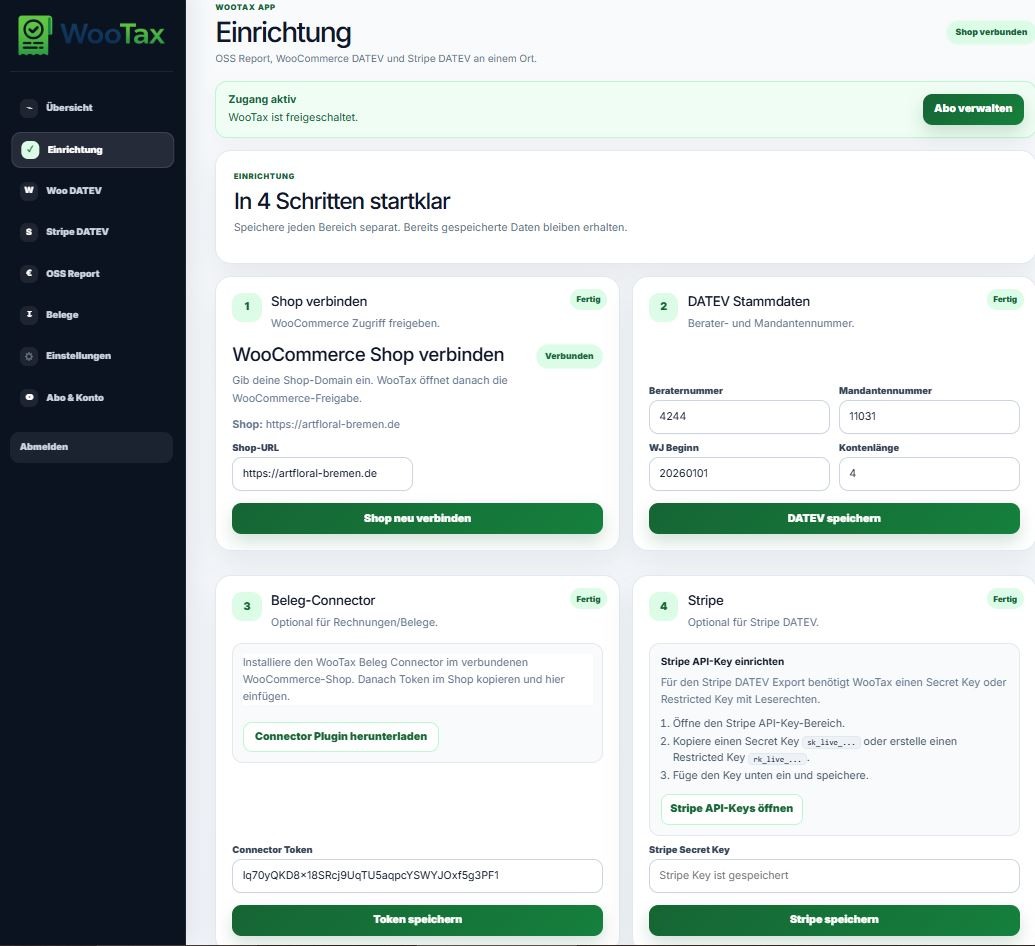
Secure cloud connection
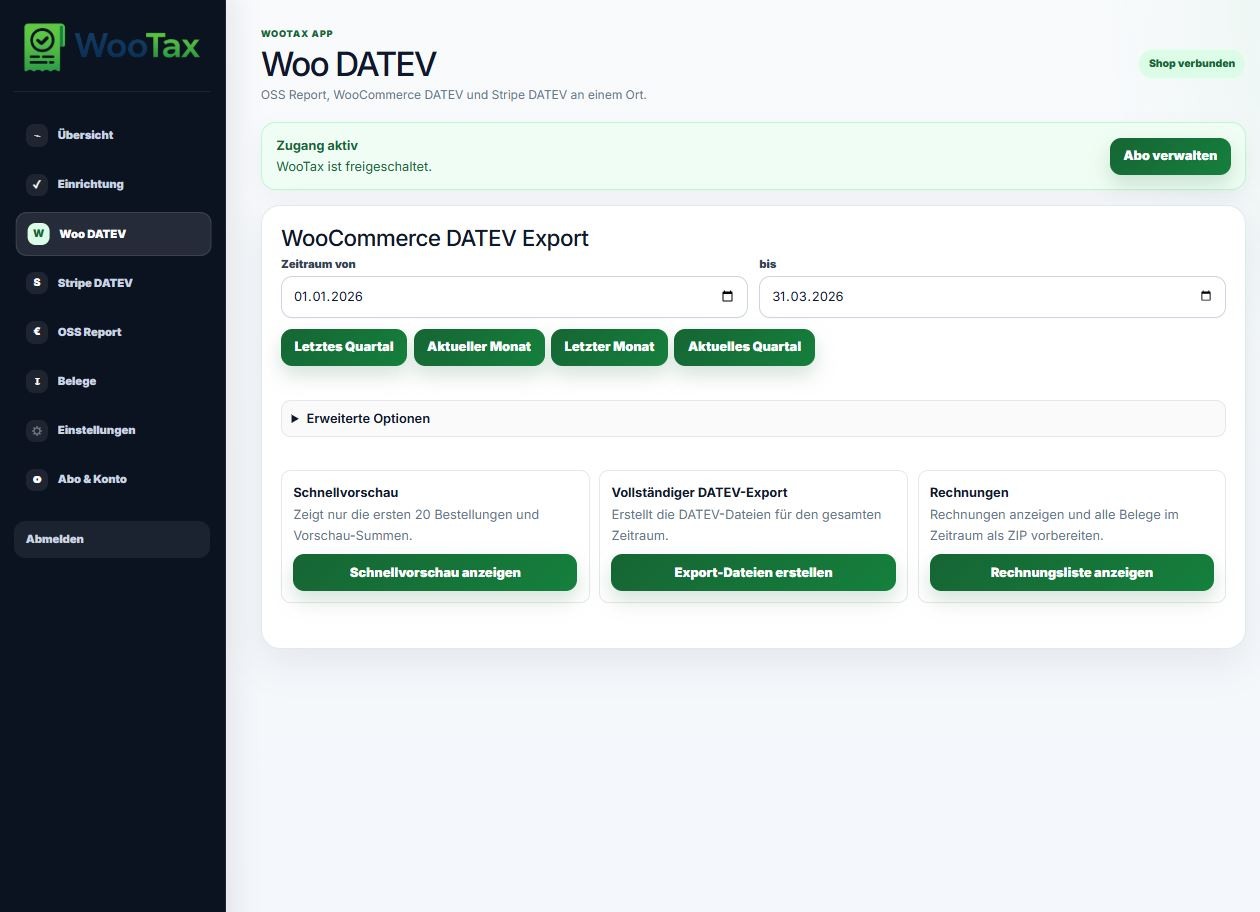
Connection diagnostics
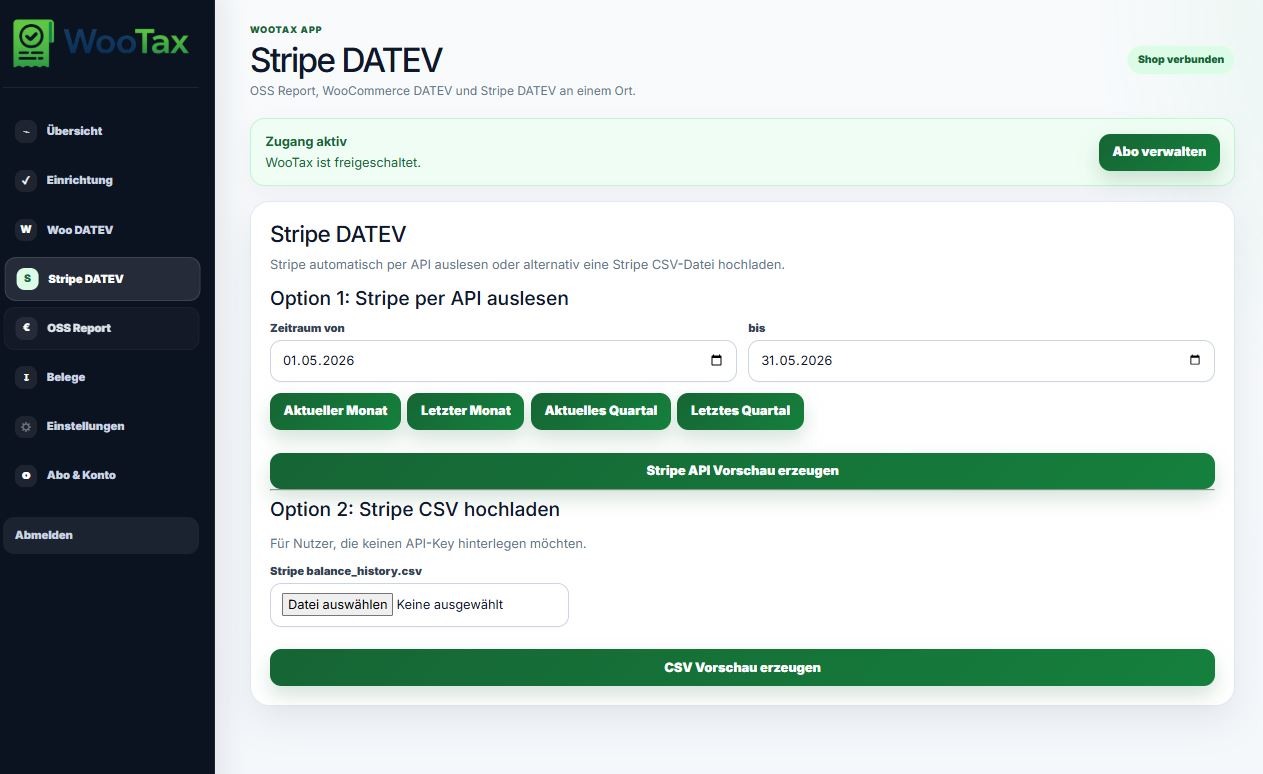
Invoice synchronization
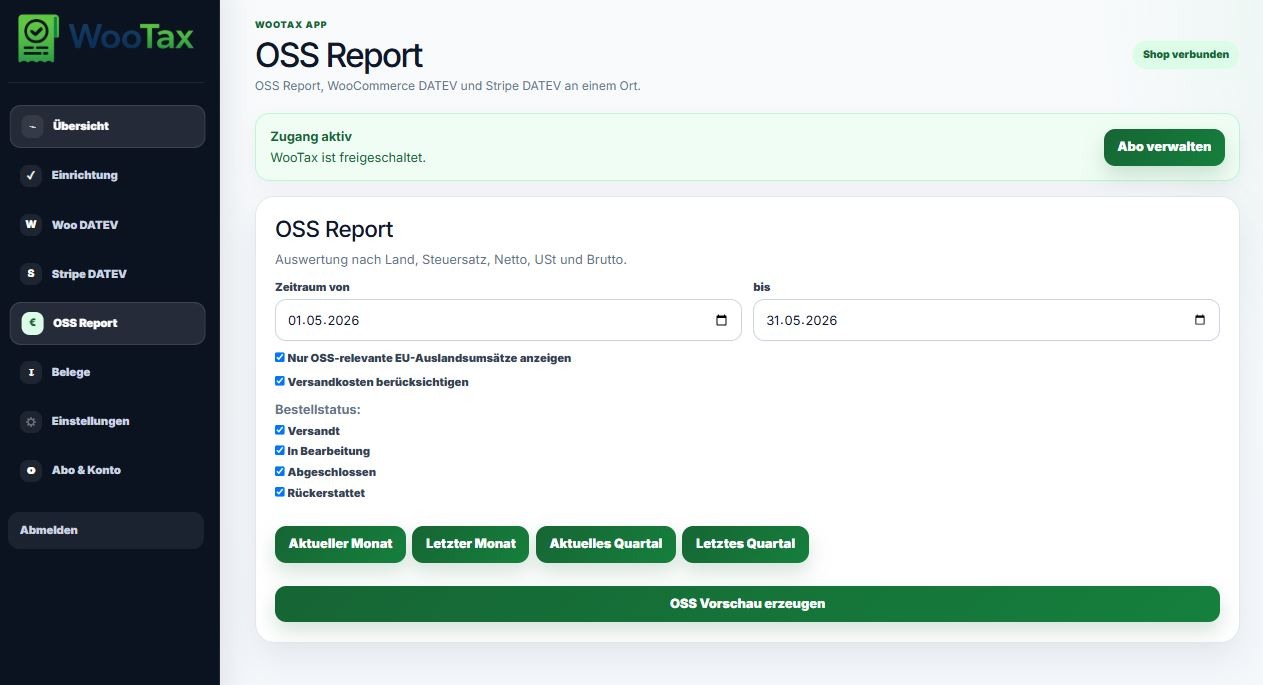
DATEV demo export
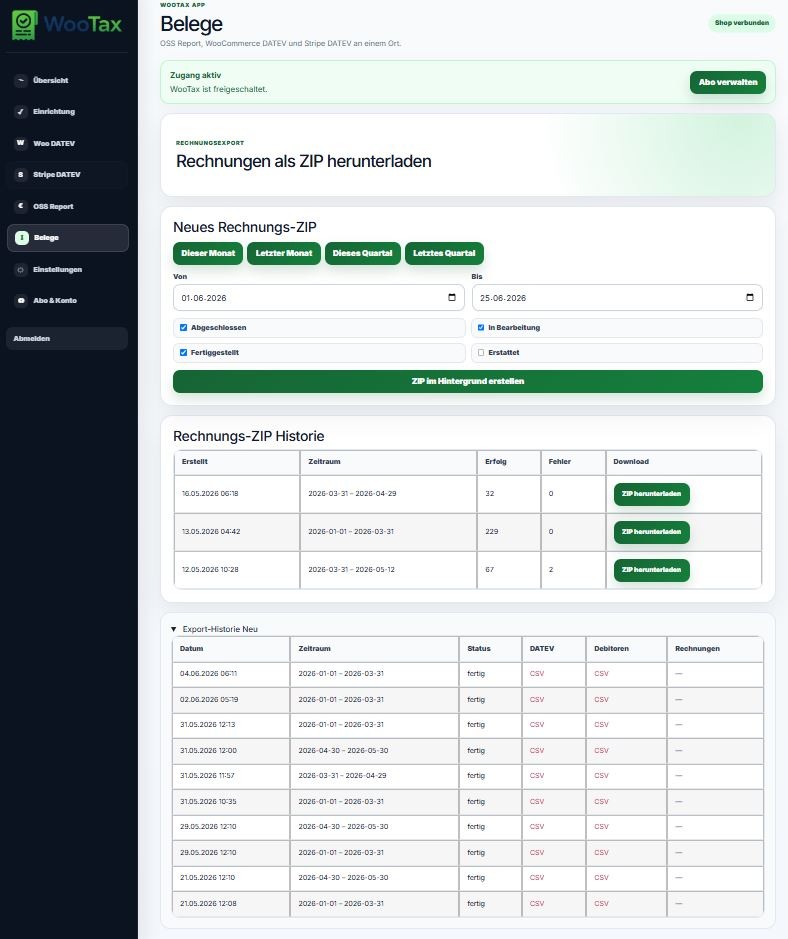
Export history
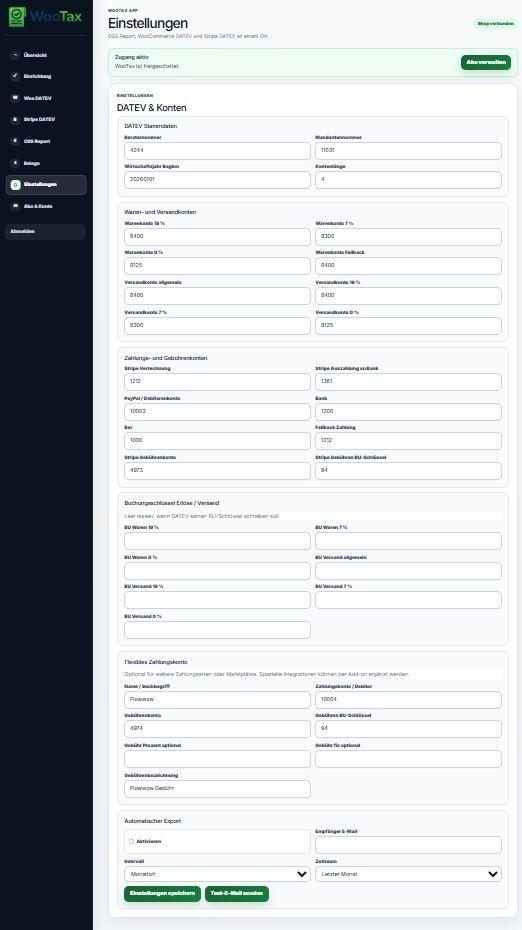
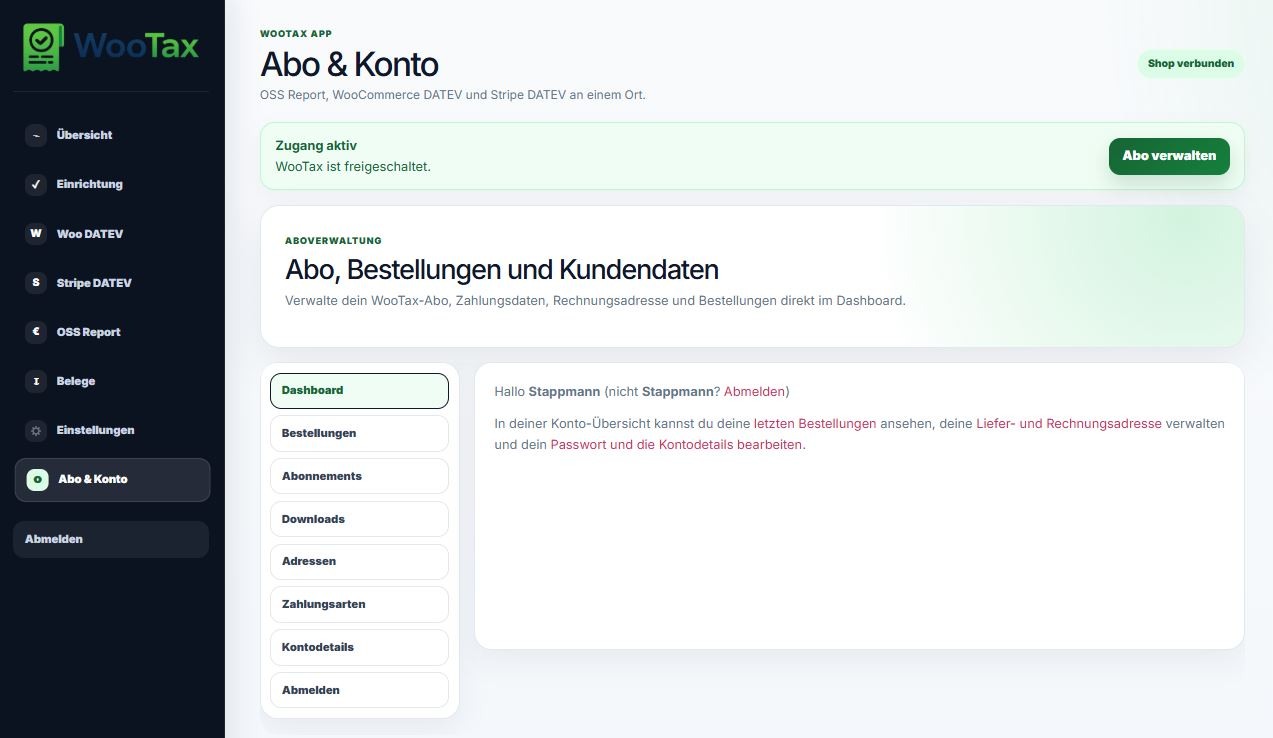
Faq
Yes. Taxflow Connector requires WooCommerce.
No.
DATEV generation is performed by WooTax Cloud.
No.
WooTax is an independent cloud service.
Yes.
Taxflow Connector supports WooCommerce High-Performance Order Storage (HPOS).
Yes.
The connector includes access to a limited demonstration workflow through WooTax Cloud.
Reviews
Changelog
1.0.39
- Confirmed compatibility metadata for WordPress 7.1.
- Restored WordPress default TLS certificate verification for internal HTTP requests.
1.0.38
- Redesigned the demo dashboard around the WooTax Cloud benefits and workflow.
- Added a clear comparison between the limited demo and the full cloud service.
- Added information about optional custom add-ons and integrations.
- Improved calls to action and the explanation of the server-side demo limit.
1.0.37
- Initial public WordPress.org release.
- Modernized interface.
- Improved cloud connectivity.
- Better diagnostics.
- HPOS compatibility improvements.
- Performance optimizations.
- Stability improvements.