TeamNotify for Amelia
TeamNotify for Amelia
Description
Amelia allows you to send notifications to a single employee per booking.
In real-world scenarios, this is often not enough.
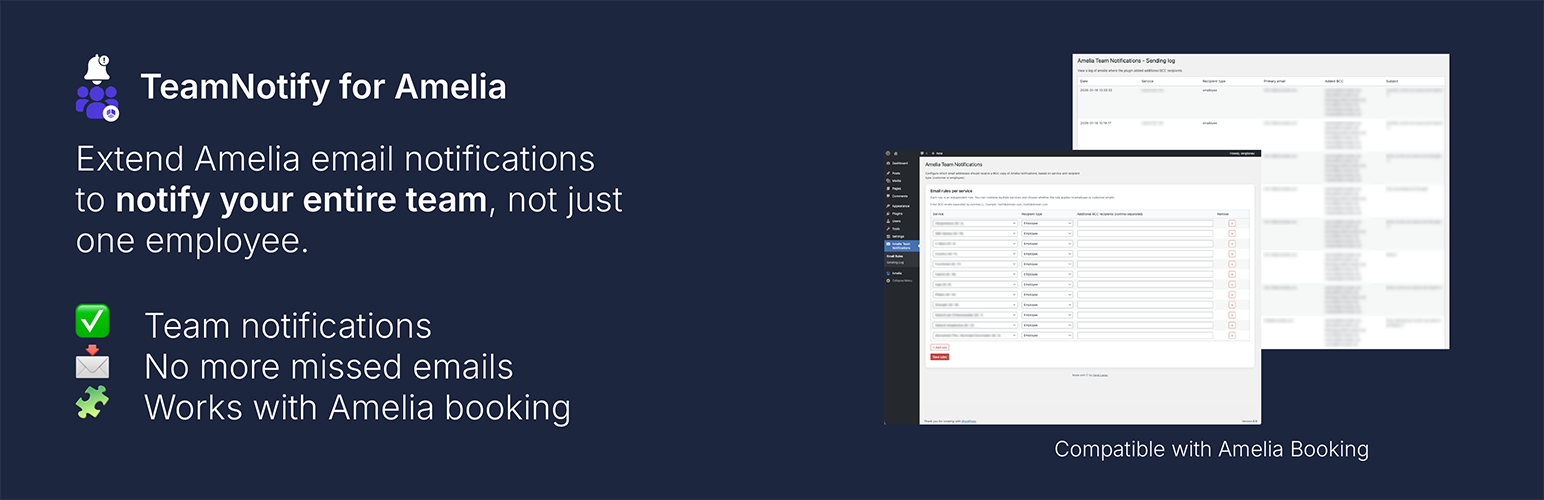
TeamNotify for Amelia lets you automatically send copies of Amelia email notifications to additional team members such as coordinators, reception staff, managers, or customer support.
This plugin is ideal for businesses that need better internal visibility, coordination, and record keeping.
This plugin is an independent extension and is not affiliated with or endorsed by the Amelia team.
Key Features
- Add extra recipients to Amelia email notifications
- Configure recipients per service
- Choose whether to forward employee or customer notifications
- Support for multiple email addresses
- Built-in log of sent notifications
- Lightweight, simple, and WordPress-native UI
Use Cases
- Notify reception when a new booking is made
- Keep coordinators informed of service changes
- Allow managers to receive internal copies for tracking
- Maintain an internal record of booking-related communications
Requirements
- Amelia Booking Plugin (free or pro)
- WordPress 6.5 or higher
- PHP 7.4 or higher
Roadmap
- Advanced logs and filtering
- Recipient groups
- Conditional rules
- Weekly summaries
- External integrations (Google Sheets, CRM, webhooks)
- SMS and WhatsApp forwarding
Installation
- Upload the plugin files to the
/wp-content/plugins/teamnotify-for-ameliadirectory, or install via the WordPress plugin installer. - Activate the plugin through the ‘Plugins’ screen in WordPress.
- Go to the plugin settings page and configure extra recipients per service.
Screenshots

Settings screen with service-based recipient configuration

Notification log view
Faq
No. It does not alter Amelia email content. It only sends copies (BCC) of existing notifications to additional recipients.
Yes. You can add multiple recipients separated by commas.
Not in the free version. Future versions may include additional notification channels.
No. This plugin is an independent extension and is not affiliated with the Amelia team.
Reviews
Changelog
1.1.0
- NEW: Support for Amelia Events notifications
- NEW: Improved notification log with event/service tab
1.0.0
- Initial public release
- Service-based extra recipients
- Employee and customer notification forwarding
- Email log system