Tespondo Connect
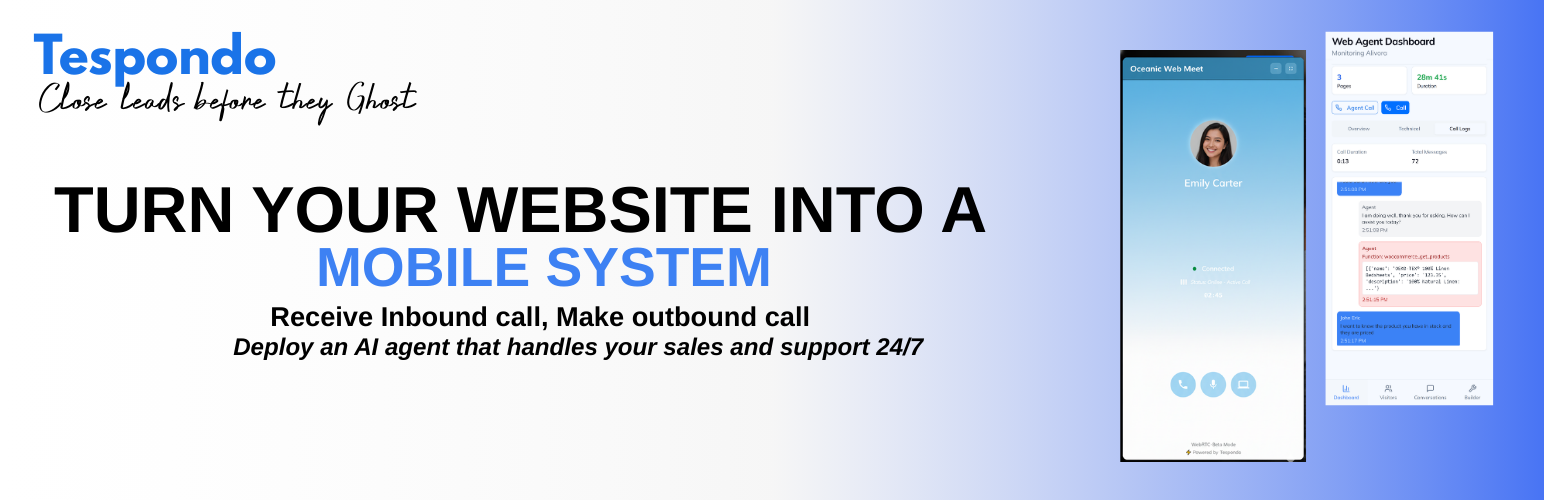
Tespondo Connect
Description
Tespondo Connect lets you connect your WordPress site to the Tespondo AI platform in seconds.
Features:
- One-click connection — log in to Tespondo and your site is linked automatically
- Automatically reads your pages, posts and WooCommerce products to build a knowledge base
- AI-powered chat widget injected on every page via
wp_footer— no code needed - Voice agent capabilities for phone-based customer support
- Works with or without WooCommerce
How it works:
- Install and activate the plugin.
- Open Tespondo Connect in the WordPress admin menu and click Connect to Tespondo.
- Log in to your Tespondo account (or create one for free).
- Your knowledge base is automatically generated from your site content.
- The chat widget goes live immediately.
Third-Party Service Notice:
This plugin connects your WordPress site to the Tespondo platform (https://tespondo.com), an external AI service. When you activate this plugin and connect your site:
- Your site URL, name, and admin email are shared with the Tespondo server to establish the connection.
- Your published pages, posts, and WooCommerce products (if applicable) are read by the Tespondo server to generate an AI knowledge base.
- A chat widget script hosted on the Tespondo server is loaded on your site’s front end.
- Visitor interactions with the chat widget are processed by the Tespondo server.
The Tespondo server is located at https://dev.tespondo.com.
By using this plugin, you agree to Tespondo’s:
Installation
- Upload the
tespondo-connectfolder to/wp-content/plugins/. - Activate the plugin in Plugins Installed Plugins.
- Open Tespondo Connect in the admin menu to connect your site.
Faq
Yes. You can create a free account at https://tespondo.com.
Yes. When WooCommerce is active, the plugin automatically imports your products into the AI knowledge base.
New WordPress agents have voice enabled through the compatible Tespondo backend. Reconnecting an existing agent preserves its current settings. Manage voice availability in the Tespondo builder. Calls depend on account allowances and visitor microphone permission.
No standalone install event is sent on activation. The connection is recorded when an administrator connects the site. While connected, the website loads Tespondo’s widget and visitor activity reporting.
Page URLs, referrers, browser and device information, approximate location based on IP, activity and widget interactions may be processed by the Tespondo service. Voice and chat interactions are handled by Tespondo. Describe the service in your site’s privacy notice and configure consent as appropriate for your site.
Connection links last 15 minutes. Return to Tespondo Connect in WordPress to start again.
The plugin revokes its local integration credentials, stops loading its widget and attempts to notify Tespondo. This does not delete your Tespondo account or historical records.
Your site URL, name, admin email, and published content (pages, posts, products) are sent to generate an AI knowledge base. See the Description tab for full details.
Open Tespondo Connect and click Disconnect. This revokes this plugin’s integration credentials and removes its website widget.
Reviews
Changelog
1.1.4
- Add an administrator-authorised Reconnect button for refreshing the connection and adding WooCommerce store access later.
- Explain that WooCommerce is optional for calls, chat and website knowledge.
- Preserve the installed widget while reconnecting; generate read-only store keys when WooCommerce is active.
1.1.3
- Use the Tespondo T brand mark in the WordPress admin menu.
1.1.2
- Fix the missing Chats This Week calendar icon after WordPress HTML sanitization.
- Preserve explicit stat icon dimensions.
1.1.1
- Isolate plugin constants and asset handles to prevent stylesheet, script and image URL conflicts with other Tespondo plugins.
1.1.0
- Enable voice for newly created WordPress agents through the compatible backend; preserve existing agent settings on reconnect.
- Report widget activation errors instead of showing a false connected state.
- Update chat, call and online visitor metrics through the compatible backend.
- Show connection and voice availability in the plugin dashboard.
- Expire unused connection links after 15 minutes and validate the connecting administrator.
- Revoke the correct administrator’s Application Password on disconnect, deactivation and deletion.
- Refresh the plugin branding and banners.
1.0.0
- Initial release.