Theme Support
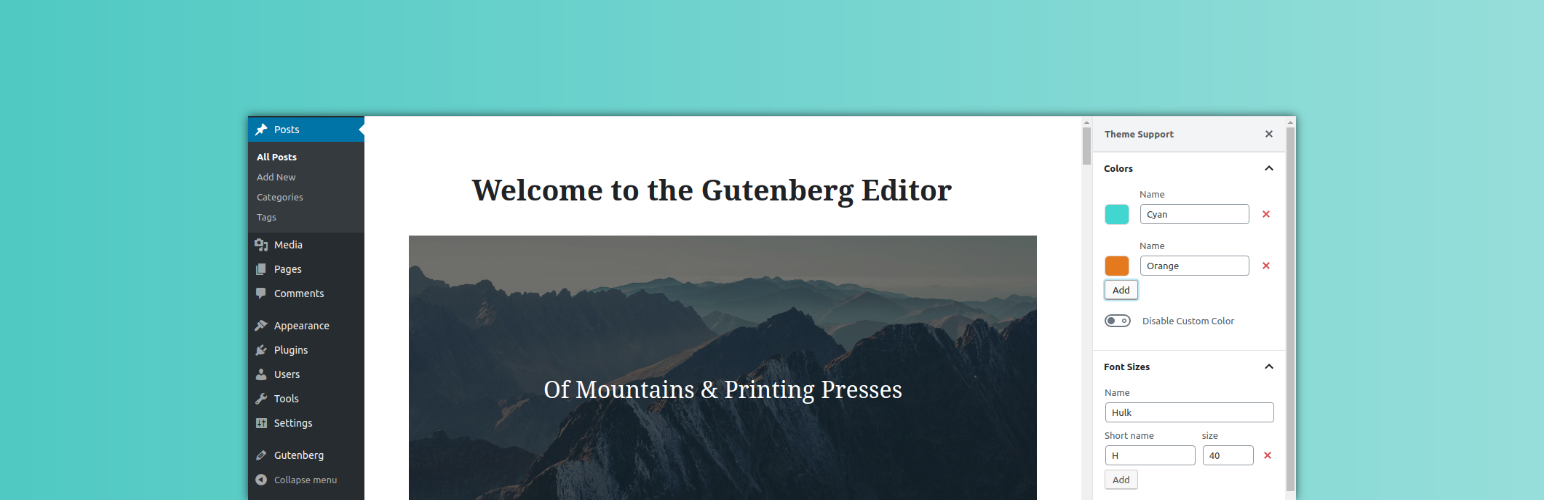
Theme Support
Description
Quickly config theme support using UI
Usage
- Simply activate and new menu will be registered
- Config Theme Support
Feedback / Suggestions
If you have any suggestions/Feature request that you would like to see in the upcoming releases , feel free to let us know in the issues section
Installation
From your WordPress dashboard
1. Visit Plugins > Add New
2. Search for Theme Support or upload zip file
3. Activate Theme Support from your Plugins page
Manual Installation
1. Download “Theme Support”.
2. Upload the theme-support directory to your ‘/wp-content/plugins/’ directory, using your favorite method (ftp, sftp, scp, etc…)
3. Activate Theme Support from your Plugins page.
Screenshots

Plugin in action
Reviews
Changelog
v0.1.1
Released on 21 Nov 2018
- Remove shortname from fontsizes
v0.1.0
Released on 21 Nov 2018
- Initial plugin release