Theme Switcher

Theme Switcher
Description
Allow users to switch which theme they use on your WordPress, WordPress MU, or BuddyPress site. Includes a widget for easily putting the theme-switcher as a list or dropdown in your sidebar.
Installation
- Download and extract the
theme-switcherplugin file. - Upload the
theme-switcherdirectory to the/wp-content/plugins/directory. - Activate the plugin under the ‘Plugins’ menu in the WordPress admin.
- Add the “Theme Switcher” widget to one of your widgetized sidebars, or call
wp_theme_switcher()directly.
Screenshots
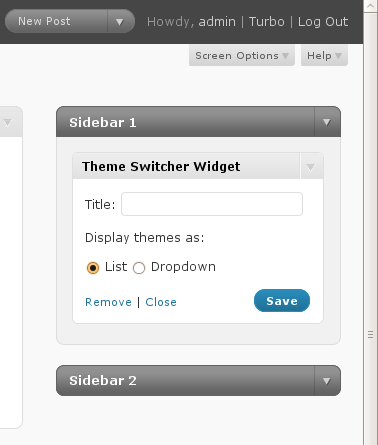
The Theme Switcher widget allows you to set the title of the widget and to choose the "list" or "dropdown" option.
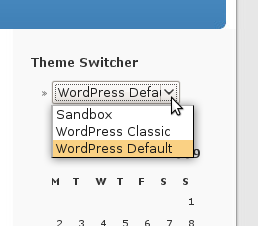
The Theme Switcher widget in action on the sidebar.
Faq
How do I print the Theme Switcher markup without using widgets?
You can call wp_theme_switcher() directly. Calling wp_theme_switcher() alone (no arguments) will print a list of themes; calling wp_theme_switcher('dropdown') will print a dropdown of themes.