TinyWebDB API
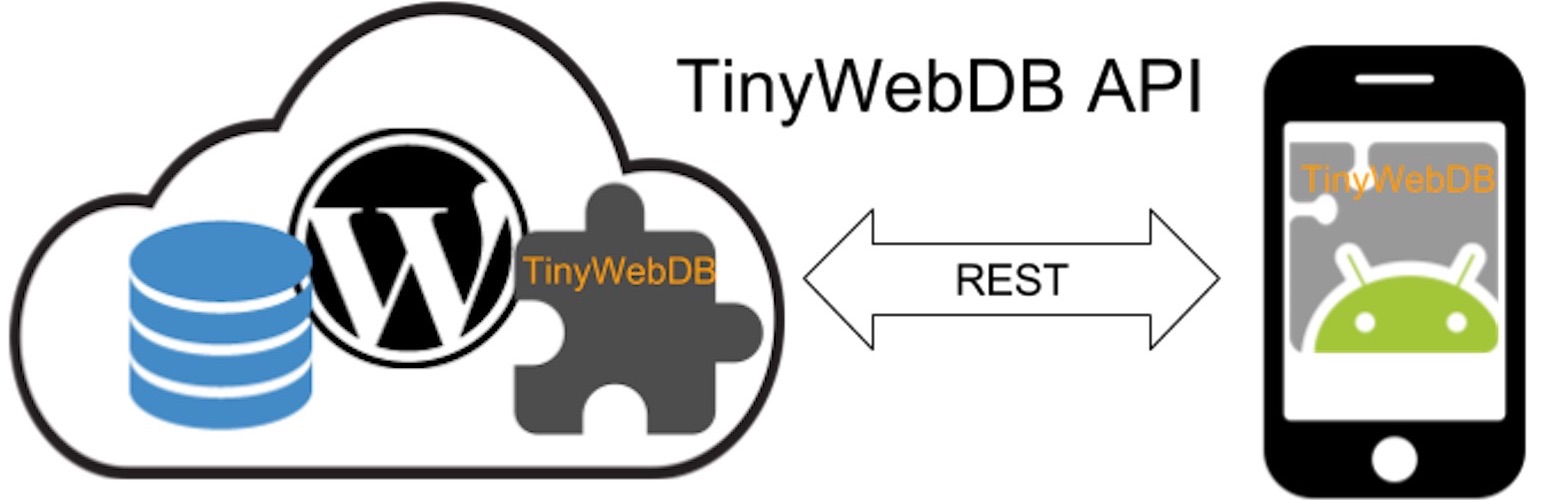
TinyWebDB API
Description
AppInventor is a easy way to creating an Android app from web browser.
TinyWebDB API is a AppInventor TinyWebDB API plugin, use you WordPress as a TinyWebDB web service.
TinyWebDB Protocol:
Action
URL
Post Parameters
Response
Get Value
{ServiceURL}/getvalue
tag
JSON: [“VALUE”,”{tag}”, {value}]
Store A Value
{ServiceURL}/storeavalue
tag,value
JSON: [“STORED”, “{tag}”, {value}]
Roadmap:
* TinyWebDB API 0.1.0 implemented Get Value Action.
* TinyWebDB API 0.2.0 will implement Store A Value Action.
* TinyWebDB API 0.3.0 will implement Authentication.
* TinyWebDB API 1.0.0 Full release.
Visit Plugin URI for detail.
Known Issues
Installation
- FTP the entire tinywebdb-api directory to your WordPress blog’s plugins folder (/wp-content/plugins/).
- Activate the plugin on the “Plugins” tab of the administration panel.
- Check test URL on admin menu to make sure API work properly.
- Refer to Plugin URI to get sample Android test app which make by App Inventor, to create your own app.
for how to use AppInventor to inventor your Android app with this plugin , visit Plugin URI for detail please.
Screenshots

The TinyWebDB API management page in the WordPress Admin.
Faq
How api key work
api key still reserved.
api key will be use for authentication, it will implement after v 0.3.0.
Because original TinyWebDB API do not include specification for authentication,
we tring to find a auth way which compatible with original TinyWebDB API.
Reviews
Changelog
0.1.0
Start TinyWebDB API plugin.
0.1.3
First alpha release which implemented Get Value Action.
0.2.0
Release which implemented Get Value Action with API Key.
Add test URL on admin menu.
0.2.2
Re-write code with oo-calss style.
0.2.7
Refine API from original tinywebdb.
0.2.8
Active “Store A Value” and some enhancement.
0.2.9
Active log viewer and some enhancement.
0.2.11
App PHP7 support.
App test form on admin page.