Title Bar Switcher
Title Bar Switcher
Description
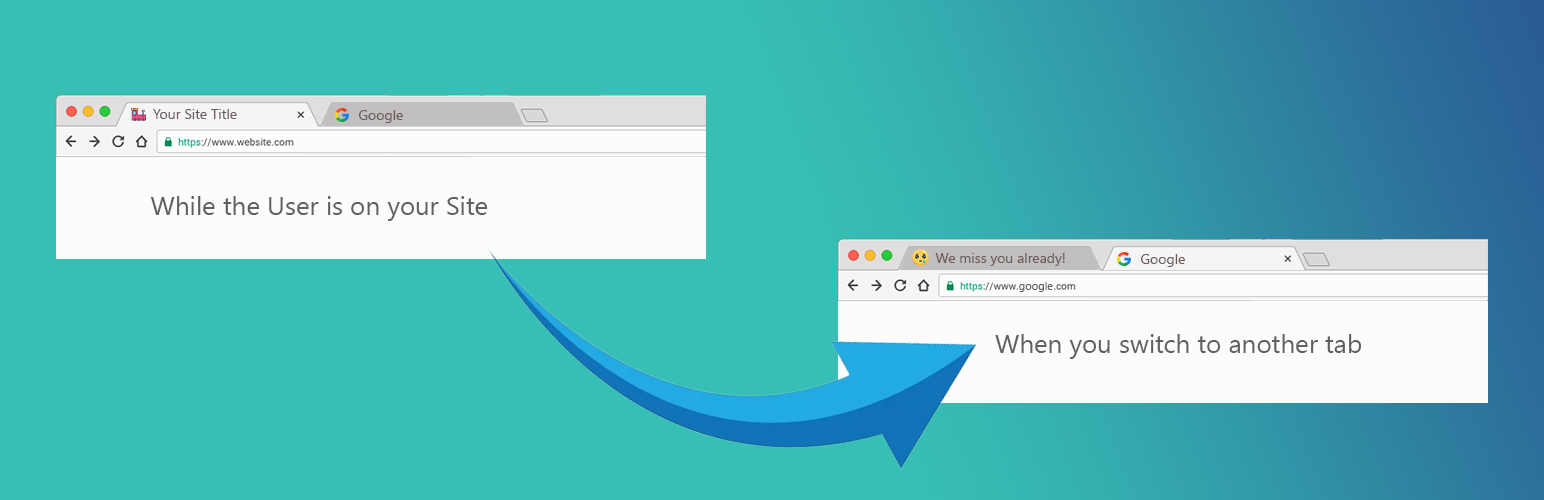
Title Bar Switcher is a simple but powerful plugin that dynamically updates your browser tab title and favicon when visitors switch to another tab.
This effect acts like a tab notification plugin and helps recapture attention, improve engagement, and reduce bounce rate.
The plugin works instantly when users leave the tab, creating an “attention booster” effect.
Great for blogs, e-commerce sites, educational sites, landing pages, and any website looking to increase user retention.
Features:
* Change browser tab title when the visitor leaves the page (inactive tab title)
* Restore the original title when the visitor returns
* Optional favicon switching with a simple URL field (dynamic favicon support)
* Realistic browser tab preview with title + favicon + close icon
* Lightweight, fast, and JS-only (no jQuery)
* Translation ready and fully compatible with caching plugins
* Ideal for improving user engagement, dwell time, and retention
Contact Us:
Contact for support
Use Cases:
* Show messages like “Come back!”, “We miss you!”, or “Don’t forget us!”
* Display alternative favicon on inactive tabs (browser tab alert effect)
* Increase session duration and reduce bounce rate
* Create a subtle tab notification without disturbing the user
Installation
- Upload the plugin files to
/wp-content/plugins/title-bar-switcher - Activate the plugin through the Plugins menu in WordPress
- Configure your settings under Settings Title Bar Switcher
Screenshots
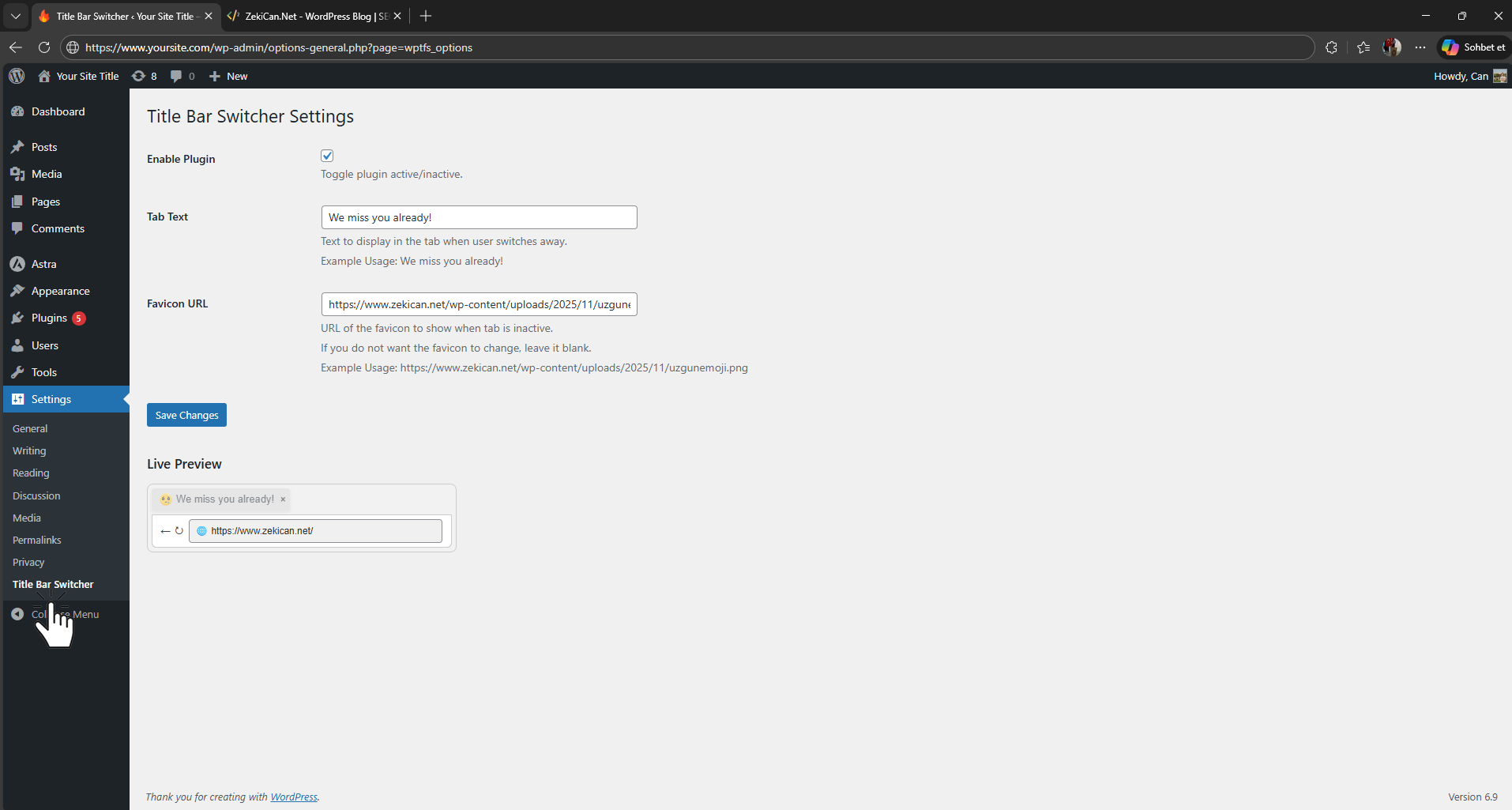
Settings page with browser tab preview.
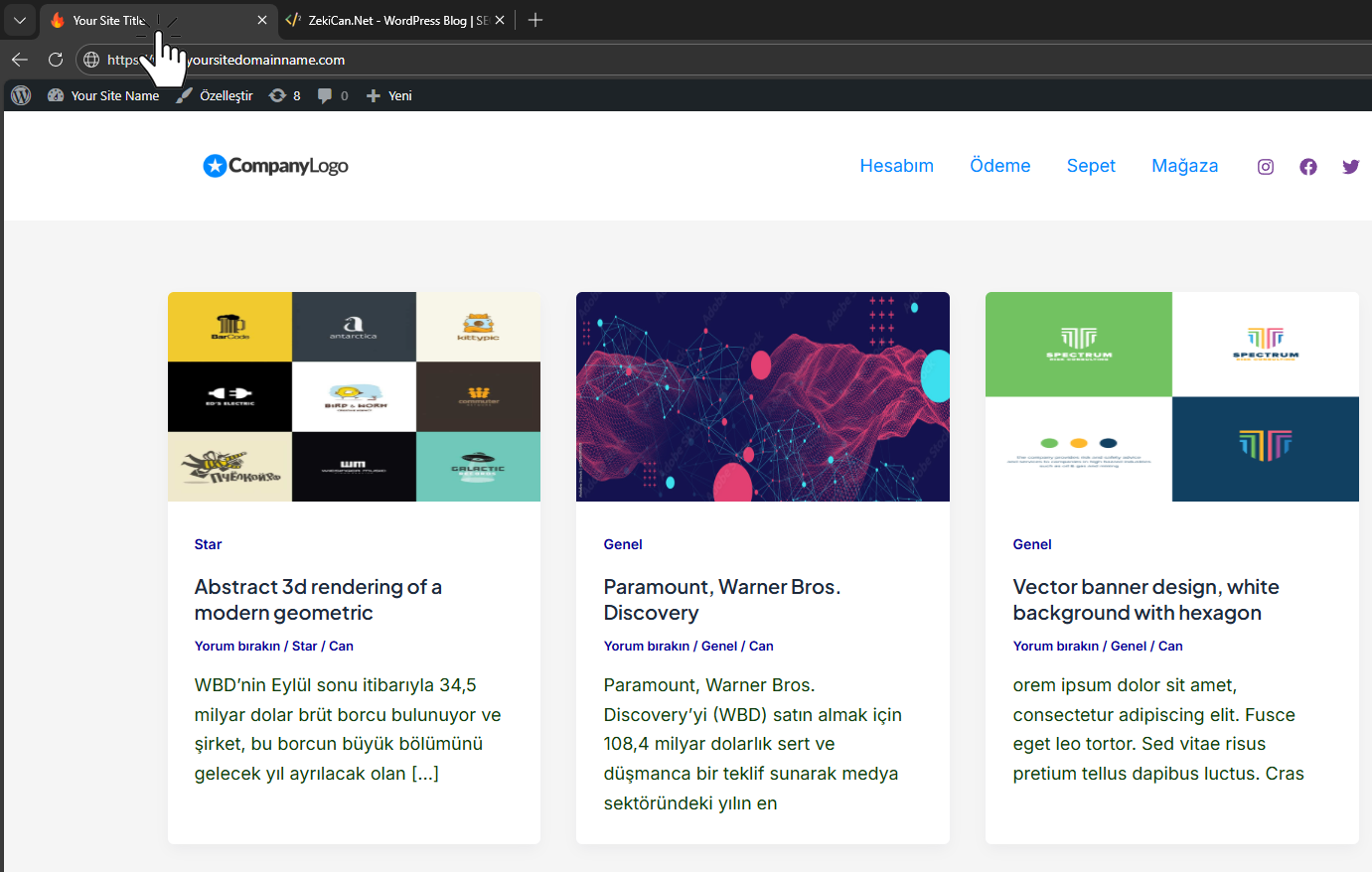
Before change – default browser tab title and favicon.
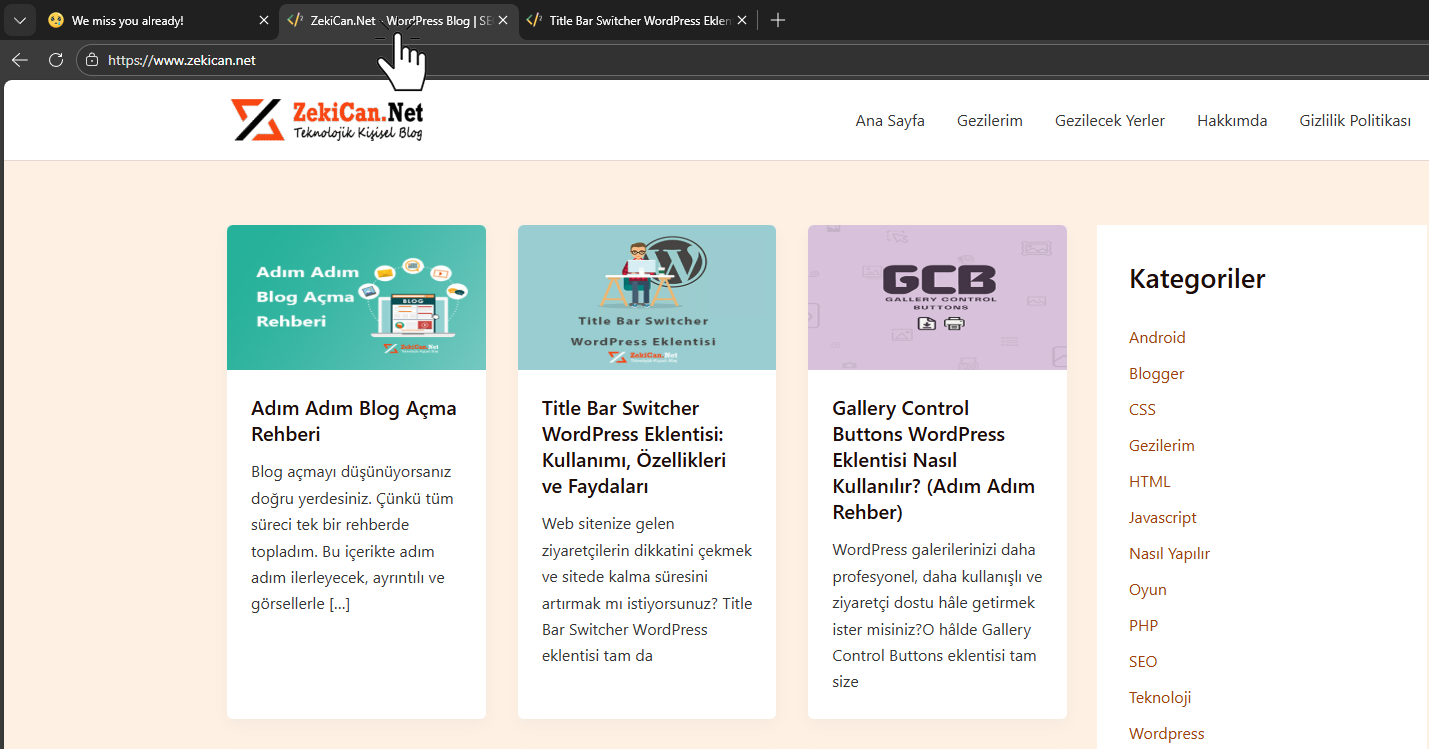
After change – updated tab title and favicon on the frontend.
Faq
No. Title changes only appear when the browser tab is inactive and revert immediately upon return, so it has no negative SEO impact.
No. Leaving the field blank keeps your default favicon unchanged.
Yes. Works with any WordPress theme since it’s JavaScript-based and does not touch theme files.
No. The title and favicon switch happen instantly without delay.
Reviews
Changelog
1.0
- Initial stable release