Toggle Content
Toggle Content
Description
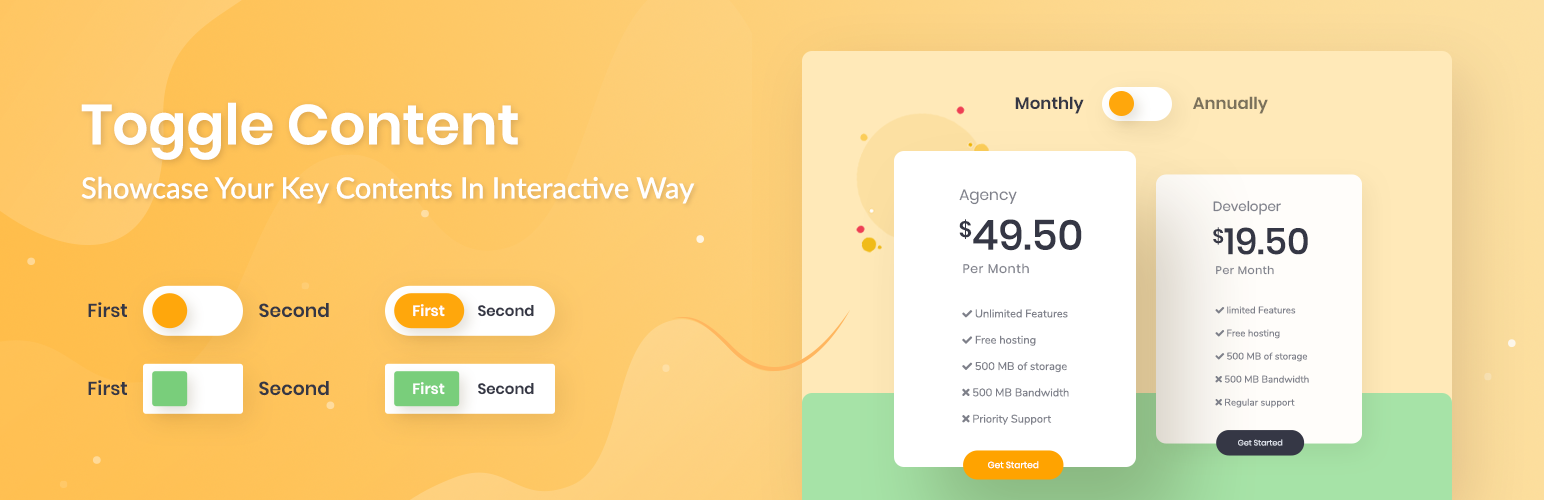
Content Toggle will let you showcase your key content in an interactive way to attract visitors instantly. Using this Toggle Content plugin, you can use this feature within the Gutenberg Editor.
It’s super easy to use and support nested blocks within the content area. You can also switch blocks view with an easy and beautiful switcher.
Completely Customizable: You can customize Toggle Content just the way you want.
Super Light-weight: No extra resources used and it’s highly optimized for super fast loading & instant Live editing.
Dedicated Support: We’ve an extraordinary support team ready to help you. Ask your questions in the support forum, we’ll get back to you immediately.
🚀 BACKED BY A TRUSTED TEAM
This Block is brought to you by WPDeveloper, the team behind the most popular elements library Essential Addons for Elementor (used by almost 1 million+ happy users from 180+ countries).
👨💻 DOCUMENTATION AND SUPPORT
- For documentation and tutorials go to our documentation
- To report issue and contribution visit Github.
- If you have any more questions, visit our support on the Plugin’s Forum.
- For more information about features, FAQs and documentation, check out our website at WPDeveloper.
🙌 JOIN THE COMMUNITY
🎦 Subscribe to our Youtube Channel to watch video tutorials on WordPress.
🤝 Join our Facebook Community & get connected with expert web creators like yourself.
🧡 LOVED Toggle Content? Rate us on WordPress Repository
🔥 GET FREEBIES FOR YOUR WORDPRESS SITE
Consider checking out our other WordPress solutions & boost your WordPress website:
🔝 Essential Addons For Elementor: Most popular Elementor addons with 70+ widgets & ready blocks
☁ Templately: Free templates library for Elementor & Gutenberg along with the cloud collaboration for WordPress
🔔 NotificationX: Best Social Proof & FOMO Marketing Solution to increase conversion rates
📚 BetterDocs: Best Documentation & Knowledge Base Plugin for WordPress reduce manual support tickets & improve user experience.
⏰ WP Scheduled Posts: Advanced editorial calendar & complete solution for WordPress Post Scheduling, social sharing, missed scheduled alerts and more.
⭐ ReviewX: WooCommerce Product review plugin that allows users to submit product reviews with multiple criteria, photos, video and more
⚡ Flexia: Most lightweight, customizable & multi purpose theme for WordPress
Visit WPDeveloper to learn more about how to do better in WordPress with Help Tutorial, Tips & Tricks.
Installation
Modern Way:
- Go to the WordPress Block/Gutenberg Editor
- Search For “Toggle Content”.
- Install in 1-click
Old Way:
- Upload
toggle-contentto the/wp-content/plugins/directory - Activate the plugin through the ‘Plugins’ menu in WordPress
- Follow the Documentation
Faq
Yes, it will work with any standard WordPress theme.
Reviews
Works but buggy. Needs updating.
By 
While I liked the approach with how this block handles toggling content it appears to be buggy in certain areas with the users experience when editing especially with the drag and drop and not being able to have more than one block per section. Also, while viewing the front side. The toggle button does not display as default or with any customization's applied to it.
While I know Gutenberg is always evolving, this plugin is lacking in the most basic of needs and just does not present as polished as this block can be.
I hope it can be fixed and improved upon so I may try using it again in the future.
Tested
By 
Extremely buggy, cant use it
By 
Great for Gutenberg
By 
Works as expected!
By 
Super slow plugin
By 
Changelog
1.2.8 – 16/04/2024
- Fixed: compatibility support with wordpress 6.5 version
- Improved: controls
1.2.7 – 02/04/2023
- Improved: font loader and Controls
- Added: core group block as a inner block
1.2.6 – 4/12/2022
- Improved: update congrols
1.2.5 – 9/11/2022
- Fixed: compatibility issue with WordPress 6.1
1.2.4 – 25/08/2022
- Improved: update controls
1.2.3 – 03/08/2022
- Improved: Style handler for reusable block
- Improved: update controls
1.2.2 – 21/06/2022
- Added: Animation, Custom Css and Responsive Options
- Improved: Converted style-handler to php for working perfectly with Reusable blocks and FSE
- Improved: Controls & structure
1.2.1 – 13/02/2022
- Fixed: Frontend js file not enqueued
1.2.0 – 13-02-2022
- Added: Block description in block.json file
- Added: Support for full site editing & wp5.9
- Added: Responsive options for button height, width & heading space
- Improved: Controls and structure
1.1.0 – 26/10/2021
- Added: Dynamic asset generation for inline styles
- Added: Responsive control
- Improved: Controls and structure
- Improved: Inspector Panel Design & controls
- Improved: Responsive Device Preview improved. Now the preview options synced with the wordpress’s default preview button.
- Improved: Security for asset generation
1.0.2 – 09-09-2020
- Fix frontend js file missing issue
1.0.1 – 23-07-2020
-
Updated Block structure
-
Initial release
1.0.0 – 12-07-2020
- Initial release