Token2 Two Factor Authentication
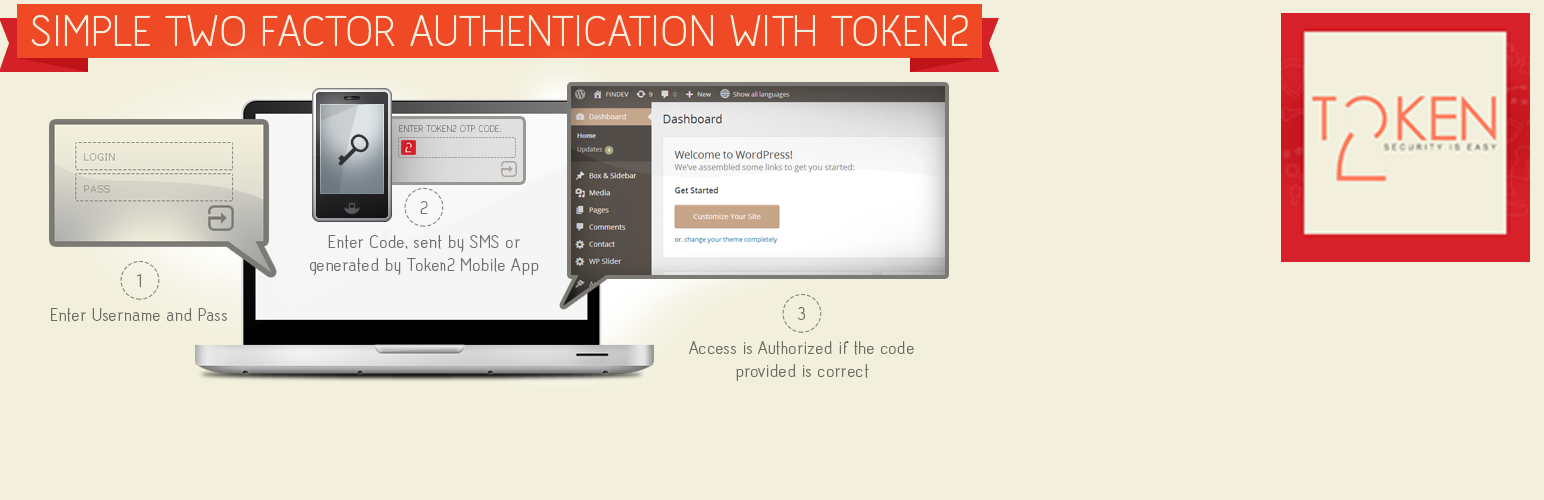
Token2 Two Factor Authentication
Description
Token2 helps you proctect your WordPress site from hackers using simple two-factor authentication.
You can get your free API key at www.token2.com.
Plugin development is found at Token2.com
Installation
- Get your token2 API Key at www.token2.com/register.
- Install the plugin either via your site’s dashboard or by downloading the plugin from WordPress.org and uploading the files to your server.
- Activate the plugin through the WordPress Plugins menu.
- Navigate to Settings -> token2 to enter your token2 API keys.
Screenshots

Form requesting Token2 OTP (second factor)

Enabling two-factor authentication on user's profile

Enabling two-factor authentication on user's profile - QR code
Faq
How can an user enable two-factor authentication?
The user should go to his or her WordPress profile page and add his or her mobile number and country code.
How can a user disable Token2 after enabling it?
The user should return to his or her WordPress profile screen and disable token2 at the bottom.
Can an Admin can select specific user roles that should authenticate with token2 two-factor authentication?
Yes, as an admin you can go to the settings page of the plugin, select the user roles in the list, and click “Save Changes” to save the configuration.
How can the admin an admin force Token2 two-factor authentication on a specific user?
As an admin, you can go to the users page. Then, select the user in the list, and click edit. Go to the bottom, enter the user’s mobile number and country code, and click “Update user.”
Reviews
Review1
By 
Review1
Changelog
Initial version, no change log