TomS Vaptcha
TomS Vaptcha
Description
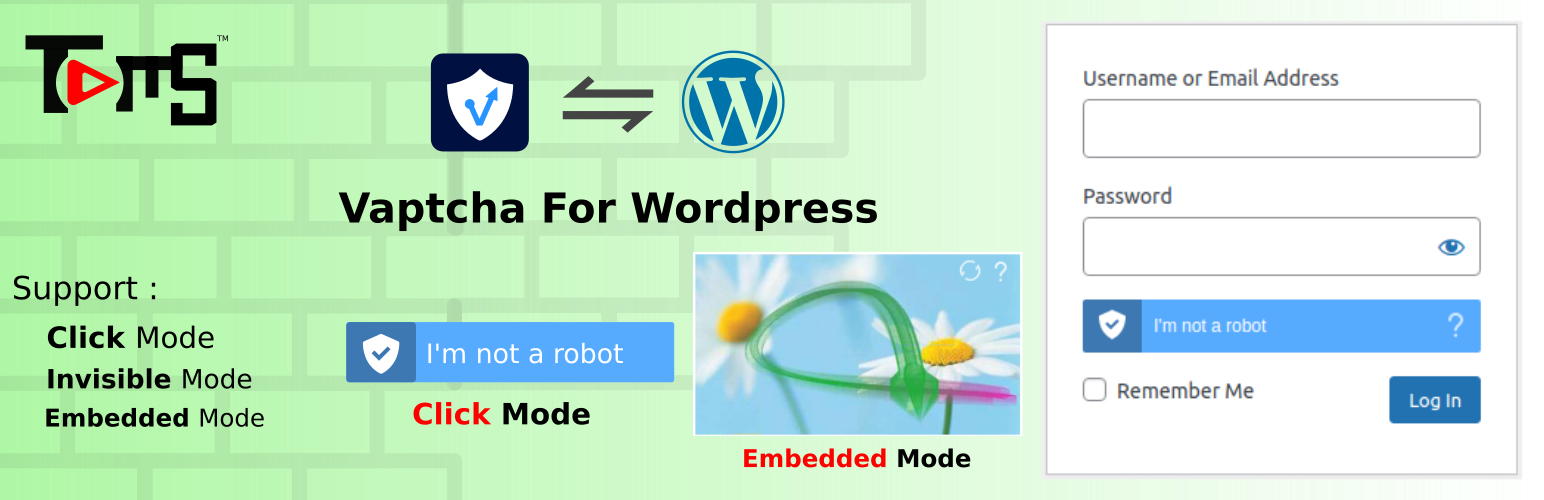
VAPTCHA is a new type of human-machine verification solution based on artificial intelligence and big data. Through comprehensive analysis of user behavior characteristics, biological characteristics, network environment, etc., VAPTCHA’s efficient and evolving intelligent risk control engine can accurately identify and intercept attack requests including manual coding. Compared with traditional verification codes, VAPTCHA has significant advantages in terms of security and user experience.
Features
You need to create a free VAPTCHA account to get the vid and secret key.
Display Mode:
- Click mode
- Invisible mode
- Embedded mode ( Available for Enterprise User account only)
Supported Form List
- WordPress default login form
- WordPress default register form
- WordPress default lostpassword form
-
WordPress default comment form
-
Woocommerce login form
- Woocommerce register form
- Woocommerce lostpassword form
- Woocommerce checkout Billing form
-
Add a shortcode [toms_woo_register_form] for woocommerce register form on any page you want.
-
Ultimate Member login form
- Ultimate Member register form
-
Ultimate Member lostpassword form
-
User Registration login form
- User Registration register form
-
User Registration lostpassword form
-
more support forms comming soon…
-
Support Custom v3.js Url.
- more options see the settings page.
Translation ready
Translations
Reliance upon any non-English translation is at your own risk; TomS Vaptcha can give no guarantees that translations from the original English are accurate.
We recognise and thank those mentioned at https://tomsneddon.org/translations for code and/or libraries used and/or modified under the terms of their open source licences.
Screenshots

TomS Vaptcha settings page

Woocommerce Login form

WoocommerceLost password form

Woocommerce Checkout Billing form

Woocommerce Register form

Ultimate Member Register form

Ultimate Member Login form

Ultimate Member Reset password form

WordPress default login form

WordPress default register form

WordPress default lostpassword form

WordPress default comment form

User Registration register form

User Registration login form

User Registration lostpassword form

Style: dark verification passed

Embedded mode (Enterprise account only)

Embedded mode

Style: light

Style: light verification passed

Captcha
Faq
Go to Admin Panel -> TomS WP -> TomS VAPTCHA -> check the Login form and click Save Change.
Reviews
Changelog
The TomS VAPTCHA is the best place to learn in more detail about any important changes.
1.1.2 – 04/Mar/2022
- Tweak: WordPress 5.9.1 compatibility
- Tweak: Woocommerce 6.2.1 compatibility
1.1.1 – 02/Jan/2022
- TWEAK: Update the json file
- TWEAK: Change the Vaptcha Home class name
- TWEAK: Optimize the Securing (escaping) Output
1.1.0 – 22/Dec/2021
- New: Support Woocmmerce Login form, register form, lostpassword form and checkout page.
- New: Support Ultimate Member Login form, register form, lostpassword form.
- New: Support User Registration Login Form, register form, lostpassword form.
- New: Add a shortcode [toms_woo_register_form] support custom woocommerce register page.
- Style improve.
- Compatible Woocommerce 6.0
- Compatible WordPress 5.8.2
1.0.0 – 9/Dec/2021
- Initial release
Older changes are found in the changelog.txt file in the plugin directory.