Touchtry RoomFit
Touchtry RoomFit
Description
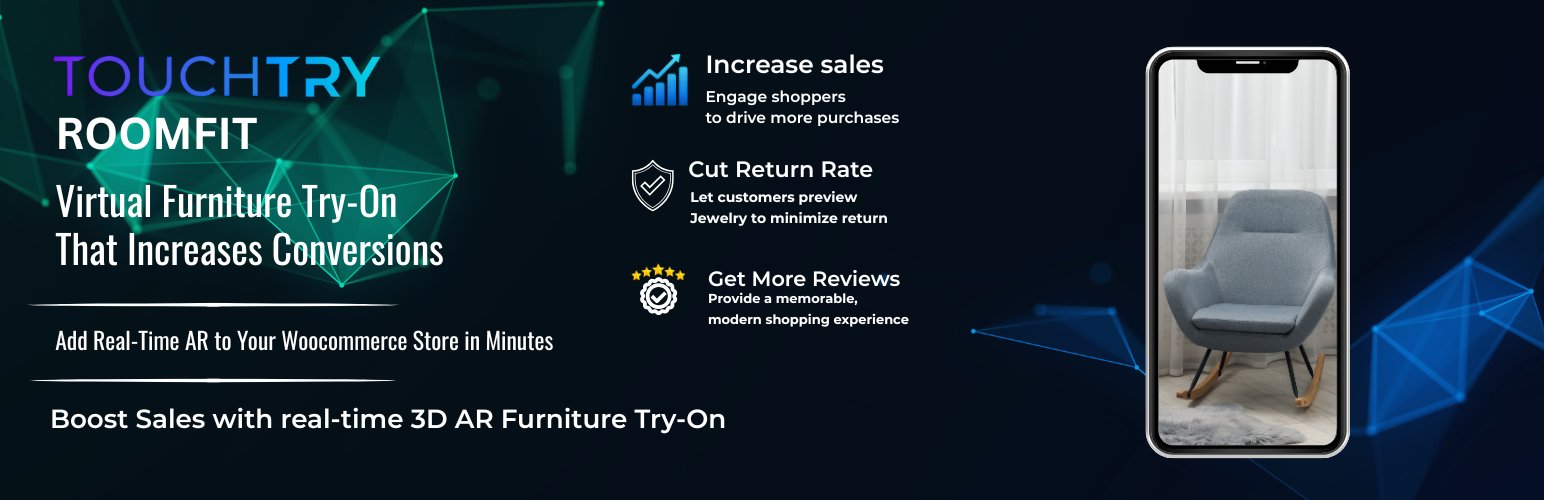
Touchtry RoomFit AR helps WooCommerce furniture stores launch product AR experiences using Touchtry links.
This plugin adds a “Try On” button on WooCommerce single product pages. Merchants can save a product-specific AR link from the WooCommerce product editor. If no custom AR link is saved, the plugin can fall back using the product SKU or product ID.
Current Features:
- WooCommerce single product page integration
- Product-level Furniture AR Try-On Link field
- Product-specific AR launch button
- HTTPS AR link support
- SKU / Product ID fallback link behavior
- Admin dashboard with setup, integration guide, pricing, and support tabs
- Responsive frontend button styling
External services
This plugin loads tutorial videos from YouTube in the admin dashboard upload tab.
When viewing that tab, the admin browser requests the video directly from YouTube servers.
- YouTube Terms of Service: https://www.youtube.com/t/terms
- YouTube Privacy Policy: https://policies.google.com/privacy
Credits
Developed by the Touchtry Team
For support, visit: https://touchtry.com/#my-contact
Installation
- Upload the plugin folder to
/wp-content/plugins/touchtry-roomfit, or install via the WordPress plugin dashboard. - Activate the plugin from the Plugins menu in WordPress.
- Make sure WooCommerce is installed and active.
- Open any WooCommerce product in the admin panel.
- Add the product AR link in the Furniture AR Try-On Link field.
- Save the product and open the product page to test the Try On button.
Faq
Yes. The plugin is designed for WooCommerce product pages.
Open a WooCommerce product and use the Furniture AR Try-On Link field.
The plugin can fall back using the product SKU or product ID.
Yes. You can style the button using your theme or plugin CSS.
No. The current version is focused on WooCommerce product-page integration.
No desktop QR code feature is included in the current version.
Reviews
Very useful AR Try-On plugin for furniture websites
By 
I tested Touchtry RoomFit plugin on my WooCommerce site. Setup was simple and AR Try-On feature worked smoothly for furniture products. Customers can preview items in their own room using WebAR, which increases engagement and sales. The plugin is lightweight, mobile-friendly and provides a clean UI. Would recommend to anyone running a furniture store on WordPress
Changelog
1.0.4
- Fixed internal version consistency.
- Improved WooCommerce load handling.
- Updated documentation to match the current plugin feature set.
- Updated dashboard guidance to match the current implementation.
1.0.0
- Initial stable release.
- Added AR Try-On button on WooCommerce product pages.
- Added product-level AR link field.
- Added admin dashboard with setup and support tabs.