TP WooCommerce Product Gallery
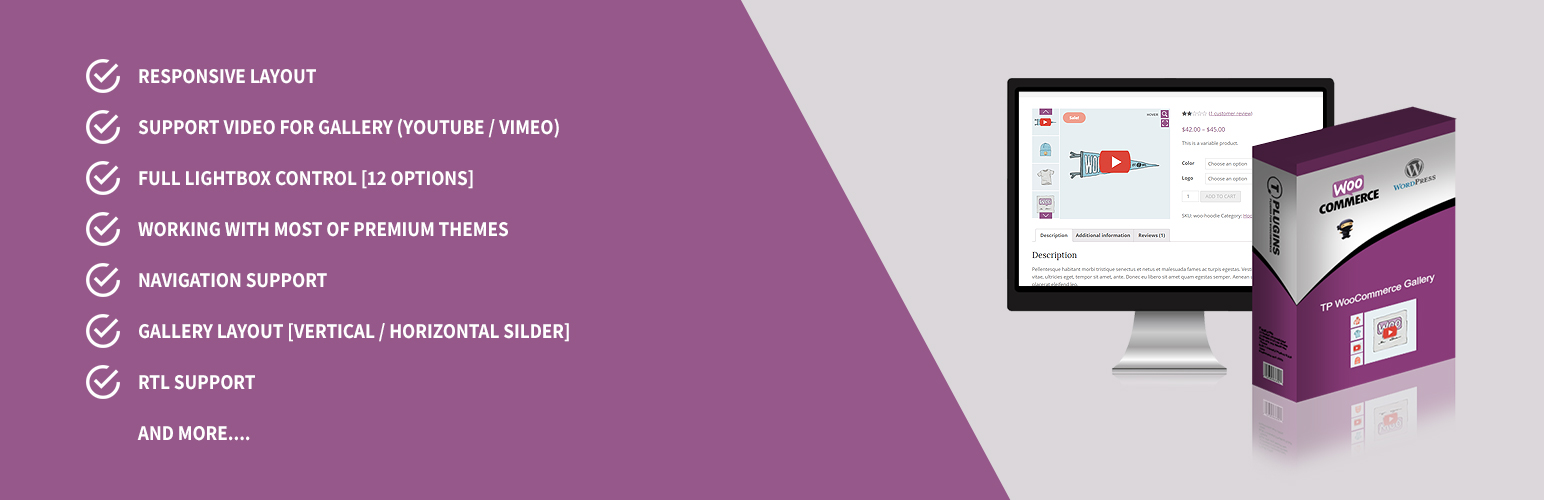
TP WooCommerce Product Gallery
Description
Transform your WooCommerce product pages with a stunning, fully responsive gallery. Add thumbnail sliders, choose from 3 zoom types, and enjoy many more powerful features.
🚀 Upgrade to TP Gallery PRO — The All-in-One WooCommerce Gallery Solution
One plugin to replace them all. TP Gallery PRO combines product galleries, shop page galleries, variation swatches, product sliders, category sliders, and more — all in a single, optimized plugin.
🔗 Learn More About TP Gallery PRO | 🎬 View Live Demo
🖼️ Product Page Gallery
Replace the default WooCommerce gallery with a professional, feature-rich alternative:
* 5 Gallery Layouts — Thumbnails bottom, left, right, grid mosaic, or slider only
* 3 Zoom Types — Inner zoom, lens (magnifying glass), or window zoom
* Video Support — Embed YouTube & Vimeo videos directly in your gallery
* Full-Screen Lightbox — Beautiful lightbox with smooth transitions
🛒 Loop Gallery (Shop & Category Pages)
Make your shop pages dynamic and engaging:
* Flipper Mode — Swap images on hover for an interactive effect
* Slider Mode — Mini gallery with navigation arrows on each product
* Customizable Arrows — Circle, square, rounded, or minimal styles
* Works on shop, category, and all archive pages
🎨 Visual Variation Swatches
Replace boring dropdown selects with stunning visual options:
* Color Swatches — Visual color selection
* Image Swatches — Mini thumbnails for each option
* Label Swatches — Styled text buttons
* Customizable shapes (circle, square, rounded) and sizes (24px–60px)
🎯 Per-Variation Galleries
Display unique image sets for each product variation:
* Automatic gallery switching when selecting a variation
* Works with all 5 gallery layouts
* Perfect for products with different colors or styles
📦 Product Sliders
Create beautiful product collections anywhere on your site:
* 5 design presets with full color customization
* Use shortcodes to display product carousels anywhere
* Fully configurable: slides per view, autoplay, navigation, and more
🏷️ Category Sliders
Showcase product categories with beautiful sliders:
* Elegant circle layout, dynamic grid, or interactive carousel
* Simply use a shortcode to add category sliders anywhere
* Fully customizable appearance
🔄 WooCommerce Sliders (Cross-Sells & Upsells)
Transform your cross-sells, upsells, and related products into stunning Swiper sliders:
* Configurable slides per view and autoplay
* Navigation arrows and pagination dots
* Infinite loop support
🏢 Brand Sliders
Build beautiful brand carousels with 7 unique styles:
* Auto-scroll, smooth ticker, 3D coverflow, and more
* Customize height, speed, and exclude specific brands
⚡ Optimized Performance
Built for speed and compatibility:
* Conditional Loading — Scripts load only on relevant pages
* HPOS Compatible — Full High-Performance Order Storage support
* FSE Ready — Works perfectly with Full Site Editing / Block themes
* 100% RTL Support — Perfect for Hebrew, Arabic, and other RTL languages
👉 Get TP Gallery PRO Now — One Plugin, Endless Possibilities
Free Plugin Features
- Responsive layout
- Navigation support
- Slider autoplay options
- Gallery layout (horizontal slider)
- Customizable number of thumbnails to display
- Lightbox on/off toggle for thumbnail images
- Image on-hover zoom
- Customizable arrow/icon colors and backgrounds
- 3 transition effects for lightbox images
- 100% mobile friendly
- Adaptive height for single-slide horizontal carousels
- Compatible with most premium themes
Pro Version Features
- Display variation images per product variation
- Responsive layout
- Navigation support
- Slider autoplay options
- Gallery layout (vertical/horizontal slider)
- Lightbox on/off toggle for thumbnail images
- Center mode support
- Show/hide dots navigation
- Customizable video button background
- Customizable icon backgrounds
- Customizable slider arrows (color/background)
- Infinite loop
- Mouse dragging option
- RTL support
- Video gallery support (YouTube/Vimeo)
- Thumbnails show/hide option
- Full lightbox control (30+ transition options)
- WooCommerce default zoom support (4 options)
- Touch and swipe support for thumbnails
- Selectable main image size
- Selectable zoom image size
- Smooth image loading
- Show arrows on mouse hover
- Compatible with most premium themes
👍 Check out our other plugins
Installation
- Unzip the downloaded zip file.
- Upload the plugin folder to the
wp-content/plugins/directory of your WordPress site. - Activate TP WooCommerce Product Gallery through the ‘Plugins’ menu in WordPress.
TP WooCommerce Product Gallery will add a new menu item called “TP WooCommerce Product Gallery” in your WordPress admin. From there, you can configure all the plugin settings.
Screenshots
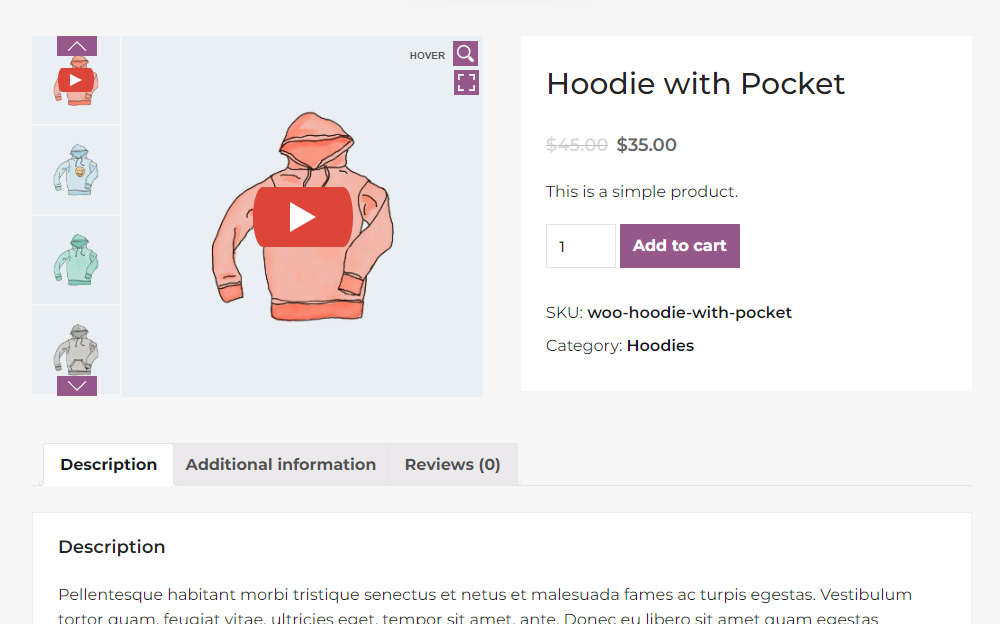
Vertical mode with video (1/9)
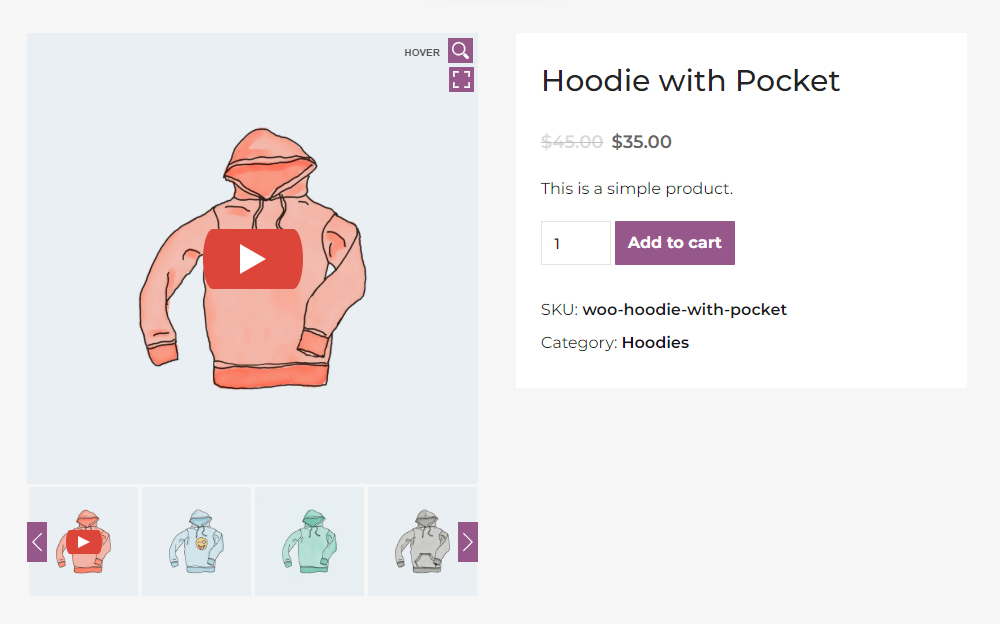
Horizontal mode with video (2/9)
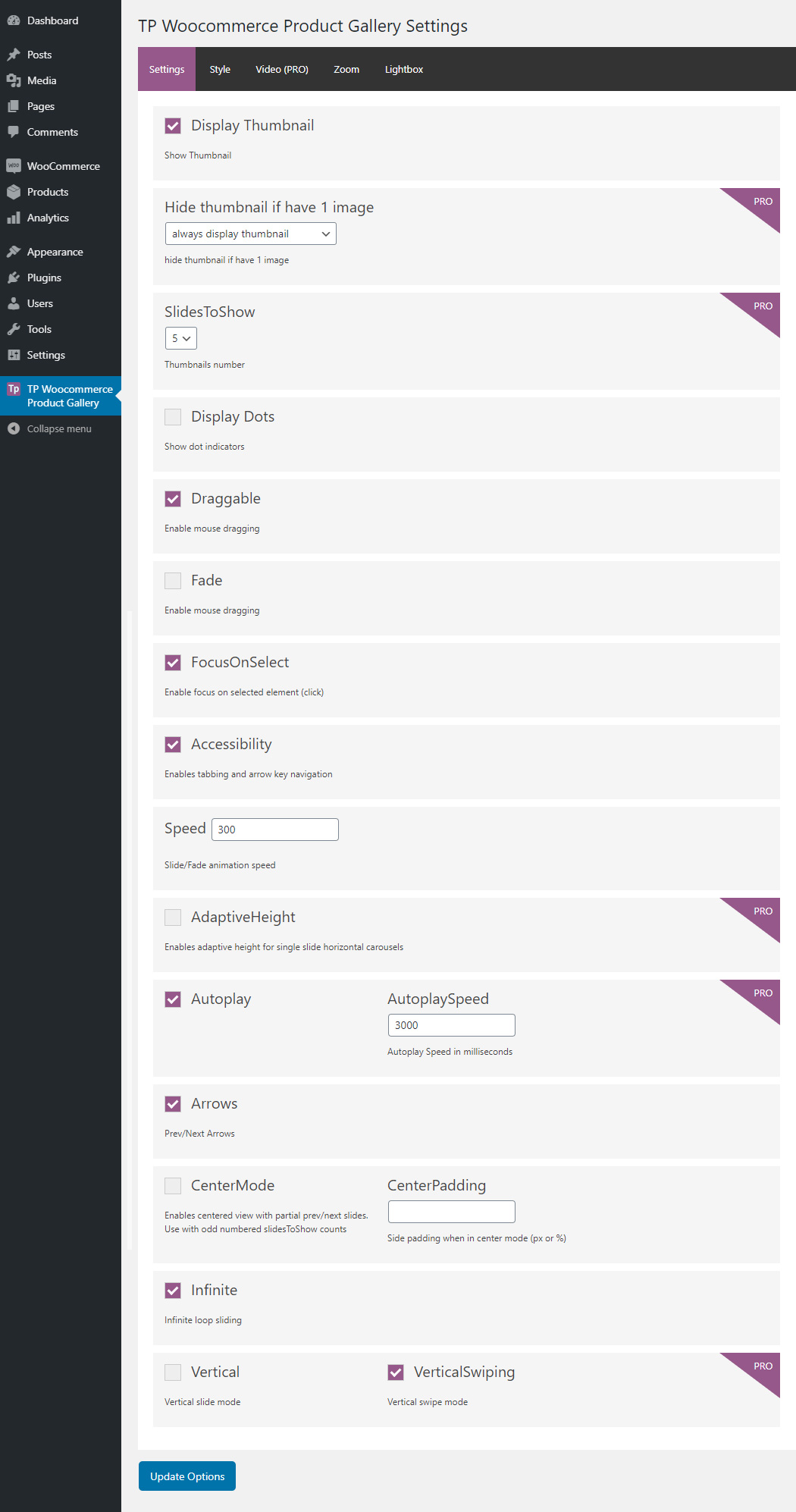
Settings page (3/9)
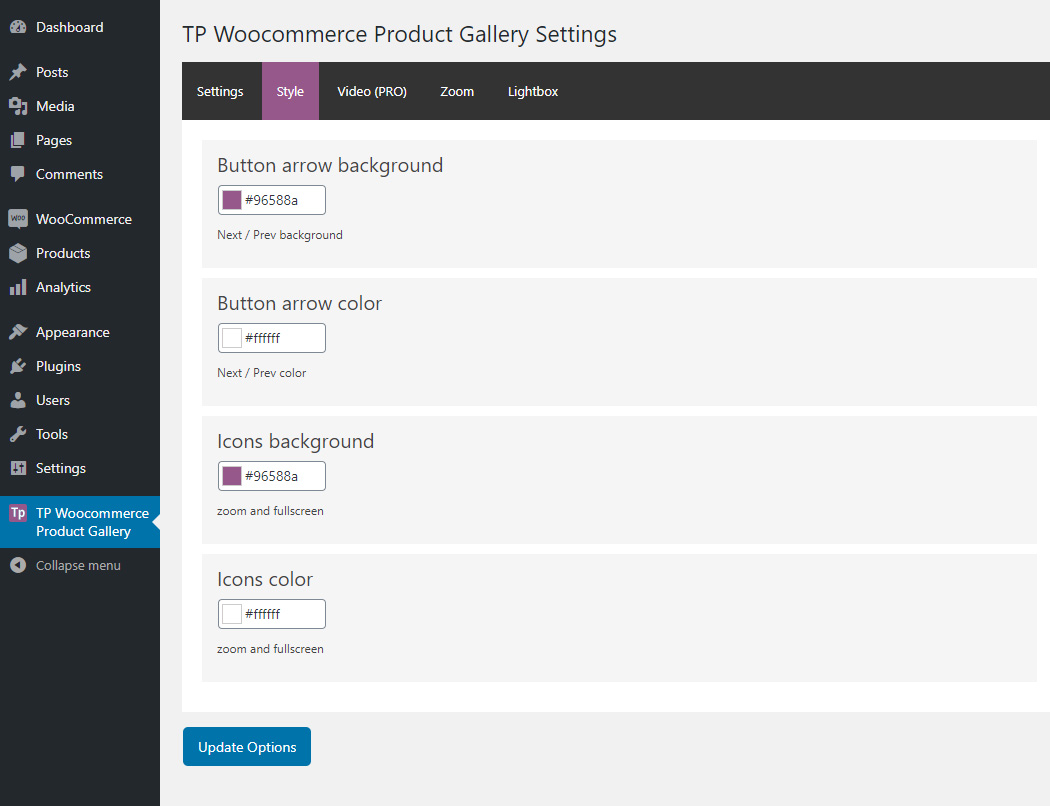
Settings page (4/9)
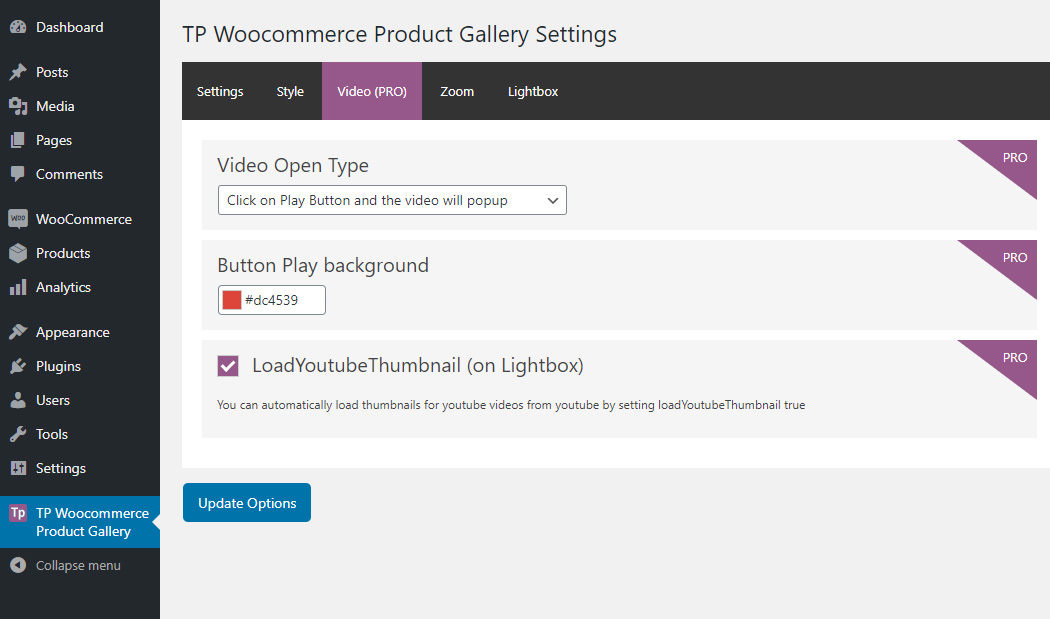
Settings page (5/9)
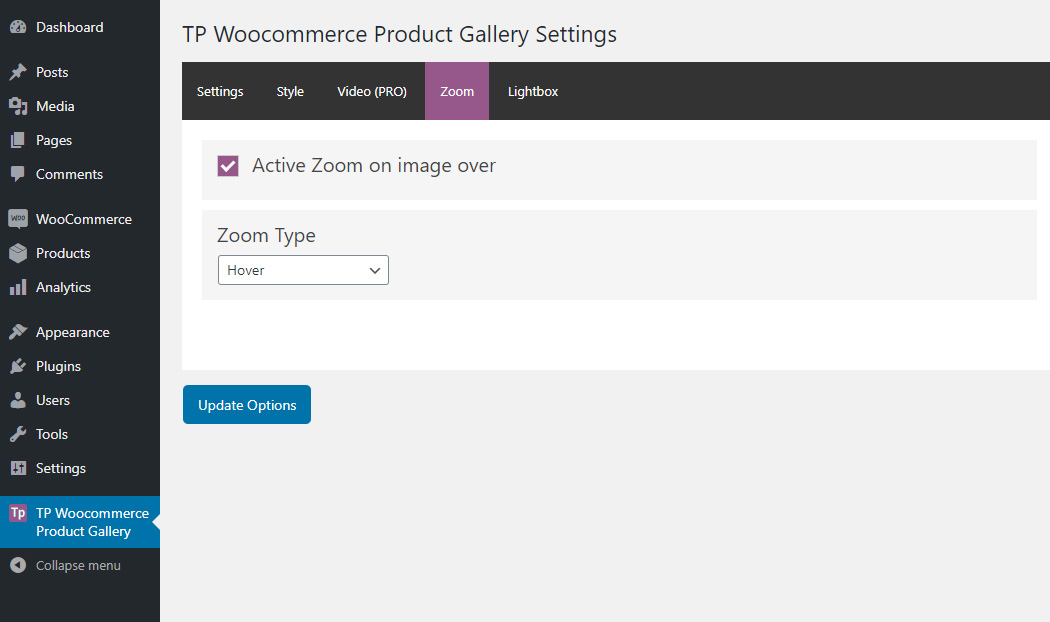
Settings page (6/9)
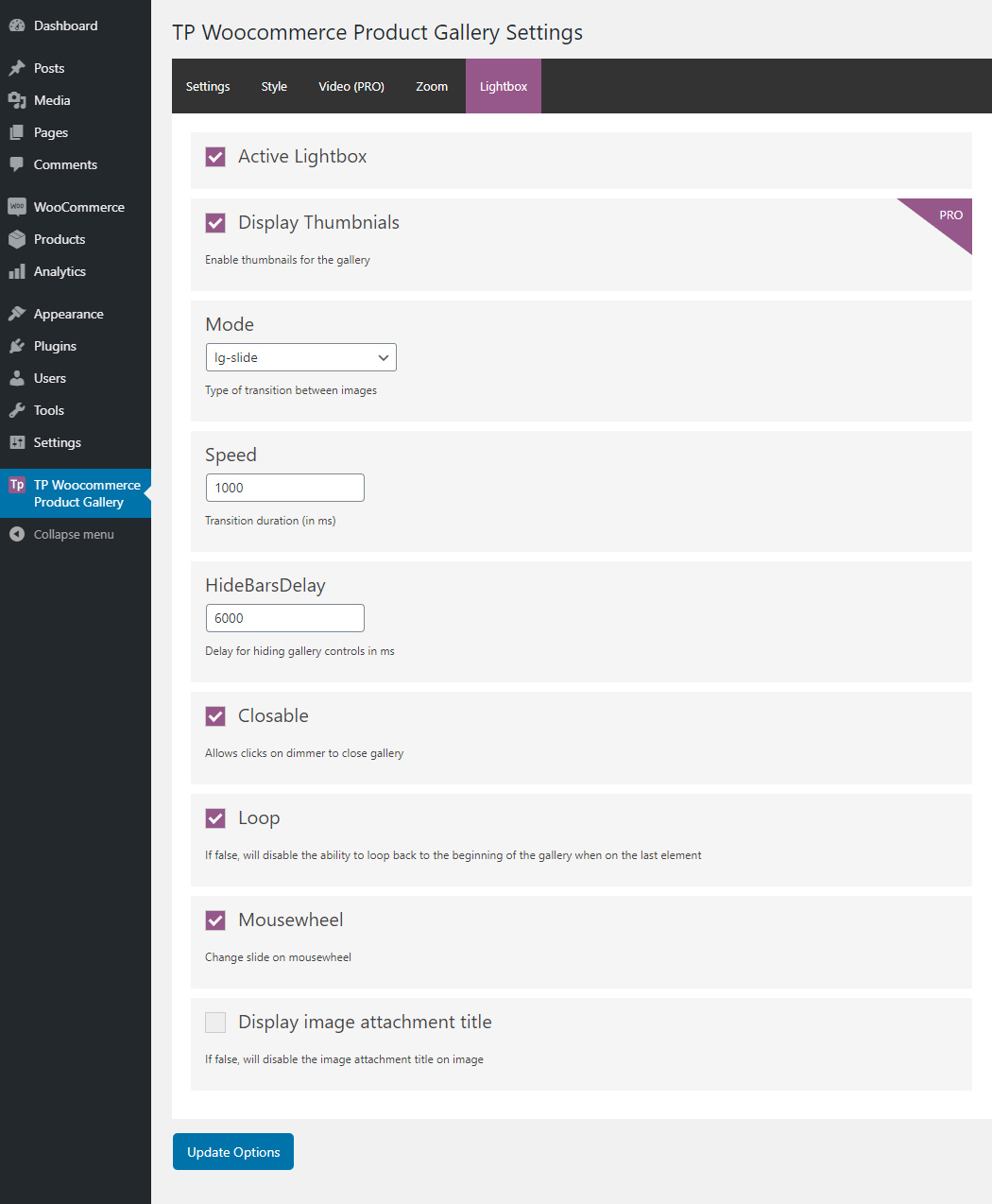
Settings page (7/9)
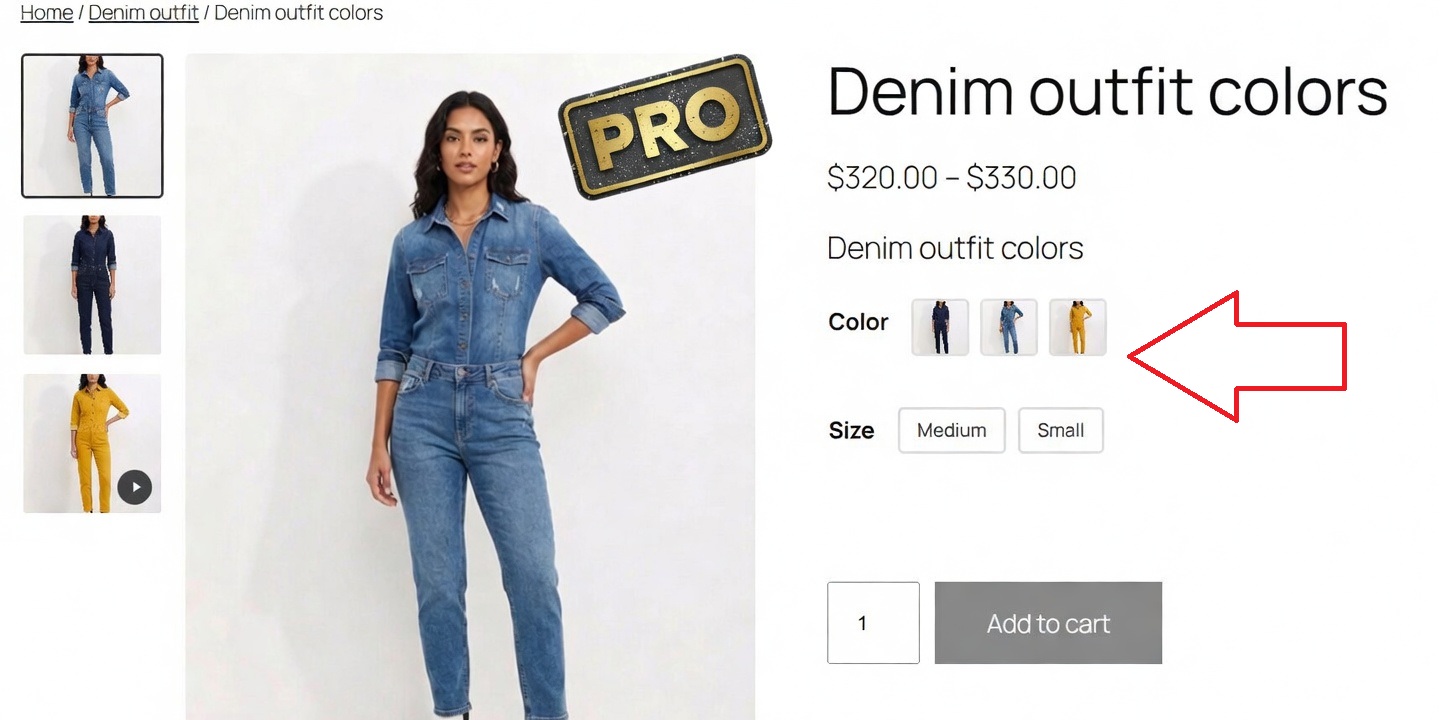
Variation images (8/9)
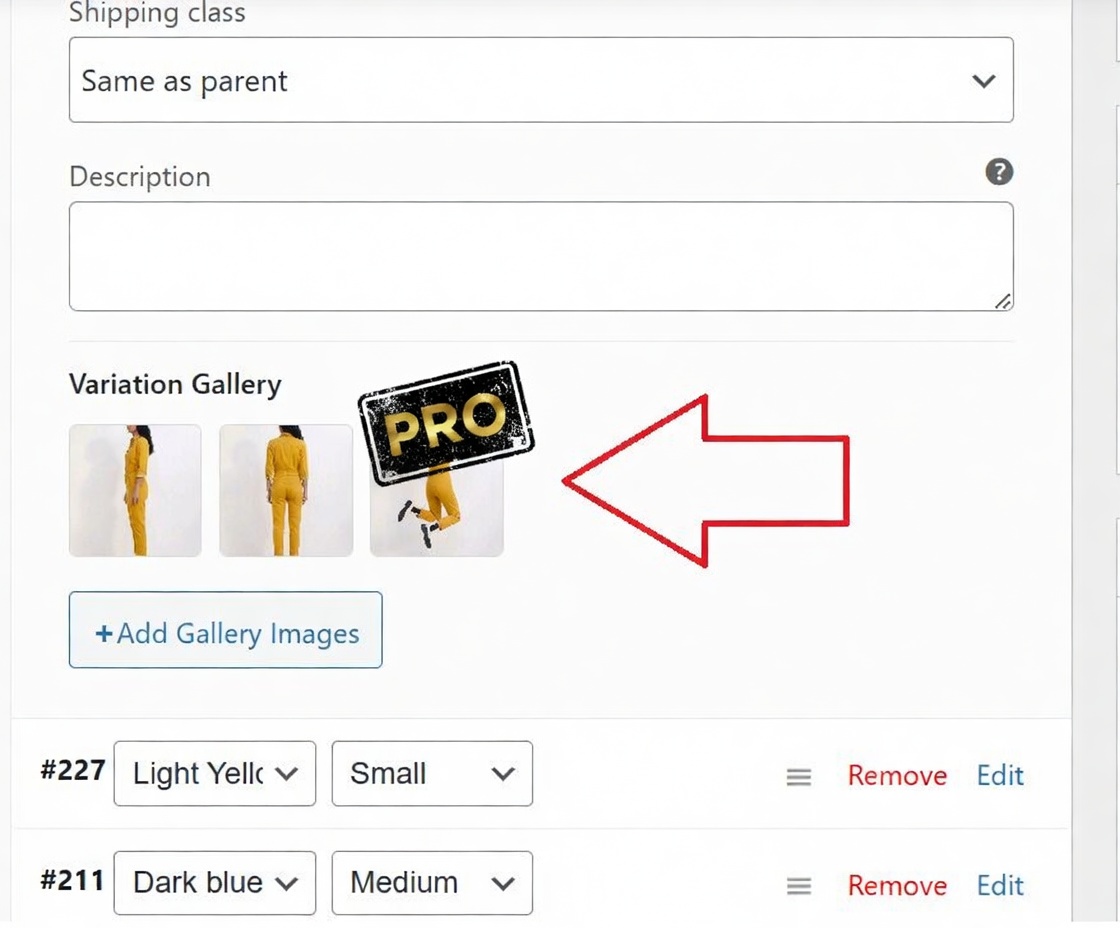
Variation gallery (9/9)
Faq
Yes, this plugin is designed to work with WooCommerce, so you need an active WooCommerce store.
TP WooCommerce Product Gallery is 100% responsive and tested on all devices and screen resolutions.
Check out TP Gallery PRO — it includes advanced features like loop galleries, visual swatches, per-variation galleries, product sliders, and much more. Or contact us with your feature request.
Yes! Go to the plugin settings to change colors, backgrounds, icons, and more. For extensive customization options, consider upgrading to TP Gallery PRO.
Reviews
Leaves original gallery in place
By 
The plugin authors correctly identified a need for improvement of the inconsistent and bloated default WooCommerce product gallery, but unfortunately the execution is worse than the original.
This plugin is truly disappointing and useless
By 
This plugin is truly disappointing and useless. It’s embarrassing.
Very good and great customer service
By 
I was looking for a product image gallery that will not clash with the Woocommerce product bundle plugin we have on our website. I'm glad I found this one. It works great. I did have some issues when first installing it, but the customer service was very kind and helpful and help me to solve the issues.
Useless, until you want to ruin your site
By 
Useless, until you want to ruin your site
Looks and works great
By 
Easy to add and configure plugin, works great with Elementor.
Worst support
By 
mehhh
By 
Not work with Elementor Product Images
By 
The plugin works great, thanks a lot
By 
It works well
By 
Changelog
2.0.3 – Major Security Update
- Update – WordPress 7.0.0 compatibility
- Update – WooCommerce latest compatibility
2.0.2 – Major Security Update
- Update – WordPress 6.9.4 compatibility
- Update – WooCommerce latest compatibility
2.0.1 – Major Security Update
- Update – WordPress 6.9 compatibility
- Update – WooCommerce latest compatibility
2.0.0 – Major Security Update
- Security – Complete fix for DOM-based XSS vulnerability by replacing lightGallery library
- New – Built custom secure lightbox to replace vulnerable lightGallery library
- Security – Eliminated all DOM-based XSS risks with new secure implementation
- Removed – lightGallery library and all related security vulnerabilities
- Removed – Mode and mousewheel settings (no longer needed with new lightbox)
- Fixed – Lightbox now opens only on fullscreen button click (not thumbnails)
- Improved – Faster loading and smaller file size without heavy lightGallery library
- Update – WordPress 6.8 compatibility
- Update – WooCommerce latest compatibility
1.1.9 – Security Update
- Security – Fixed DOM-based XSS vulnerability in lightGallery library
- Security – Added proper input sanitization and output escaping throughout the plugin
- Update – WordPress 6.8.2 compatibility
- Update – WooCommerce 10.1.2 compatibility
1.1.8 – Update
- Update – WordPress 6.8.2 compatibility
- Update – WooCommerce 10.1.2 compatibility
1.1.7 – Update
- Update – WordPress 6.8.1 compatibility
- Update – WooCommerce 9.8.3 compatibility
1.1.6 – Update
- Update – WordPress 6.7.1 compatibility
- Update – WooCommerce 9.5.2 compatibility
1.1.5 – Update
- Update – WordPress 6.5.2 compatibility
- Update – WooCommerce 8.7.0 compatibility
- Update – Compatibility High Performance Order Storage
1.1.4 – Update
- Update – WordPress 6.4.2 compatibility
- Update – WooCommerce 8.4.0 compatibility
1.1.3 – Update
- Update – WordPress 6.3.2 compatibility
- Update – WooCommerce 8.2.1 compatibility
- jQuery document ready fix
1.1.2 – Update
- Update – WordPress 6.2 compatibility
- Update – WooCommerce 7.5.1 compatibility
1.1.1 – Update
- Update – WordPress 6.0.0 compatibility
1.1.0 – Update
- Update – WordPress 5.9.1 compatibility
- Update – WooCommerce 6.3.1 compatibility
1.0.9 – Update
- Update – WordPress 5.8.2 compatibility
- Update – WooCommerce 6.0.0 compatibility
1.0.8 – Update – Woostify theme compatibility
1.0.7 – Update – WordPress 5.8 compatibility
1.0.6 – Fixed: id was called incorrectly, get_gallery_attachment_ids
1.0.5 – Fixed: Attachment image first
1.0.4 – Fixed: CSS bugs
1.0.3 – Fixed: CSS bugs on mobile
1.0.2 – Fixed: CSS bugs on mobile
1.0.1 – Added Adaptive Height feature (enables adaptive height for single-slide horizontal carousels)
1.0.0 – Released on 10 April 2020
- Initial release