TURBO – Shipping Rules for WooCommerce
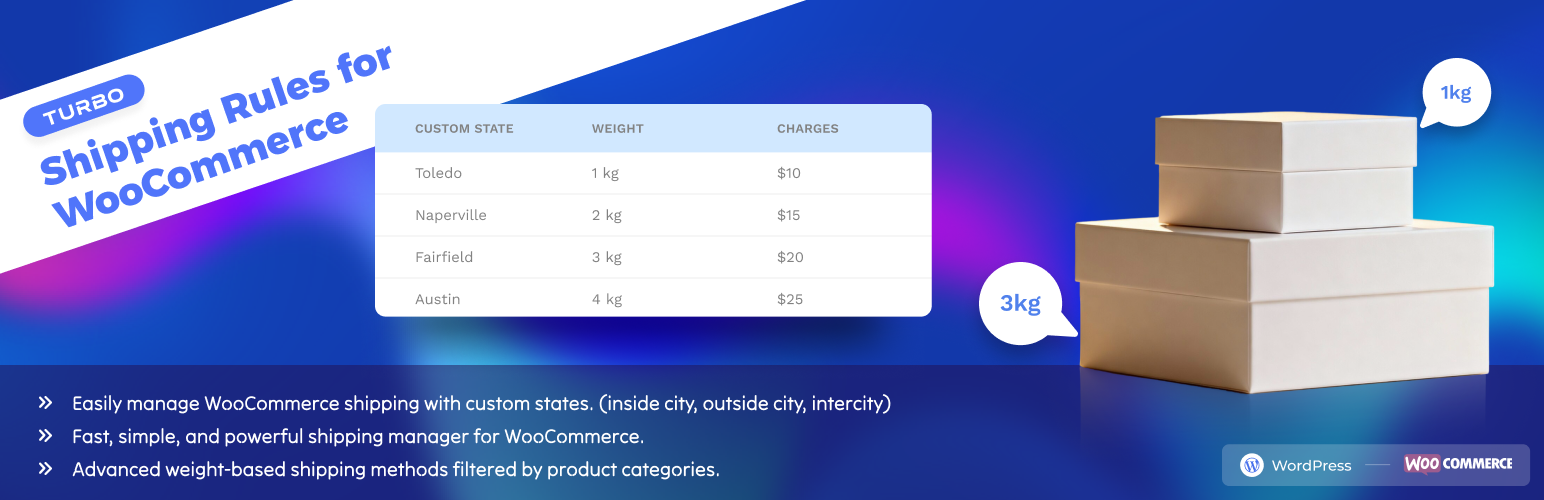
TURBO – Shipping Rules for WooCommerce
Description
TURBO – Shipping Rules for WooCommerce allows you to define and manage custom state (or district) options and create flexible shipping methods (weight-based with product category filters) for any country in WooCommerce checkout forms.
This is especially useful if your business operates in regions that are not covered by WooCommerce’s default state lists — such as custom districts in Bangladesh, provinces in African countries, or extra regions within the United States — and also requires advanced shipping methods based on weight and product categories.
With a simple admin UI and seamless WooCommerce integration, your customers can now choose from precise and relevant shipping regions and shipping methods tailored to your business.
✅ Ideal for:
– Local delivery businesses
– Regional shipping rate setup
– Weight-based shipping (with product category filter)
– WooCommerce store owners in non-standard countries
Features
- Add custom states/districts to any country
- Display custom states in WooCommerce checkout forms
- Organize states per country (e.g., BD, IN, US, etc.)
- Works with shipping zones
- Create weight-based shipping methods (with product category filter)
- Simple admin interface to Add, Edit, Delete states
- Lightweight and follows WordPress coding standards
- No bloat – clean and optimized code
License
TURBO – Shipping Rules for WooCommerce is licensed under the GNU GPL v2 or later.
Installation
- Make sure WooCommerce is installed and active.
- Upload the plugin to the
/wp-content/plugins/directory or install via the Plugins screen. - Activate the plugin through the Plugins menu in WordPress.
- Go to Shipping States in the WordPress Admin menu.
Screenshots

Admin dashboard view showing the list of custom shipping states.

Form to create a new shipping state with country and code.

How to ready csv file for bulk upload.

Bulk CSV upload interface for adding multiple states at once.

Assign your custom states to WooCommerce shipping zone regions.

Your Custom Shipping Zone

Edit Zone

Choose Your Custom Shipping method

Add your Custom Custom Shipping Rules

Save and explore the checkout page

Change the distric and see the update

Find the shipping state and see the update
Faq
No. It merges your custom states with WooCommerce’s existing list for each country.
Yes! Once added, your new states will appear in WooCommerce shipping zones where you can assign flat rate, free shipping, or create weight-based shipping methods with product category filters.
Yes. You can add custom states for any country code
✅ Yes, this plugin declares compatibility with HPOS.
No. You can add unlimited custom states and create as many shipping methods as needed for your business.
Reviews
Changelog
1.0.2
- Tested: Tested and verified for full compatibility with wordpress version 6.9 and woocommerce version 10.6.1.
1.0.1
- Fixed: Security check error when performing bulk actions (Move to Trash, Delete Permanently, Restore) in the States list table.
- Improved: Nonce verification consistency for better security and smoother admin experience.
1.0.0
- Initial release
- Add/edit/delete custom shipping states for any country
- Create weight-based shipping methods (with product category filters)
- Integrates states into WooCommerce checkout and shipping zones
- Supports WooCommerce HPOS