Turnstile Pro – Cloudflare CAPTCHA Protection

Turnstile Pro – Cloudflare CAPTCHA Protection
Description
Turnstile Pro adds Cloudflare’s free Turnstile CAPTCHA protection to your WordPress site without needing Google reCAPTCHA.
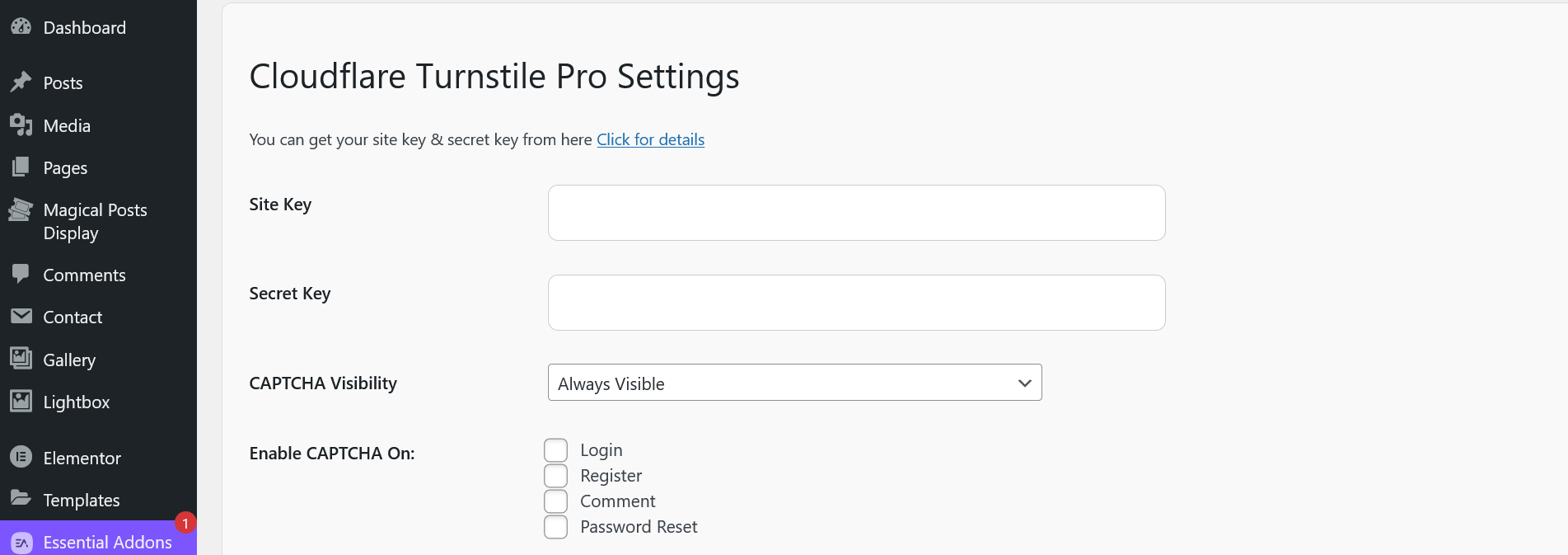
- Protects login, registration, comment, and password reset forms
- Dynamic or Static Turnstile script loading (performance optimized)
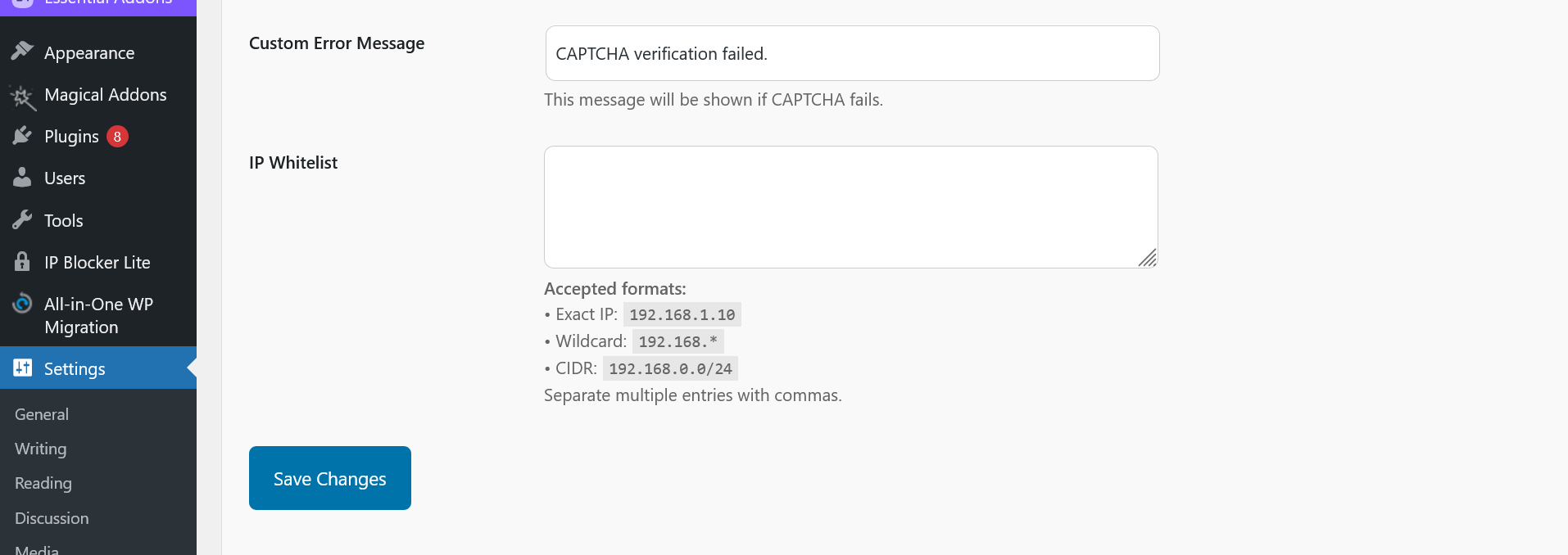
- Admin settings panel with IP whitelist management
- Custom error message option
- Clean uninstall support (removes plugin settings)
- Translation ready
Turnstile Pro is lightweight and follows WordPress coding standards.
Credits
Plugin developed by Nurul Islam.
GitHub: https://github.com/faqnurul
Installation
- Upload the plugin files to
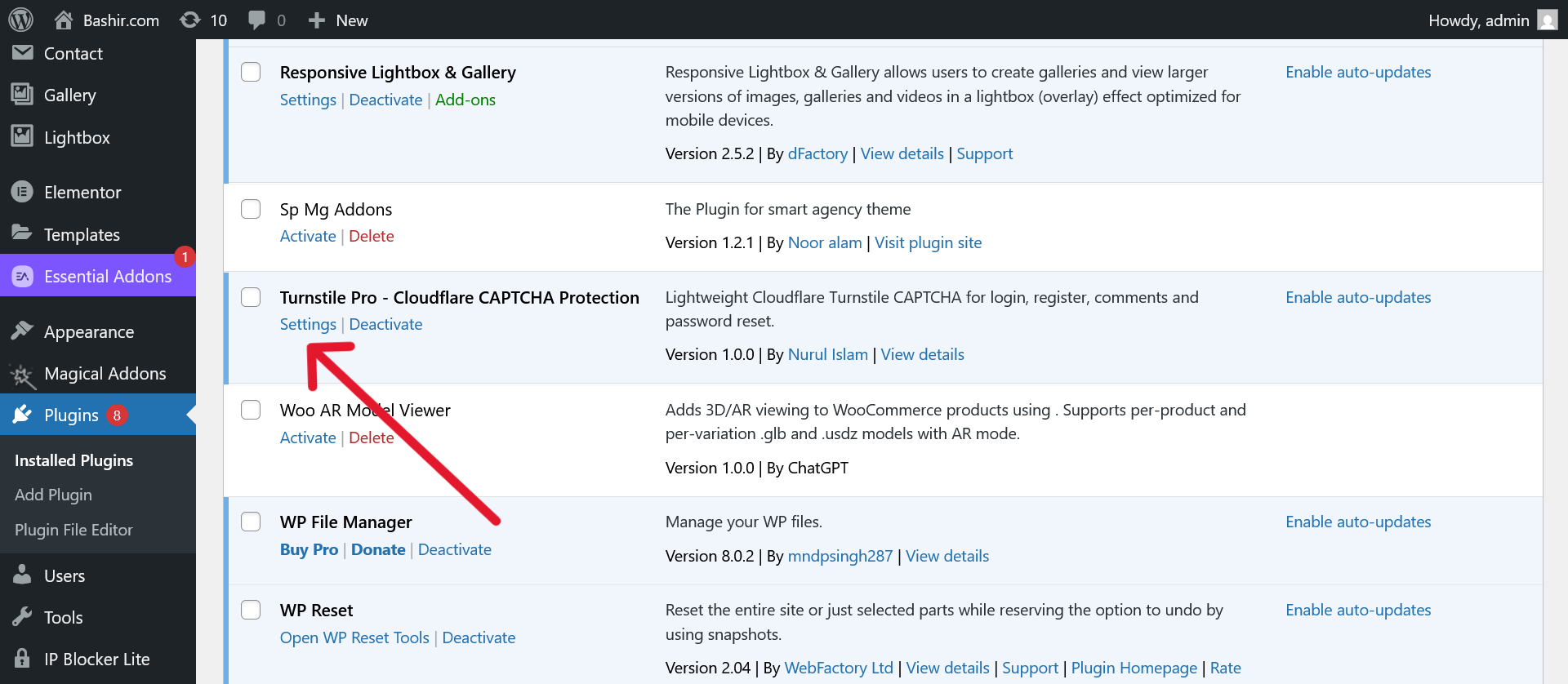
/wp-content/plugins/turnstile-pro, or install directly via WordPress dashboard. - Activate the plugin through the ‘Plugins’ menu.
- Go to
Settings -> Turnstile Proand configure your site key and secret key. - Choose which forms you want CAPTCHA protection on.
Screenshots
Settings Panel (Site Key, Secret Key, Visibility Mode)
CAPTCHA on Login Form
CAPTCHA on Comment Form
Faq
You can sign up for free and get site keys here: Cloudflare Turnstile
No! Turnstile Pro dynamically loads CAPTCHA scripts only when needed for better performance.
Yes! You can whitelist IPs from the settings panel.
Yes! You can choose between always-visible or invisible CAPTCHA in settings.
Reviews
Changelog
1.0.0
- Initial release.
- Turnstile protection for login, register, comment, and password reset.
- IP whitelist functionality.
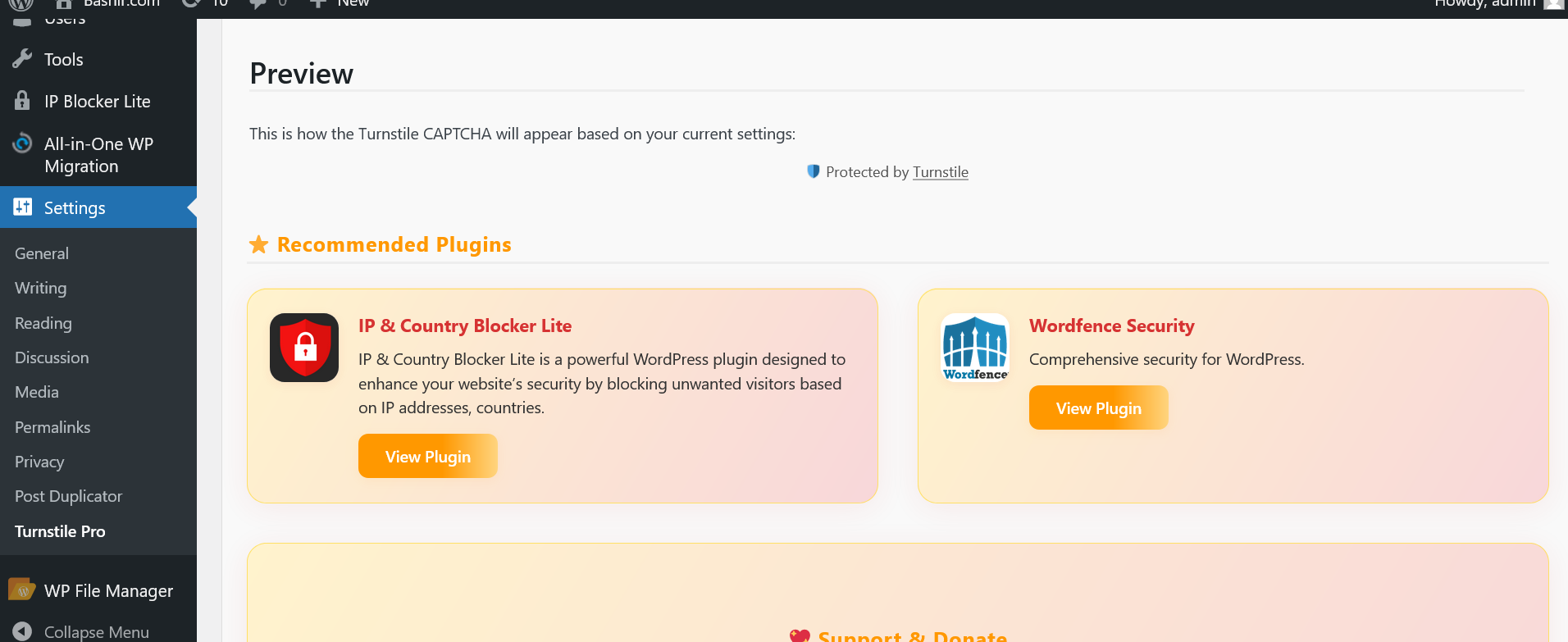
- Admin settings panel with live preview.