TZM Block Scroll Animations
TZM Block Scroll Animations
Description
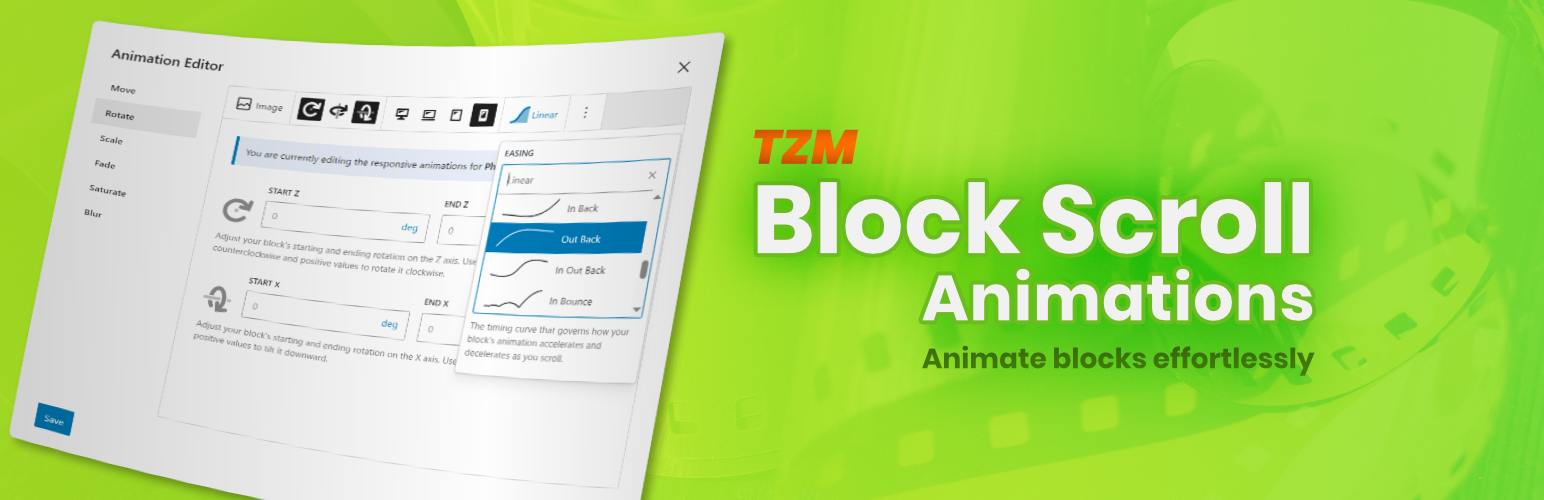
TZM Block Scroll Animations helps you bring your blocks to life by adding clean, expressive scroll-driven motion effects. Animate properties such as position, scale, rotation, opacity, and more — all directly within the Gutenberg Editor in just a few seconds.
Features
-
Animation Editor: A clean and straightforward interface that requires no coding or scripting knowledge. Set up eye-catching scroll-based animations in just a few clicks.
-
Start/End-Based Animations: Animate movement, rotation, scaling, opacity, grayscale, and blur using a simple, start-to-end value workflow that keeps animation behavior predictable.
-
Customizable Timeline Range: Define the scroll segment that drives the animation using block selection or custom CSS selectors for maximum flexibility.
-
Integrated Responsive Controls: Assign different animation settings for desktop, laptop, tablet, and phone independently.
-
Easing Curves: Add extra refinement by using non-linear easing to adjust how animations unfold along the scroll timeline.
Source Code
The source code for TZM Block Scroll Animations is available on GitHub!
Follow the development, report issues, and get involved in improving the plugin. We welcome contributions, feedback, and feature requests from the community.
Installation
-
Upload the plugin files to the
/wp-content/plugins/tzm-block-scroll-animationsdirectory, or install the plugin through the WordPress plugins screen directly. -
Activate the plugin through the ‘Plugins’ screen in WordPress
Screenshots
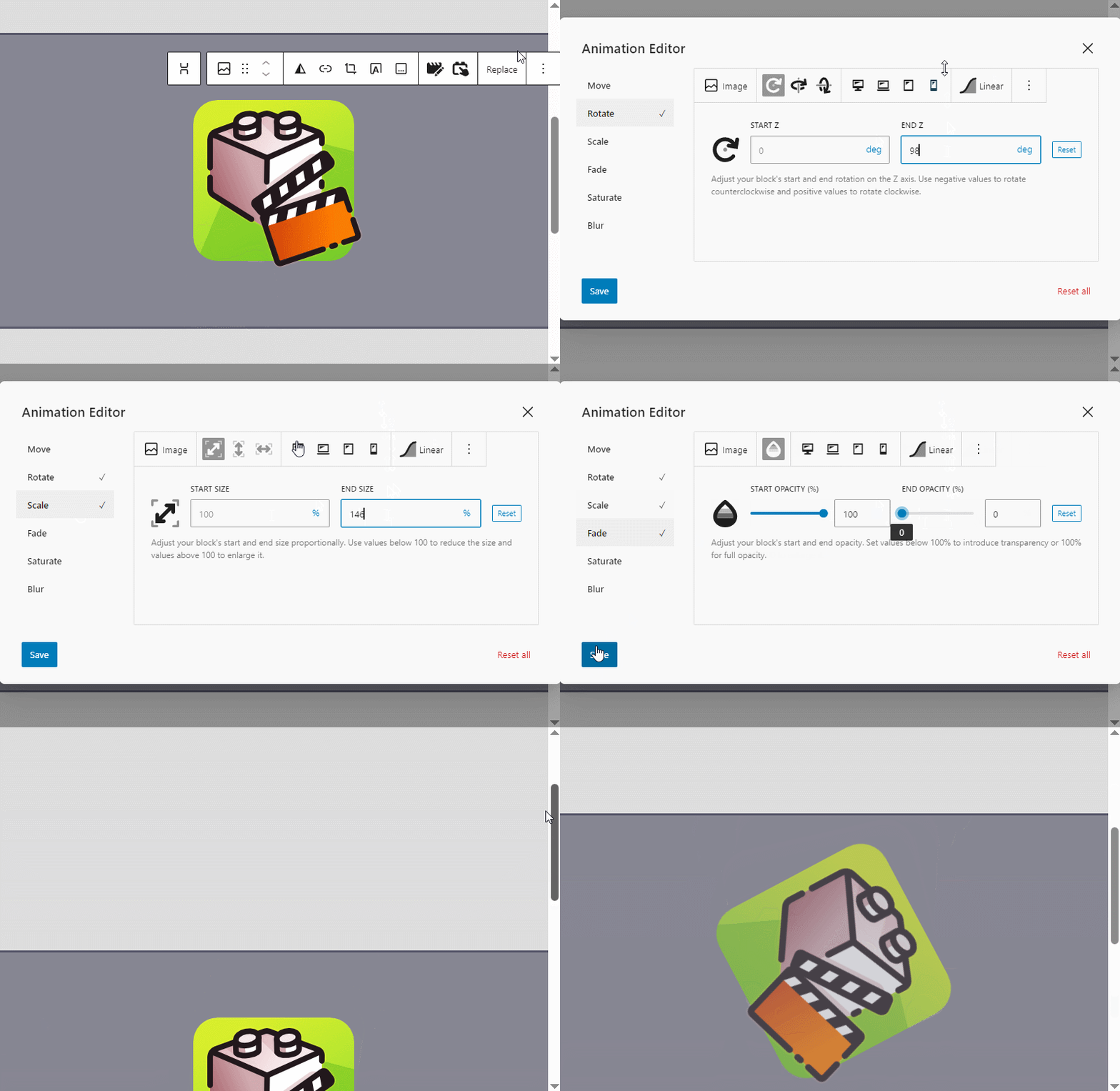
Quick and intuitive block animation workflow.
Faq
No. All animations can be created within the Animation Editor by using input fields and sliders.
Blocks without an HTML anchor cannot be selected. Add an anchor in the block settings, then try again.
Yes. The Animation Editor supports device-specific configuration. Activate the responsive icons to set unique values per device.
Block Scroll Animations works with any theme that properly supports the block editor and follows standard frontend markup.
While the plugin cannot be used outside the WordPress environment, you may want to explore the underlying ScrollageJS library, which powers this plugin: https://github.com/jakobwiens7/scrollage-js.
Yes. Use the tzm_scrollage_init_settings filter to modify the initialization configuration. For example:
add_filter('tzm_scrollage_init_settings', function($settings) {
    $settings['debug'] = true;
    return $settings;
});
For a complete list of available options, refer to the ScrollageJS documentation.
Reviews
Changelog
1.0.2
- Support WordPress 7.0
- Minor bugfixes
- Allow importing single animations via JSON
- Allow custom ScrollageJS initialization settings
1.0.0
- Initial Release 🙂