Ultimate Security – Login Protection, 2FA, CAPTCHA & Hardening
Ultimate Security – Login Protection, 2FA, CAPTCHA & Hardening
Description
Ultimate Security protects your WordPress site from brute force attacks, unauthorized access, and bots. Lightweight, modular, and privacy-focused.
Key Features
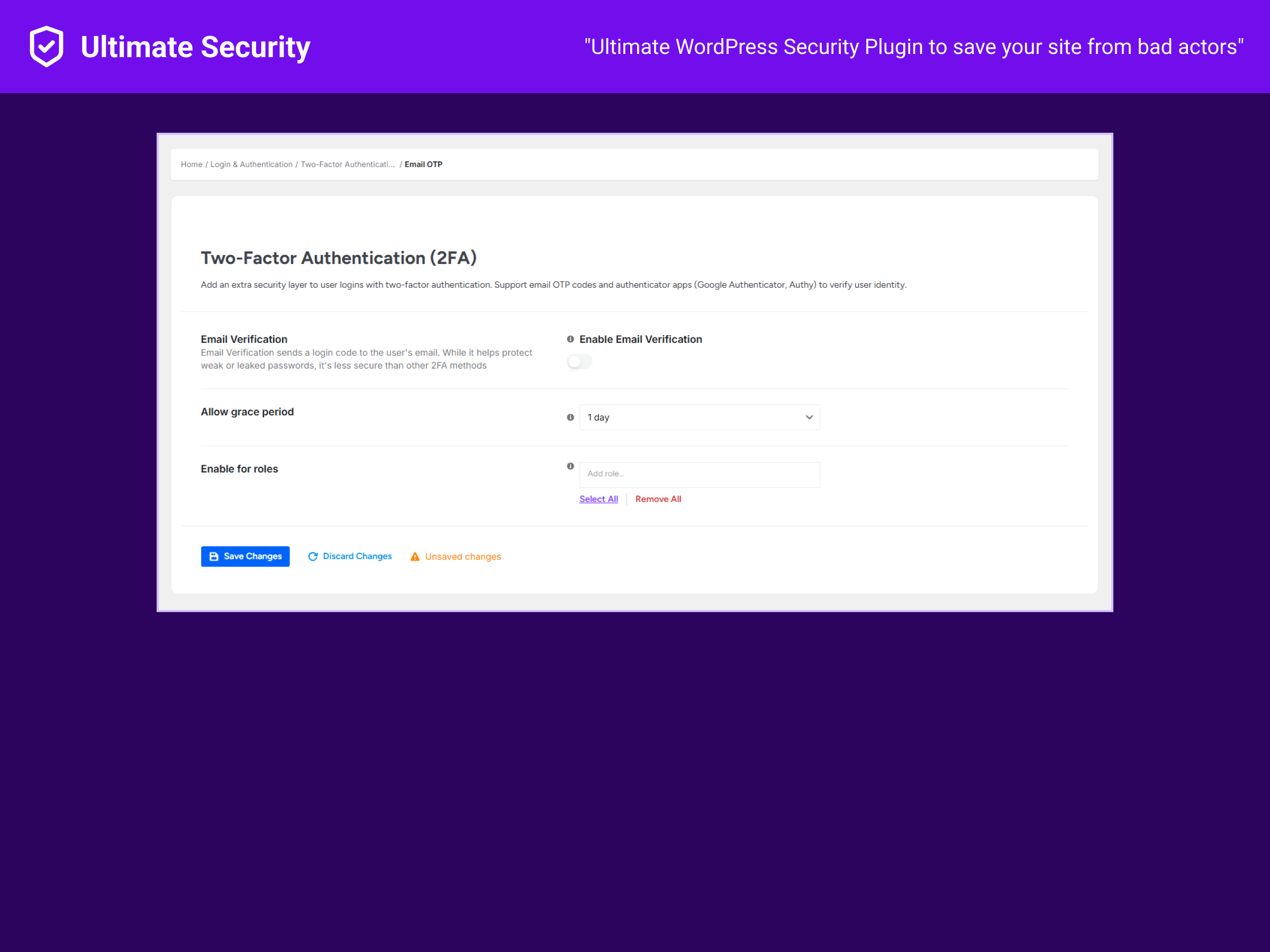
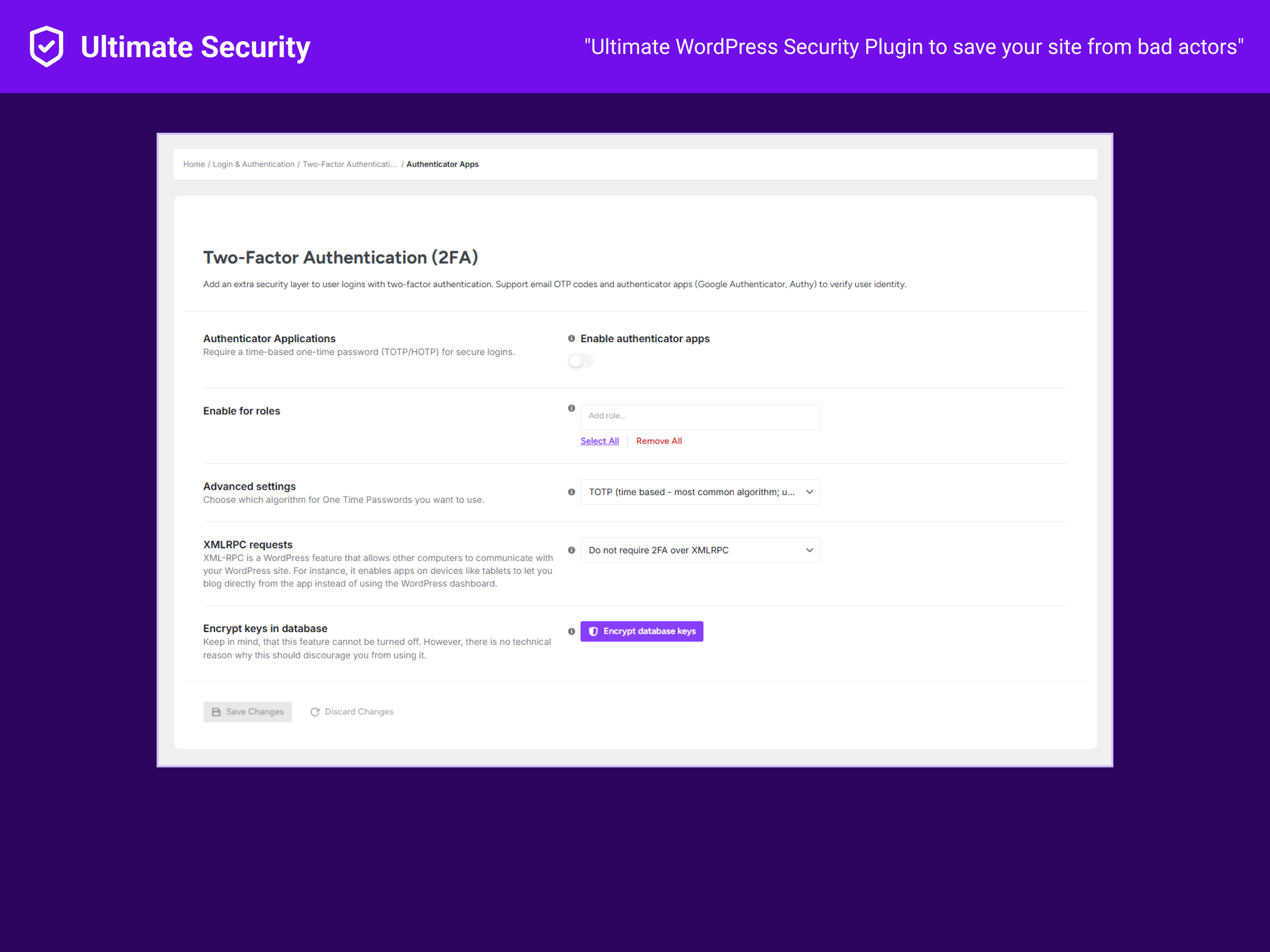
Two-Factor Authentication
* Email OTP verification
* Google Authenticator, Authy, Microsoft Authenticator (TOTP/HOTP)
* 2FA status dashboard
Login Protection
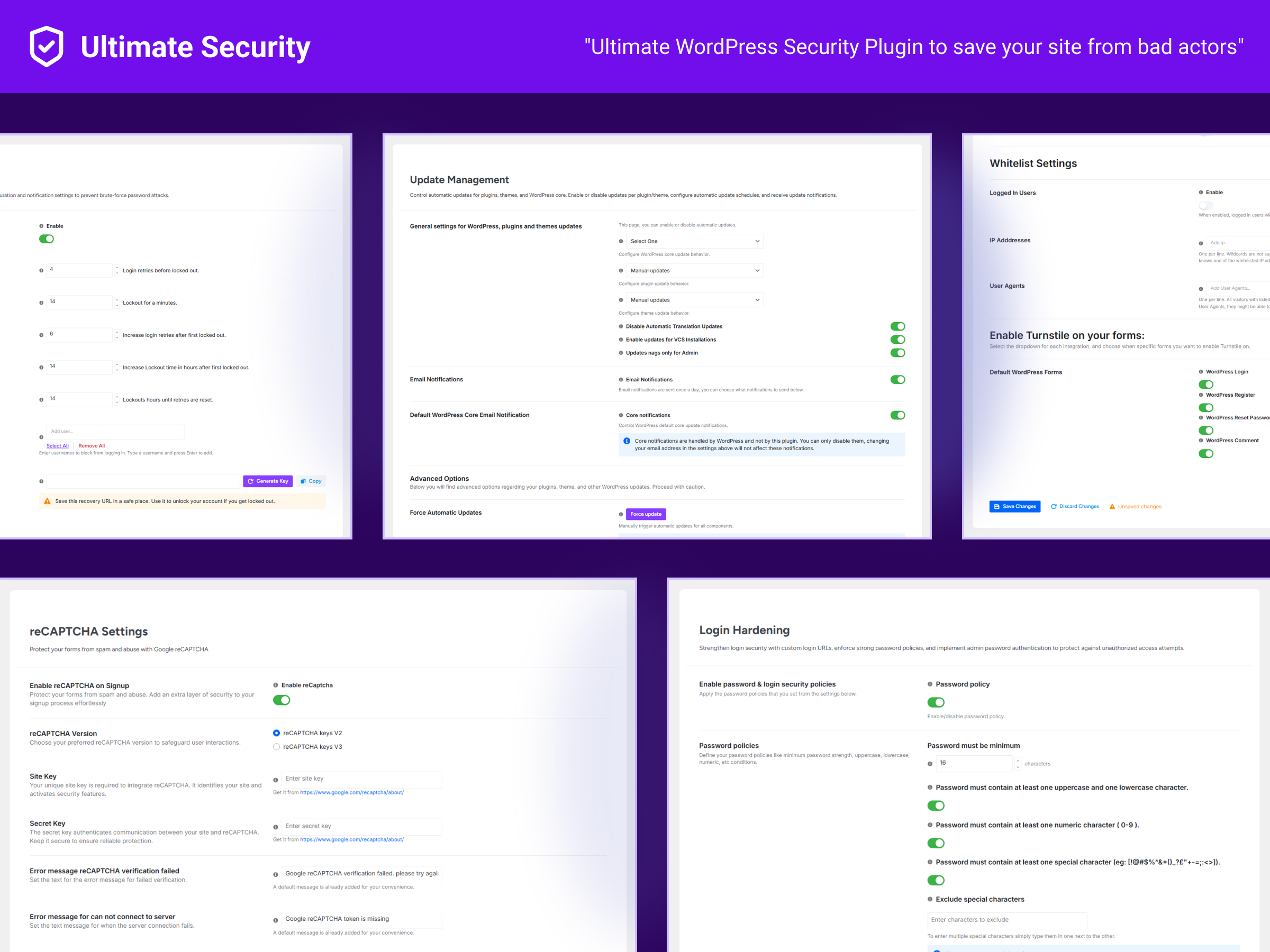
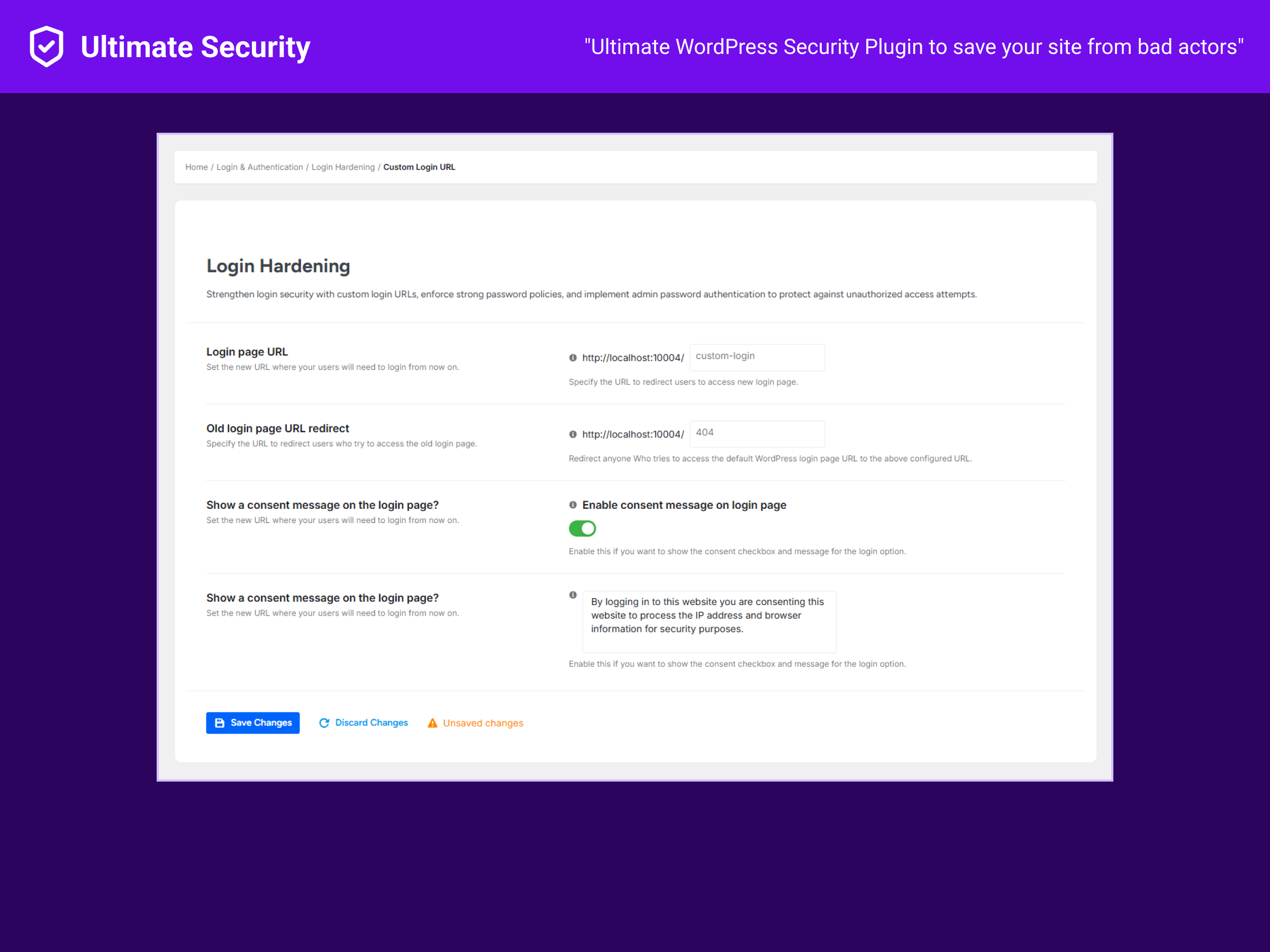
* Custom login URL (hide wp-admin)
* Login attempt limits
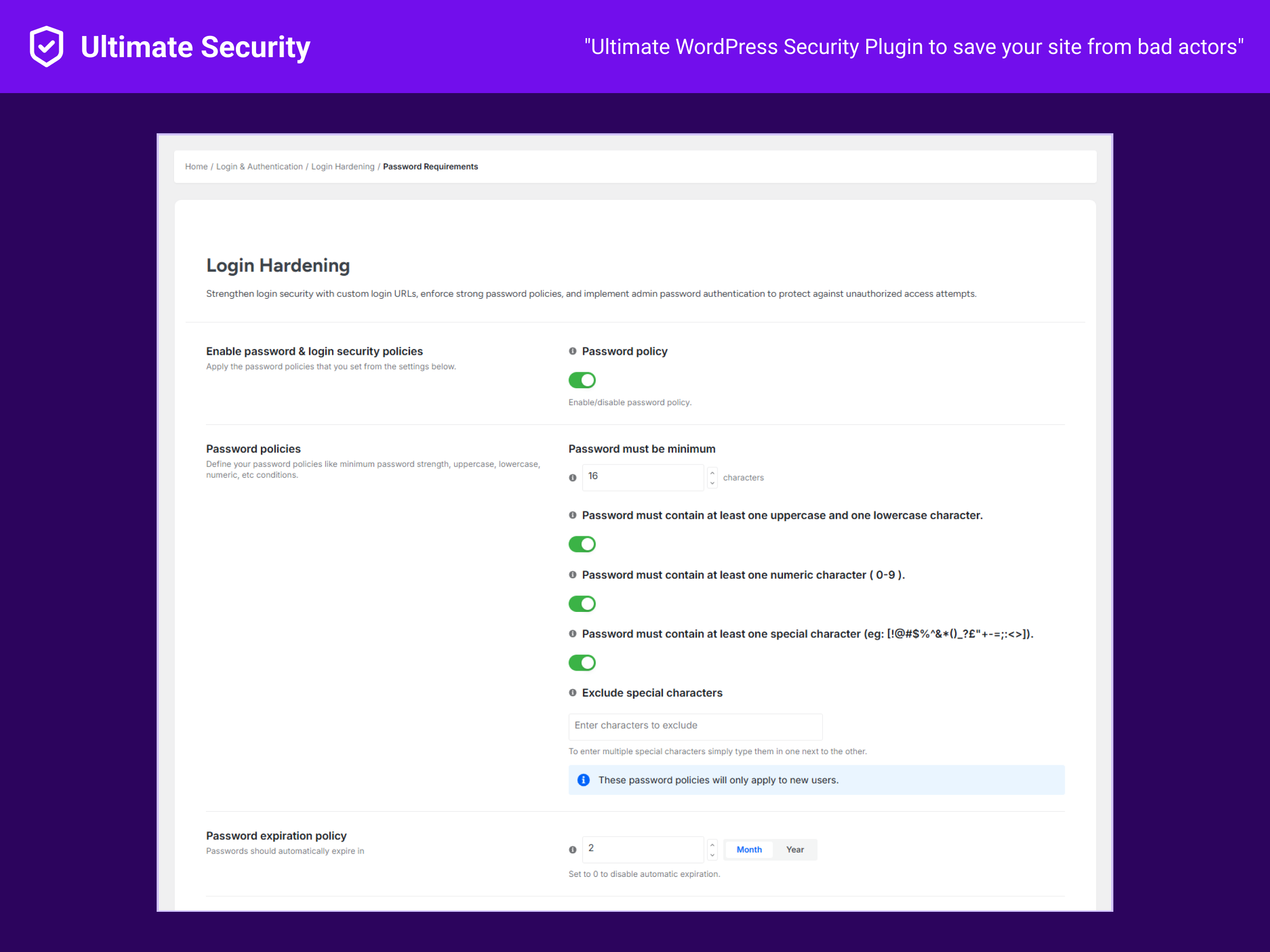
* Password policy enforcement
* Session management
Bot Protection
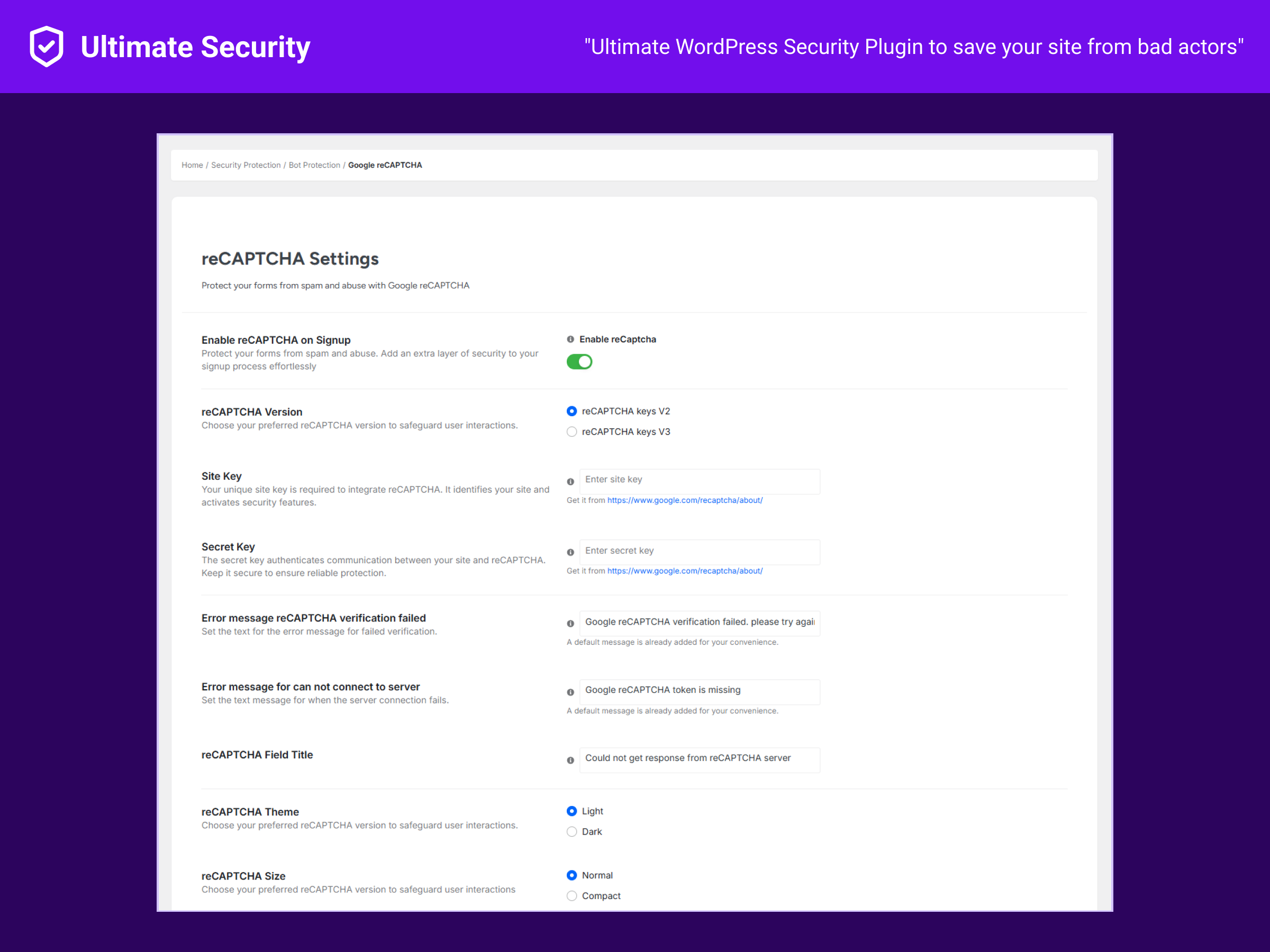
* Google reCAPTCHA v2/v3
* Cloudflare Turnstile
* Protect login, registration, comments, WooCommerce
Security Hardening
* Security keys rotation
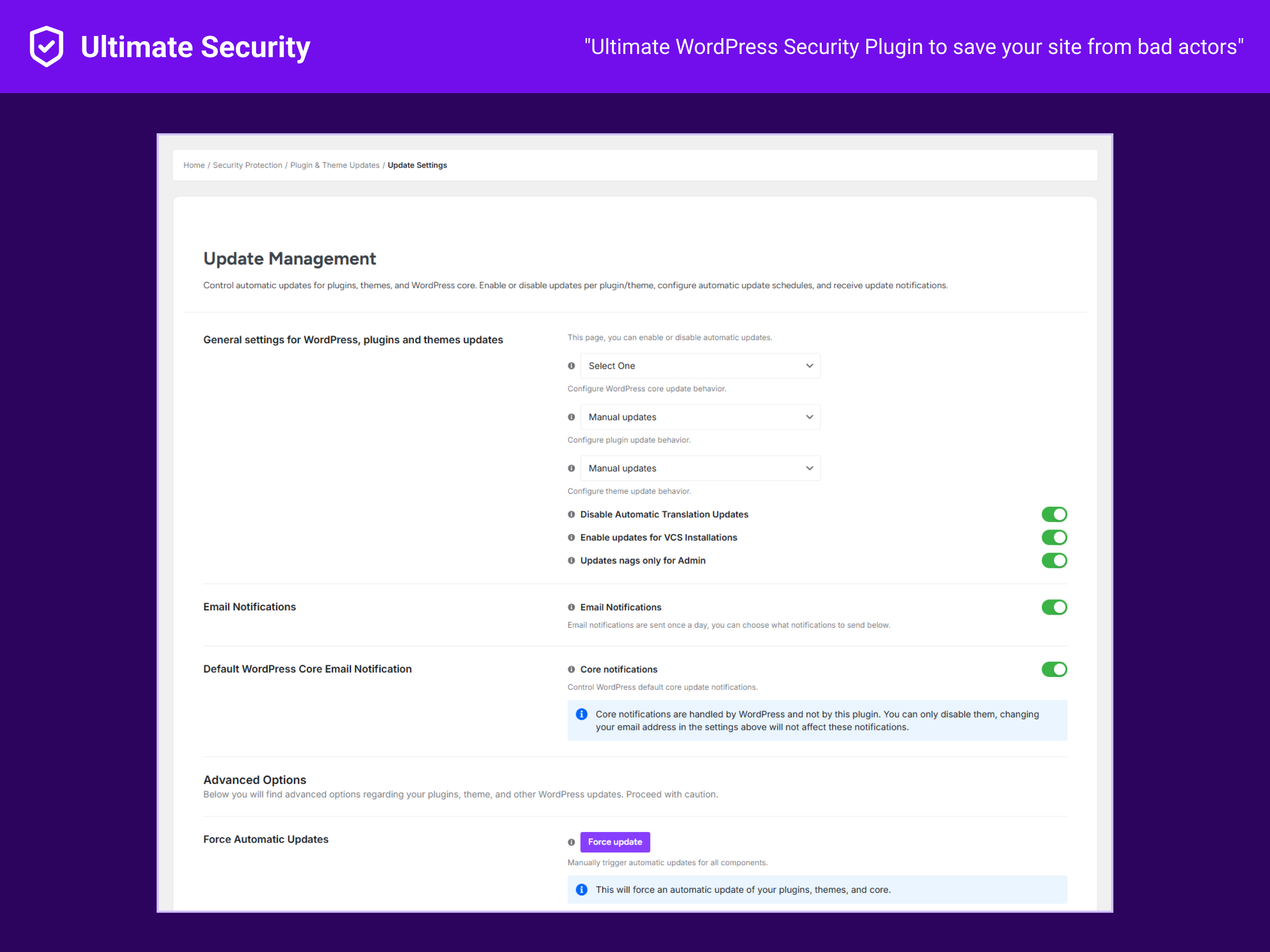
* Auto-update controls
* Site health monitoring
Content Protection
* Right-click disable
* Text selection control
* Image drag prevention
Tools
* Security Score dashboard
* Settings backup/restore
* Test mode for previewing rules
External Services
This plugin connects to external services:
Cloudflare Turnstile
- When: Turnstile CAPTCHA enabled
- Sends: Response token, site secret key
- URL: https://challenges.cloudflare.com/turnstile/v0/siteverify
- Privacy: https://www.cloudflare.com/privacypolicy/
Google reCAPTCHA
- When: reCAPTCHA enabled
- Sends: Response token, site secret key
- URL: https://www.google.com/recaptcha/api/siteverify
- Privacy: https://policies.google.com/privacy
WordPress.org Salt API
- When: Security keys rotation requested
- Sends: Request for random salt strings
- URL: https://api.wordpress.org/secret-key/1.1/salt/
Installation
- Go to Plugins > Add New
- Search “Ultimate Security”
- Click Install, then Activate
- Go to Ultimate Security menu
- Run the setup wizard
Quick Start
- Enable 2FA for admin accounts
- Set login attempt limits
- Add CAPTCHA to forms
- Check your Security Score
Screenshots
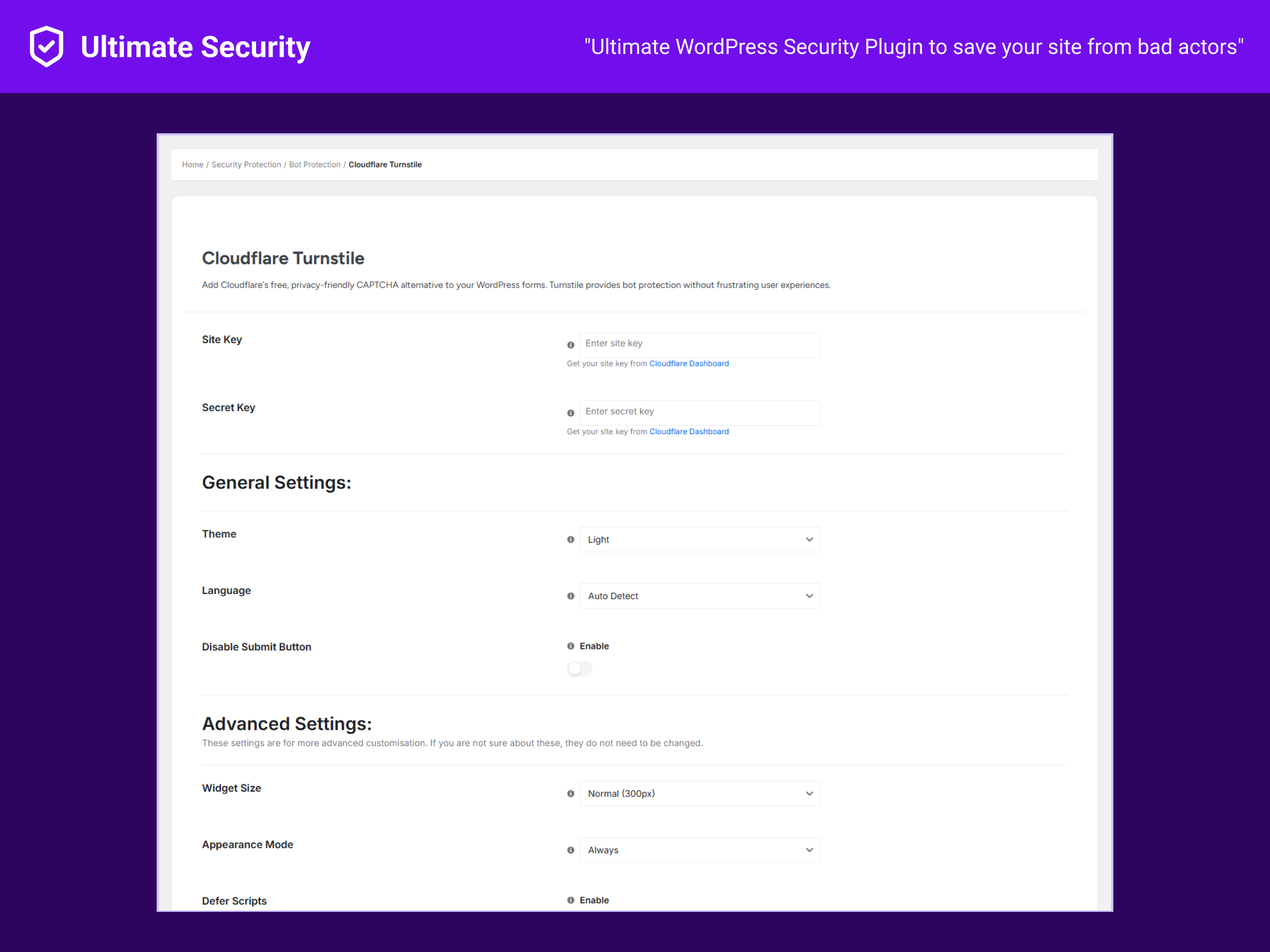
Faq
No. Adds less than 0.1s to page load.
Yes. CAPTCHA works on checkout and login forms.
Rename /wp-content/plugins/ultimate-security via FTP, or run wp plugin deactivate ultimate-security via SSH.
Yes. Disable overlapping features to avoid conflicts.
No. The setup wizard handles configuration.
Reviews
Changelog
1.0.17
- Fix: Minor bug fixes and stability improvements
- Improvement: Code cleanup and optimization
1.0.16
- Improvement: Code improvements to the ovearll plugin making it snappier.
1.0.15
- Improvement: Conflict management between applied settings.
- Improvement: UI improvements to existing settings pages. Making it more intuitive to use.
- Fix: Multiple bug fixes to dashboard. You should get more accurate results now.
- Fix: New deactivation URL was not saving after deactiviting-activating plugin.
1.0.14
- Fix: Email 2FA codes were not being sent properly
- Fix: 2FA code page flickering effect after login
1.0.13
- New: Completely redesigned user interface for better usability
1.0.12
- New: Security Score meter to track your site’s security level
- Improvement: Enhanced modal design for better UI/UX
1.0.11
- Fix: Minor UI bug fixes
1.0.10
- Security: Removed unauthenticated AJAX actions
- Security: REST routes now require admin permission
1.0.9
- Fix: Dashboard emergency deactivation URL display issue
1.0.8
- Improvement: Human-readable values in activity log
- Improvement: Reduced plugin size with optimized code
- Fix: 2FA reset issue for users
- Fix: Password policy not applying to new users
1.0.7
- New: Activity Log feature
- New: Improved dashboard design
- Fix: Nonce validation issues
- Fix: Turnstile not showing on comment forms
1.0.6
- Fix: Custom login setup issues
- Fix: Email 2FA asking for OTP twice
- Fix: Feedback form email delivery
- Improvement: Reorganized menu navigation
- Improvement: Performance optimizations
1.0.5
- Fix: Request logs page display issue
- Fix: URL Guard SQL query display
- Improvement: Performance optimizations
1.0.4
- Redesigned settings page interface