Ultimate Tab for WooCommerce
Ultimate Tab for WooCommerce
Description
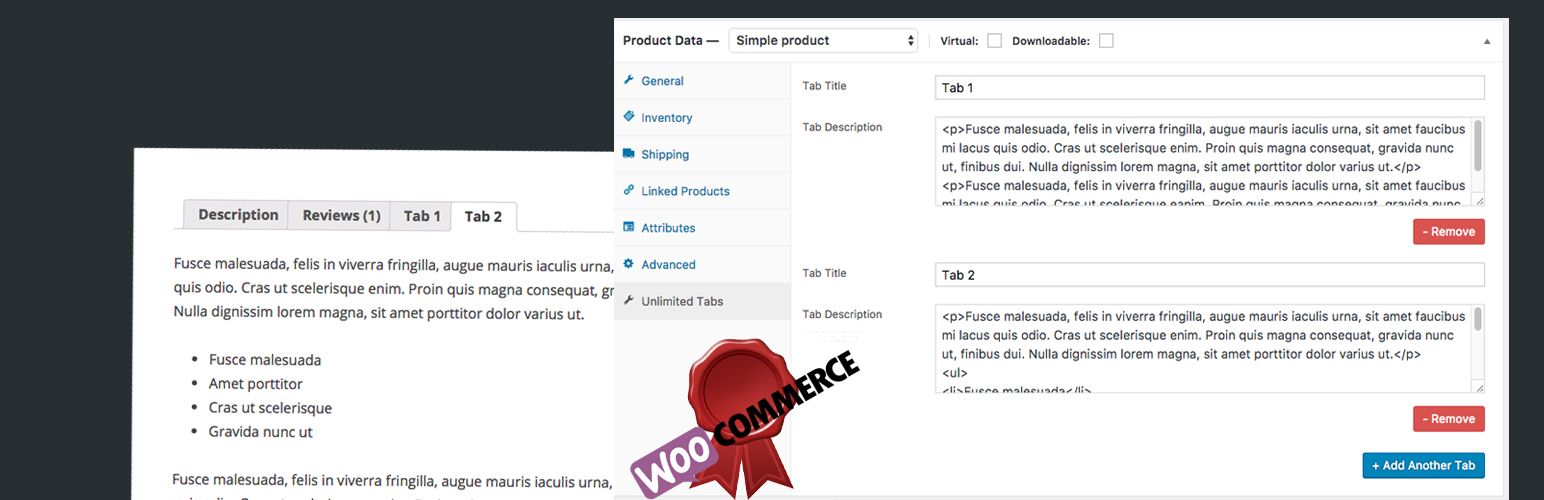
Ultimate Tab for WooCommerce is a WooCommerce plugin. Using this plugin, you can create an unlimited tab in WooCommerce product single page. Sometimes fixed and few tab is not enough to display product data correctly. You can add an unlimited tab in WooCommerce product single page with your custom title.
- Add Ultimate Tab in WooCommerce Single Page.
- Support Special Character in Description.
- Support Direct HTML in Description
- Translate Ready
Author
Developed by WPGOG
Installation
- Go to Dashboard > Plugins > Add New, then search “ultimate-tab-for-woocommerce” and click Install Now
- Upload ‘ultimate-tab-for-woocommerce’ to the ‘/wp-content/plugins/’ directory
- Activate the plugin through the ‘Plugins’ menu in WordPress
- This is a WooCommerce based plugins so you have to install WooCommerce.
Screenshots

Backend Screenshot

Custom Tab in Frontend
Faq
Q. Is this a WooCommerce Plugins?
A. Yes this is a WooCommerce based plugins. Only worked with WooCommerce product tab.
Q. Is is worked with custom theme?
A. Yes, this is a WooCommerce based plugins. It can be worked perfectly with any other theme.
Q.How Can i contact you for support?
A. If you will found any kind of bug or need any help. Then you can use WordPress default directory support system or email us directly “wpgogplugins@gmail.com”.
Reviews
Changelog
1.0
First release