Uploadfic – Upload Any Mime Types

Uploadfic – Upload Any Mime Types
Description
Uploadfic lets you enable unfiltered uploads in WordPress SVG, Excel, Docs, and more. Supports all MIME types easily and securely.
🔥 Features of Uploadfic
📁 Upload Any File Format – Effortlessly upload all file formats by selecting or adding custom MIME types.
🖼️ Modern Format Support – Full compatibility with SVG, EXE, ICO, JSON, HTML, and other popular file types.
🚫 Bypass Upload Limits – Override WordPress’s default restrictions without touching core files. It’s working based on the server configuration.
🧰 Zero Coding Needed – Intuitive interface designed for both beginners and advanced users.
🔐 Secure Upload Filtering – Built-in validation to block unsafe or unsupported file uploads.
➕ Custom MIME Type Control ( New ⚡ ) – Easily define and manage your own MIME types with just a few clicks.
🌟 Benefits of Uploadfic
✅ Unlock Restricted File Types – Enable uploads for file formats normally blocked by WordPress, like SVG, DOCX, EXE, and more.
✅ Save Time & Effort – No need for manual code edits or plugins for each file type—manage everything from one place.
✅ Boost Workflow Flexibility – Perfect for developers, designers, and content creators needing to upload a wide range of assets.
✅ Enhance Site Functionality – Expand what your WordPress site can handle by supporting more file types for media, tools, or documents.
✅ Improve File Management – Centralized control over all MIME types makes your media library more powerful and versatile.
✅ Stay Secure – Upload with confidence thanks to built-in checks that keep malicious files out.
📘 How to use ?
- Navigate WordPress Dashboard to
UploadficMenu. - Enable Your Preferred Mime Type & Click Save Button on the Header.
➕ Custom MIME Types
Need a file type that isn’t in the list? Add your own in a few seconds:
- Open the
Uploadficmenu and click Add custom MIME. - Enter the file extension (for example
woff2), the MIME type (for examplefont/woff2), an optional description, and pick a category. - Click Add. The new type is saved automatically and enabled, so you can upload it right away.
You can edit or delete a custom type at any time from its card, and switch it on or off like any built-in type. Custom types are marked with a Custom tag.
For your site’s safety, the extension and MIME type are validated before saving. Extensions must be 1-10 letters or numbers, duplicates of existing types are rejected, and risky types such as PHP, executable and script files (and text/html) are blocked.
Installation
- Install Uploadfic by uploading the
uploadficzip file to the/wp-content/plugins/directory. - Activate
Uploadficthrough thePluginsmenu in WordPress.
Screenshots
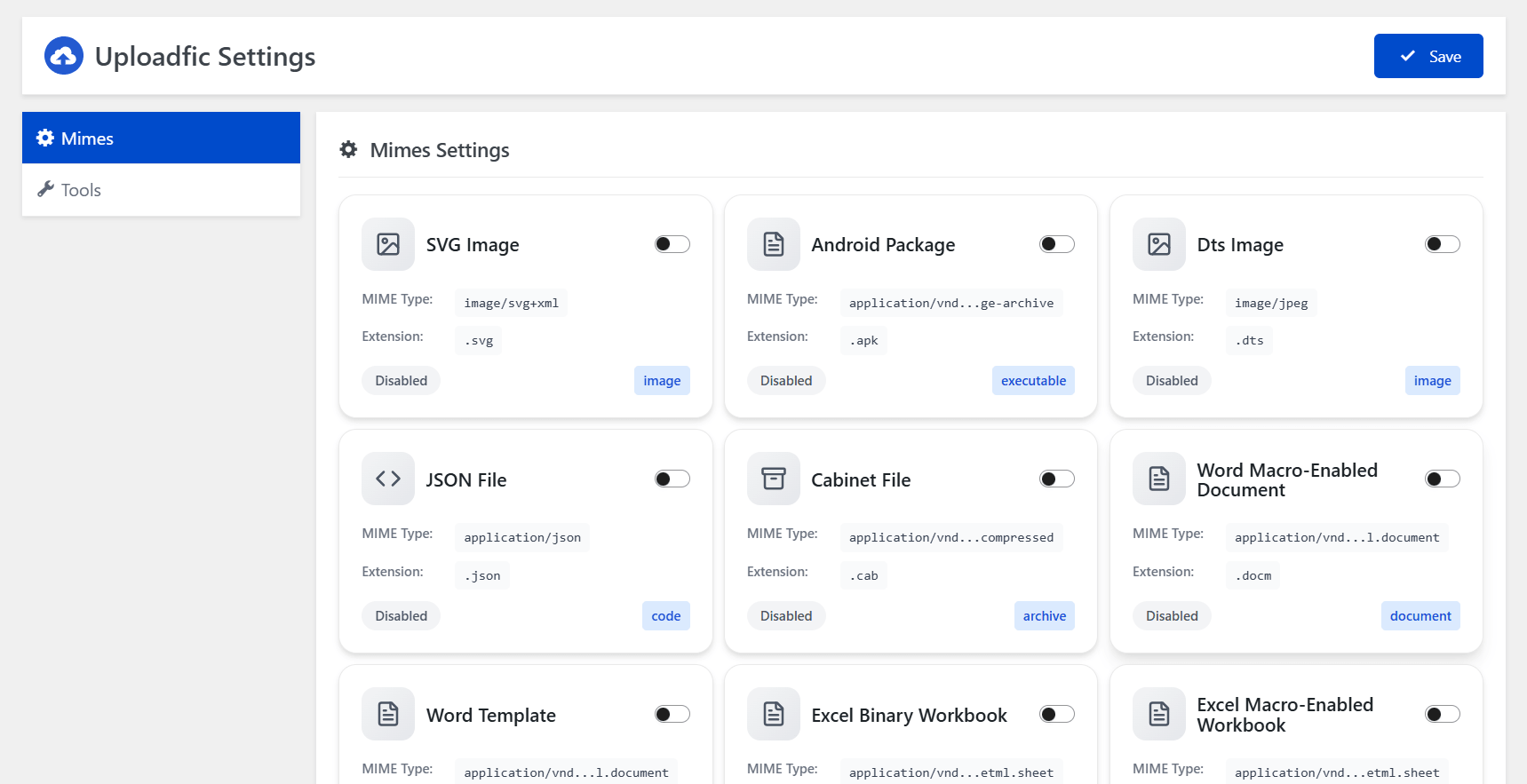
Mimes Settings
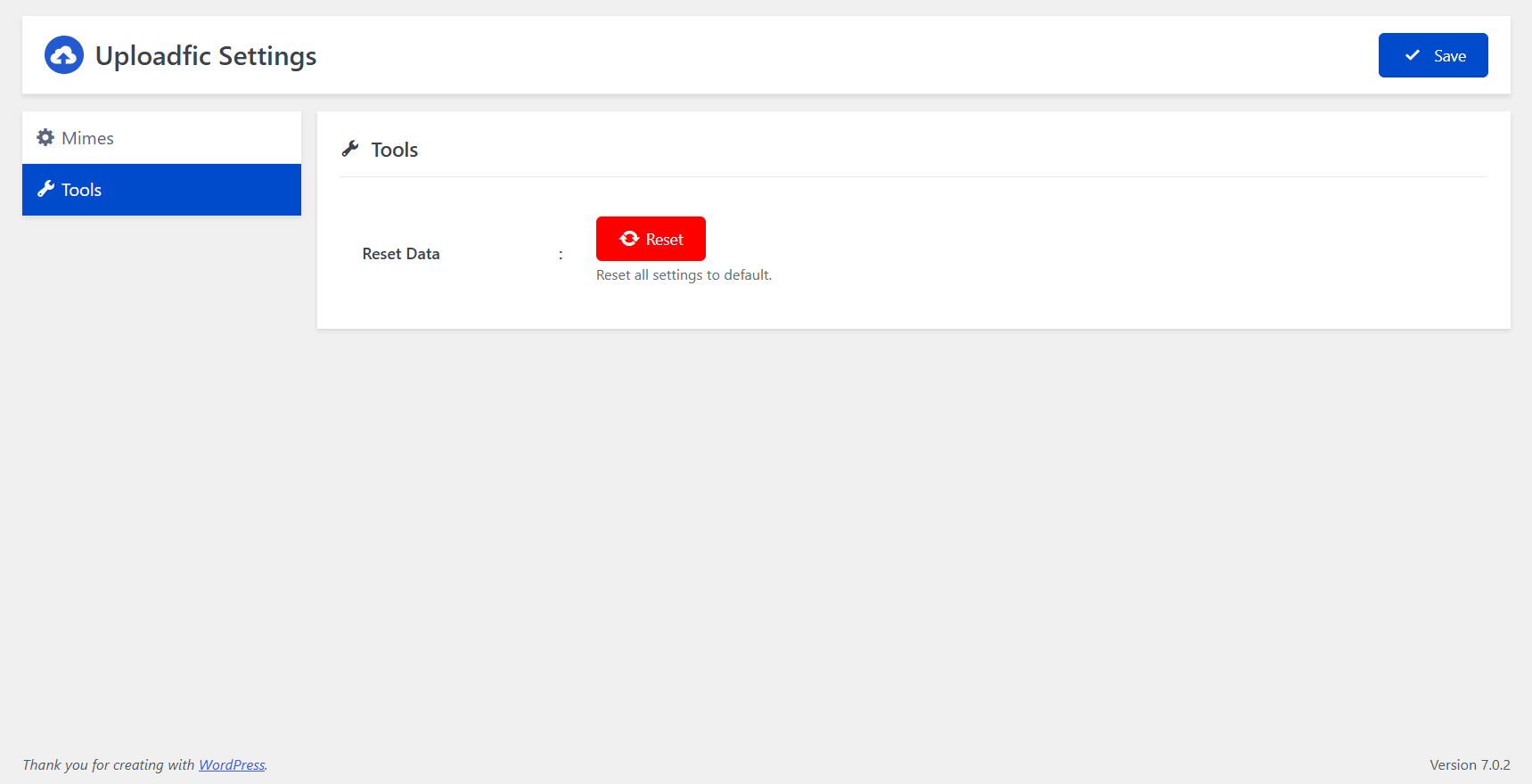
Tools
Faq
Yes.
Please use the support forum.
By default, WordPress only allows cetain types of files to be uploaded to a website for security reasons.
WordPress by default doesn’t allow uploading SVG files. Using Upload Any MIME Types plugin, you can now upload and use SVG files in WordPress.
WordPress by default doesn’t allow uploading HEIC image files. This plugin unlocks compatibility so you can upload and display stunning HEIC photos with ease.
WordPress by default doesn’t allow uploading some font files like TTF, OTF, WOFF, EOT, and others. This plugin opens the gate to easy custom font upload.
WordPress by default doesn’t allow uploading APK files. This plugin removes that barrier, letting you share Android app packages directly from your site.
WordPress by default doesn’t allow uploading Figma (.fig) files. With this plugin, you can upload design files just like images or documents.
WordPress by default doesn’t allow uploading GPX files. This plugin enables GPS file uploads so you can share maps, routes, and location data instantly.
WordPress by default doesn’t allow uploading EPUB files. This plugin makes it simple to upload eBooks and digital publications in just a few clicks.
Yes. Go to the Uploadfic menu, add your file extension and its MIME type (for example, webp and image/webp), then click Add. The new file type is saved automatically and is available for upload right away.
You can look up the MIME type in the MDN list of common MIME types. Using the exact MIME type helps WordPress validate the file correctly.
Check that the extension and MIME type are entered correctly and that the type is switched on. Some extensions, such as PHP and other executable or script files, are blocked for security. Uploads are also limited by your server configuration, such as the maximum upload file size and any restrictions set by your hosting provider.
Yes. Click the trash icon on the custom MIME type’s card in the Uploadfic settings page and confirm. It is removed immediately. Files already uploaded stay in your media library.
Support is available for File Upload Types via the WordPress.org support forums.
Reviews
Changelog
1.0.2
- Custom MIME type has been added
1.0.1
- Max file upload limit has been added
1.0.0
- Initial version