Vagaro Booking Widget
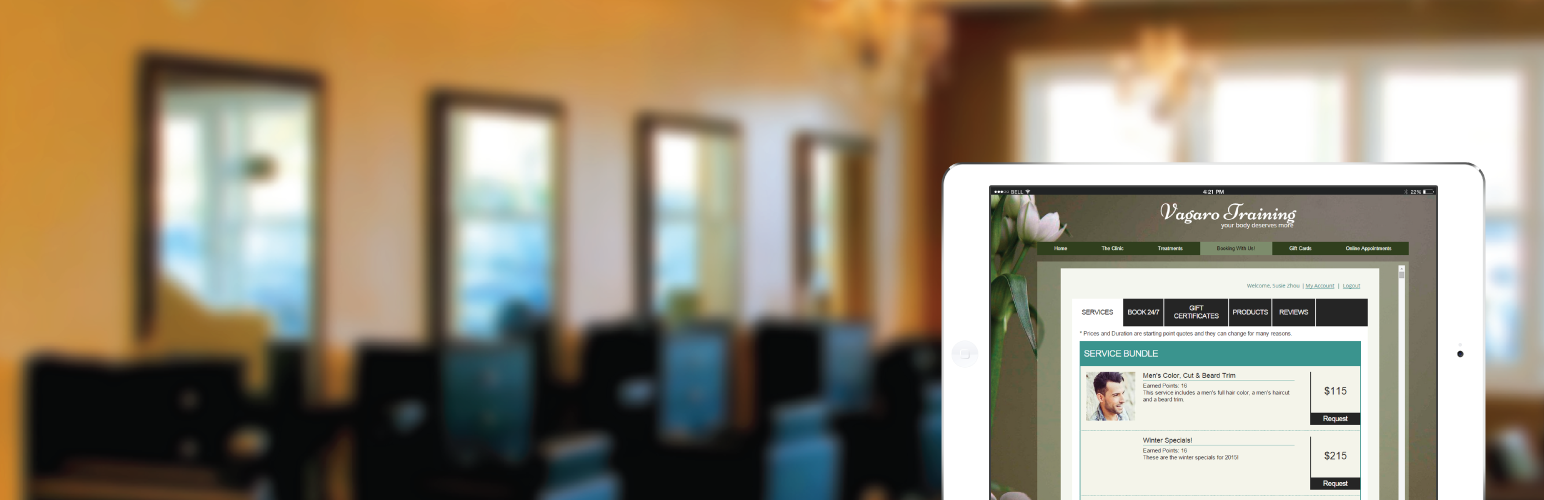
Vagaro Booking Widget
Description
Online booking with salon and spa has never been easier. Use our cloud based system to accept appointments online within your WordPress website even when used on mobile phones. We also offer your clients a native mobile app to book with you on the go. Sell gift certificates and take reviews on your site. Run you whole salon and spa business using our point of sale capabilities.
- Three widget options: Booking menu embedded into a WordPress page, a button to trigger the booking popup, or a button to open the booking menu in a new window
- Colors and fonts can be customized to match your website design.
Installation
- Install the plugin and activate it from the ‘Plugins’ menu.
- Navigate to the ‘Settings’ menu and click ‘Vagaro Setup’.
- If you don’t have a Vagaro business account, click ‘Signup’ to create a free trial account.
- Click on ‘Login’ to log into your business account. Once logged in, you can start to customize a widget.
- Upon saving the widget, you can choose one of the three widget types:
- Paste the [vagaro_booking_widget] short code onto any page or post where you want the widget to be displayed.
Screenshots

Introduction
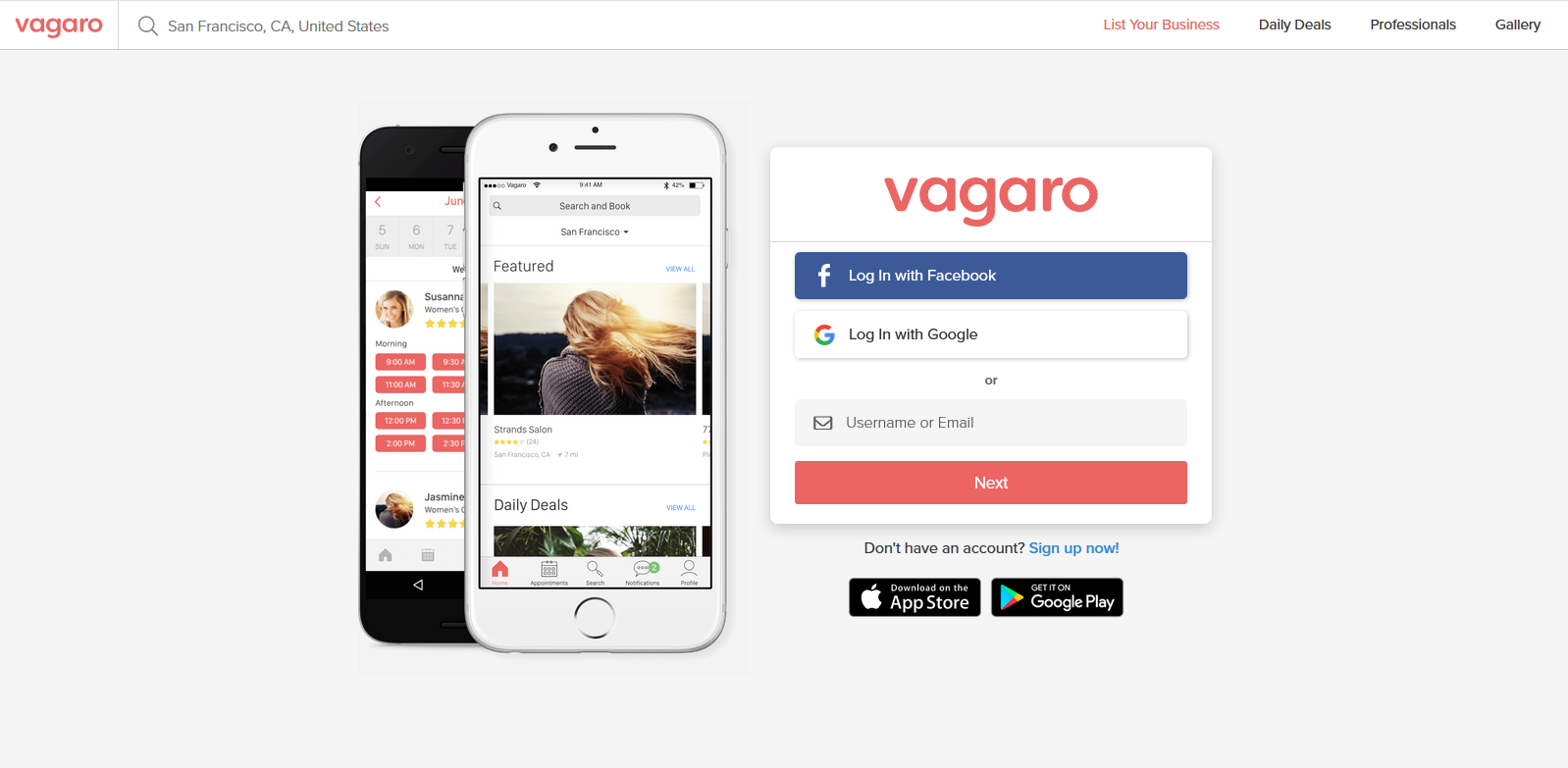
Login
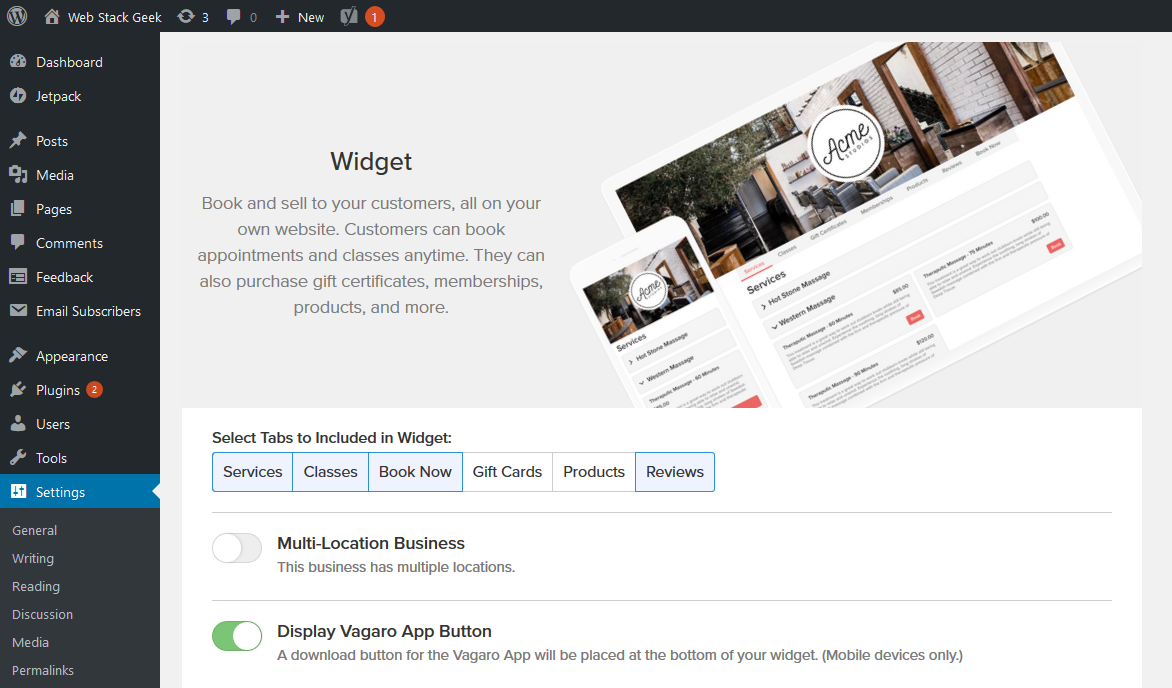
Design a widget

Widget type

Choose a widget button
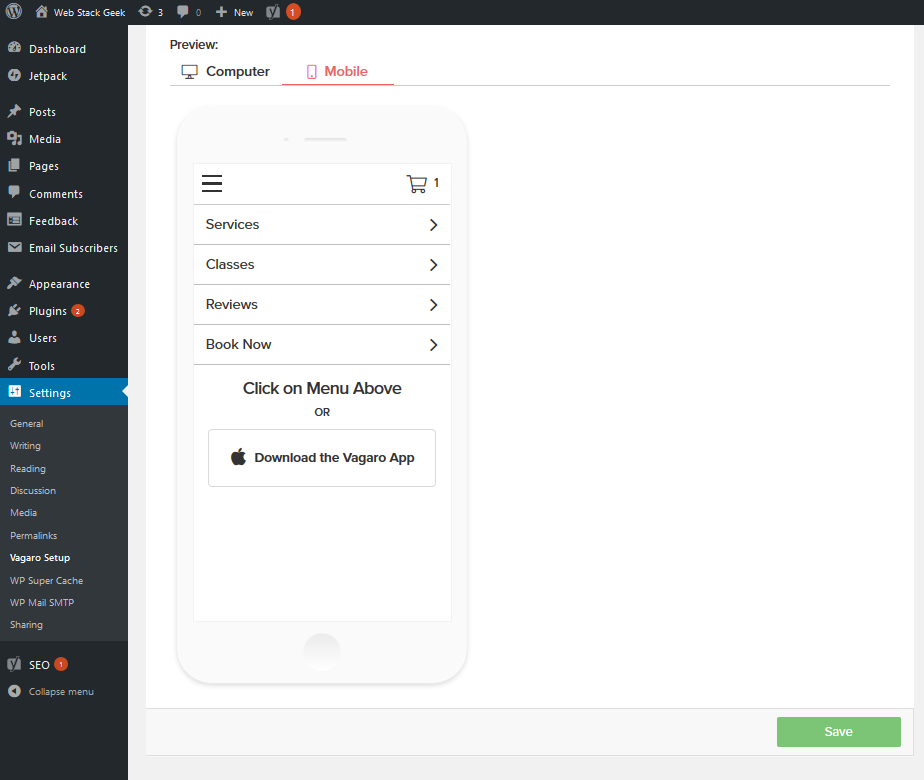
Widget button in a post or page
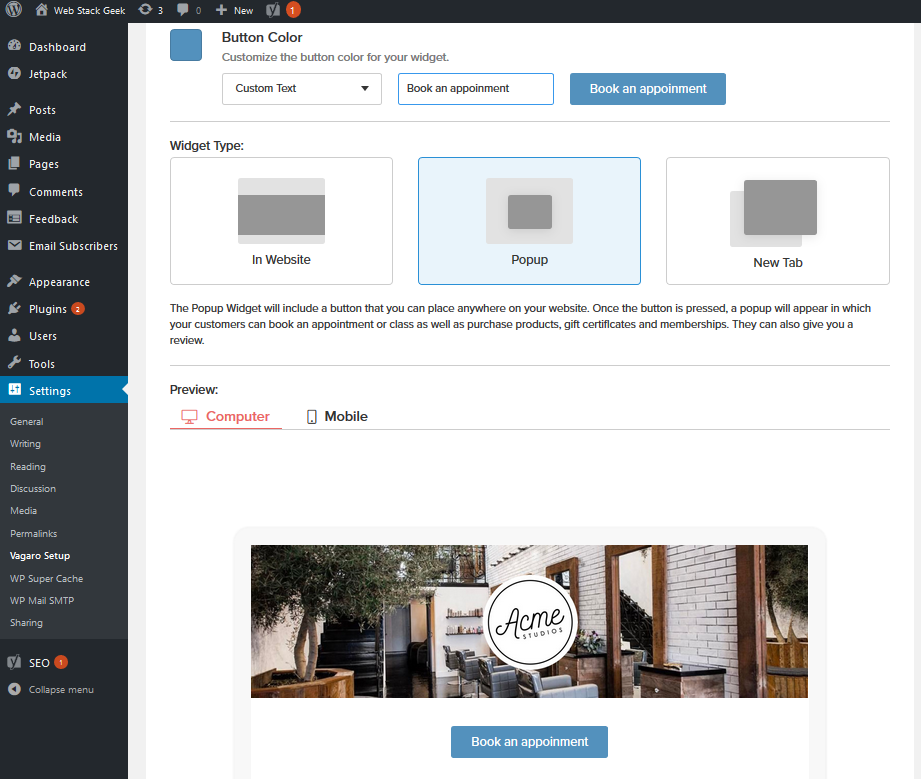
Widget shown in a pop-up
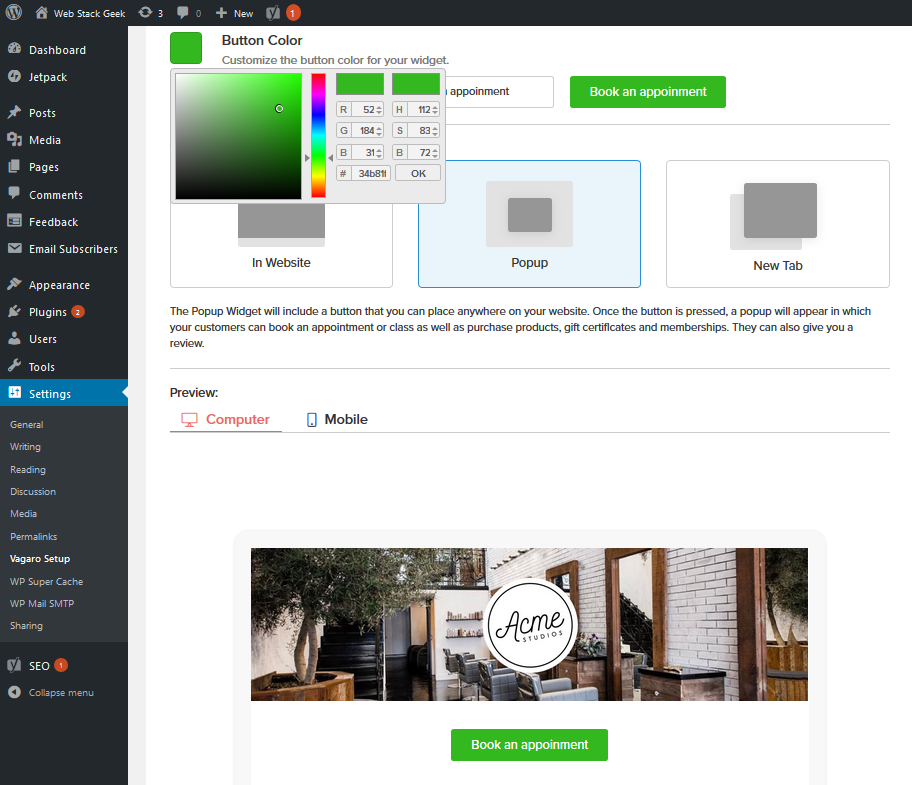
Widget embedded in a page
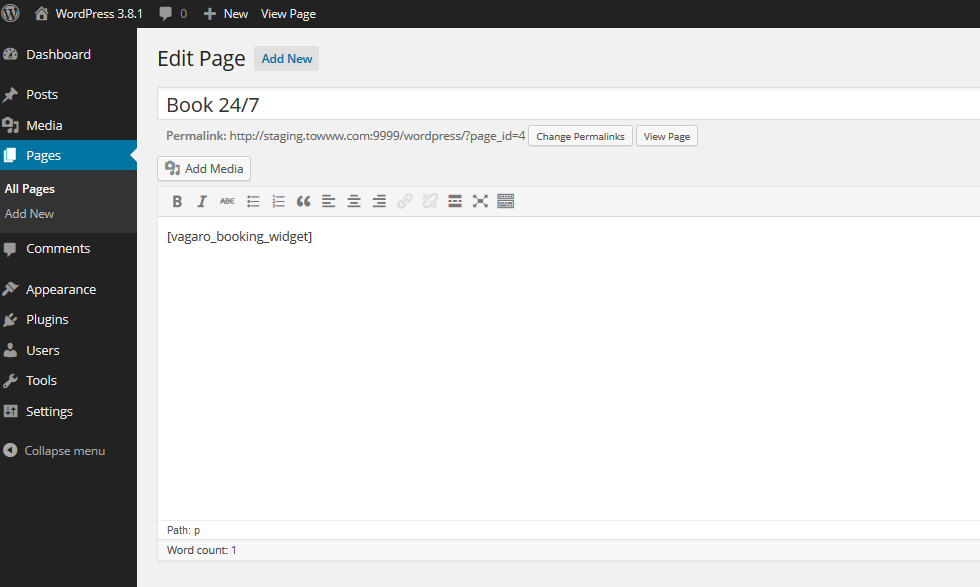
Widget short code

Book 24/7 page
Faq
FAQ, webinar classes, self-tutoring videos and many more are available at Vagaro Support Forums.
Reviews
No longer maintained and it does not actually work due to outdate jquery
By 
Great!
By 
Can't get it to work. Period.
By 
Does nothing once logged in. Everything I click does absolutely nothing. Added the shortcode to the page and nothing (Even a temp widget) appears.
Changelog
0.1
Initial version
0.2
Expand DB to store larger widget code.
0.3
Ceter login popup.
Redirect to Book 24/7 page upon saving configuration.