Variable Product Price Option for WooCommerce
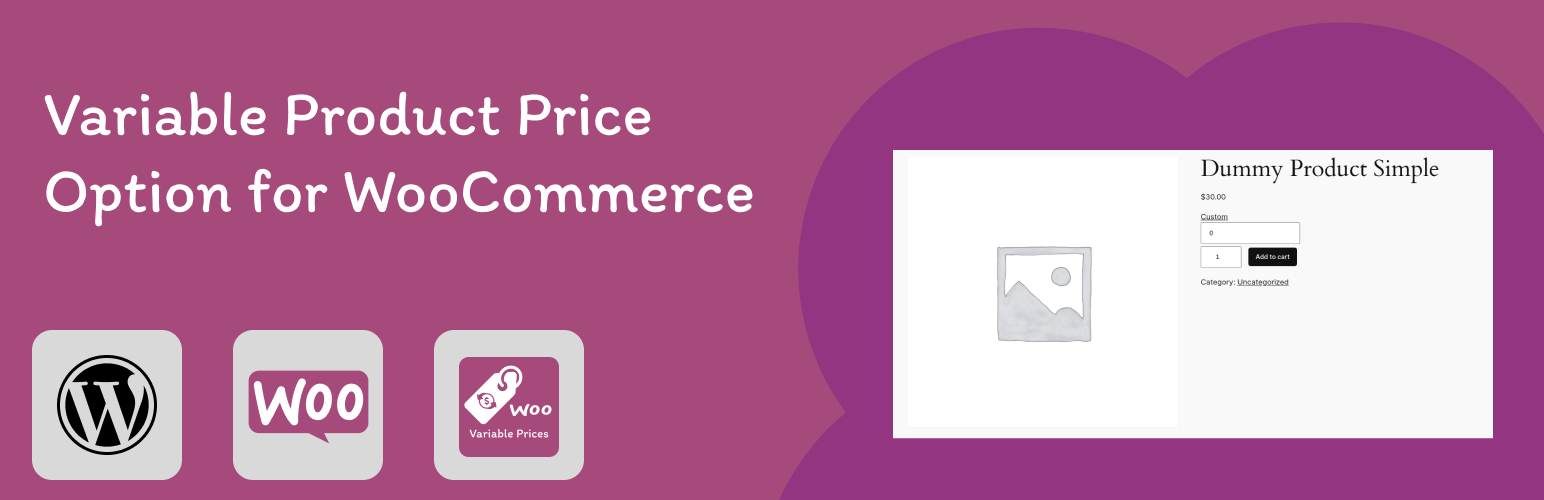
Variable Product Price Option for WooCommerce
Description
Variable Product Price Option for WooCommerce” is a powerful WordPress plugin designed to enhance your WooCommerce store’s flexibility and customer experience. With this plugin, you can offer dynamic pricing options for your products
Features
- Lets you enable custom product price for any product type.
- Compatible with many themes.
- Compatible with Easy to use.
Installation
- Download the plugin & install it to your
wp-content/pluginsfolder (or use the Plugins menu through the WordPress Administration section) - Activate the plugin
- Navigate to WooCommerce > Edit Product.
- Select your option.
- Save and enjoy!
Screenshots

change the price by clicking on the custom button and adding price

you can enable the option by clicking on Enable Custom Price Checkbox
Faq
Please email me at haseebnawaz298@gmail.com
Submit a issue here.
Reviews
Changelog
1.0.0
- Release first version
1.0.1
- Add banner, icon and screenshot
1.0.2
- Option to enable disable custom price feature.
- added install instruction
-
added screenshot
1.0.3 =
-
Updated test
1.0.4 =
- Updated test
1.0.5
- Bump Version
1.0.6
- Fixed decimal price support — prices like $19.99 now work correctly
- Fixed nonce verification for custom price form submission
- Fixed nonce verification for product meta save
- Fixed “Enable Custom Price” display on product page using correct product global
- Escaped translated strings on frontend output