Variation Gallery Simplified
Variation Gallery Simplified
Description
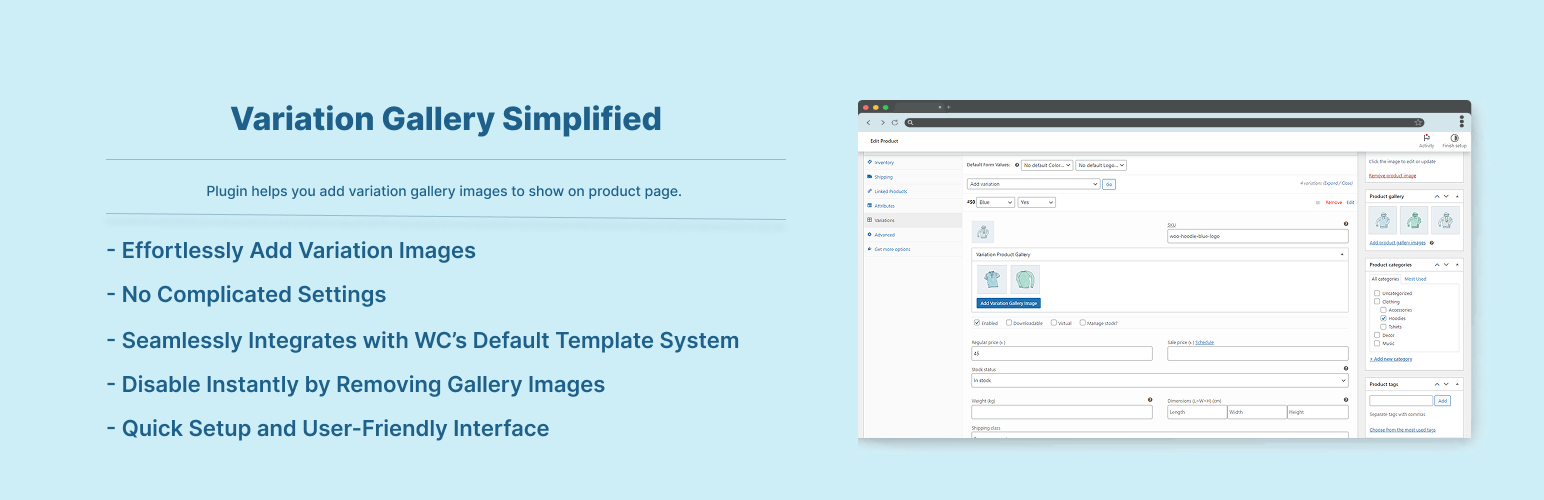
One Click Away From Adding Multiple Variation Gallery Images To Your Product Variations Individually To Show On Product Page. Plugin Uses Woocommerce Built-in Template To Render Variation Image Gallery To Avoid Any Conflicts.
Features:
- Effortlessly Add Variation Images.
- No Complicated Settings.
- Seamlessly Integrates with WooCommerce’s Default Template System.
- Disable Instantly by Removing Gallery Images.
- Quick Setup and User-Friendly Interface.
Installation
To add a WordPress Plugin using the built-in plugin installer:
Go to Plugins > Add New.
- Type in the name “Variation Gallery Simplified” in Search Plugins box
- Find the “Variation Gallery Simplified” Plugin to install.
- Click Install Now to begin the plugin installation.
- The resulting installation screen will list the installation as successful or note any problems during the install.
If successful, click Activate Plugin to activate it, or Return to Plugin Installer for further actions.
To add a WordPress Plugin from github repo / plugin zip file :
1. Go to wordpress plugin page
2. Click Add New & Upload Plugin
3. Drag / Click upload the plugin zip file
4. The resulting installation screen will list the installation as successful or note any problems during the install.
If successful, click Activate Plugin to activate it, or Return to Plugin Installer for further actions.
Screenshots

Dashboard.

Dashboard Image Added.

Dashboard Gallery Image Section Collapsed.

Single Page view of variation gallery.
Faq
Just activate the plugin, you are good to go. Go to any Variable Product and under variations you will see buttons to add gallery images. All are done for you. See screenshots if needed.
It Might Not Work If Any Theme/Plugin Not Use Woocommerce Templating System For Single Product Page Such As If You Use Page Builder To Build The Single Product Page Entirely. Please contact me with your theme name or open a support ticket to add compatibilty.
Reviews
Changelog
2.0.1
- Checked for latest wp version 6.9
2.0.0
- Checked for latest wp version 6.8
= 1.0.3
– Added woocommerce High Performance Order Storage compatibility.
1.0.2
- Compatibility check for wp v6.6
1.0.1
- Compatibility check for wp v6.3
1.0.0
- Initial release.