VEFmusic

VEFmusic
Description
VEFmusic is a free plugin for a band’s website (live demo: https://v-images.com/demo-vefmusic/). Add your tracks, albums and shows once; the plugin does the rest: it plays your music, lists your concerts, builds your press kit and describes your content to search engines.
What you get, for free
- An audio player with tracks, albums and playlists, and your audio files protected from direct download links
- A show calendar, with a “next show” block that moves on by itself once the date has passed
- Album pages with cover, back cover and collapsible tracklist, and visitor ratings
- Automatic schema.org structured data, so search engines understand your tracks, albums and shows
- Native blocks for the block editor, with matching Divi 5 modules and Elementor widgets: the same result in all three, no shortcode
- Anonymous listening statistics: no IP address, cookie or identifier stored
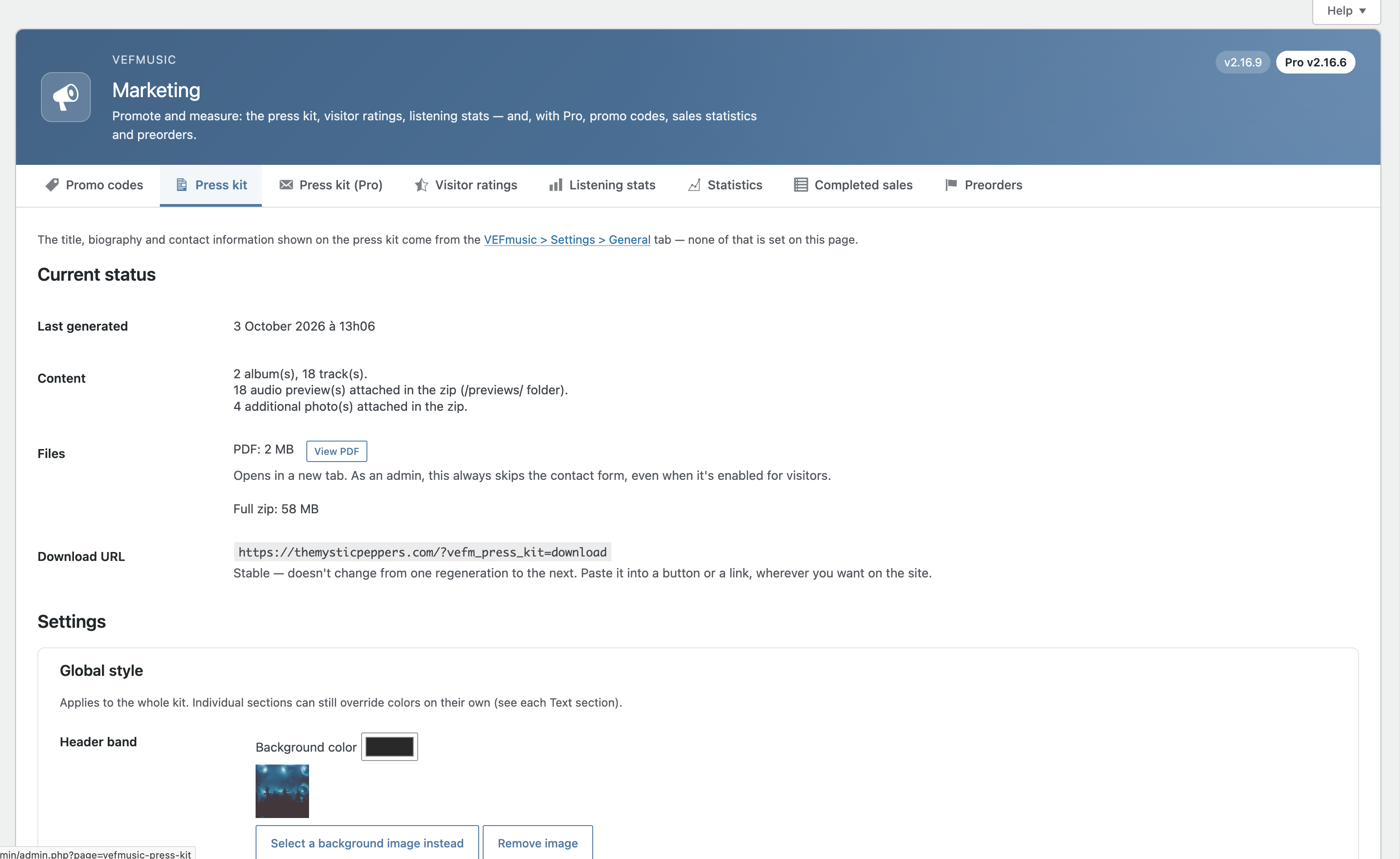
- A press kit (PDF and optional zip) built from the content you already entered
- Built-in help, diagnostic screen and an optional, temporary support access that you open and close yourself
Content
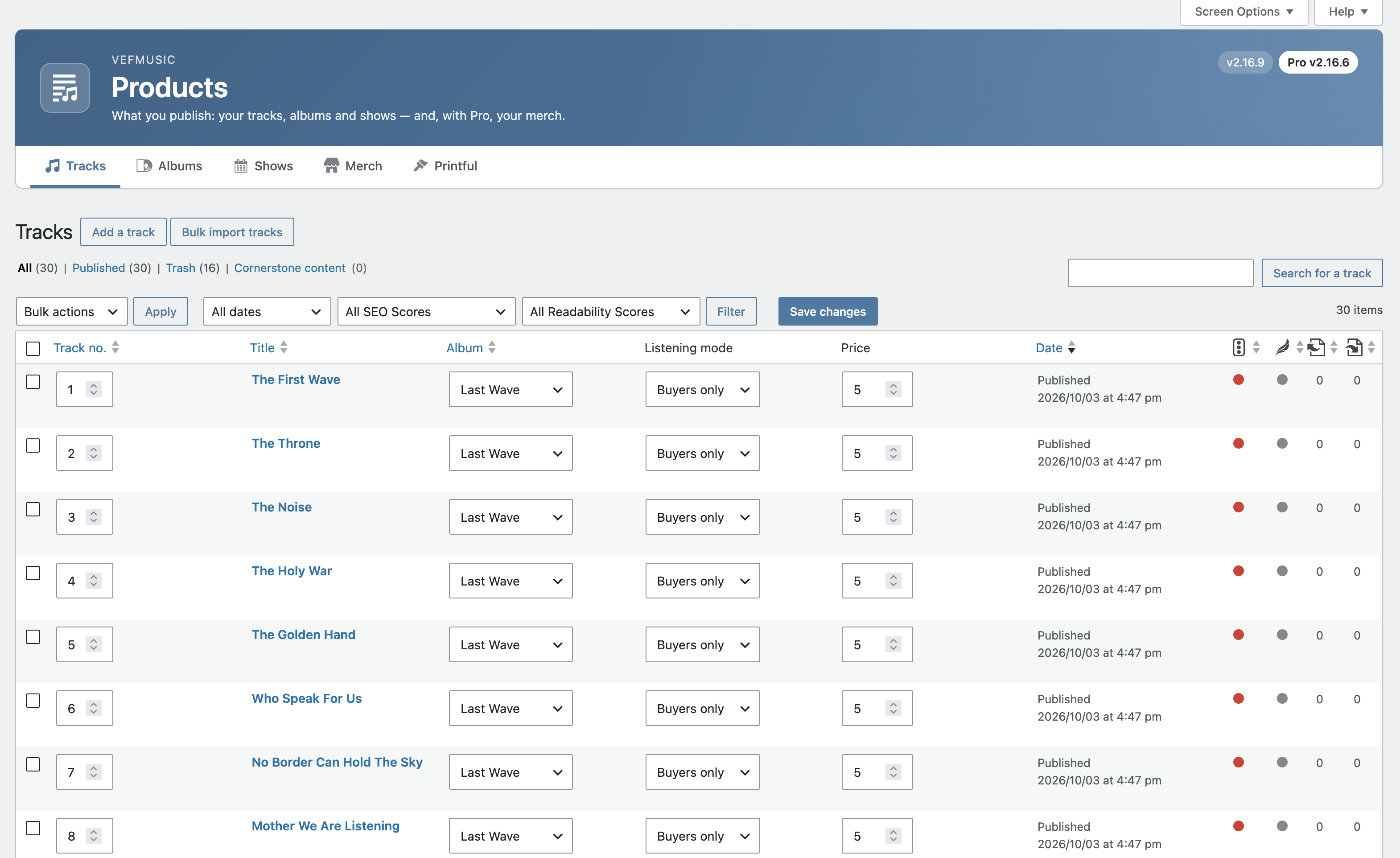
- Track, Album and Show post types, with a Genre taxonomy
- Bulk import: select several audio files at once (e.g. a whole album) to create matching draft tracks in one go, with tags read automatically (title, duration, track number, album, genre) — reviewed and confirmed before publishing
- Track: duration, parent album, listening mode (preview, free full listen, or buyers only), audio file (MP3, WAV, FLAC, OGG, M4A)
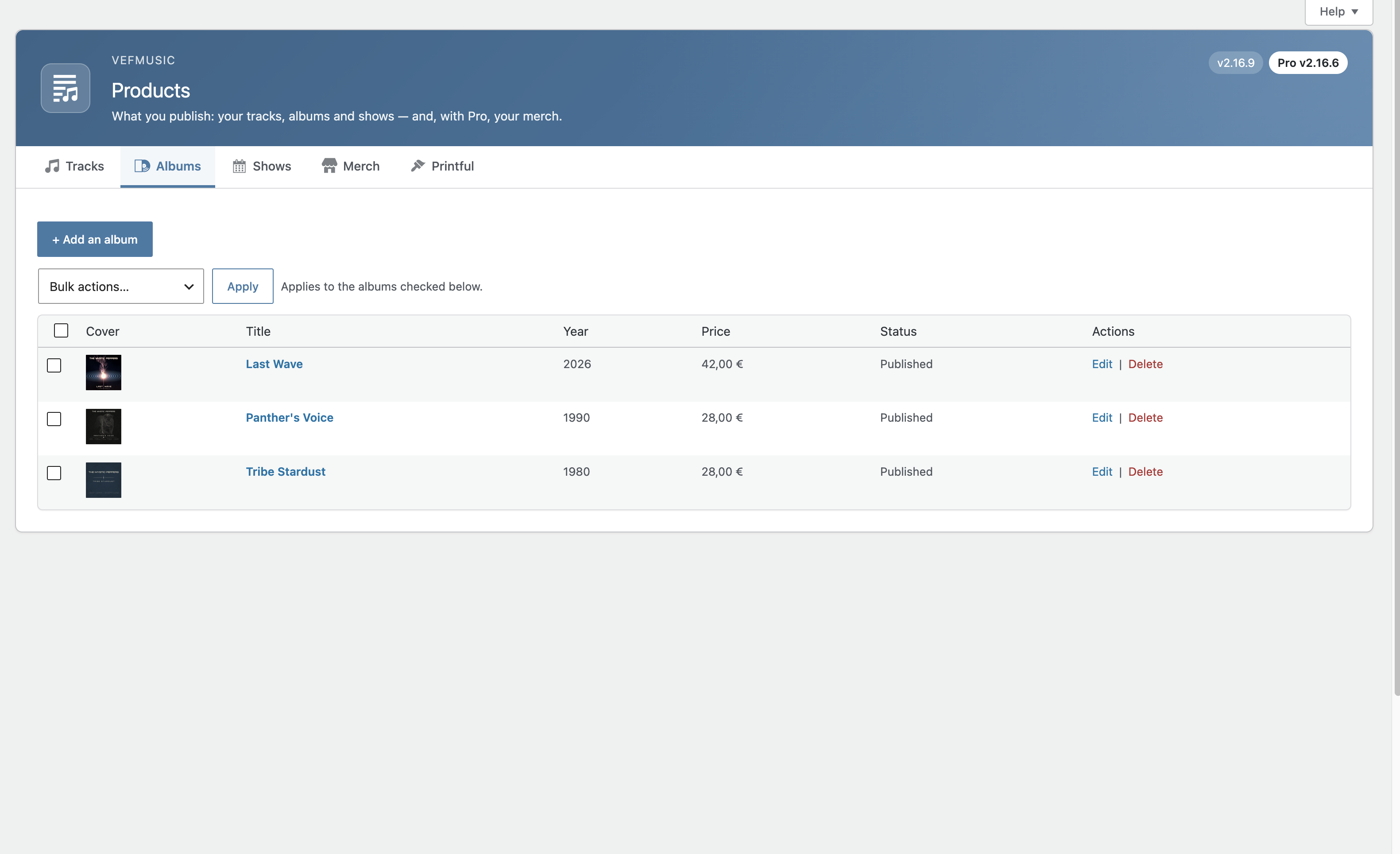
- Album: release year, front/back cover, collapsible tracklist
- Show: date, venue, address, image, external ticketing link, optional venue link, free-text price note
Player
- SVG icons, clickable progress bar, volume, a real-time audio equalizer
- Fully keyboard-accessible, with ARIA labels reflecting the real playback state
- Automatic lightweight MP3 version generated from a FLAC/WAV master file where hosting allows it
Accessibility
- Player: keyboard-operable progress bar and volume, ARIA labels reflecting the real playback state, visible keyboard focus
- Visitor rating form: grouped/labeled star options, screen-reader-only labels, live status region on submission
- Lyrics toggle: proper expanded/collapsed state exposed to assistive technology
- Descriptive alt text on show posters and album covers; external links (tickets, venue, social) flagged as opening a new tab
- Random Player block: an in-admin warning flags that autoplaying sound can be an obstacle for visually impaired visitors relying on a screen reader — weigh this before using it on your site
Blocks
Six native Gutenberg blocks — Track List, Album, Shows, Next Show, Past Shows, Random Player — with six matching native Divi 5 modules and six matching native Elementor widgets, all sharing the same server-side rendering.
Press kit generator (EPK) — built in, free
Generate a professional PDF press kit in one click, built directly from your existing tracks, albums, shows and band bio — no separate document to write and keep up to date by hand.
- Auto-built from your published content: biography, links & social media, albums with covers, upcoming shows
- Add as many custom text sections as you need, each with its own title — rich text (bold, italic, lists, clickable links)
- Choose the order sections appear in, to match how you want to present your band
- Multi-page PDF with fully automatic pagination — a long biography or a long custom section is never cut off
- Optional downloadable zip: the PDF plus the original full-resolution files (album covers, extra photos, documents, selected audio previews). The pictures in the PDF only illustrate the kit
- Optional contact form gate (off by default), with a log of received requests in the admin
More
- Visitor ratings (moderated) for tracks, albums and shows
- Automatic schema.org structured data for search engines
- Anonymous listening statistics — no IP address, cookie or identifier ever stored
- Settings export/import for deploying the same identity/style on a new site
- Optional “Enlarge on click” on show posters and album covers (front and back), per block — off by default
Selling music? VEFmusic Pro
VEFmusic itself never sells anything — it stays a pure showcase plugin, forever free. VEFmusic Pro is a separate paid extension (installed in addition to VEFmusic, which it requires) adding a full sales and ticketing layer:
- Sell individual tracks and albums, with secure time-limited download links
- Accept donations
- Merch store — your own products, or print-on-demand via Printful with no separate store plugin
- Internal ticketing with QR-code entry, in addition to the free external ticketing link
- Promo codes
- Preorders / crowdfunding campaigns, with optional funding tiers — payment methods are saved and only charged if the goal is reached
- Customer accounts — no WordPress account required, secure passwordless access by email link
- Revenue split tracking between band members
- Sales statistics and accounting export (CSV)
- PayPal and Stripe payment
- Admin-managed refunds, including legally compliant withdrawal/right-of-return handling
Every Pro feature reuses your existing VEFmusic content (tracks, albums, shows) — nothing to set up twice.
External services
This plugin connects to a support service operated by V-IMAGES (v-images.com), the plugin’s publisher, only when you explicitly fill in and submit the “Support & feature requests” form (VEFmusic > Guide > Diagnostic and support > Support & feature requests part). It is never contacted automatically or in the background.
When you submit that form, the following is sent: your reply-to email address, the subject and message you typed, your site’s URL, the VEFmusic (and, if installed, VEFmusic Pro) version numbers, your WordPress version, your PHP version, and your active theme’s name and version. This lets the publisher reply to your request with the relevant technical context, without you having to copy it in by hand.
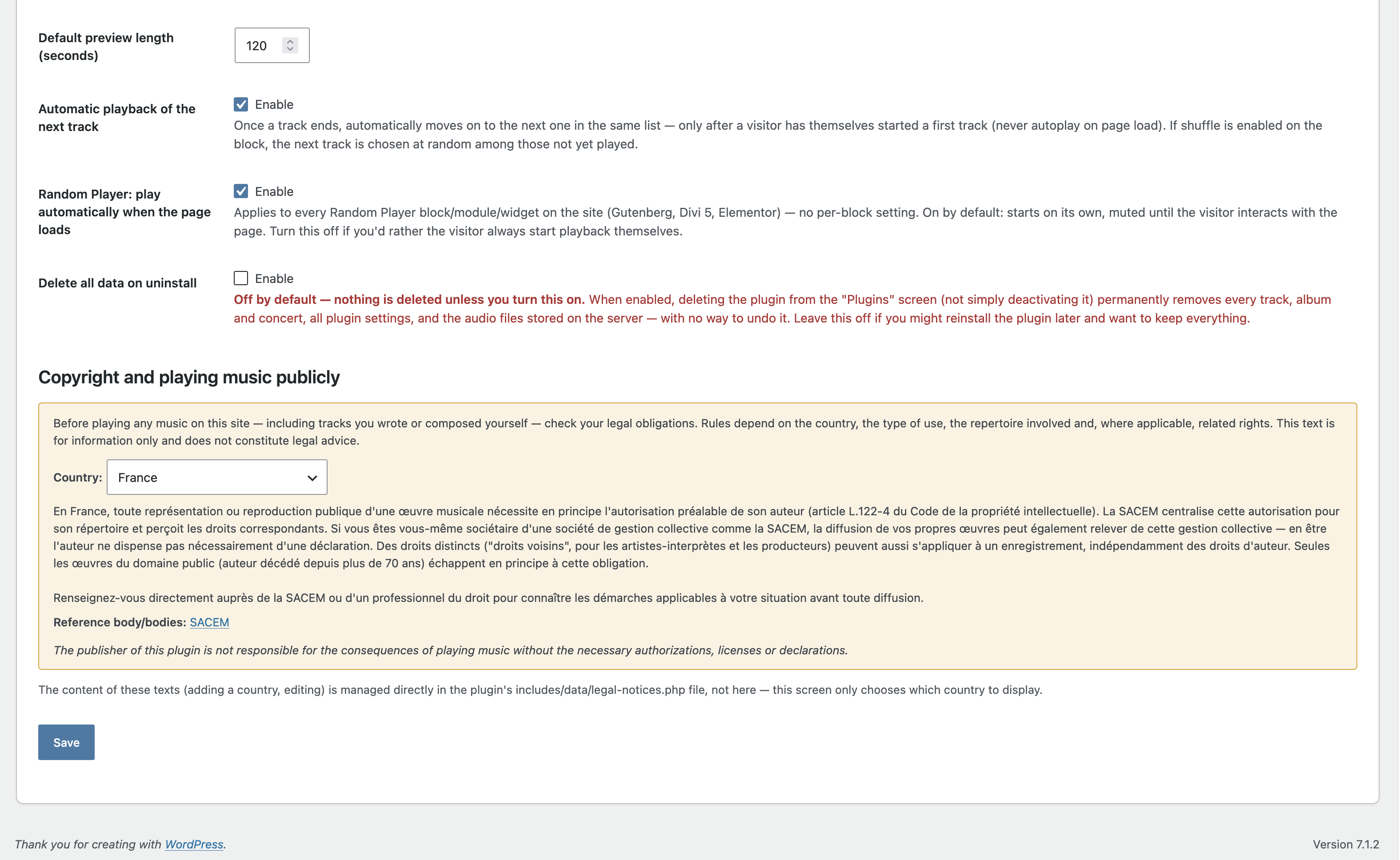
The plugin also connects to the same V-IMAGES service for the optional free license (VEFmusic > Help > About), and only if you ask for it: nothing is sent until you fill in the form and tick the consent box. The free license unlocks nothing — the plugin works exactly the same without it; it only lets the publisher send you news and offers, and identify your site when you ask for support.
When you register, the following is sent: the email address you typed, the exact consent text you agreed to, your site’s URL, the VEFmusic version and your site’s language. While you are registered, each time you open the About or General screen the plugin checks the registration status (on each of those screens until you confirm by email, then once a week), sending your license key, your site’s URL and the VEFmusic version. When you unregister, the plugin asks the service to delete your data. Your free license key is also added to support requests you send.
Support access (email, optional) — only when a site administrator clicks “Open the support access and send the key” (VEFmusic > Guide > Diagnostic and support). Nothing happens otherwise. The click creates a time-limited access (24 hours to 7 days) and emails a single-use sign-in link to the publisher at efabre@v-images.com, together with the diagnostic information shown on that screen and the optional message you typed. The access can be closed at any time, ends by itself on the chosen date and is removed when the plugin is deactivated. Only a hash of the key is stored on your site. While the access is open, a conversation between you and the publisher’s support team is kept on your site only, and erased when the access is closed; when you write in it while the publisher is not looking at it, a short email with your message is sent to the same address (at most one every five minutes). A journal of the last 50 events (opening, sign-ins with IP address, refused actions, closing) is kept in your database, can be emptied at any time from the same screen, and is removed when the plugin is deleted.
This service is provided by V-IMAGES (Eric Fabre): Terms of use, Privacy policy.
Installation
- Upload the
vefmusicfolder to/wp-content/plugins/, or install it through the WordPress admin under Plugins > Add New. - Activate the plugin.
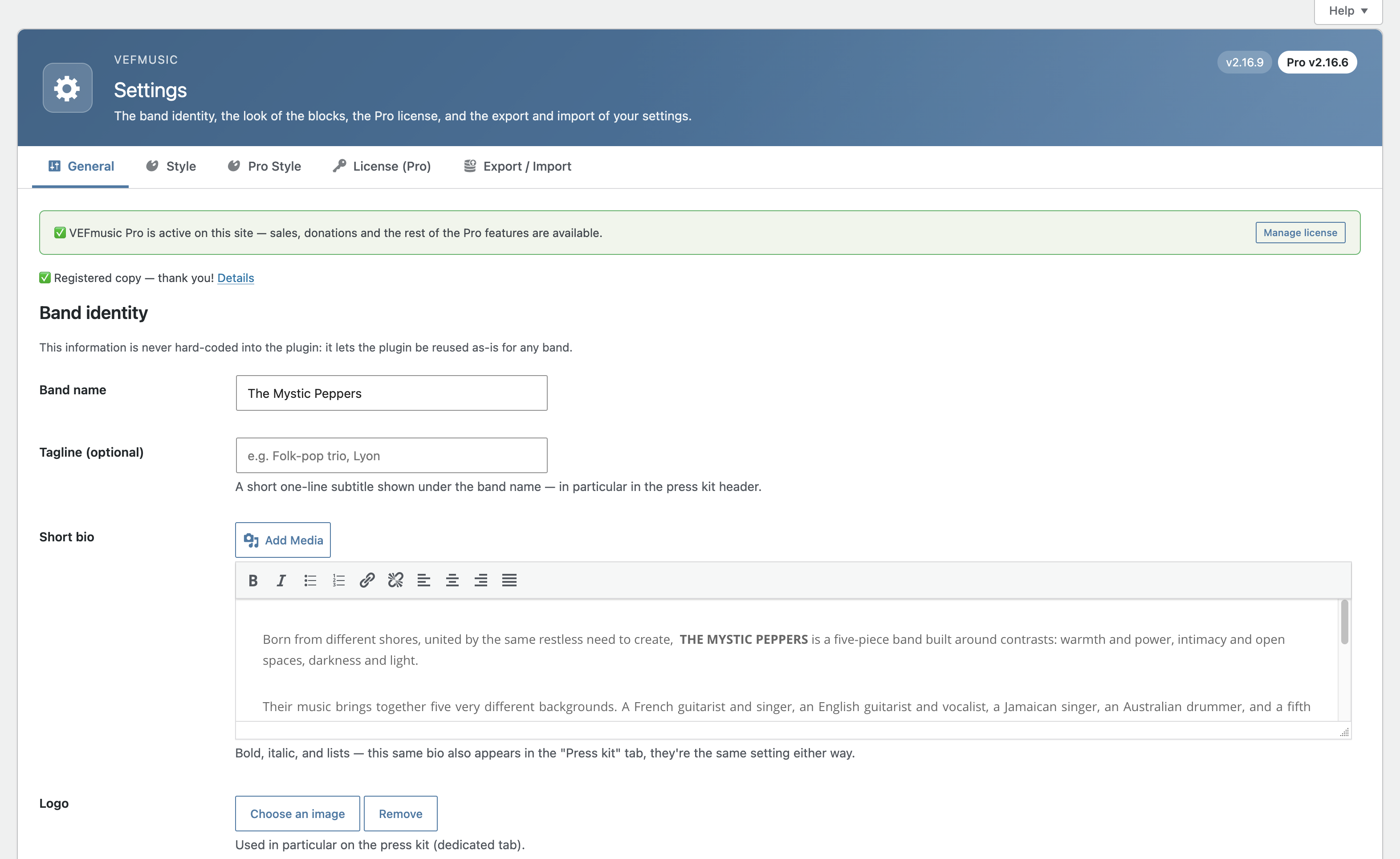
- Go to VEFmusic > Settings > General to enter your band’s identity.
- Add your tracks, albums and shows, then place the blocks on your pages.
Screenshots
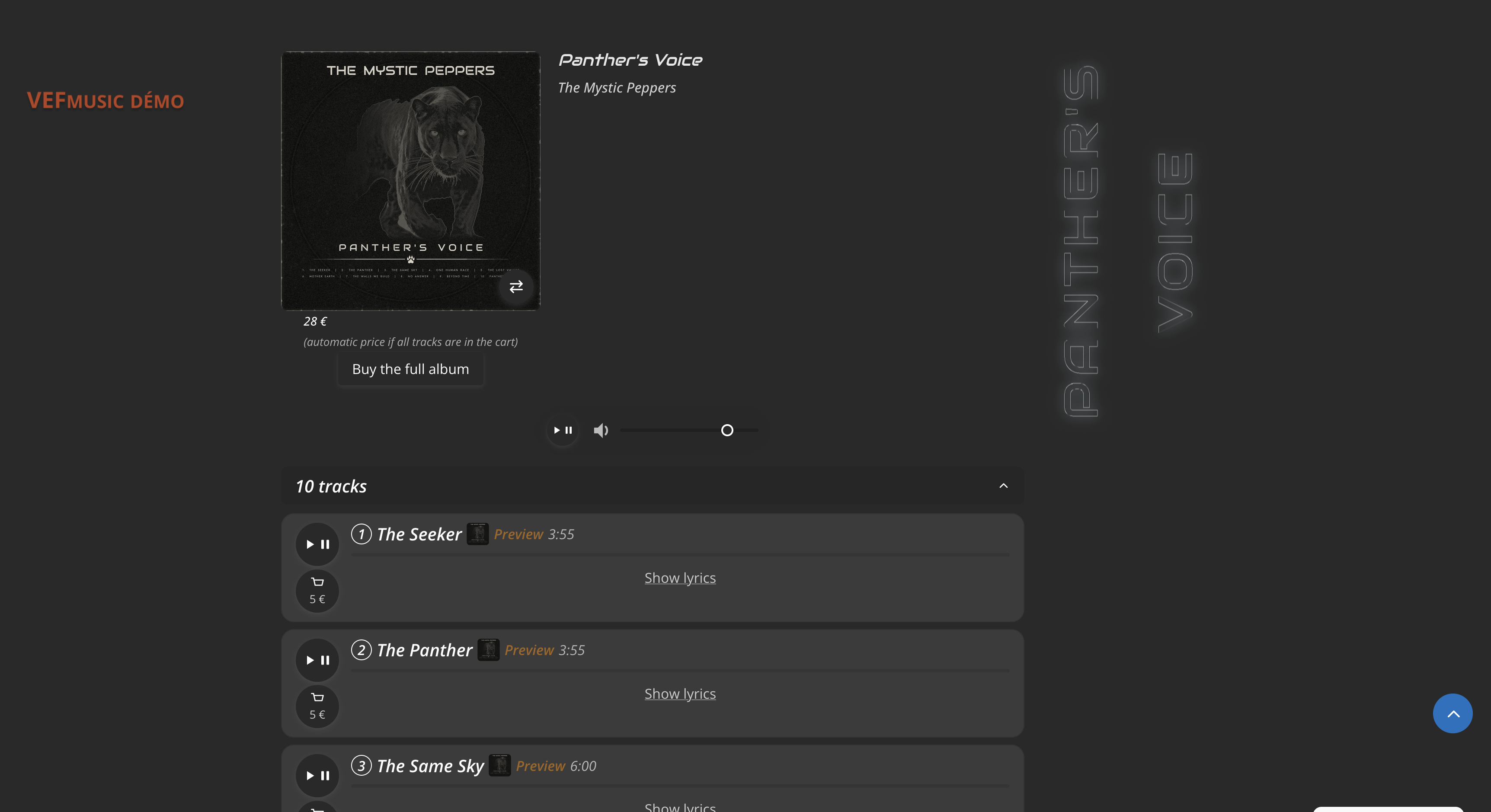
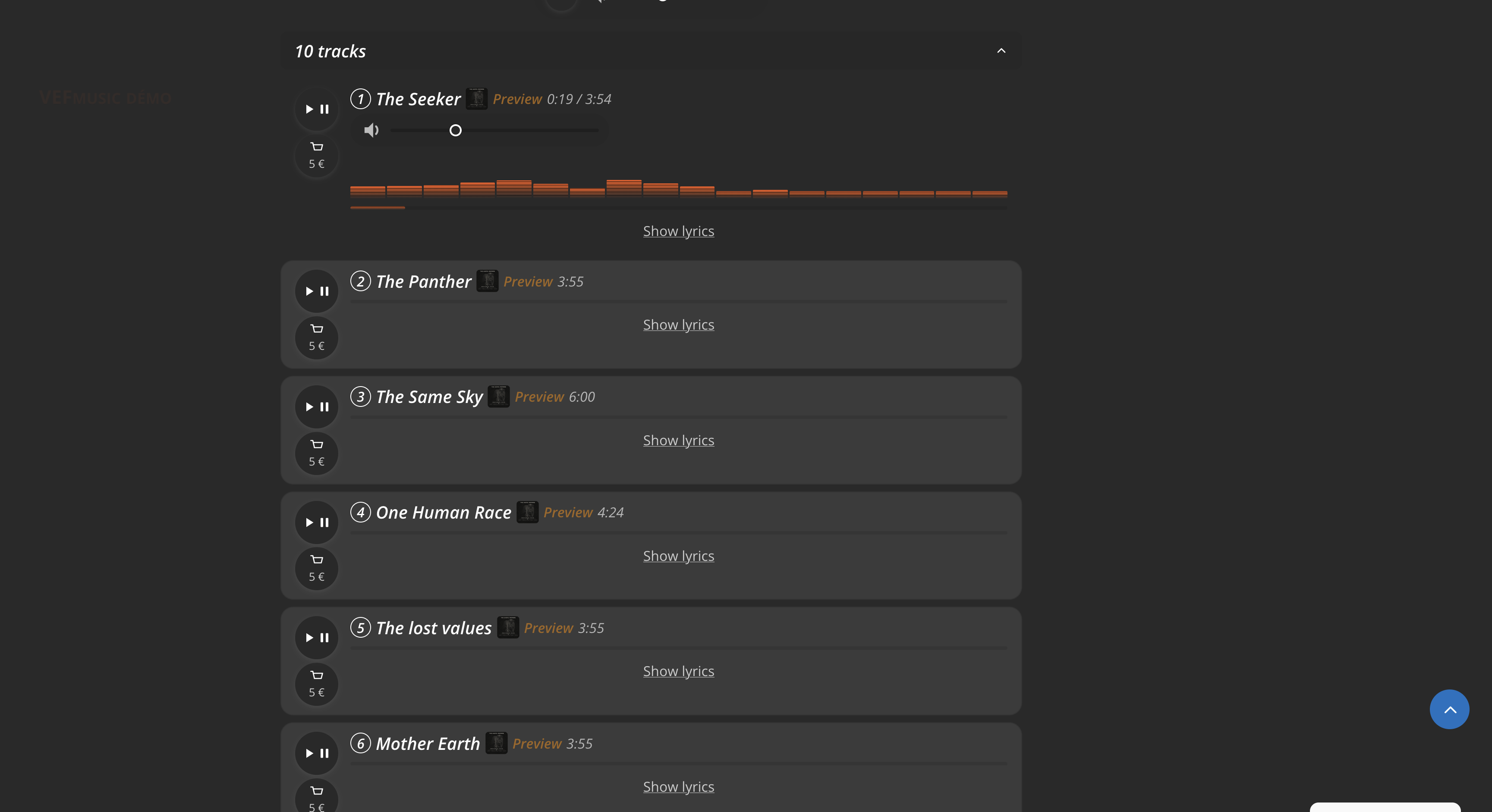
Track List block on the front end.
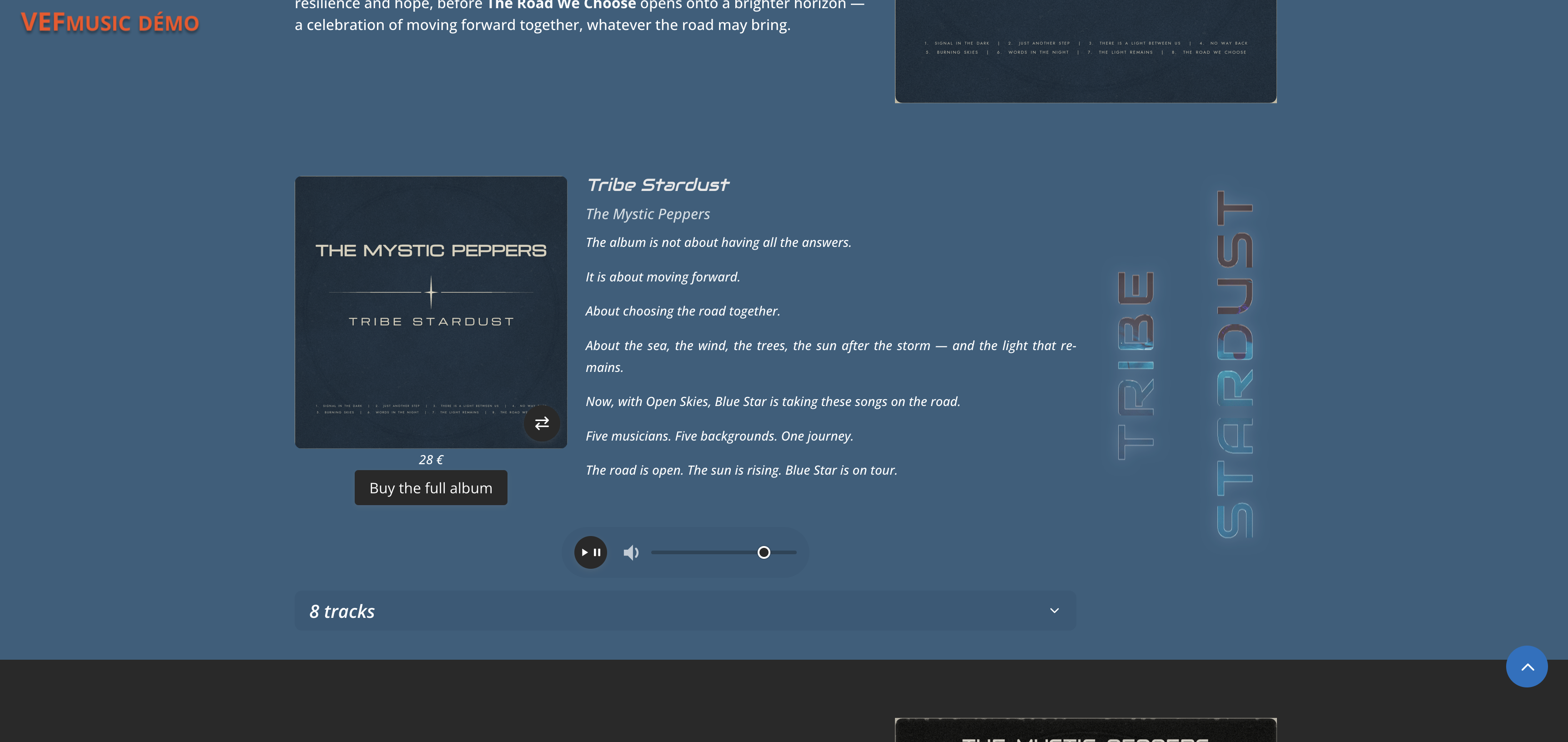
Album block with cover and tracklist.
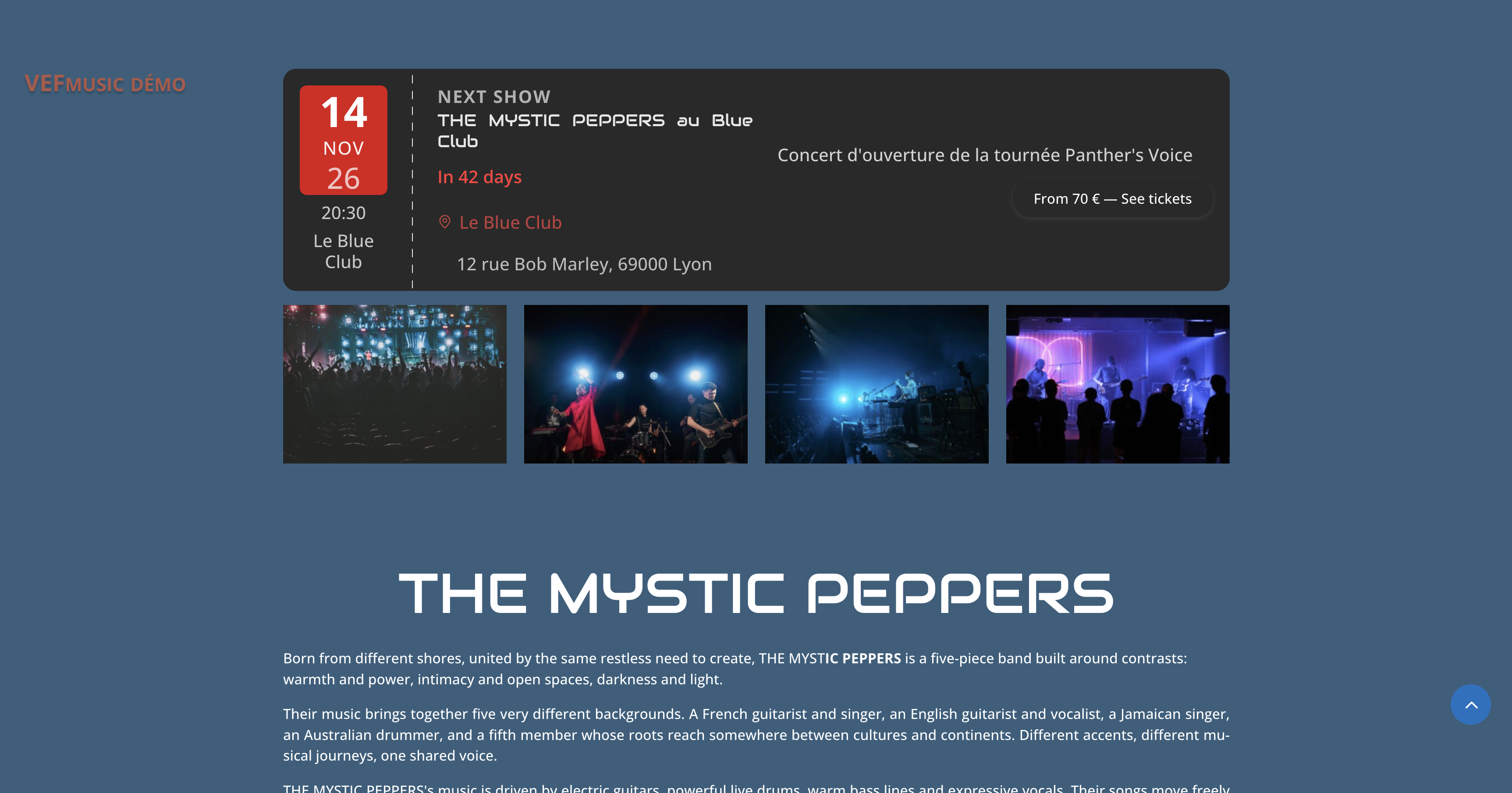
Shows block, featured mode with countdown.
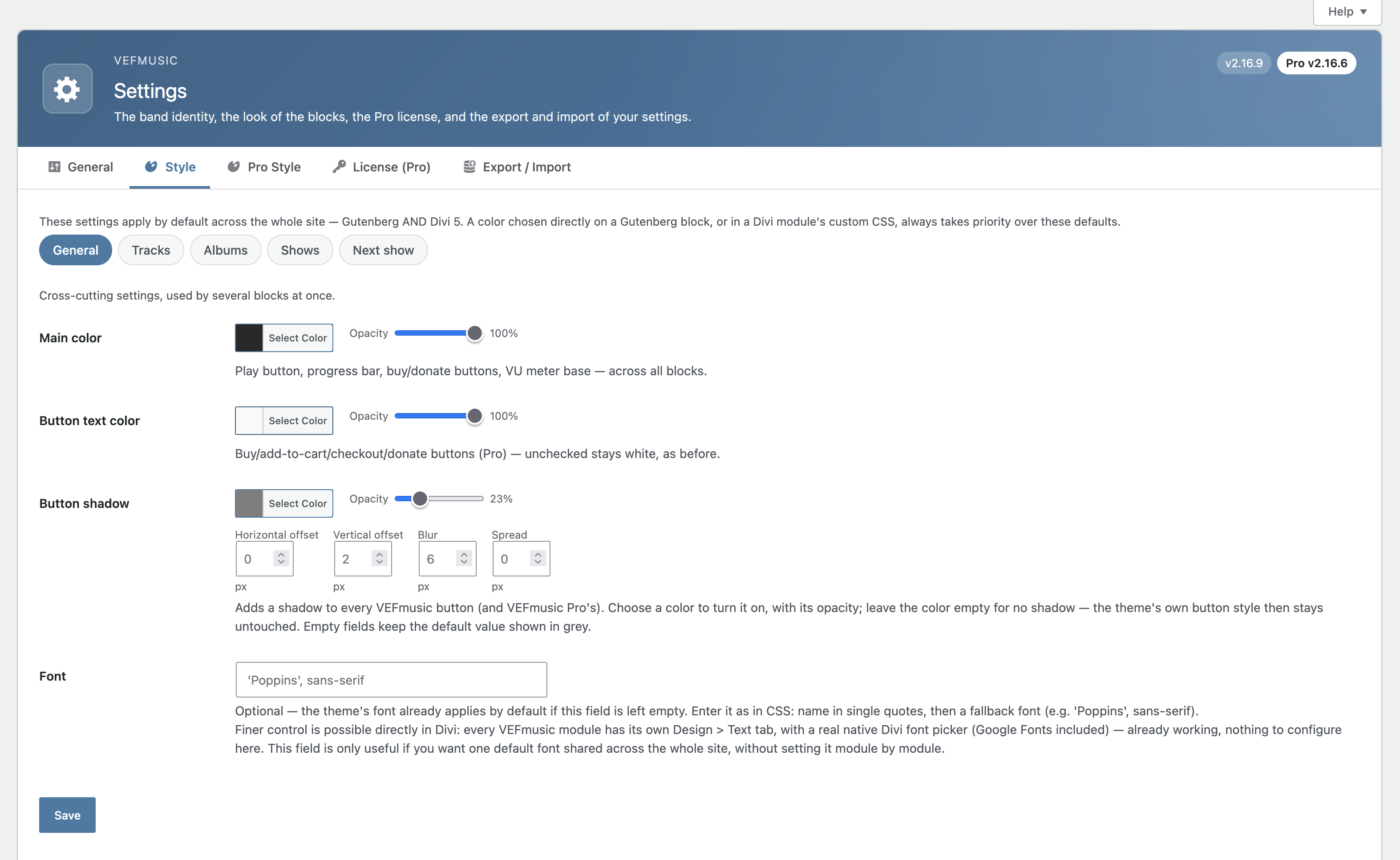
Style settings screen.

Faq
Only what you chose to open, for the time you chose, and nothing starts without your click. With the default limited rights the support team reads the VEFmusic screens and the diagnostic, looks at the pages of your site and talks with you in the Diagnostic and support screen. Even with full administrator rights it cannot change your payment settings or keys, your license, the address that receives the contact mails, manage users, install or edit code, change the site address or the administrator email, or export or erase personal data; the keys are never shown to it again. With VEFmusic Pro it also cannot refund, delete or export orders and customers. The screens of VEFmusic Pro show the names and emails of your buyers while the access is open; they are only looked at to solve your problem. You can close the access at any time, it ends by itself on the date you chose, you receive an email at each sign-in, and the conversation is erased when the access is closed.
No. VEFmusic is a showcase plugin only. Selling tracks, albums, merch, tickets, or accepting donations requires the separate VEFmusic Pro extension.
No. VEFmusic works with the native WordPress block editor (Gutenberg) out of the box. Divi 5 and Elementor support is provided in addition, not required.
Outside the media library, in a protected location never accessible by direct link — playback always goes through an access check based on the track’s listening mode.
VEFmusic is fully generic: nothing is hard-coded, everything comes from your own settings and content.
Reviews
Changelog
2.16.35
- Readme: clearer description, with the player, albums and shows presented first.
2.16.34
- New: “Support access” in the Diagnostic and support screen. One click opens a time-limited, revocable access for the publisher’s support team and emails a single-use key. Limited rights by default, a journal of events, an email to the site administrator at each sign-in, a conversation with the support team. Nothing is opened unless you click.
- New: the plugin screens open with a dedicated capability that administrators receive automatically, so that the limited account sees them without any other administrator right.
- New: the diagnostic lists the pages that carry a VEFmusic block and the extensions of the site (read-only), so that a support access does not need the Extensions screen.
- Changed: the Guide, About and contextual Help screens describe the support access and its limits.
2.16.33
- Changed: the Help page becomes the “Guide” page: the guide to the features, then “Diagnostic and support” (the diagnostic and the support form now share one screen). The “About” page keeps one screen, “Licenses and versions”, where VEFmusic Pro adds its license as a second part. Old addresses (support, Pro license) still work and open the right part. Without Pro, nothing else changes.
2.16.32
- Fix: with WP_DEBUG on, the plugin no longer writes a line to the debug log on every administration page.
2.16.31
- Changed: the titles of the settings sections now use the accent color of the administration color scheme, like the page header, so that each group of settings stands out.
- Fix: the social media fields (Settings > General) are aligned.
- New: when several VEF plugins are active on a site, their menu entries sit side by side between two separators instead of being scattered. A menu editor plugin keeps the last word, and the “vef_group_admin_menu” filter turns the grouping off.
2.16.30
- New: Style: the Save button stays visible at the bottom of the screen, and leaving the page with unsaved changes asks for confirmation.
- Changed: Style: the button settings (colors, shadow, states) have their own “Buttons” sub-tab. Same settings, nothing is lost.
- Changed: Style > Buttons now says what follows your theme and what the plugin forces: a field left empty keeps the default look and the theme’s own hover style; a color you set always wins.
- Changed: one screen per subject. Help, Diagnostics and Press kit can now carry the content of VEFmusic Pro in a second panel of the same screen, and the Pro style settings become a Style sub-tab. Without Pro, nothing changes.
2.16.29
- New: Style > General > Button colors. Set the background, the text, the background on hover and the text on hover of all the buttons (VEFmusic Pro’s included) to reproduce the buttons of your theme. A field left empty keeps the current look: the background follows the main color and nothing changes color on hover. The button text color setting now lives in this group.
- Changed: the buttons share their background and hover rules in fewer places, so the stylesheets are lighter and easier to maintain. No visual change.
2.16.28
- Fix: removed redundant centering rules on the cart and “Buy the full album” buttons. No visual change.
2.16.27
- Maintenance: code comments cleaned up. No change in behavior.
2.16.26
- Maintenance: code comments cleaned up. No change in behavior.
2.16.25
- Changed: layout adjustments. Add-to-cart buttons that are not the small round track button (the ticket and merchandise ones) get the same pill shape and padding as the other action buttons; the “Buy the album” button text is centered; the automatic price hint under an album price and the Shuffle button on small screens are centered; the player bar content is centered.
2.16.24
- New: every button now sinks slightly when the pointer is over it (or it has keyboard focus), and a little more while it is clicked: the same effect on all buttons. It does not apply to disabled buttons, is turned off for visitors whose device asks for reduced motion, and the hover part is skipped on touch screens. The depth can be adjusted in custom CSS with –vefm-btn-hover-scale (0.97 by default).
2.16.22
- Changed: every button now has the same look, only its shape differs. Same background (the main color), same text color, full strength at rest, same slight dimming on hover and keyboard focus, same visible focus ring and same disabled look. This covers the play, add-to-cart, buy, shuffle, show ticket, random player, rating, cover flip and lightbox buttons, and the icon controls (volume, lyrics, “read more”, cancel rating). The Button text color setting now applies to all buttons.
- New: Style > General > Button states: set the opacity of buttons on hover and when disabled (variables –vefm-btn-hover-opacity and –vefm-btn-disabled-opacity). Left empty, the defaults are 85% and 60%.
- Changed: the button styles are now grouped in one small shared stylesheet, which lightens the other stylesheets.
2.16.21
- New: visitor ratings — ratings you have approved no longer disappear from the interface. The Visitor ratings tab now lists them under “Approved ratings”, with a checkbox on each row, a “select all” box and a “Delete selected” button (also available for ratings awaiting moderation, next to “Approve selected”), so ratings can be removed one by one or all at once at any time.
- Changed: the block settings (block editor, Divi 5, Elementor) no longer offer the “Show visitor ratings” switch as if it did something when ratings are turned off for that content in the Visitor ratings tab: the block editor and Elementor show a short note instead. The Visitor ratings tab stays the master setting; the per-block switch only hides stars in a block when ratings are on.
- Fixed: with Pro’s automatic album price active, the “automatic price if all tracks are in the cart” hint no longer sits inside the price line, which shifted the price out of line with the other albums.
- Changed: all filled buttons now share the same hover and keyboard-focus effect, a slight dimming, instead of a zoom on some and a different fade on others; the random player’s Stop button also has the same full-strength fill as the others (it was dimmed). The strength can be adjusted in custom CSS with –vefm-btn-hover-opacity.
- Changed: after the latest ratings are deleted, the next rating gets the next free number instead of leaving a gap.
2.16.20
- New: visitor ratings on past shows. When ratings are enabled for shows, clickable stars now appear under the title of each past show (Shows and Past Shows blocks, with the average and the number of reviews). Upcoming shows never show stars. A visitor clicks a star, types a name and, if they wish, a comment.
- New: a “Show visitor ratings” setting on each block that can display stars (Track List, Album, Shows and Past Shows), in the block settings of the block editor, the Content tab of the Divi 5 modules and the Content tab of the Elementor widgets. It is on by default, so nothing changes on existing pages; turn it off to hide the stars in that block only. It never turns ratings on: that still depends on the boxes in the Visitor ratings tab.
2.16.19
- Changed: VEFmusic now requires PHP 8.3 or higher, because PHP 8.2 stops receiving security fixes on 31 December 2026. WordPress only offers this update on sites that meet the requirement; most hosts let you switch the PHP version from their control panel.
- Fixed: the Track List and Album modules of Divi 5 no longer add debugging comments to the page source when an administrator views the page.
2.16.18
- New: visitor ratings now appear in your blocks. When ratings are enabled for tracks or albums, clickable stars show right after the length of each track (Track List and Album blocks) and under the title of each album, with the average and the number of reviews. A visitor clicks a star, types a name and, if they wish, a comment, without opening the page of the track. The full rating form stays on the page of each track, album and show.
2.16.17
- Improved: pressing the global play button of an Album or Track List block now opens the album’s collapsible track list when it is closed, so you can see which track is playing. A list you closed yourself while listening stays closed.
2.16.16
- Improved: the preview of a track now ends exactly where you asked. For WAV and MP3 files the plugin counts the audio itself instead of estimating from the file size, so the length is right whatever the bitrate, and a large cover picture or tag at the start of an MP3 no longer shortens it. FLAC and other formats keep the previous estimate.
2.16.15
- Fixed: when a track had no duration entered (or one in an unexpected format), its preview length setting was ignored and a fixed amount of audio was played instead (about 20 seconds of an MP3, but only about 4 seconds of a WAV). The duration is now read from the audio file itself (WAV, FLAC and MP3), so the preview length always applies.
- Fixed: changing the preview length of a track (or the default preview length in the settings) had no visible effect for a visitor, or the webmaster, whose browser had already played that preview: the old, longer or shorter preview kept being reused. The preview now comes with a version that changes with its length, so the new length is used straight away.
2.16.14
- Changed: the MP3 version generated from your master files (the one visitors stream, and the one buyers download with VEFmusic Pro) is now encoded at 320 kbps instead of about 190 kbps. Tracks already converted keep their current quality until you upload their master file again.
2.16.13
- Changed: the album price field now says it is the price of the album’s digital download, and that a vinyl or any other physical edition is a separate product (a Merch product with VEFmusic Pro). The same note appears in the Help screens.
2.16.12
- Fixed: a few labels and descriptions of the Divi 5 modules (Album, Shows, Past Shows, Random Player, Track List) were still written in French in the plugin itself. They are now in English like the rest of the plugin, with the same names as the matching blocks and Elementor widgets.
2.16.11
- Fixed: in a “two columns” section of the press kit, a photo no longer floats in the middle of its column, which pushed the two photos far apart. Photos now fill the width of their column (up to a maximum height, since the pictures in the PDF only illustrate the kit), flush left.
- Fixed: in a “two columns” section, the column titles now always stay on the same page as the top of their columns. A title is no longer left alone at the bottom of a page while its photo moves to the next one, and the two columns always start on the same page. A column that is longer than the page continues on the next page, as before. The same applies to the title of a two-column text paragraph.
- Fixed: text placed right under an image touched the bottom edge of that image.
- Changed: clearer press kit help. A new “How the kit works” help tab explains that the PDF illustrates and the zip carries the full-resolution originals, and which images end up in the zip.
2.16.10
- Fixed: in the press kit, images inserted in a text section or column with “Add Media” were missing from the PDF when the image was wrapped in a link, followed by a line break, or placed next to another image in the same paragraph. They are now all included, one under the other.
2.16.9
- Changed: the progress bar of the track being played now has the same LED-style, VU-meter look as the equalizer (accent colour at the bottom, peak colour at the top), and follows the same Style settings.
- Changed: a few help texts no longer call the plugin “VEFmusic (free)”; it is simply VEFmusic.
- Changed: layout refinements to the blocks (text labels, badges, toggle buttons, album cover and zoom button now use flex layout so themes cannot misalign them; the buy button of the Shows block keeps its own layout).
2.16.8
- Fixed: in a “Two columns” press kit section, switching a column to “Text” left its editor disabled, so the text typed there was not saved.
- Fixed: removing a media section and then adding a new text section by Ajax could give two editors the same identifier. Editors are now identified by their section, not by their position.
- Fixed: clicking two “Add a … section” buttons in quick succession could lose one of the two sections. Only one addition runs at a time.
2.16.7
- Fixed: saving the press kit could silently wipe or mix up the content of its media sections. When a kit had several sections of different types (text, photos, documents, audio, two columns), saving the page — even without changing anything — could empty the text, the selected files or the colors of every section after the first, or move them to another section. This also affected the additional kits of VEFmusic Pro. The fields of each section are now numbered section by section and read by name, so a save keeps exactly what is on screen. Sections already emptied by an earlier save cannot be recovered automatically: check your kit and re-enter what is missing.
2.16.6
- Fixed: Shows block (ticket-style layout) — the blocks inside a show now wrap onto a new line when there is not enough room, instead of squeezing together.
2.16.5
- Improved: a new look for the whole admin. Every screen has a header in the color scheme you chose in WordPress, with the name of the page, what it is for and the version; the tabs are pills with an icon, and a red counter shows how many visitor ratings wait for your approval.
- Improved: the menu now follows how you work — Products, Sales, Marketing, Settings, Help. “About” and “Diagnostics” moved to the Help page, and the menu entry of a page stays highlighted on each of its tabs. Every address, form and bookmark keeps working.
- Added: the “Help” button of WordPress now works on every screen of the plugin, with a few short topics for that screen.
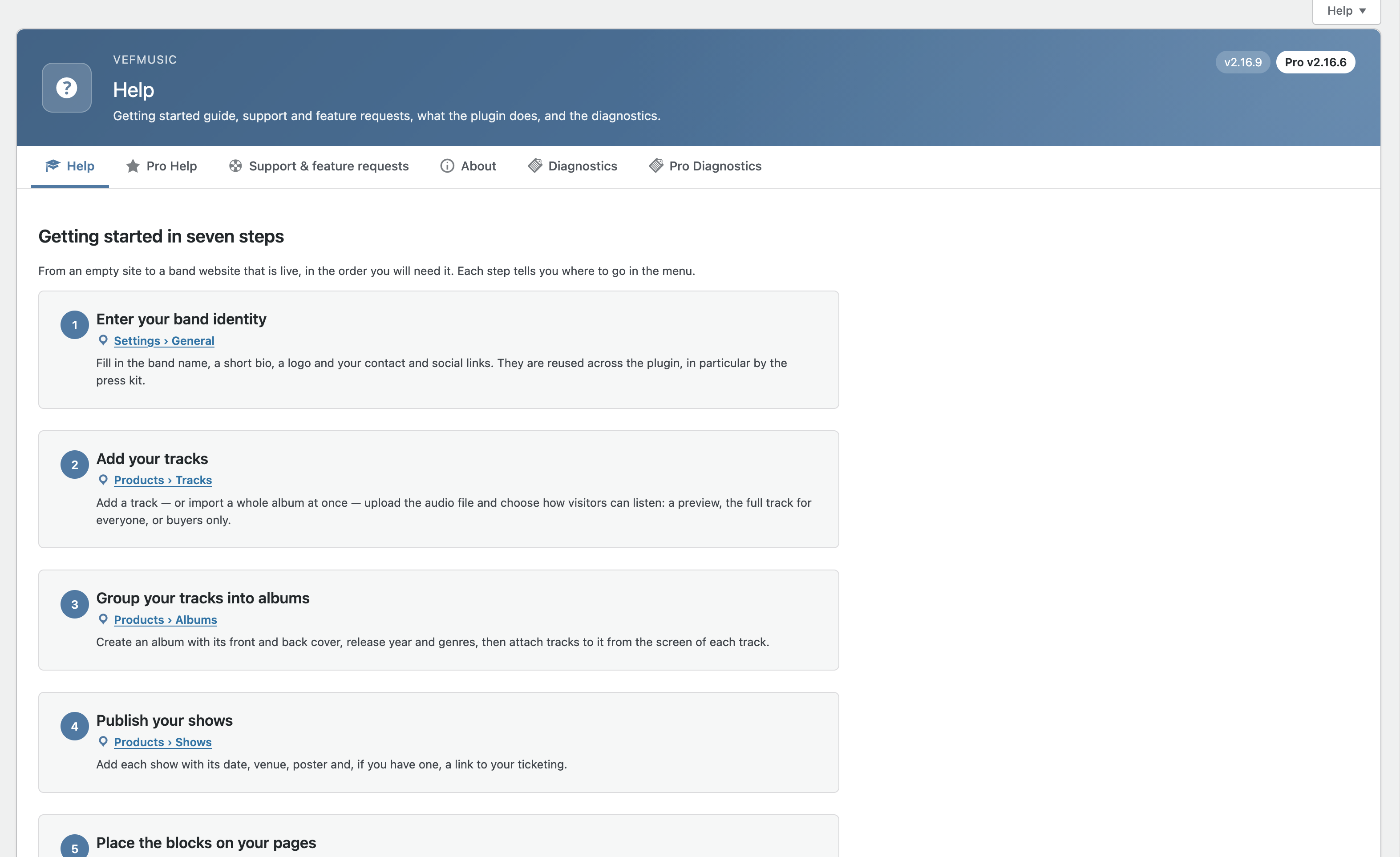
- Improved: the Help tab is now a getting started guide in seven steps, each one with its place in the menu, followed by the detailed reference in folded sections (nothing was removed). “About” has a new “Where to find what” section.
- Improved: the bulk import of tracks has the same header and tabs as the other Products screens.
- Fixed: menu paths quoted in the help texts now match the new menu.
- Fixed: the link to the General settings at the top of the Press kit screen was always shown in French; it is now translatable.
2.16.4
- Added: a new action,
vefm_concert_duplicated, fires when a show is duplicated from the Shows list, so extensions can copy their own per-show data (VEFmusic Pro uses it to copy the ticket zones).
2.16.3
- Changed: the button that flips the album cover now shows two opposite horizontal arrows instead of two circular arrows, on the album cover and in the enlarged view.
- Fixed: random player — its inner padding now matches the track players by default (10px 16px). It used to scale with the theme’s text size and could look larger than the tracks.
2.16.2
- Added: “Enlarge on click” setting (off by default) on the Album, Shows, Next Show and Past Shows blocks, Divi 5 modules and Elementor widgets: a click on the album cover or the show poster opens it in a larger view, with a flip button when the album has a back cover. The background takes the color of your site.
- Fixed: random player — the volume button now switches to the crossed-out speaker icon when muted, like the other players.
- Fixed: Tracks list (admin) — the “Album” column header now sorts in descending order on the first click (the list already opens in ascending order).
- Fixed: Shows block — a very long venue name without spaces no longer sticks out of the show card on very narrow phones.
- Improved: Help tab — documents settings that were missing (data removal on uninstall, tagline, preview length, audio formats for sale, automatic album discount, track style settings).
- Maintenance: Plugin Check errors fixed (translators comment, documented exceptions).
2.0.0 – 2.15.x
Earlier releases built the plugin: tracks, albums and shows with native blocks, Divi 5 modules and Elementor widgets, the protected audio player with listening modes, the built-in press kit, bulk import with ID3 tags, visitor ratings, anonymous listening statistics, schema.org structured data, settings export/import, accessibility work on the player, and the help and diagnostic screens.