VendBoard – Vendor Dashboard for WooCommerce

VendBoard – Vendor Dashboard for WooCommerce
Description
Vendor Product Dashboard for WooCommerce adds a frontend dashboard for vendors, allowing them to manage their own products without access to the WordPress admin area.
Vendors can:
* Add new products
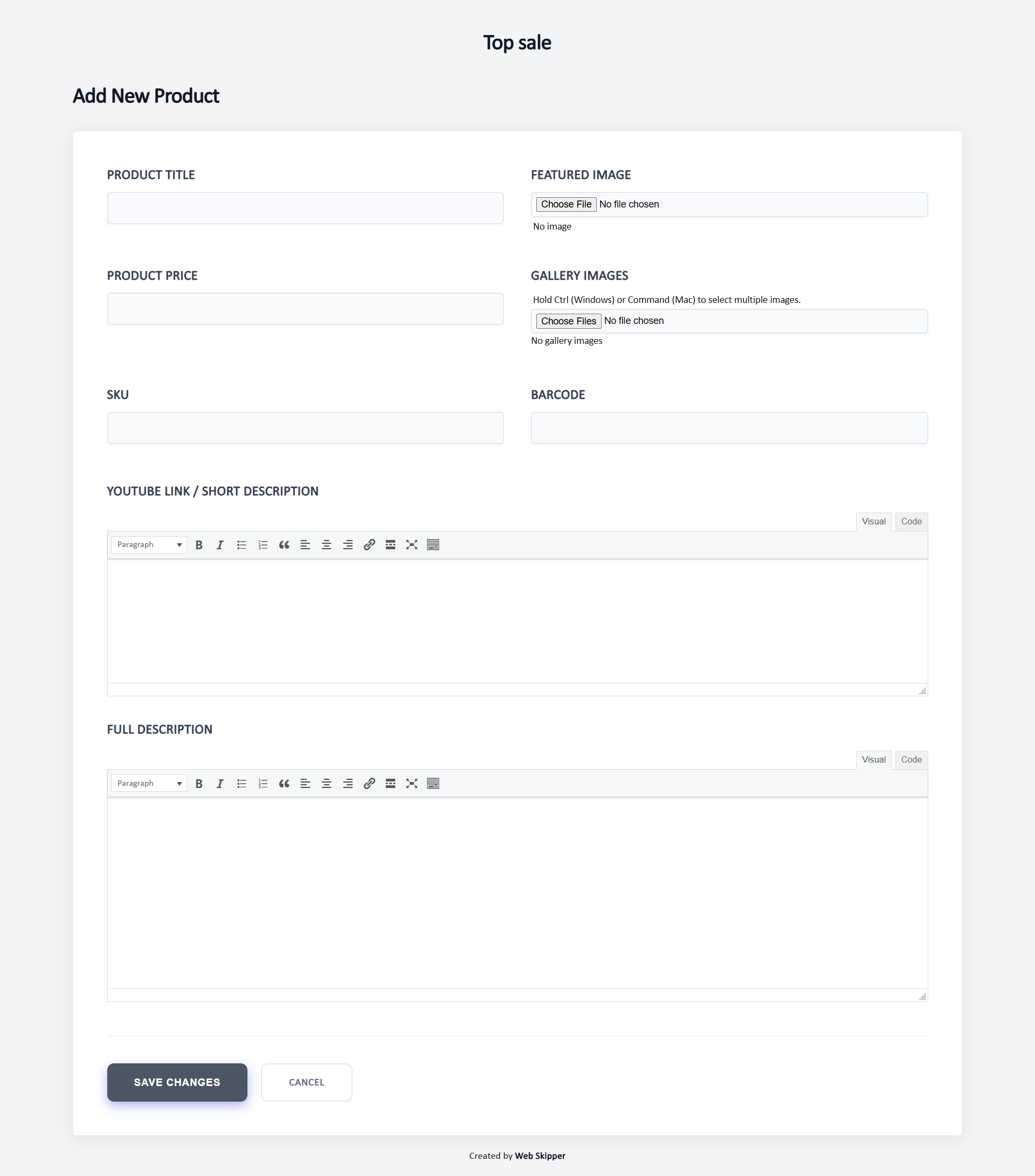
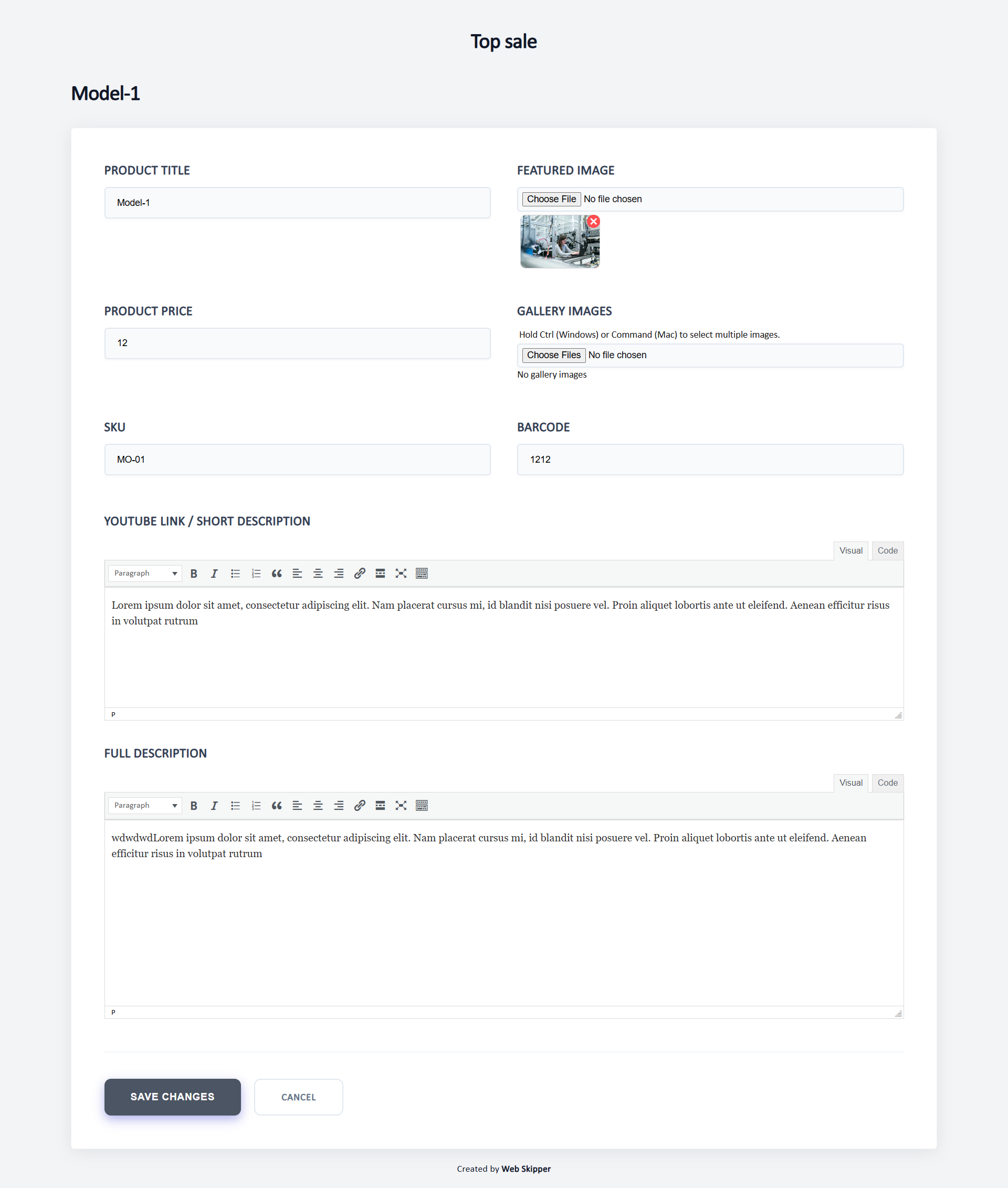
* Edit product content (title, short and full description)
* Change product price, SKU, and barcode
* Upload product images and videos
All vendor changes are saved as Pending Review, while the store admin keeps full control over what gets published.
This plugin is ideal for multi-vendor stores, brands working with external suppliers, and marketplaces that require moderation before publishing product changes.
User Roles & Access Control
* Each vendor is assigned to specific brands
* Vendors can manage only products related to their own brands
* Products are automatically linked to vendors
* Vendors work in a frontend dashboard without wp-admin access
* Store owners retain full control through admin approval
Vendor-Friendly Dashboard
* Clean, WordPress-native frontend interface
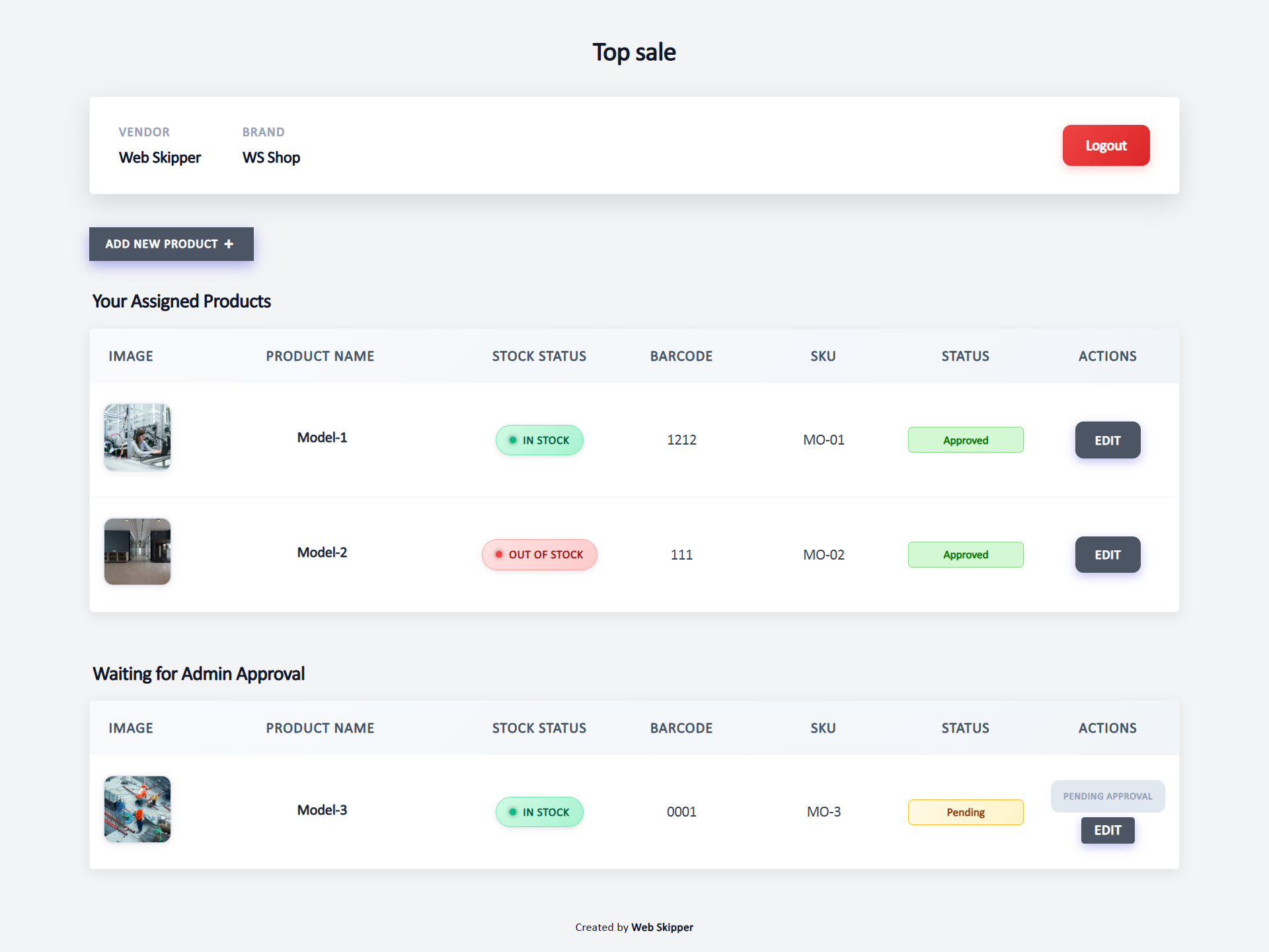
* View products with images, stock status, price, description, SKU, and barcode
* Clear indicators showing missing or incomplete content
* Changes are never published automatically
Admin Moderation
* Review all vendor product updates
* Approve or reject submitted changes
* Pro version: rejection comments for vendors
Design & Customization
* Clean and modern WooCommerce interface
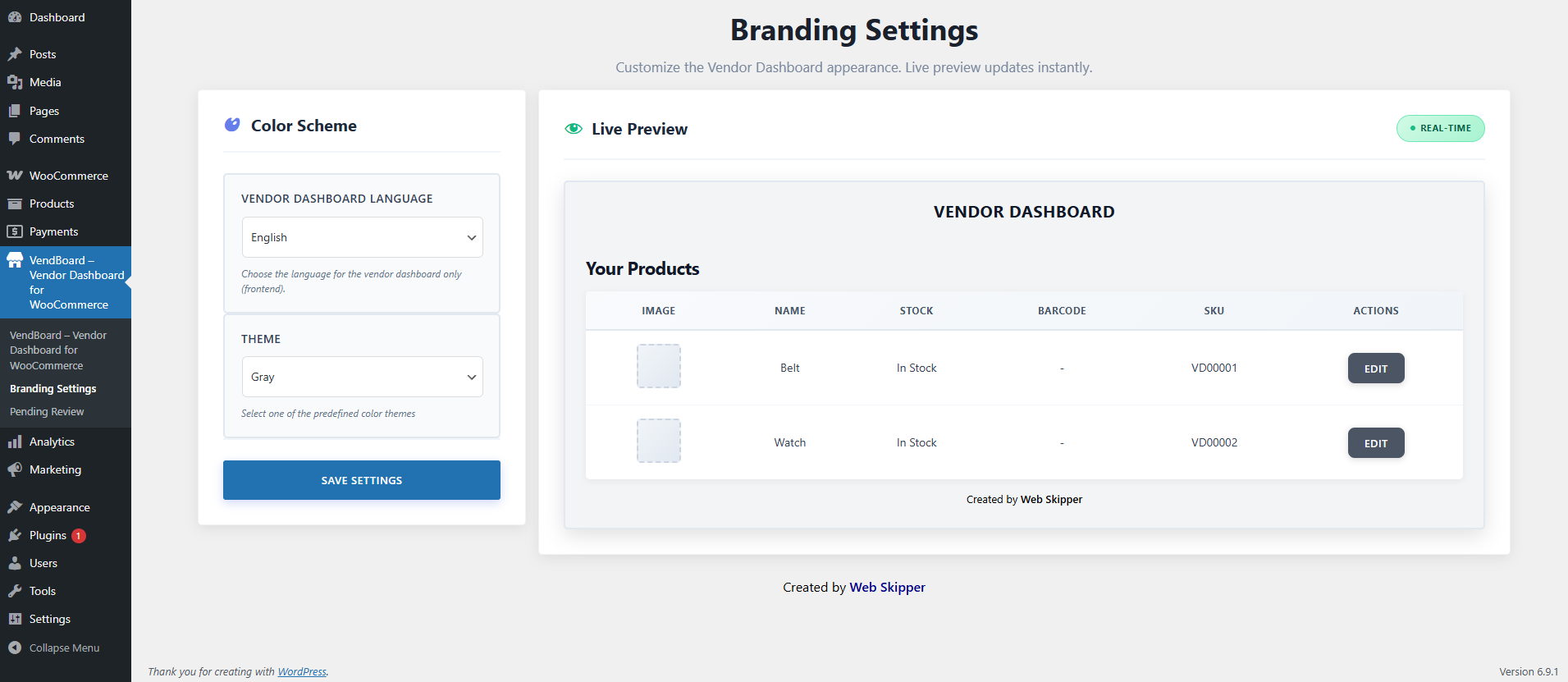
* RTL and LTR support (English / Hebrew)
* Five predefined color themes
* Pro version: full color customization, logo upload, and white-label mode
Extras
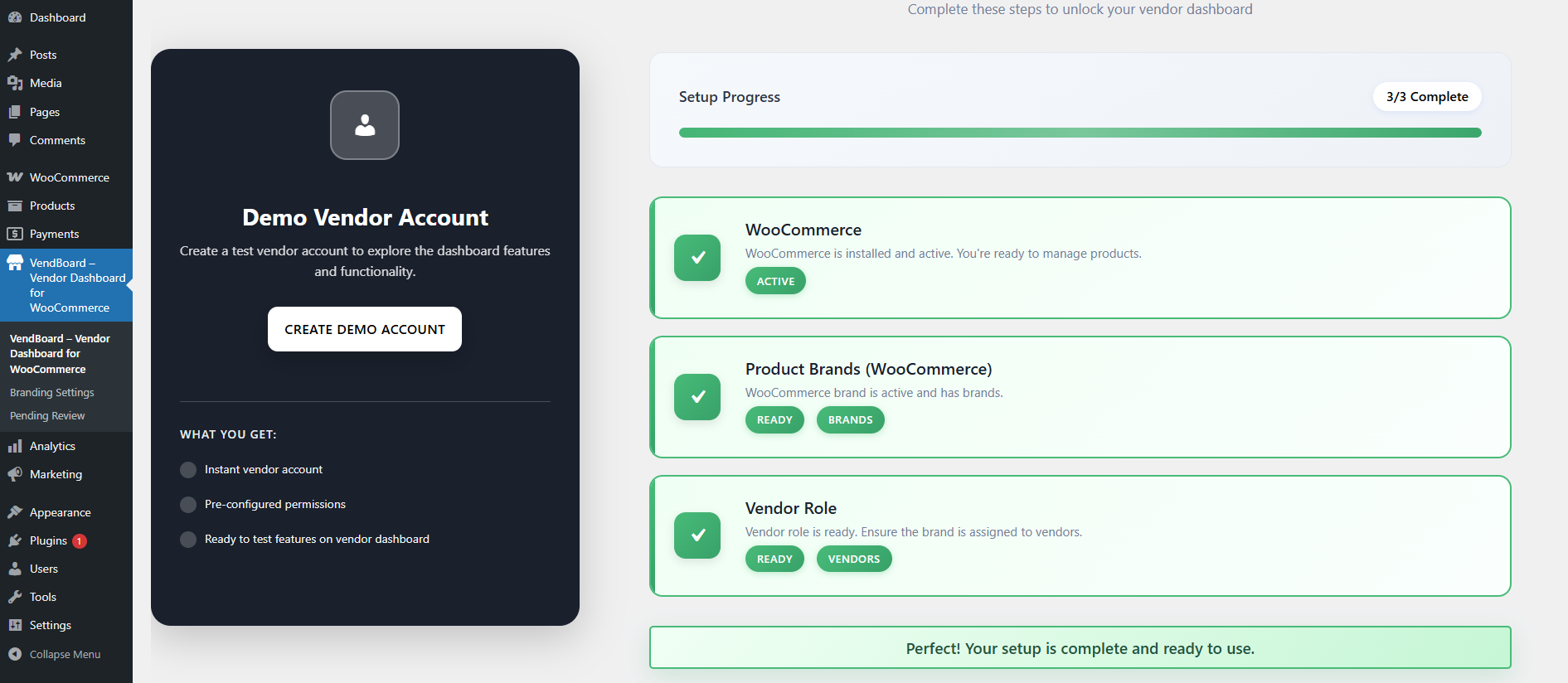
* Demo vendor account for testing
* Optional onboarding popup for new vendors
Why Stores Choose This Plugin
* Safe Editing: vendors never risk site integrity
* Full Control: all changes require admin approval
* Time Saver: reduces admin workload
* Vendor-Friendly: simple and intuitive interface
* Global Ready: suitable for international stores
Installation
- Go to Plugins > Add New.
- Search for “Vendor Dashboard”.
- Install and activate the plugin.
- After activation, visit Vendor Dashboard from the admin sidebar.
- Enable the features you want to use.
Screenshots
Vendor frontend dashboard
Vendor product edit screen
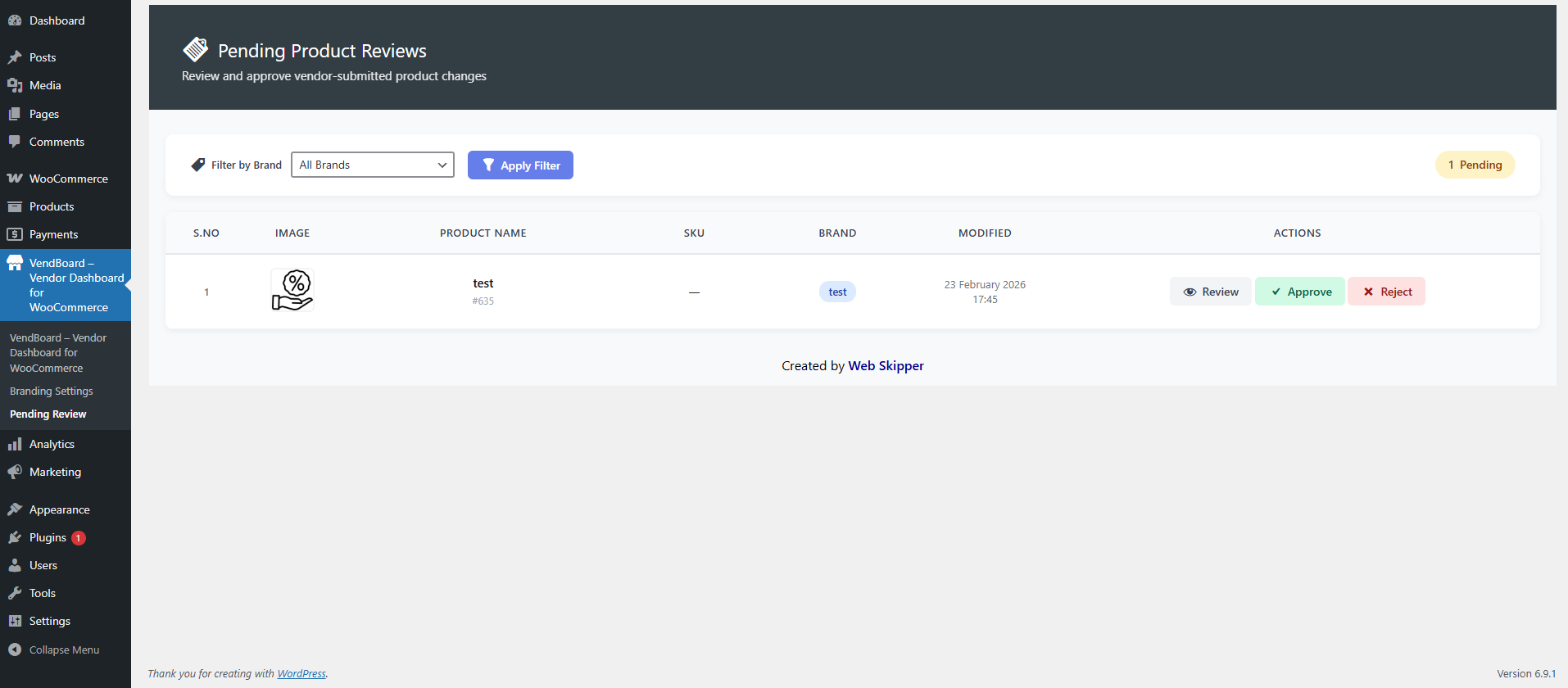
Admin approval screen
Faq
This plugin allows vendors to safely add and edit their own WooCommerce products without access to wp-admin. All changes require admin approval before publishing.
No. Vendors work only in a frontend dashboard. wp-admin access is restricted to administrators.
No. Each vendor can access and manage only their own products.
Yes. Vendors can add new products and edit existing ones from the frontend dashboard.
Vendors can manage product name, descriptions, images (featured and gallery), price, SKU, barcode, and product video (YouTube link).
No. All vendor changes and new products are saved as Pending Review until approved by an administrator.
Admins review vendor submissions and either approve or reject changes. Rejection comments are planned for the Pro version.
Products are grouped automatically:
* In-stock products missing content
* Out-of-stock products missing content
* In-stock products with complete content
* Out-of-stock products with complete content
Missing descriptions or images are clearly marked for easy editing.
The free version includes:
* Vendor role and frontend dashboard
* Vendor-only product access
* Product creation and editing
* Admin approval workflow
* Smart product sorting
* Five predefined color themes
* English and Hebrew language support
* RTL and LTR compatibility
Yes. Planned Pro features include rejection comments, full color customization, logo upload, and white-label mode.
For custom features, contact us at info@web-skipper.co.il.
Reviews
Secure, Structured, and Well Built
By 
This plugin provides a clean and well-structured vendor dashboard for WooCommerce stores. The frontend experience is very user friendly, and vendors can manage products safely without accessing wp-admin.
The admin approval workflow is especially useful for marketplaces that require moderation before publishing changes. Brand-based restrictions and pending review control work smoothly.
Well coded, secure, and easy to configure. Highly recommended for multi-vendor WooCommerce stores.
Help full plugin
By 
It Help for plugin for Woo-commerce, for product management
A Simple, Time-Saving Solution for Supplier Product Management
By 
I’ve been using this WordPress plugin to allow suppliers to upload images and content for new products, and it has saved me countless hours of manual work. The interface is simple and intuitive, making it easy for suppliers to add the required information without any technical assistance.
What I especially appreciate is the control it gives me: every submitted product comes to me for review and is only published on the site after my approval. This ensures accuracy and maintains quality while still streamlining the workflow.
It’s incredibly straightforward, efficient, and a huge time-saver. Highly recommended for anyone managing a product-heavy website.
Changelog
1.0.6
- Fixed vendor product update issue.
- Improved styles.
1.0.5
- Removed inline scripts and styles, implemented proper WordPress enqueue.
- Escaped all shortcode outputs using proper WordPress escaping functions.
- Removed automatic demo user creation and weak password logic.
- Improved overall security and coding standards compliance.
1.0.4
- Fixed product save issues where changes were not reflected in the list due to meta key mismatch.
- Standardized
_vendboard_editedmeta key across the plugin for consistent pending product tracking. - Fixed brand assignment logic to support legacy meta keys (
VendBoard_assigned_brand,vd_assigned_brand). - Resolved “Access Denied” errors on the edit page by improving brand checking.
- Improved admin review workflow to properly clear pending flags on approval or rejection.
- Reverted decorative color changes to respect user branding settings.
1.0.3
- Fixed WordPress.org review issues.
- Improved i18n translator comments.
- Updated plugin name to VendBoard – Vendor Dashboard for WooCommerce.
1.0.2
- Fixed WordPress.org review issues.
- Improved i18n translator comments.
- Updated plugin name to Vendify – Vendor Dashboard for WooCommerce.
1.0.1
- Fixed WordPress.org review issues.
- Improved i18n translator comments.
- Updated plugin name to Managed Vendor Access for WooCommerce.
1.0.0
- Initial release.