Venjue Widget
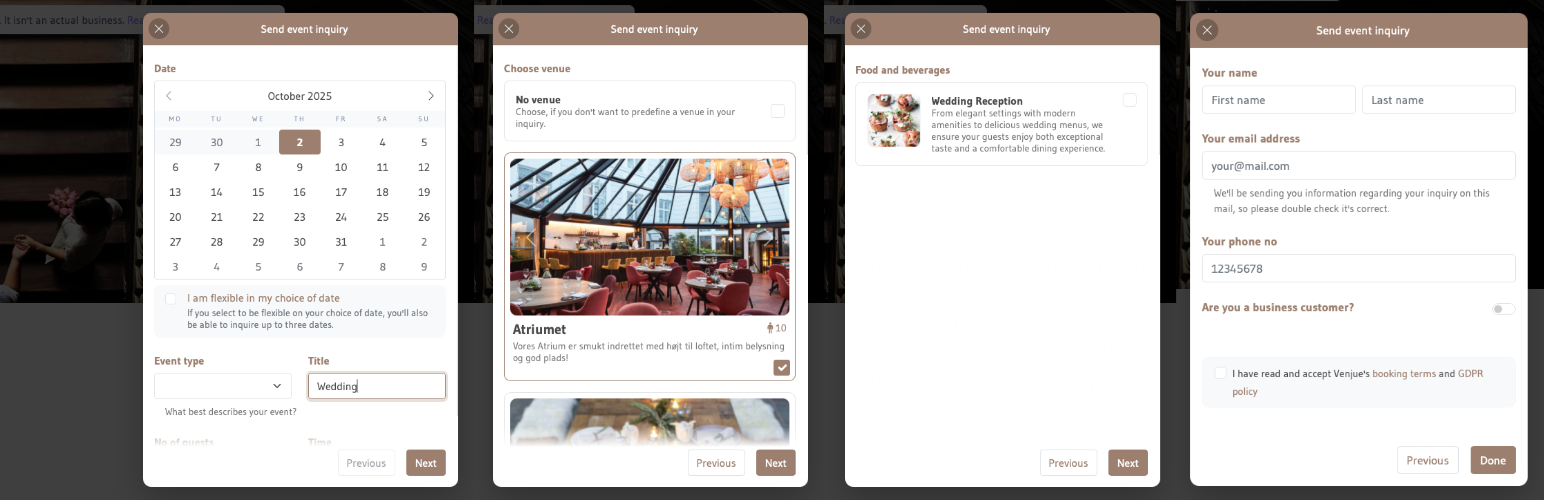
Venjue Widget
Description
Easily add the Venjue widget to your WordPress website with one-click installation. Customize and configure to your brand identity with ease.
See more at https://venjue.com
Installation
- Install plugin
- Activate the plugin in WordPress Plugins Venjue Widget Activate
- Go to Settings Venjue Widget and configure the Venjue widget for your WordPress site
Reviews
Changelog
1.1.0
- Revamped Settings page with more customization options
- Added ability to configure Google Analytics via Google Tag Manager ID
- Added custom code injection that runs after the widget’s ready event
- Added “Auto” language option (follows site language, defaults to English)
1.0.0
- Initial release