Video Gallery Block
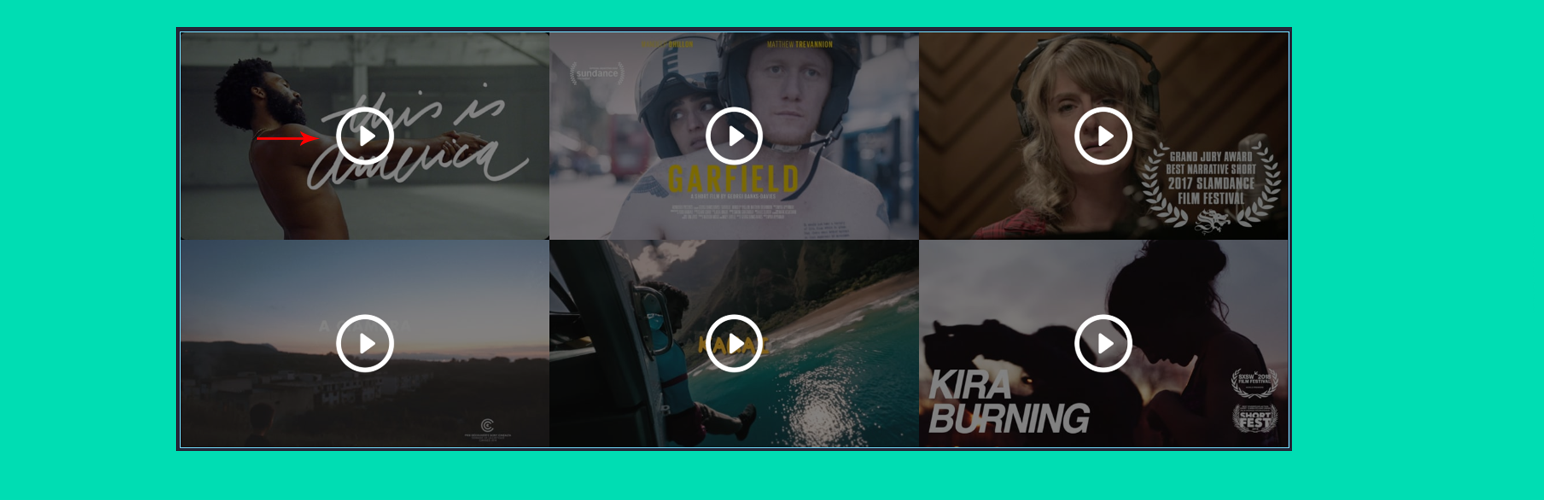
Video Gallery Block
Description
Video Gallery Block is a lightweight WordPress video gallery plugin that lets you create responsive video galleries, grids, and lightbox popups directly inside the Gutenberg block editor.
Video Gallery Block | Pricing | Support| Demo
Display YouTube, Vimeo, Wistia, or self-hosted HTML5 videos in clean and modern gallery layouts without writing any code. Organize videos using albums and filters, show them in responsive grids, and open videos in a smooth lightbox popup for a better viewing experience.
This Gutenberg video gallery block is perfect for creating video portfolios, testimonial sections, product video showcases, YouTube galleries, and Vimeo collections on any WordPress website.
Key Features – Free Version
The free version includes everything needed to build responsive video galleries in the Gutenberg editor.
- Responsive Video Gallery Block: Create video galleries with clean grid layouts that automatically adapt to desktop, tablet, and mobile screens.
- Album & Filter System: Organize videos into albums and allow visitors to filter videos by category.
- Responsive Column Layouts: Set different column numbers for Desktop, Tablet, and Mobile devices.
- Multiple Video Sources: Add videos from YouTube, Vimeo, Wistia, or self-hosted HTML5 video files.
- Custom Styling Controls: Adjust gallery spacing, padding, borders, backgrounds, and shadows directly from the block settings.
- Automatic or Custom Thumbnails: Automatically generate thumbnails from videos or upload custom poster images.
- Video Captions: Add captions or titles to each video displayed in the gallery.
- Lightbox Video Popup: Play videos in an elegant popup lightbox for an immersive viewing experience.
- Optimized Script Loading: Scripts only load when the block is used, helping maintain site performance.
- Translation Ready: Fully compatible with multilingual websites.
Video Gallery Block Pro – Unlock Advanced Video Layouts
Video Gallery Block Pro extends the plugin with additional Gutenberg video blocks and advanced gallery layouts.
Pro Features Include
- 8 Premium Video Blocks: Includes advanced blocks such as Video Slider, Carousel, Playlist Gallery, and Masonry Video Grid.
- Masonry & Mixed Ratio Layouts: Display videos in dynamic masonry galleries or mixed aspect ratio grids.
- Video Sliders & Carousels: Create interactive video sliders with autoplay and navigation controls.
- Playlist Video Gallery: Build organized video playlists with navigation and sequential playback.
- Parallax Video Sections: Add background video sections with parallax scrolling effects.
- Advanced Typography & Overlays: Customize titles, captions, and overlay effects for each video.
- Custom Navigation & Player Controls: Control slider navigation, autoplay behavior, and player interactions.
- WooCommerce Video Product Carousel: Show product videos in carousel layouts for WooCommerce stores.
- Priority Support: Get faster assistance and updates.
Try the Video Gallery Block – Unlock all premium features now!
How to Use Video Gallery Block – Step-by-Step Guide
Getting started with the Video Gallery Block is quick and easy!
Step-by-Step Instructions
Insert the Video Gallery Block
- Open any Page or Post in the WordPress Block Editor (Gutenberg).
- Click the + (Add Block) button.
- Search for “Video Gallery Block.”
- Insert the block into your page.
Add and Organize Videos
After inserting the block, configure the gallery using the block settings panel:
- Add video URLs from YouTube, Vimeo, or self-hosted sources.
- Create albums for filtering videos.
- Adjust column numbers and gallery layout.
- Customize gallery styling options.
- Enable or disable filter buttons.
Using Premium Blocks
When you try to insert a Pro block (such as Video Slider or Parallax Row) while using the free version:
- A placeholder block will appear.
- The block includes a Get Premium button.
- You can remove the placeholder if you choose not to upgrade.
Preview and Publish
Preview the page to see how your video gallery appears on different devices, then publish your page.
For installation help, see the Installation tab.
Live Demo | Get Video Gallery Block PRO
Feedback
- Did you like this plugin? Dislike it? Do you have a feature request? Please share your feedback with us
Check Out The Parent Plugin of This Plugin-
B Blocks – A blocks collection and page building tool for Gutenberg.
Related Plugins
Other plugins by our team:
Html5 Video Player – Display videos as single and playlist in multiple skins.
PDF Poster – Display/Embed PDF files with different styles.
Html5 Audio Player – Listen audios with awesome visuals.
StreamCast – Customizable radio player with different skins.
3D Viewer – Embed 3D models and 3D products with interaction.
Advanced Post Block – Show posts and custom posts in different layouts.
Source Code
The non-minified source code for this plugin is available on our public repository:
GitHub Repository
Third-Party Libraries
bpl-tools
- Source / GitHub: https://github.com/bPlugins/bpl-tools
- License: GPL-2.0-or-later – https://www.gnu.org/licenses/gpl-2.0.html
- Purpose: Shared utility library providing admin dashboard components and common Gutenberg editor controls.
- External Services: The library may connect to bPlugins, WordPress.org, and Freemius services for product data and checkout functionality. See full details: https://github.com/bPlugins/bpl-tools#external-requests–why-they-are-made
Freemius Lite SDK
- Source: https://bplugins.com/
- GitHub: https://github.com/bPlugins/freemius-lite-sdk
- License: GPL-2.0-or-later – https://www.gnu.org/licenses/gpl-2.0.html
- Purpose: Provides an opt-in consent form for usage tracking and analytics to help improve the plugin. No data is sent before explicit user consent.
- External Services: Communicates with
api.bplugins.com(activation events) andwp.freemius.com(opt-in processing) only after user opt-in. See bPlugins Privacy Policy and Freemius Privacy Policy.
Isotope
- Source / Website: https://isotope.metafizzy.co/
- License: GPL-3.0 – https://isotope.metafizzy.co/license.html
- Purpose: Layout library to filter and sort video gallery items.
Plyr
- Source / GitHub: https://github.com/sampotts/plyr
- License: MIT – https://github.com/sampotts/plyr/blob/master/LICENSE.md
- Purpose: Media player control wrapper for YouTube, Vimeo, and self-hosted HTML5 video files.
Fancybox
- Source / Website: https://fancyapps.com/fancybox/
- License: GPL-3.0 – https://fancyapps.com/license/
- Purpose: Lightbox library used to pop up and play videos when clicked in the gallery layout.
Development
This plugin uses modern JavaScript (React/ES6) compiled via Webpack.
To compile the source code, please follow these steps:
1. Clone the repository: git clone https://github.com/bPlugins/video-gallery-block-free.git
2. Navigate to the plugin directory: cd video-gallery-block-free
3. Install dependencies: npm install
4. Compile the production assets: npm run build
Installation
From Gutenberg Editor
- Open the block editor.
- Click Add Block (+).
- Search for “Video Gallery Block”.
- Insert the block.
Upload Plugin
- Download the plugin ZIP file.
- Go to Plugins Add New Upload Plugin.
- Upload
video-gallery-block.zip. - Click Install Now and activate.
Manual Installation
- Upload the plugin folder to
/wp-content/plugins/. - Activate the plugin from the Plugins menu.
Screenshots
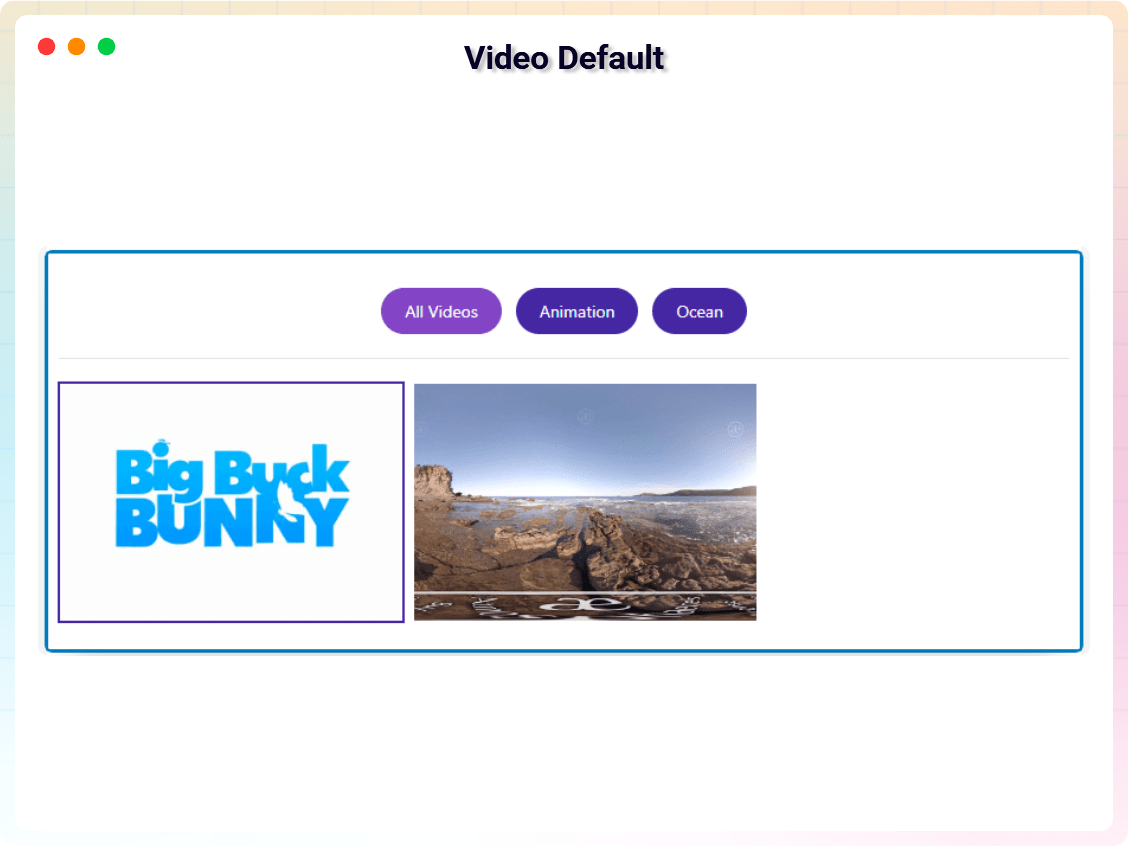
Video Gallery Block – Default Layout.
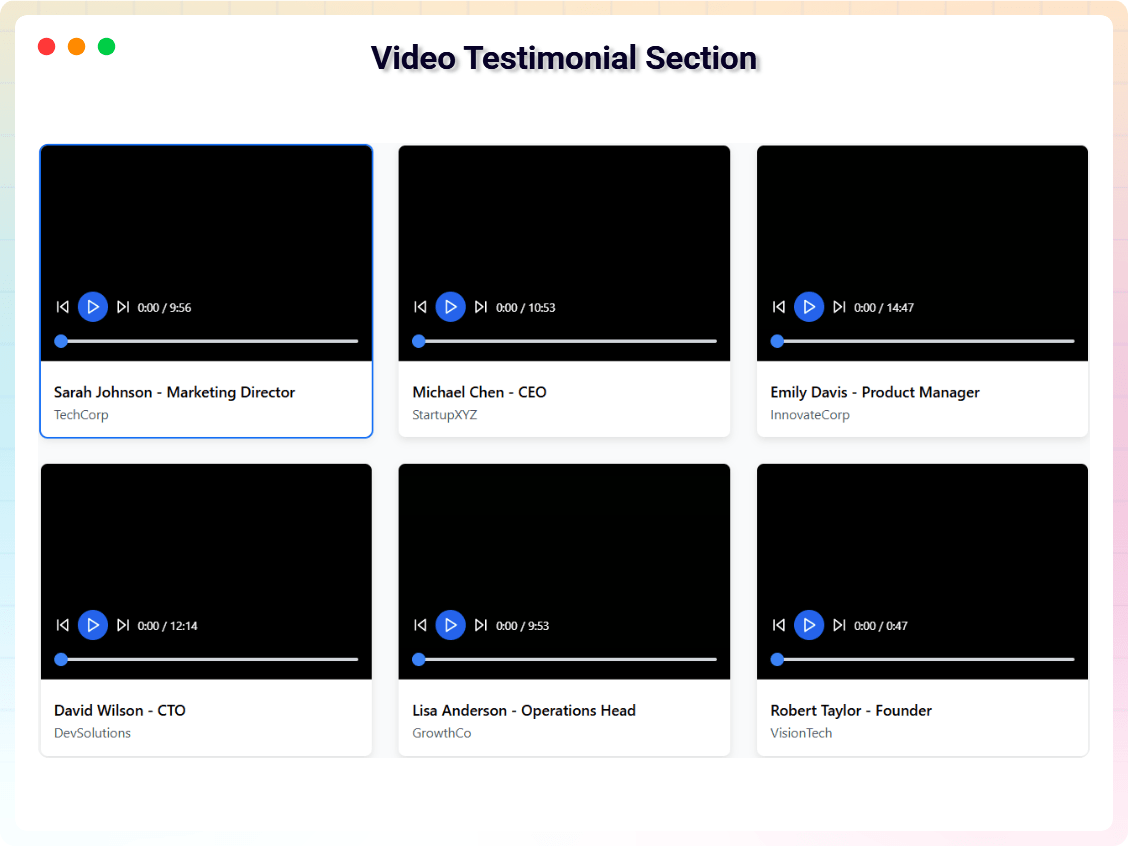
Video Testimonial Section.
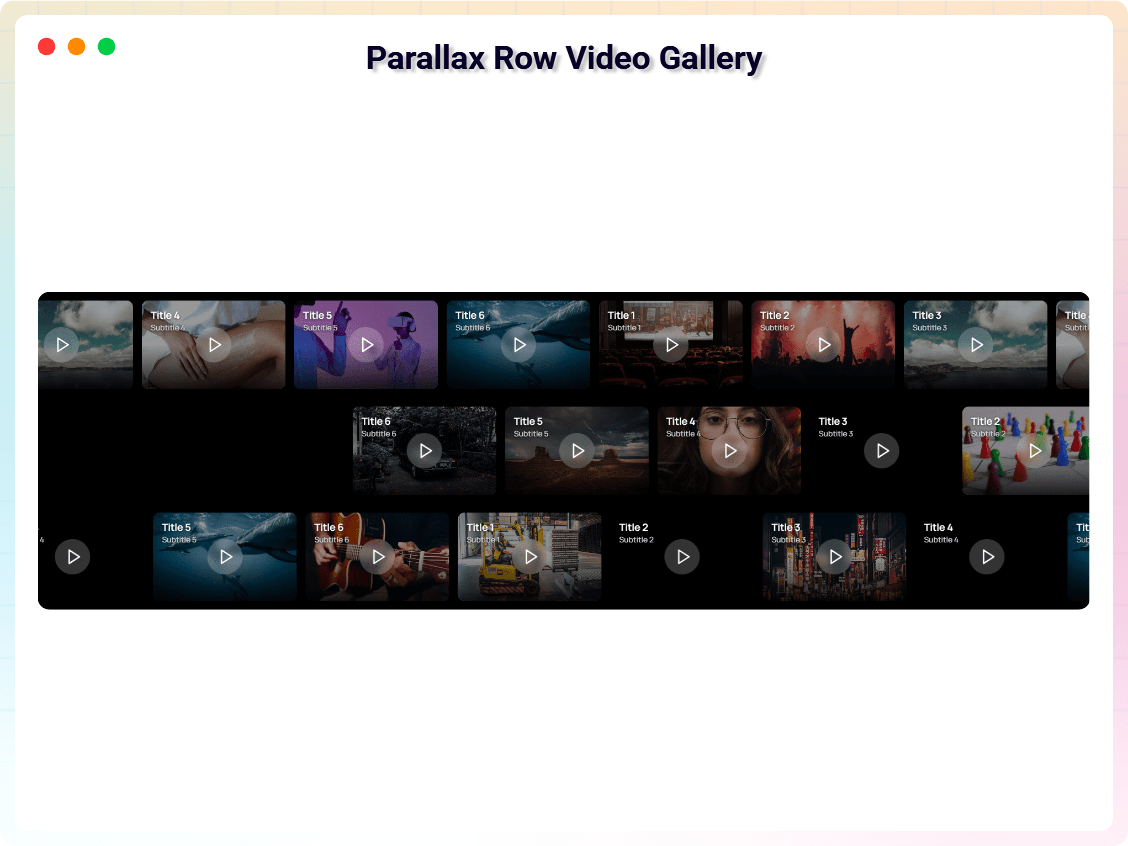
Parallax Video Gallery.
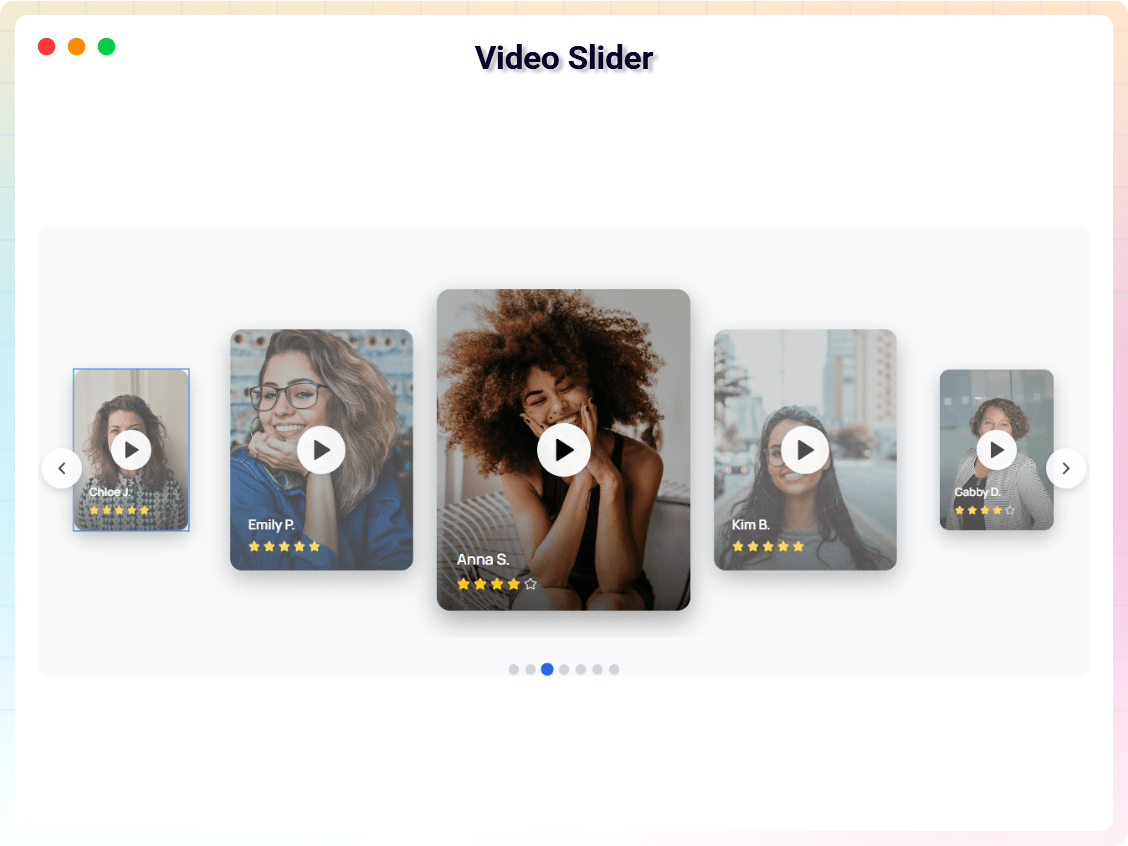
Video Slider.
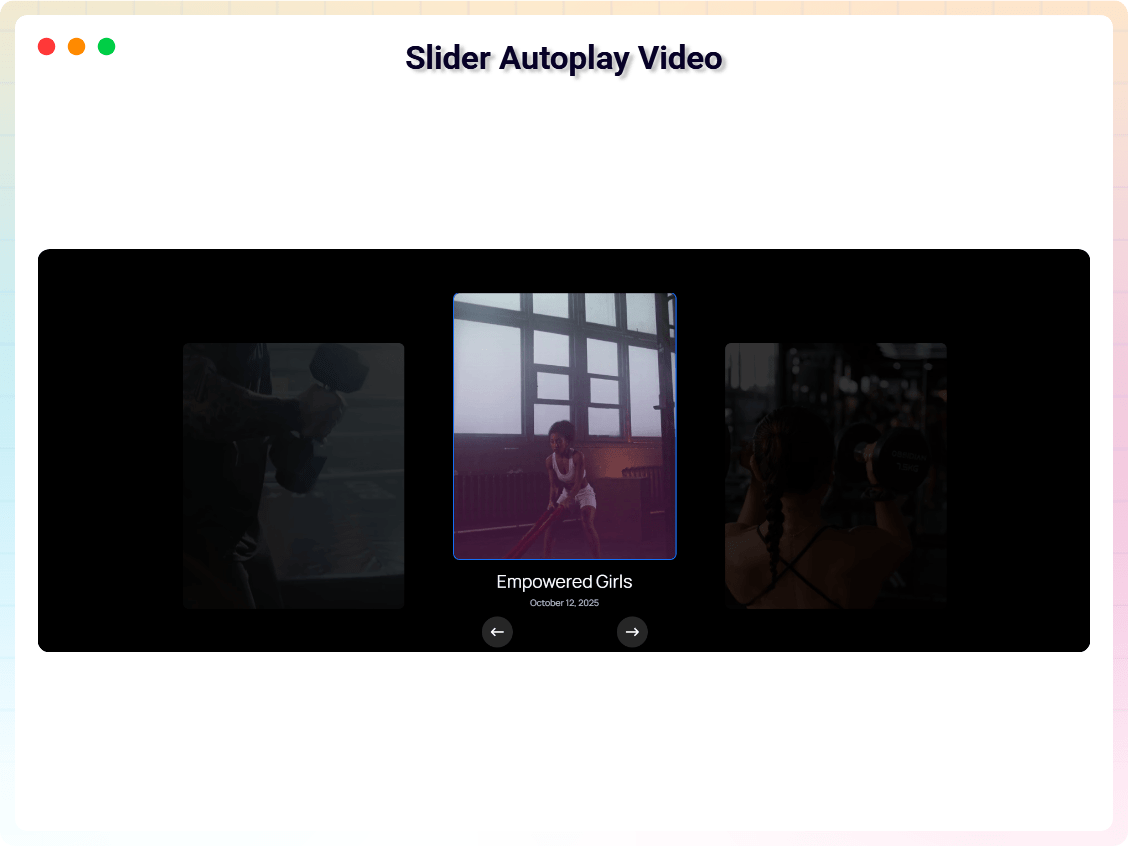
Autoplay Video Slider.
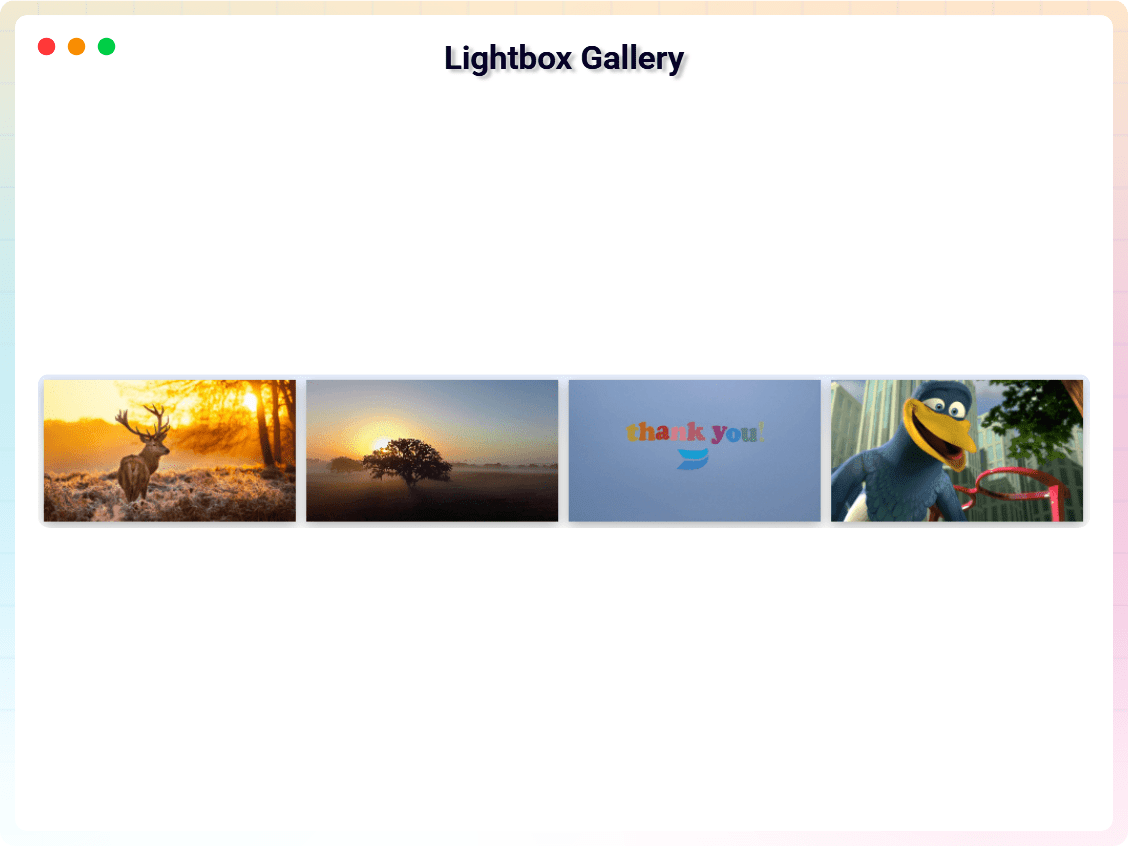
Lightbox Video Gallery.
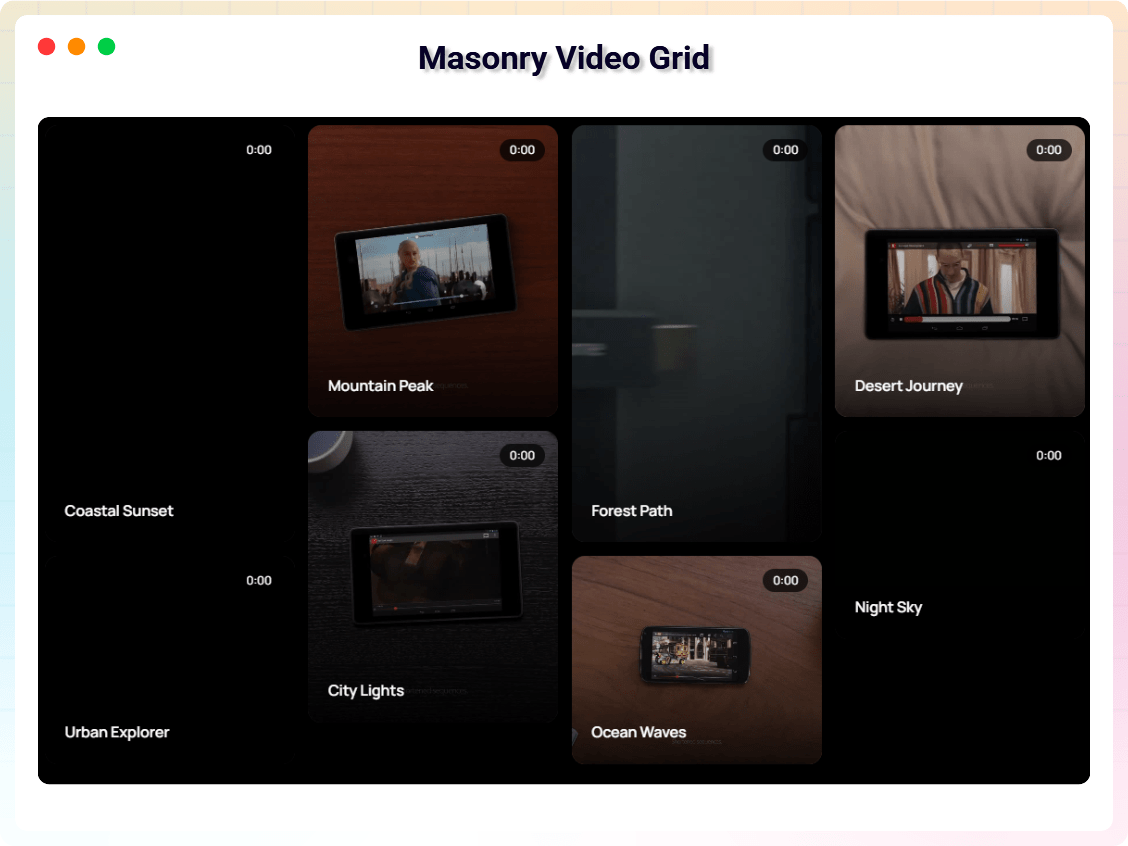
Masonry Video Grid.
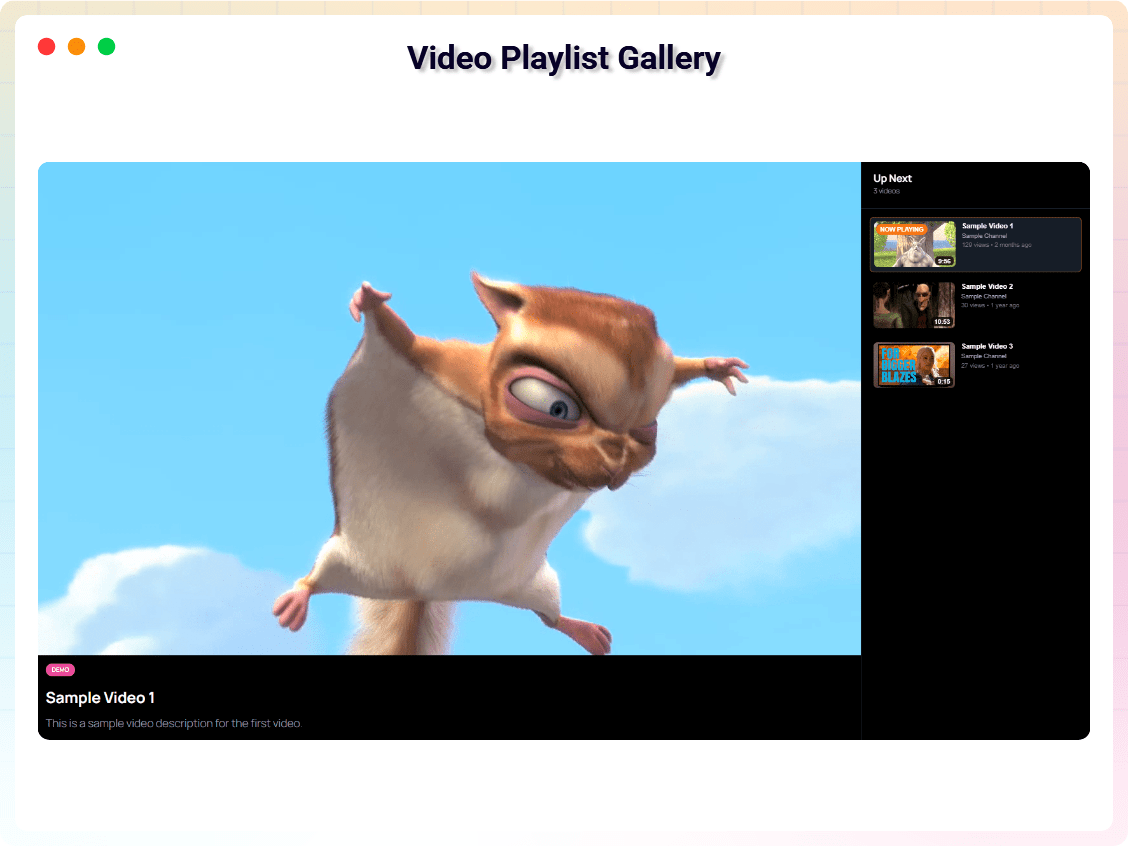
Video Playlist Gallery.
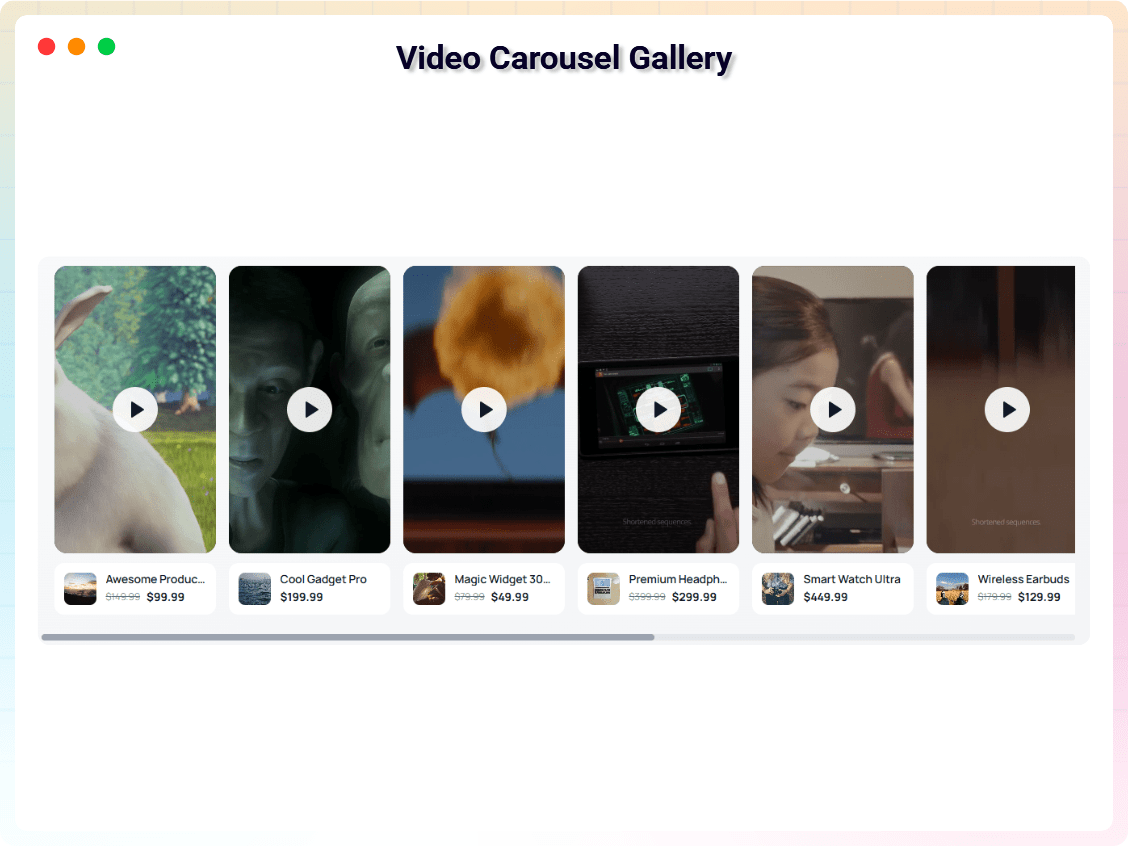
Video Carousel.
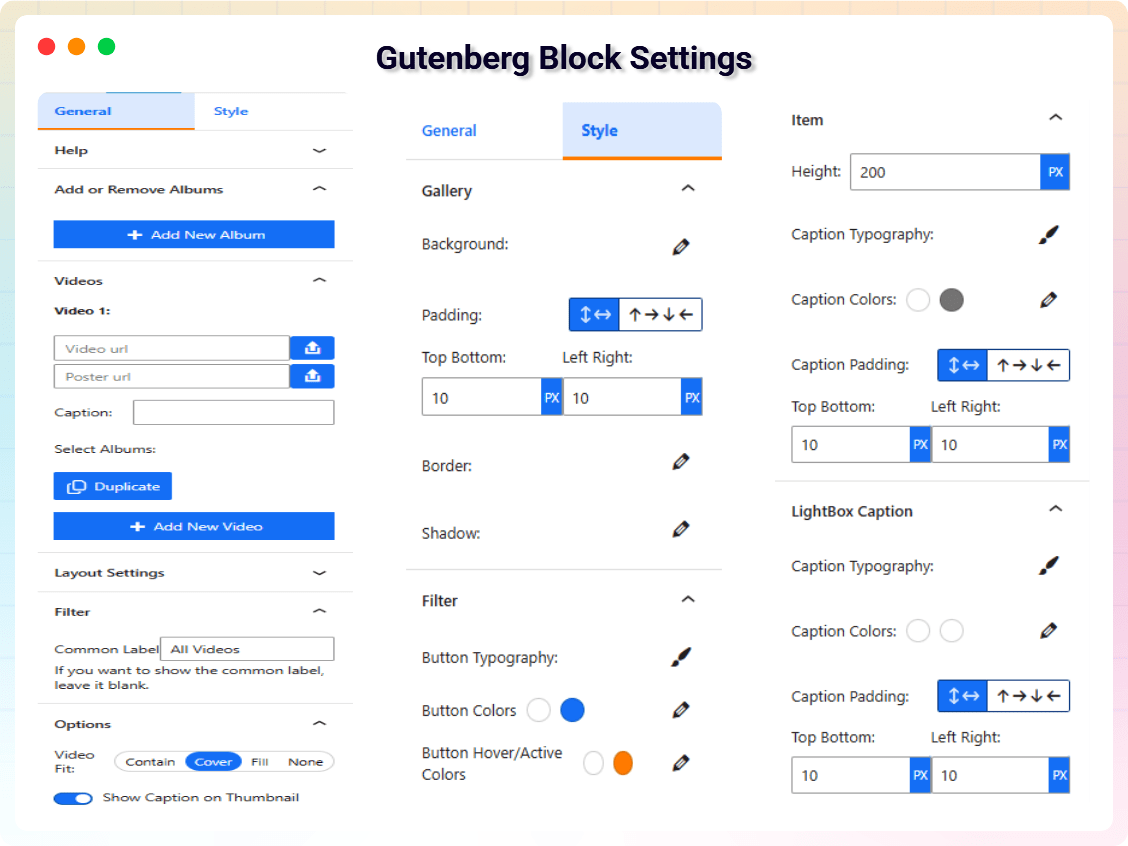
Gutenberg Block Settings.
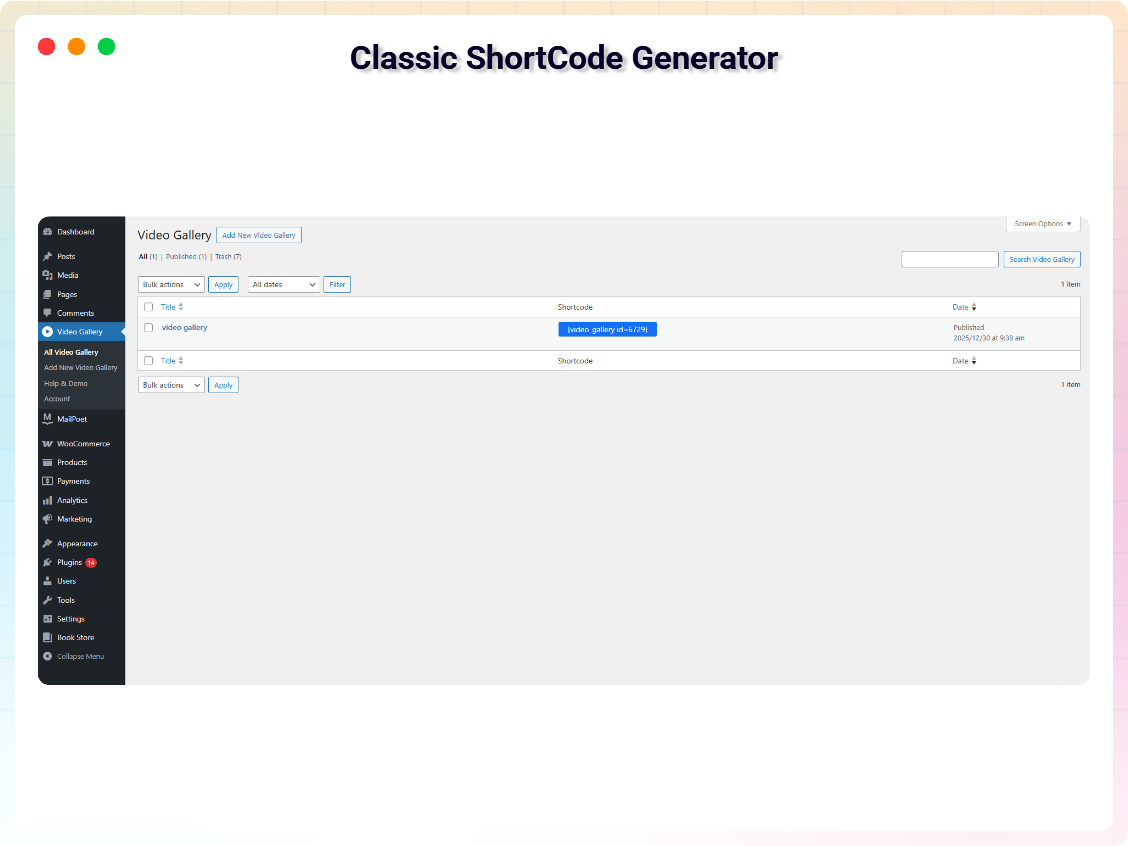
Classic Shortcode Generator.
Faq
Yes. The free version includes albums, filters, captions, thumbnails, and basic styling. A Pro version is available with advanced features.
Pro unlocks sliders, carousels, advanced layouts, typography controls, and additional video sources.
Yes. It is compatible with all modern WordPress themes.
Yes. Free users can customize layout and basic styling. Pro users get advanced design controls.
Yes. You can create unlimited galleries across your site.
Yes. The gallery is fully responsive.
Yes. You can use YouTube, Vimeo, Wistia, and self-hosted HTML5 videos (Pro).
Free users can use the WordPress.org support forum.
Pro users receive priority email support.
Reviews
User-Friendly and Straightforward Plugin
By 
This plugin is incredibly easy to use and straightforward. I really appreciate its simplicity and effectiveness. Highly recommended!
Great plugin
By 
With some minor tweaks (a center function) then it could become awesome!
Could be a great tool if it was a little more user friendly
By 
Could be a great tool for posting media items if it was just a little user friendly. I added 20 videos to a page and not one of them shows the caption or title. What good is that? My site is contains videos(500K, images(100K and stories(200K). Needless to say, that having a solid, reliable and user friendly content management system is mandatory. I have been trying to launch my site for two years now and have even hired a developer to fix the site and that is not working out so good. I have yet to find a decent plugin that can create directory lists and keep the categories/tags straight. I add content and shortly afterwards it disappears. I fix one problem and another one shows up.
How is it possible that plugins are available that haven't been tested with all versions of WP. The ramifications caused by an incompatible plug-in are endless. I spend 90% of my time reading help files and support forums and always come up empty handed. Questions are asked but never answered and are so old that they are no longer relevant. I must say there is one thing about WordPress that is executed very efficiently and that is BILLING. If only the energy and attention to detail that billing utilizes was directed towards the user experience this might be a worthy platform. The jury is still out on that, sadly.
I am sure someone is thinking that this is not the appropriate place to post this comment and I apologize for that. I am at the end of my rope now and am ready to surrender for the first time in my life. YOU WIN WORDPRESS!
Video Gallery
By 
Awesome Video Gallery
By 
Super easy and good looking
By 
Changelog
1.1.3 – 21 May 2026
- Fixed: Prefixed the generic ‘admin-post’ script handles with plugin-specific prefix.
- Security: Fixed directory guideline issues.
1.1.2 – 10 May 2026
- Compliance: Standardized text domain to match plugin slug.
- Compliance: Added human-readable source code link.
- Compliance: Removed prohibited trialware file access restrictions.
- Security: Added sanitization and escaping to settings and shortcodes.
- Security: Added ABSPATH checks to all PHP files.
- Maintenance: Updated Plyr.js to the latest stable version.
1.1.1 – 12 Aug 2025
- Fixed minor issues.
- Added 8 new block styles.
- Added new shortcode styles.
- Added new dashboard.
1.1.0 – 30 Jan 2025
- Updated Fancybox library to v5.
1.0.8 – 27 Nov 2024
- Added option to hide the “All” album filter.
1.0.7 – 27 Nov 2024
- Added custom label option for common filter.
1.0.6
- Added gallery shadow options.
1.0.5
- Improved vertical video height handling.
1.0.4
- Added video captions.
- Prevented loading scripts when block is not used.
1.0.3
- Added translation support.
1.0.2
- Fixed add/remove video issues.
1.0.1
- Automatic video thumbnail generation.
1.0.0
- Initial release.