Vijay’s SMTP Connector for Zoho Mail

Vijay’s SMTP Connector for Zoho Mail
Description
Vijay’s SMTP Connector for Zoho Mail replaces WordPress’s default PHP mail() function with a proper SMTP connection to Zoho Mail, so outgoing mail from your site is authenticated and delivered reliably.
This plugin is an independent, third-party tool built to work with Zoho Mail. It is not developed, endorsed, or affiliated with Zoho Corporation. “Zoho” is a trademark of Zoho Corporation Pvt. Ltd.
Features
- ⚙️ SMTP setup with SSL/TLS support (ports 465 & 587)
- 📥 Complete IMAP & POP3 reference (all regions)
- 🌐 MX record details for domain verification
- 🛡️ SPF, DKIM & DMARC record reference
- 🧪 One-click test email with live feedback
- 🔐 Secure App Password storage
- 🌍 Regional server guide (US, EU, India, Australia)
SMTP Settings
- Host: smtp.zoho.com
- Port: 465 (SSL) or 587 (TLS/STARTTLS)
- Authentication: Required
- Username: your full Zoho email address
- Password: your Zoho App Password
MX Records
Add these to your domain DNS:
- Priority 10 mx.zoho.com
- Priority 20 mx2.zoho.com
- Priority 50 mx3.zoho.com
SPF Record
Add a TXT record: v=spf1 include:zoho.com ~all
Installation
- Upload the
vijays-smtp-connector-for-zoho-mailfolder to/wp-content/plugins/ - Activate the plugin in Plugins Installed Plugins
- Go to Settings SMTP Connector for Zoho
- Enter your Zoho credentials and save
- Use the Test Email tab to verify delivery
Screenshots
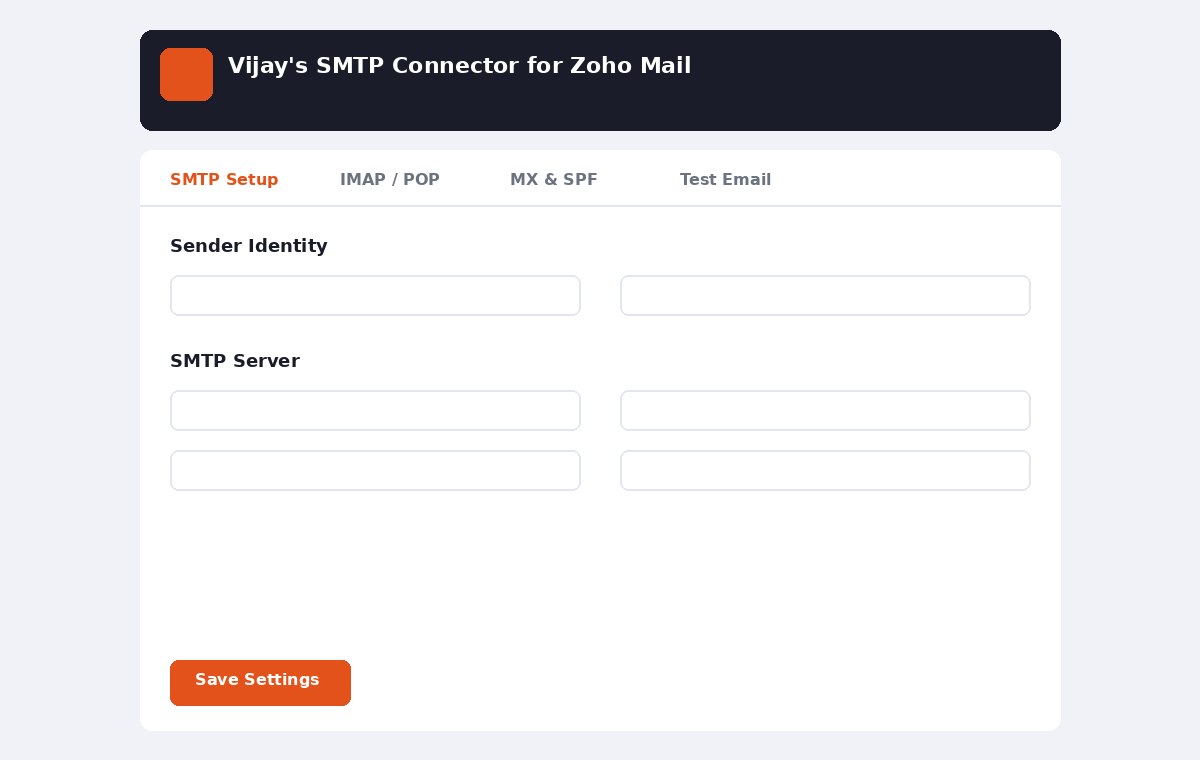
SMTP Setup tab – sender identity, server and Zoho credentials.
Faq
No. It is an independent plugin and is not affiliated with Zoho Corporation.
Generate an App Password in Zoho Mail (Settings Security App Passwords) and use that instead of your login password.
Reviews
Changelog
1.0.0
- Initial release