Vishavjeet Age Consent Banner – Restrict Website Access by Age Verification

Vishavjeet Age Consent Banner – Restrict Website Access by Age Verification
Description
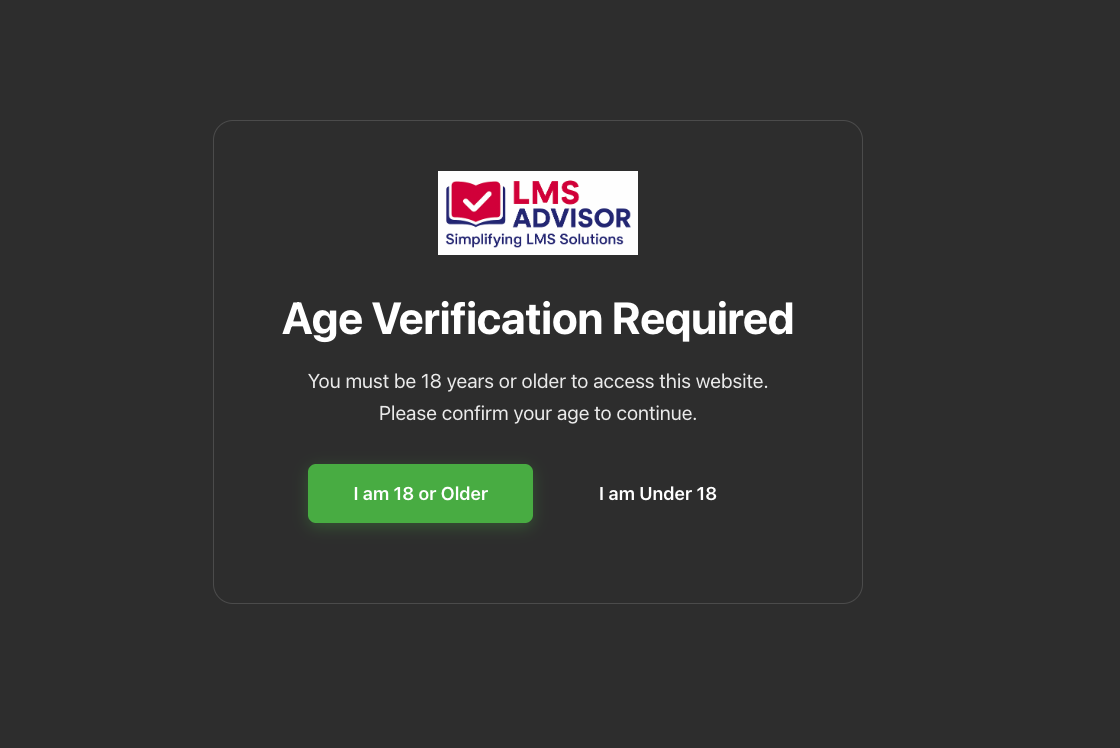
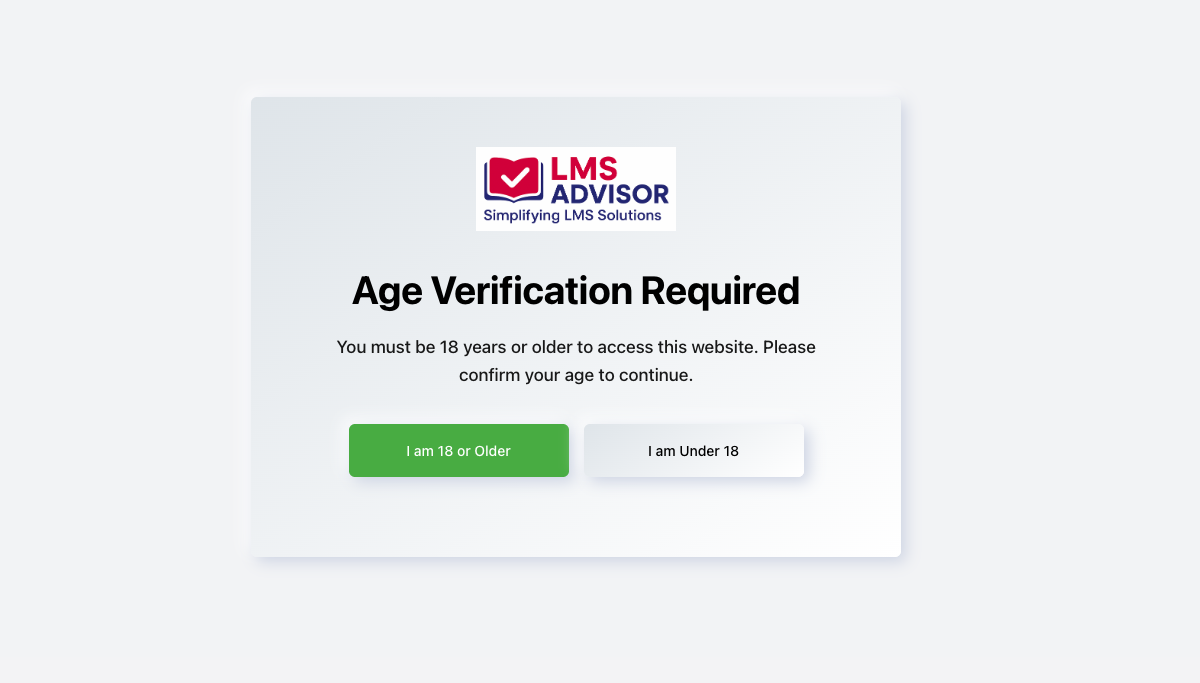
Age Consent Banner is a WordPress plugin that restricts access to your website until users confirm their age. It is suitable for websites offering age-restricted content, products, or services such as alcohol, tobacco, or adult material.
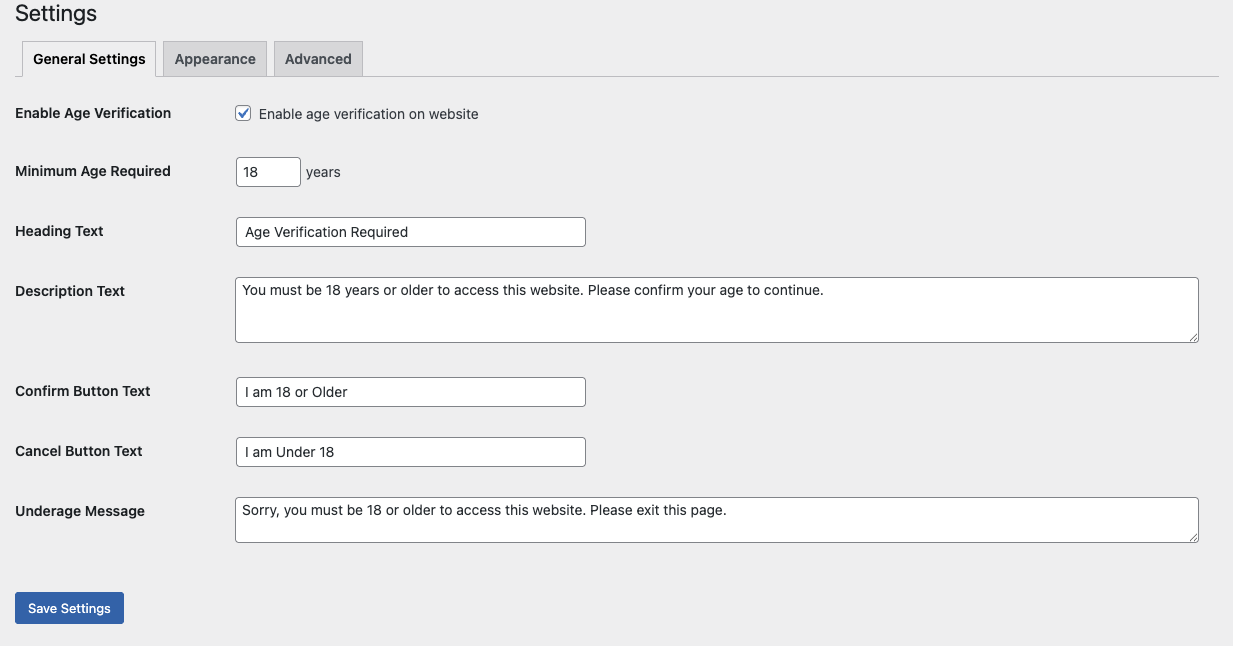
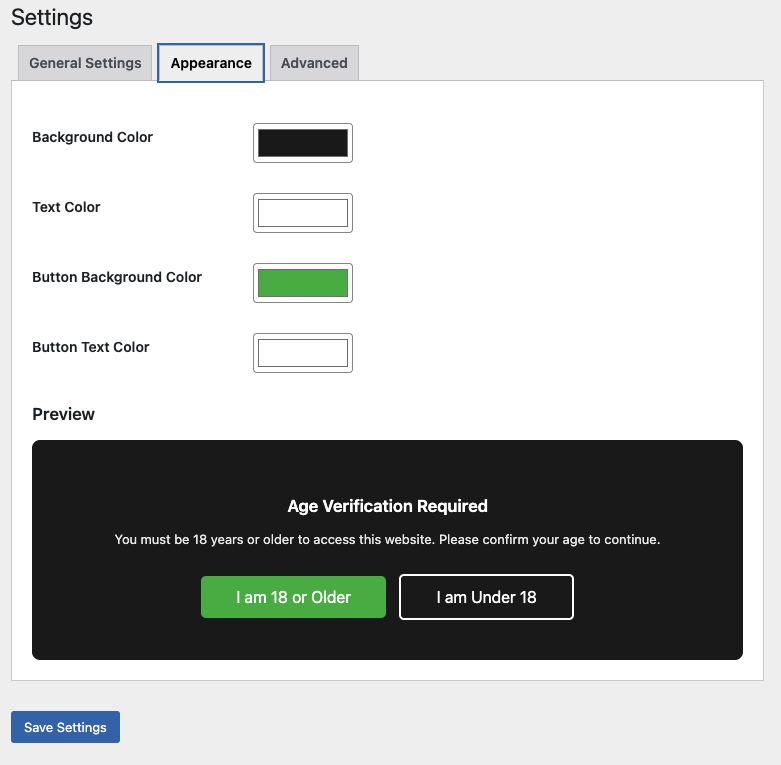
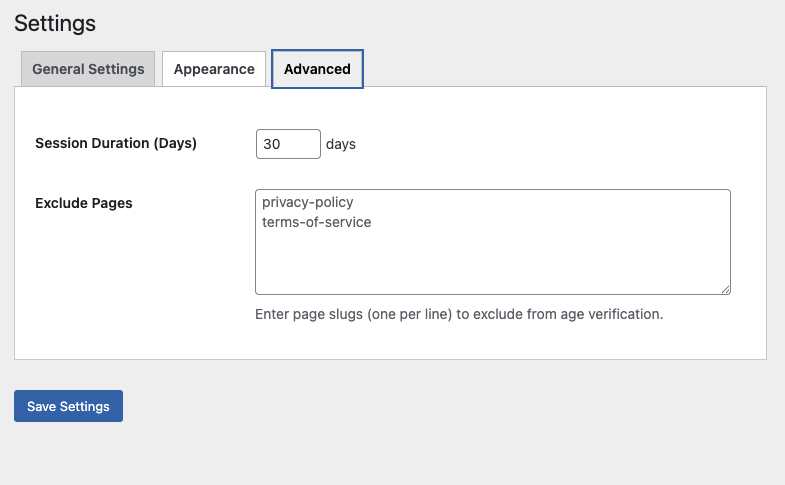
The plugin is fully customizable from the WordPress admin panel, allowing you to control text, colors, minimum age, session duration, and page exclusions.
Key Features
- Fully customizable text, colors, and labels
- Session-based age verification
- Minimal data storage for functionality
- Responsive design for all devices
- Simple and intuitive admin settings
- Page exclusion support
- Configurable session duration
- Built following WordPress coding standards
- Secure data handling using WordPress APIs
Use Cases
- Adult content websites
- Alcohol and tobacco stores
- Age-restricted product shops
- Dating websites
- Cannabis / CBD websites
- Gaming websites with mature content
- Any website requiring age compliance
Customization Options
- Heading and description text
- Button labels
- Background, text, and button colors
- Minimum age requirement
- Session duration (1–365 days)
- Page exclusions
Statistics
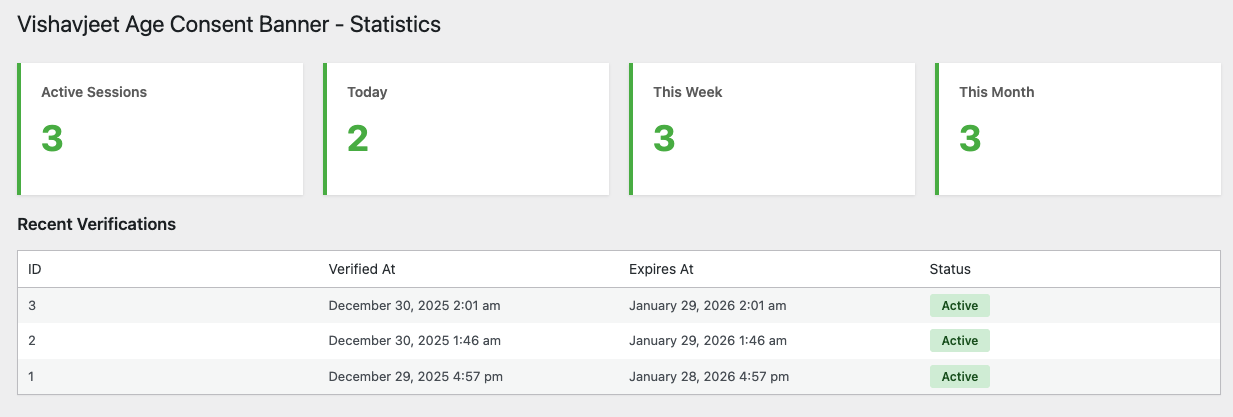
- View active verification sessions
- Track daily, weekly, and monthly verification counts
- View recent verification activity
Data & Security
- Uses secure cookies for session handling
- Prepared SQL queries
- Escaped outputs to prevent XSS
- Nonces for CSRF protection
- Automatic cleanup of expired sessions
Privacy Policy
This plugin stores the following data for functional purposes only:
* Anonymous session identifiers
* IP addresses
* Verification timestamps
* Session expiration data
All stored data is automatically deleted after expiration.
Developer Information
Developed by Vishavjeet Choubey
- Website: https://vishavjeet.in/
Installation
- Upload the
vishavjeet-age-consent-bannerfolder to the/wp-content/plugins/directory. - Activate the plugin through the Plugins menu in WordPress.
- Go to Settings > Age Consent Banner to configure the plugin.
Screenshots
Faq
The plugin stores minimal data required for functionality, such as anonymous session identifiers, IP addresses, and verification timestamps. This data is automatically removed after session expiration.
Yes. All text and colors can be customized from the admin settings page.
Yes. You can exclude specific pages such as privacy policy or contact pages using page slugs.
Yes. The minimum age is fully configurable.
The plugin is designed to store minimal data for functional purposes. You should consult a legal professional to ensure compliance with your local regulations.
Reviews
Changelog
1.0.0
- Initial release
- Customizable age verification banner
- Session-based verification
- Admin settings page
- Statistics overview
- Page exclusion support
- Responsive design