Visual Sitemap
Visual Sitemap
Description
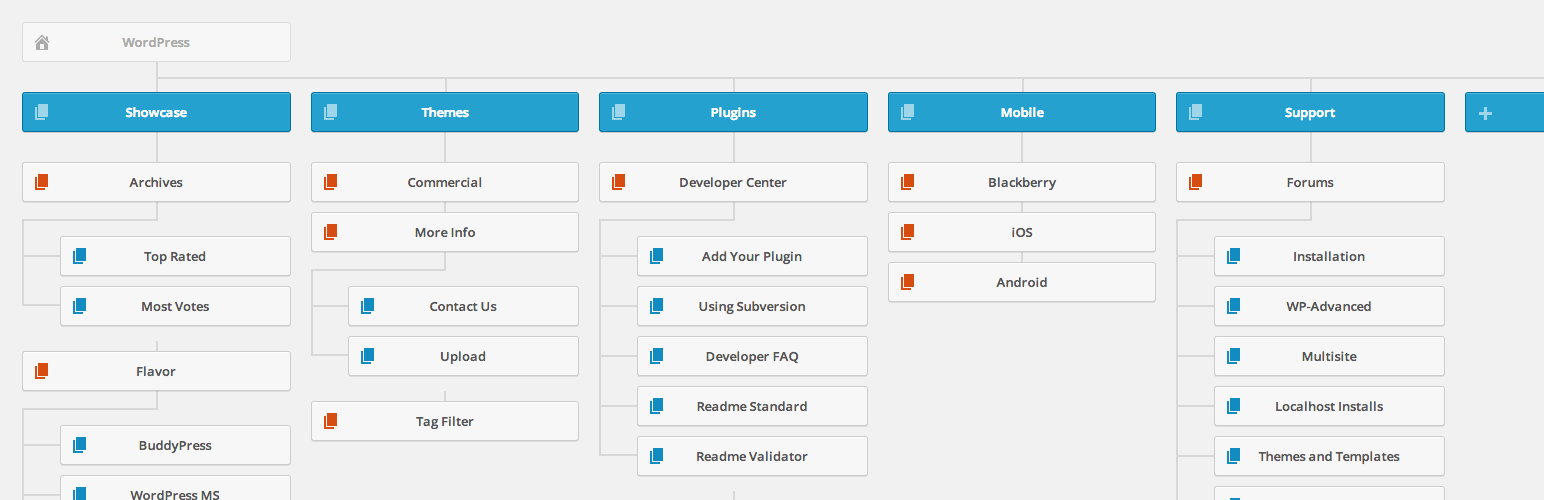
Displays an interactive visual sitemap in admin. A nice touch for sites delivered to clients, and useful for managing a site as it gives a visual overview of all pages, tags, and categories.
Installation
Minimum Requirements
- WordPress 3.0 or greater
- PHP version 5.2.4 or greater
- MySQL version 5.0 or greater
Automatic Installation
Automatic installation is the easiest option as WordPress handles the file transfers itself and you don’t even need to leave your web browser. To do an automatic install of Visual Sitemap, log in to your WordPress admin panel, navigate to the Plugins menu and click Add New.
In the search field type “Visual Sitemap” and click Search Plugins. Once you’ve found the plugin you can view details about it such as the point release, rating and description. Most importantly of course, you can install it by simply clicking Install Now. After clicking that link you will be asked if you’re sure you want to install the plugin. Click yes and WordPress will automatically complete the installation.
Manual Installation
The manual installation method involves downloading the plugin and uploading it to your webserver via your favorite FTP application.
- Download the plugin file to your computer and unzip it
- Using an FTP program, or your hosting control panel, upload the unzipped plugin folder to your WordPress installation’s wp-content/plugins/ directory.
- Activate the plugin from the Plugins menu within the WordPress admin.
Upgrading
Automatic updates should work like a charm; as always though, ensure you backup your site just in case.
Screenshots
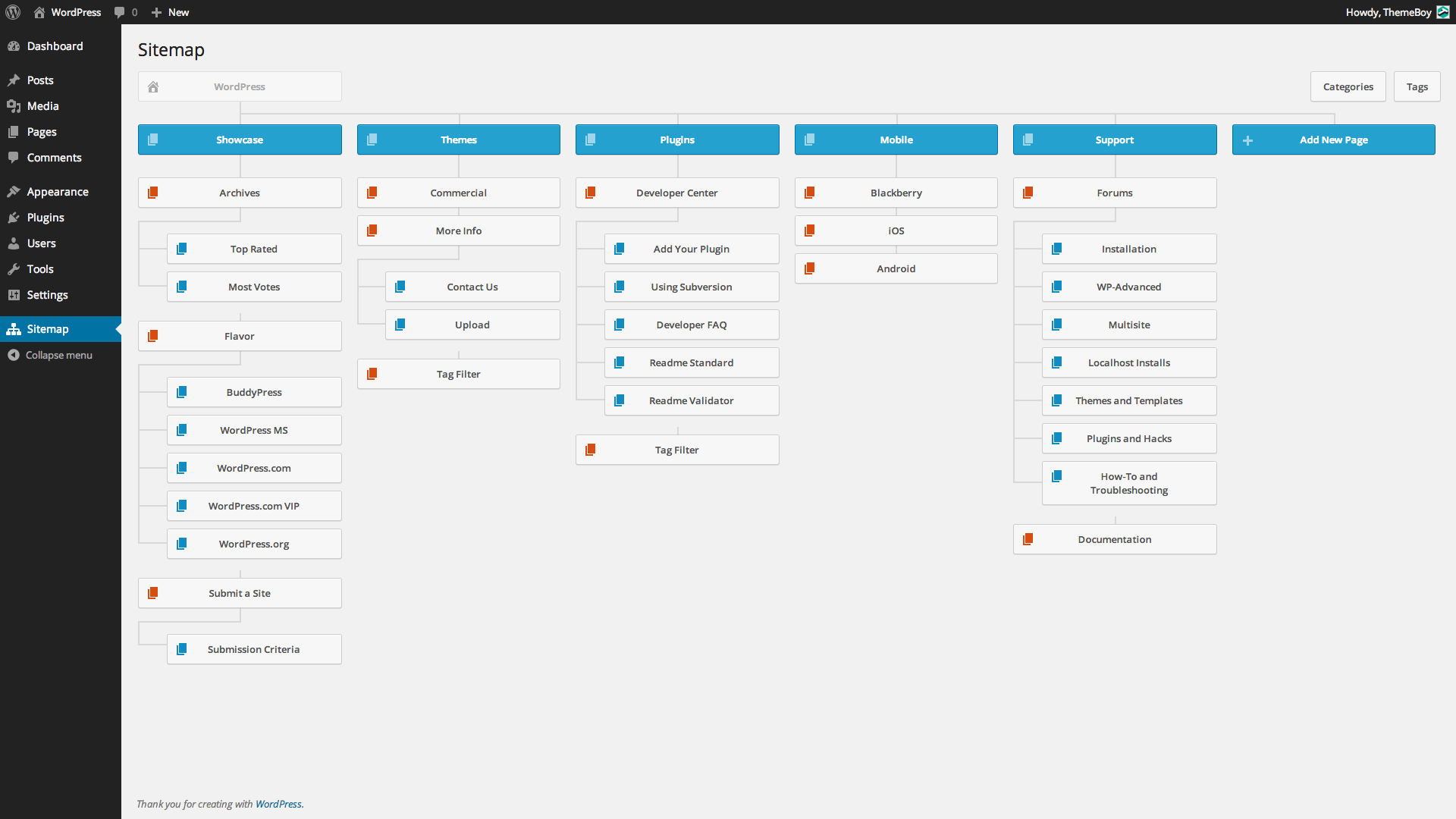
Visual sitemap page in admin.
Faq
Installation Instructions
Minimum Requirements
- WordPress 3.0 or greater
- PHP version 5.2.4 or greater
- MySQL version 5.0 or greater
Automatic Installation
Automatic installation is the easiest option as WordPress handles the file transfers itself and you don’t even need to leave your web browser. To do an automatic install of Visual Sitemap, log in to your WordPress admin panel, navigate to the Plugins menu and click Add New.
In the search field type “Visual Sitemap” and click Search Plugins. Once you’ve found the plugin you can view details about it such as the point release, rating and description. Most importantly of course, you can install it by simply clicking Install Now. After clicking that link you will be asked if you’re sure you want to install the plugin. Click yes and WordPress will automatically complete the installation.
Manual Installation
The manual installation method involves downloading the plugin and uploading it to your webserver via your favorite FTP application.
- Download the plugin file to your computer and unzip it
- Using an FTP program, or your hosting control panel, upload the unzipped plugin folder to your WordPress installation’s wp-content/plugins/ directory.
- Activate the plugin from the Plugins menu within the WordPress admin.
Upgrading
Automatic updates should work like a charm; as always though, ensure you backup your site just in case.
Reviews
Amazing surprise !
By 
Purely useful plugin and works on latest WP 6.7.1 🙂
Works perfectly with WP 6.2
By 
This plugin does a beautiful job, and gives me exactly what I was looking for. Why hasn't it been updsted ffor 6 years?
Works with WordPress version 6.1 & WooCommerce 7.4.1
By 
Works with WordPress version 6.1 that has WooCommerce 7.4.1, JetPack, WP Super Cache, and all the other popular Plugins plus a few extra. Shows the Sitemaps for 1. Pages, 2. Categories, and 3. Tags when one of those 3 buttons are pressed. I encourage the developer to keep working on this ONE OF A KIND plugin. It even let me open and edit anything to groom my site for greater SEO impact.
Finally
By 
I've been looking after something like this!
By 
Simple, just works
By 
Very usefull and visual
By 
Great Plugin!
By 
Works, but limited use
By 
Thanks
By 
Thanks
Changelog
0.9
- Beta release.