Vitraz Social Feed
Vitraz Social Feed
Description
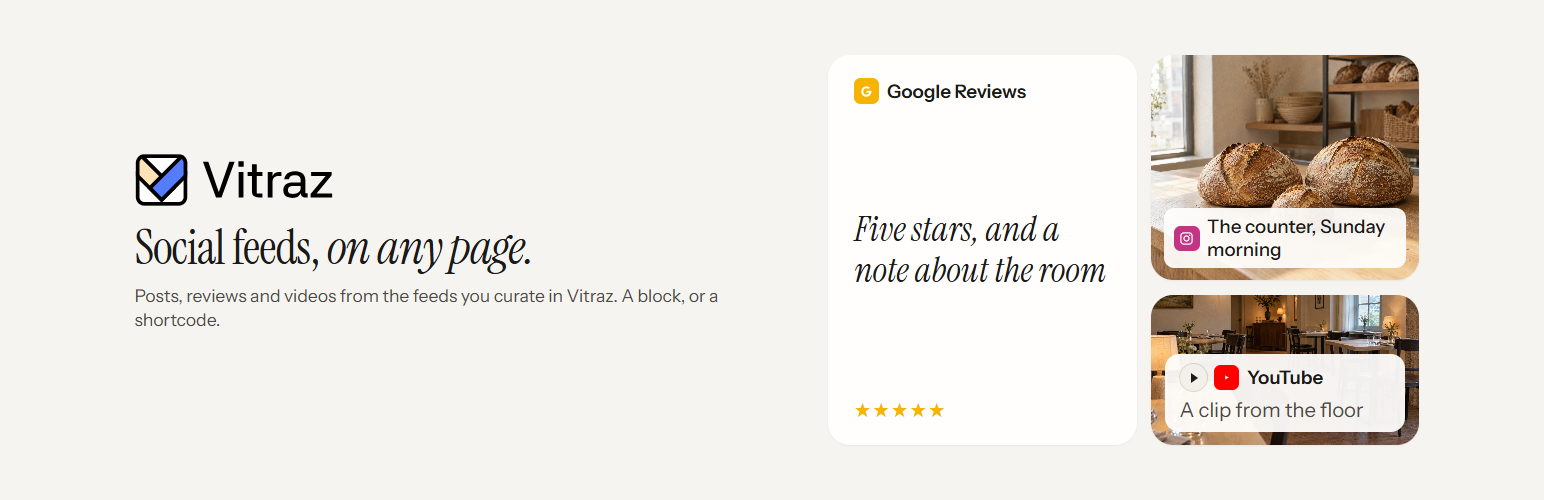
Vitraz collects posts, reviews and videos from the places people talk about you, lets you approve what appears, and lays it out as a wall, a grid, a carousel or a strip of reviews. This plugin puts those feeds on your WordPress site.
You design and moderate each feed in Vitraz. In WordPress you only choose where it goes, so a change you publish in Vitraz shows on every page that carries the feed, with nothing to update here.
What the plugin adds
- A Vitraz feed block for the block editor, the Site Editor and block widget areas. Paste the embed code or the feed ID and the block shows a live preview of the feed.
- A shortcode,
[vitraz feed="YOUR-FEED-ID"], for the classic editor, page builders such as Elementor, Divi and Beaver Builder, and theme templates. - A loader that only runs where a feed is. The script is deferred, printed in the footer, and added only to pages that show a feed.
- Fewer ways for an install to break. Your content keeps only the feed ID and the plugin adds the script itself, so WordPress can’t strip it for authors who aren’t allowed to post raw HTML. Cloudflare Rocket Loader, LiteSpeed Cache, WP Rocket and SiteGround Speed Optimizer are told to leave the loader alone.
There is no settings page and nothing is added to your database.
Where the posts come from
Vitraz reads public posts from YouTube, Google Reviews, X, Bluesky, Mastodon and any RSS feed. Which networks you can connect, and how many feeds and monthly views you get, depend on your Vitraz plan. There is a free plan.
External services
This plugin shows content from Vitraz (https://vitraz.io), the service where you build and moderate your feeds. It needs a Vitraz account to be useful.
When someone visits a page that shows a feed, their browser loads the feed script and its stylesheet from vitraz.io and asks vitraz.io for the feed. That request carries the feed ID and your site’s hostname, along with the IP address and browser user agent that every web request carries. Vitraz counts unique daily views against your plan with a one-way hash of the IP address and user agent rather than the address itself. The feed script sets no cookies.
Images and videos in a feed load from the network each post came from, such as YouTube, and YouTube videos play through youtube-nocookie.com.
The block editor loads the same script to preview a feed while you edit, and that preview counts as a view in the same way.
- Vitraz terms of service: https://vitraz.io/terms
- Vitraz privacy policy: https://vitraz.io/privacy
Installation
- Install and activate the plugin.
- In Vitraz, open the feed you want, choose Embed, and copy the embed code.
- In WordPress, add a Vitraz feed block where the feed should appear and paste the code into it. The preview appears straight away.
For the classic editor or a page builder, use the shortcode with your feed ID: [vitraz feed="YOUR-FEED-ID"]. The feed ID is the part of the embed code that looks like 0b9d6c1e-2f4a-4d3b-9a7e-5c8f1e2d3a4b.
Screenshots

The Vitraz feed block in the editor. The preview is the live feed, and the sidebar links back to where you design it.

Paste the embed code or the feed ID. The block reads the ID out of the code.

The feed on the front of the site. Publish a change in Vitraz and it shows here, with nothing to update in WordPress.
Faq
Yes. The plugin shows feeds you build in Vitraz; it doesn’t connect to social networks itself. You can create a free account at https://vitraz.io/sign-up.
A feed is visible only once it is published in Vitraz, and a paused feed is hidden. Publish the feed, then choose Check again in the block.
No, and that is on purpose. Layout, colours, sources and moderation all live in Vitraz, so one change updates the feed everywhere it appears. In WordPress you choose where it sits: you can make the block wide or full width and adjust its margins.
It keeps working. To switch, select the block and choose Transform to, then Vitraz feed. A pasted [vitraz] shortcode becomes a block the same way.
The loader is a small deferred script that runs after your page has rendered, and the images in a feed load lazily. Pages without a feed don’t load it at all.
Purge your page cache after adding the feed. If it still doesn’t appear, check that the feed is published in Vitraz and that a consent or security plugin isn’t blocking scripts from vitraz.io.
Yes. Define VITRAZ_ORIGIN in wp-config.php, for example define( 'VITRAZ_ORIGIN', 'https://staging.example.com' );, or use the vitraz_social_feed_origin filter.
Reviews
Changelog
1.0.0
- First release: the Vitraz feed block, the
[vitraz]shortcode, and compatibility with common page optimisers.