ViviChat Website Assistant
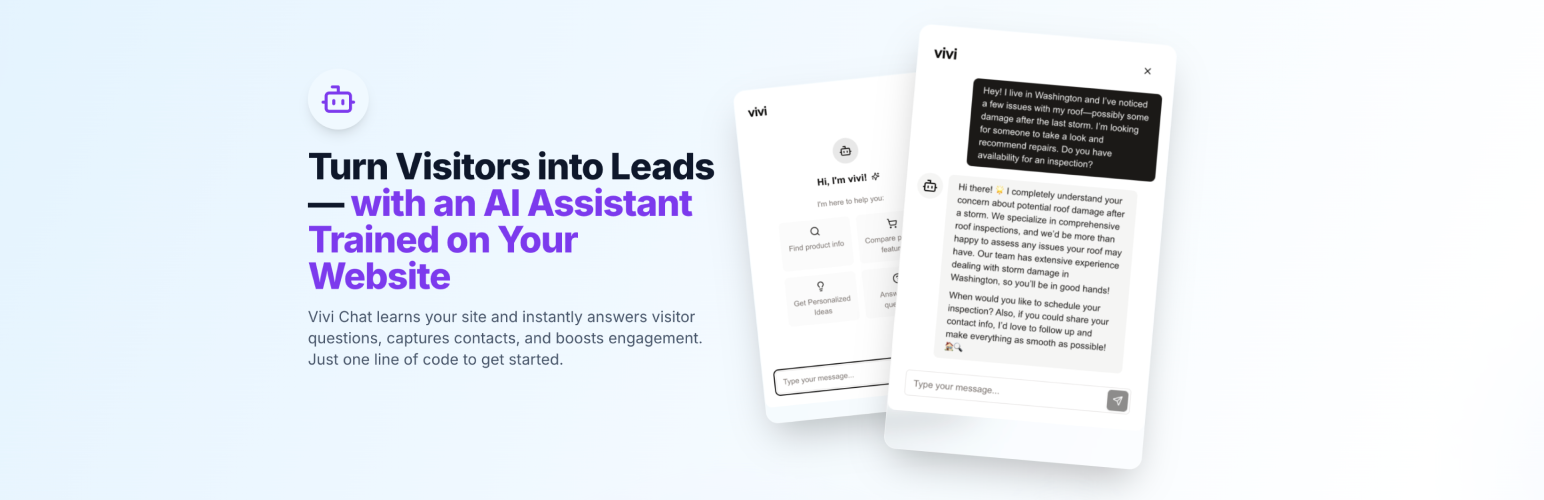
ViviChat Website Assistant
Description
ViviChat is an AI-powered website assistant that helps your visitors find information and get answers to their questions 24/7. It integrates seamlessly with your WordPress site and provides real-time support to enhance user engagement.
Key Features:
- 24/7 automated customer support
- Easy setup with widget ID
- Real-time analytics and insights
- Customizable chat interface
- Visitor engagement tracking
- Message history and analytics
Installation
- Upload the plugin files to the
/wp-content/plugins/vivichatdirectory, or install the plugin through the WordPress plugins screen directly. - Activate the plugin through the ‘Plugins’ screen in WordPress.
- Go to the ViviChat settings page to configure the plugin.
- Enter your Widget ID from your ViviChat dashboard.
Screenshots

ViviChat settings page

Chat widget in action
Faq
You can find your Widget ID in your ViviChat dashboard at https://app.vivichat.me/settings
All customization options are available in your ViviChat dashboard at https://app.vivichat.me
Contact our support team at help@vivichat.me
Reviews
Changelog
1.0.0
- Initial release