Vote It!

Vote It!
Description
This plugin allows you to display a buttons which shows the voting for a social news message (digg,sphinn …) on your blog post.
You will find a collection of voting buttons for different social-news-services here.
Installation
- Download the Vote It! Plugin
- Unzip file
- Upload the folder “vote-it” into your /wp-content/plugins directory
- activate Plug-In
- configure Plugin using the settings page
- Have fun with Vote It! 🙂
Screenshots
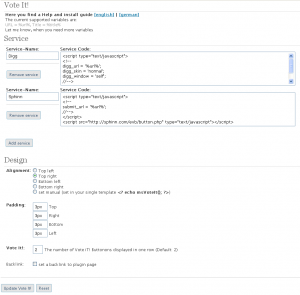
Screenshot of the configuration menu

Plugin in action