VotePulse Election System

VotePulse Election System
Description
VotePulse Election System provides a robust solution for creating and managing online voting systems directly within your WordPress site. Whether you’re running a small community election or a voting event, this plugin offers an intuitive interface, secure voter management, and customizable email notifications to streamline the process.
Features
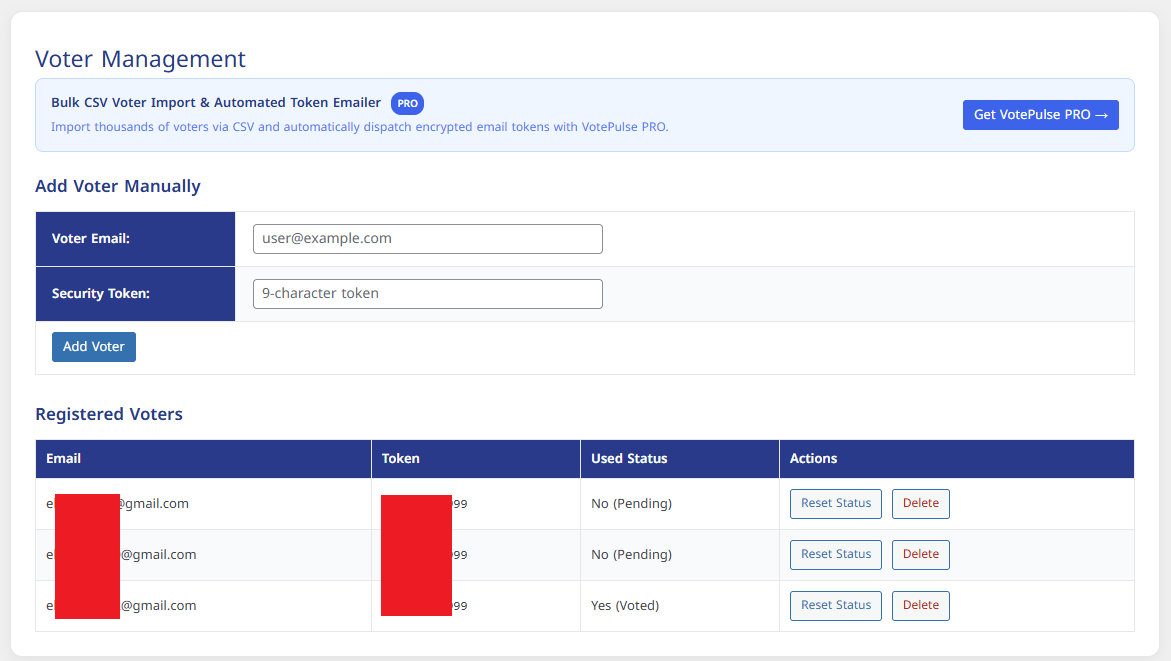
- Voter Management: Add, edit, and remove voters with ease through an admin-friendly interface.
- Token-Based Voting: Generate unique voting tokens for each voter to ensure secure and verifiable votes.
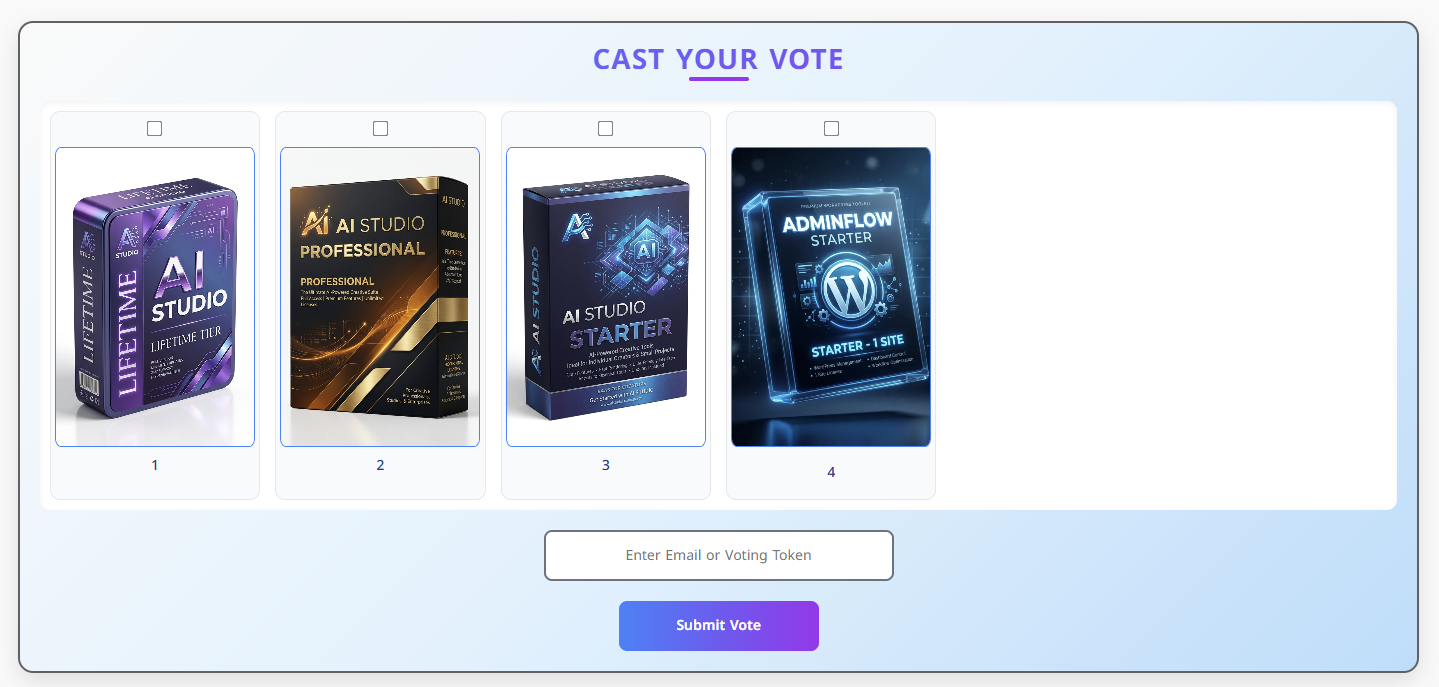
- Responsive Voting Form: A beautifully designed voting interface that works seamlessly on desktops, tablets, and mobile devices.
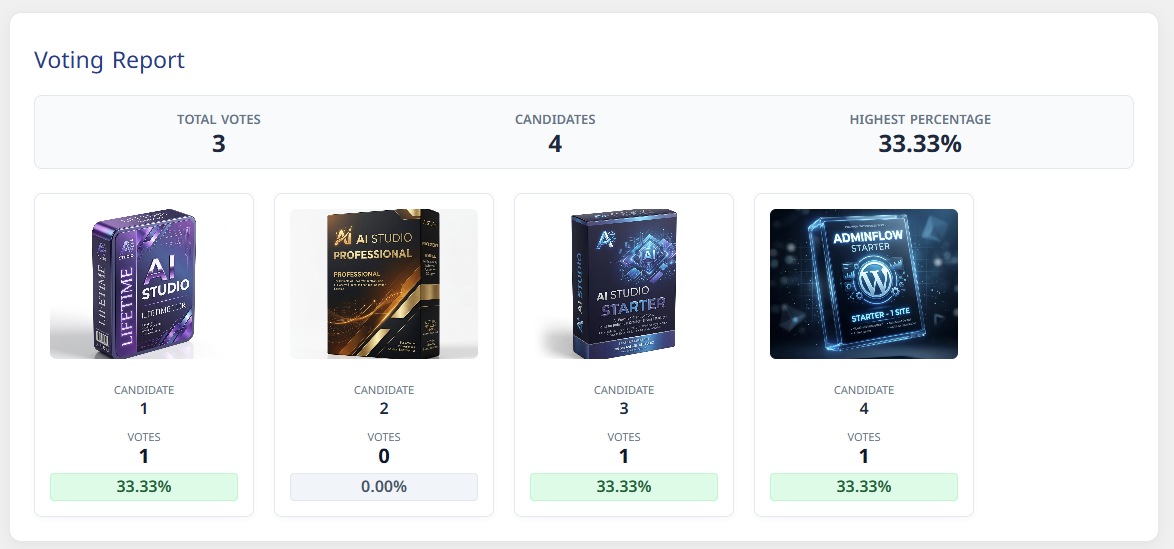
- Live Voting Reports: Monitor real-time voting results and detailed statistics directly from the dashboard or public shortcode.
- Multilingual Support: Supports RTL and LTR layouts dynamically and can be translated using standard WordPress localization tools.
Credits & Assets
- Status Icons: Bundled locally in
assets/images/under creative commons / Icons8 license.
Installation
- Upload the plugin files to the
/wp-content/plugins/votepulse-election-systemdirectory, or install the plugin through the WordPress plugins screen directly. - Activate the plugin through the ‘Plugins’ screen in WordPress.
- Use the
VotePulse Electionsmenu to configure the plugin and add candidates/voters. - Add the
[votepulse_vote_form]shortcode to a page to display the voting form to users. - Add the
[votepulse_results]shortcode to display live election results.
Screenshots

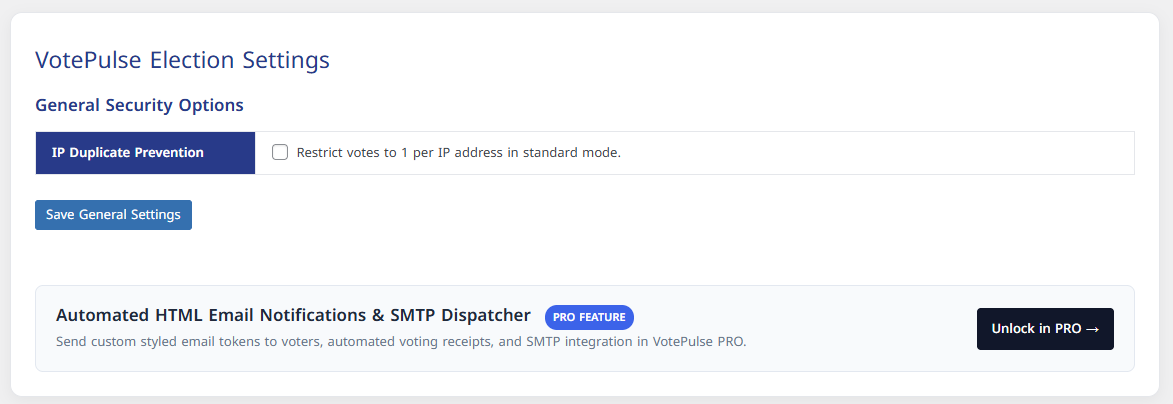
Admin Settings Page. Customize email templates and manage voting settings.
Voting Interface. A clean and responsive voting form for users.
Email Notification. Example of a voter-added email with token and vote count.

Faq
Tokens are assigned in Voter Management and can be distributed to voters directly or via email notifications.
If enabled, voters must select exactly the number of candidates specified in their allowed vote count.
Votes are linked to encrypted emails and IPs for security, but voter identity is protected.
Reviews
Changelog
1.1.0
- Initial public release on WordPress.org under VotePulse Election System brand.