Wappbiz
Wappbiz
Description
The Wappbiz Plugin provides an advanced connection with the Wappbiz API, enabling seamless synchronization of WooCommerce orders and cart updates with real-time WhatsApp notifications.
Key Features:
- Synchronize WooCommerce orders with the Wappbiz API.
- Real-time cart updates and notifications via WhatsApp.
- Order status change notifications for your customers.
- Multi-vendor support for WooCommerce Marketplace (WCFM).
- Configurable event triggers to customize notifications.
Key Features of the Wappbiz WooCommerce Plugin
Below are some of the key features that make the Wappbiz Plugin perfect for WordPress WooCommerce multi-vendor marketplace owners who want to take communication with customers to the next level:
-
Real-Time Order Synchronization:
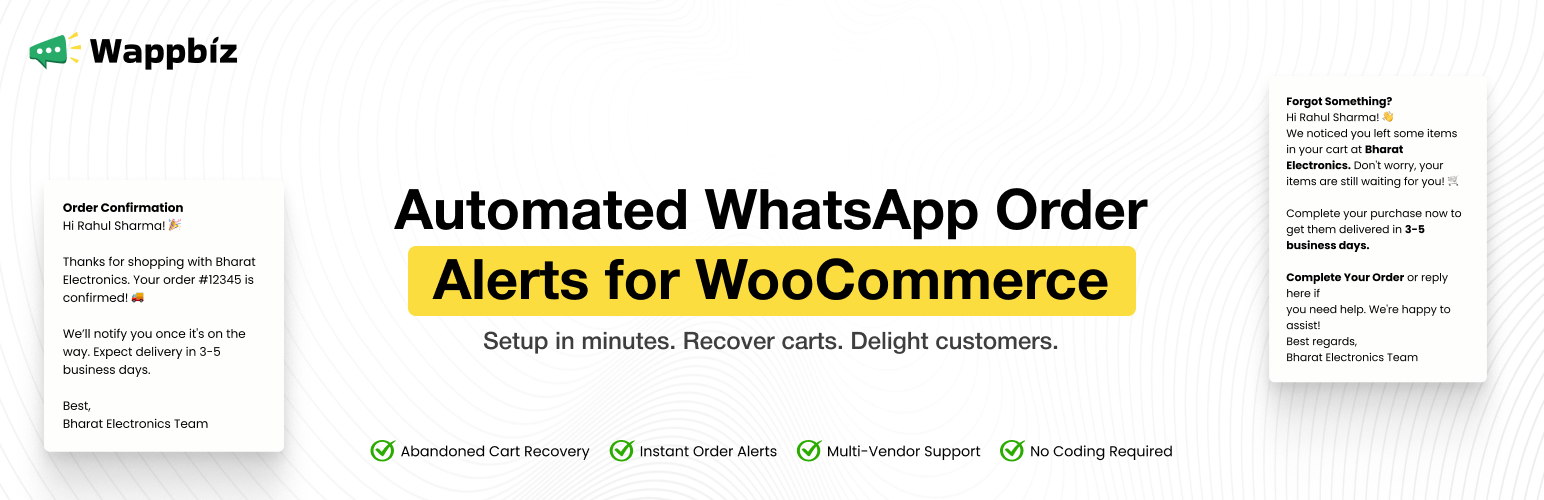
With Wappbiz, you can automatically synchronize new orders between your WooCommerce store and WhatsApp. Customers will receive instant notifications when they place an order, providing them with confirmation and keeping them engaged. -
Cart Updates:
Abandoned carts are a significant challenge for many eCommerce stores. Wappbiz allows you to send WhatsApp notifications whenever items are added to or updated in the cart. These notifications help remind customers of their interest in the products, nudging them toward completing the purchase. -
Order Status Change Notifications:
Keep your customers informed at every stage of the order journey. Whether it’s “processing,” “shipped,” or “completed,” Wappbiz sends automated WhatsApp updates to customers, ensuring they’re always in the loop. -
Multi-Vendor Support:
For marketplace owners using WooCommerce multi-vendor marketplace platforms like WCFM Marketplace, the Wappbiz plugin supports multi-vendor setups, making it easy to send individual notifications to vendors when their products are ordered. This feature improves vendor communication, ensuring they’re always aware of their sales. -
Customizable Event Triggers:
You have full control over when and how notifications are sent. Configure the plugin’s settings to enable or disable specific event triggers, such as order creation, cart updates, or status changes. This flexibility allows you to tailor notifications to suit your specific business needs.
External Services
This plugin connects to the Wappbiz API to send order, cart, and status update data to an external messaging platform for WhatsApp notifications.
What data is sent:
– Customer details (name, email, phone, address)
– Order and product information
– Cart item details (product name, quantity, price)
When data is sent:
– When an order is placed or updated
– When items are added or updated in the cart
Service Provider: Wappbiz
Terms: https://www.wappbiz.com/terms-conditions/
Privacy Policy: https://www.wappbiz.com/privacy-policy/
Installation
- Upload the plugin to the
/wp-content/plugins/directory. - Activate it through the ‘Plugins’ menu in WordPress.
- Navigate to the “Wappbiz” admin menu and configure your API key and plugin settings.
Screenshots


Faq
Yes. You must configure your Wappbiz API key in the plugin settings for the integration to function. You can register and get your key at: https://app.wapp.biz/register
Yes. The plugin provides checkboxes in the Options tab to enable or disable:
– Order Creation
– Order Status Updates
– Cart Updates
The Wappbiz WooCommerce Plugin automates real-time WhatsApp notifications for order confirmations, status updates, and cart changes, reducing manual work and improving customer engagement.
You can easily create and edit message templates within the Wappbiz settings to personalize messages based on customer actions like order placement, status updates, or abandoned carts.
Real-time cart updates ensure customers are promptly notified of changes, encouraging them to complete their purchase and enhancing their shopping experience.
Multi-vendor support allows individual vendors to receive custom notifications, ensuring they stay informed about their sales and improving communication within the marketplace.
No, the Wappbiz WooCommerce Plugin is designed for ease of use with a simple setup process and user-friendly interface, making it accessible even to non-technical users.
Reviews
Best for WhatsApp notification
By 
I have used this plugin and it's best suitable for my ecommerce store to get instant notification on whatsapp about my ecommerce sale. It's easy to setup. Thank you Wappbiz!
Great for Updates
By 
It's easy to integrate and great for sending order updates and cart abandonment notifications.
Seamless integration with the Wappbiz
By 
With this plugin, I easily connect my woo-commerce website to the whatsapp business api platform named wappbiz.
Changelog
1.0
- Initial release of the Wappbiz Plugin.