Watso – Basic Help Chat Button
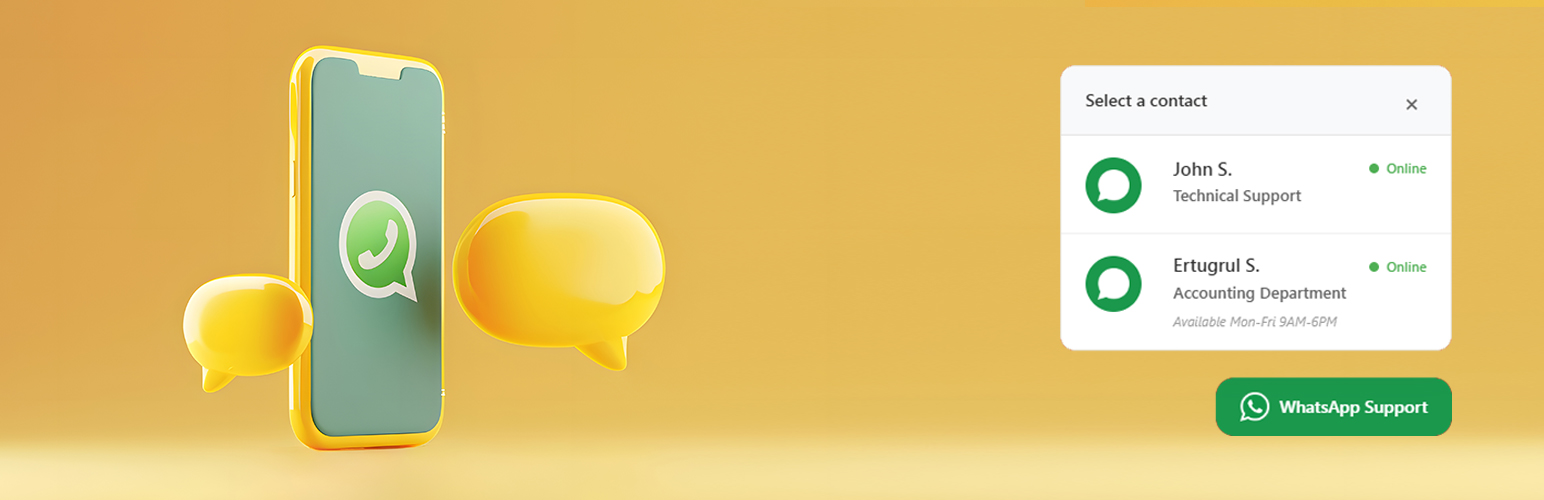
Watso – Basic Help Chat Button
Description
Watso is a high-performance, lightweight WhatsApp chat button plugin designed for modern WordPress websites. It provides a seamless way for your visitors to contact you or your team directly through WhatsApp, boosting your conversion rates and customer satisfaction.
🎥 Video Tutorial
🌟 Why Choose Watso?
- ✔️ Clean design & seamless integration – Matches any theme perfectly.
- ✔️ No coding required – Simple and intuitive setup.
- ✔️ 100% free – No premium versions or hidden fees.
- ✔️ GDPR & SEO friendly – Follows all modern standards and best practices.
- ✔️ Cache-compatible – Works perfectly with all major caching plugins.
🔢 Core Features
- Multiple WhatsApp Accounts – Add unlimited numbers for teams or departments.
- UTM & Analytics Ready – Track clicks with Google Analytics & Meta.
- Dark Mode Detection – Automatically adapts to user’s theme preference.
- Smart Placement – 4 screen positions, fully responsive design.
- Full Customization – Colors, icons, borders, labels, and more.
- Schedule Visibility – Set working hours or hide on holidays.
- Lightning Fast – Minimal JavaScript, optimized for performance.
- Accessibility Built-in – Keyboard-friendly and WCAG compliant.
🌍 Languages & Localization
Watso is translation-ready and currently supports:
* 🇬🇧 English (Default)
* 🇹🇷 Türkçe (Turkish)
* 🇫🇷 Français (French)
* 🇩🇪 Deutsch (German)
* 🇸🇦 العربية (Arabic)
🛍️ Powerful WooCommerce Integration
Watso 1.1.0 transforms your WhatsApp button into a professional sales and support machine. Unlike generic buttons, Watso understands your store’s context.
- Product Page Support: Automatically include product names and links in the message. When a customer has a question about a specific item, you’ll know exactly which one it is.
- Cart & Checkout Assistance: Reduce cart abandonment by placing a dedicated help button right where it matters most. Offer instant help to customers who are hesitant to complete their purchase.
- Order Status Tracking: Let customers ask about their orders directly from the “Thank You” page with a single click, including their Order ID automatically.
- Dynamic Smart Tags: Use
[product_name],[product_url],[product_price], and[order_id]to create personalized, high-converting message templates. - Context-Aware Widget: Even your main floating button is smart! It automatically changes its pre-filled message based on whether the user is viewing a product or their cart.
🚀 Benefits for Your Store
- Boost Conversions: Turn visitors into buyers by answering questions in real-time.
- Reduce Abandoned Carts: Be there for your customers during the most critical steps of the funnel.
- Build Trust: Show your customers that a real human is ready to help them immediately.
- Save Time: Stop asking “Which product are you looking at?”. Watso provides all the details automatically.
⚡ Lightweight & Fast
Watso is built with performance in mind. It doesn’t load heavy libraries or slow down your page speed. Your store stays fast, and your customers stay happy. No external scripts, no bloat.
🛡️ Privacy & GDPR
We respect your privacy and your customers’ data. Watso doesn’t store any customer information or conversation logs on our servers. All chats happen directly on the official WhatsApp platform, keeping your store fully GDPR compliant.
🎯 Who is Watso for?
Whether you are a solo entrepreneur running a small boutique or a large WooCommerce team managing thousands of orders, Watso scales with you. Add unlimited numbers and organize them by departments like “Sales”, “Support”, or “Technical”.
Support
For support and documentation, please visit:
* Hosteva Support
* Documentation
Installation
- Upload the plugin files to the
/wp-content/plugins/watso-basic-chat/directory. - Activate the plugin through the ‘Plugins’ screen in WordPress.
- Use the Settings > Watso Chat screen to configure the plugin.
- Add your WhatsApp number(s) and customize the appearance.
Screenshots

Elegant floating WhatsApp button.

Multi-agent selection menu.

Advanced admin settings panel.

Appearance and color customization.


Faq
Yes, Watso is 100% free with no premium versions or hidden fees.
Yes! You can add unlimited WhatsApp numbers. If you have more than one number, a dropdown menu will appear for visitors to choose from.
Yes, Watso is fully compatible with all major caching plugins including WP Rocket, W3 Total Cache, and WP Super Cache.
Absolutely! The plugin automatically detects the visitor’s system preference and adapts the UI accordingly.
Absolutely! You can customize colors, icons, border radius, positions, and much more through the admin panel.
Reviews
exactly the plugin I wanted
By 
A great plugin. Easy to install. Very ergonomic to use. Thank you very much.
Changelog
1.2.0
- Added: Internal Analytics Dashboard with SVG click trend charts, agent distribution, and device metrics.
- Added: Slide-out updates and development/feature request panel directly linked to support.
- Added: Dynamic custom database table for tracking clicks without impacting WordPress performance.
- Updated: Simplified tab structure by renaming “Appearance & Colors” to “Appearance”.
- Fixed: Critical PHP Strict Standards warning in analytics daily trend calculation.
- Improved: Replaced the sidebar feedback form with a direct email button to watso@hosteva.com for streamlined requests.
- Updated: WordPress 7.0 core compatibility updates.
1.1.0
- Added: Full WooCommerce integration (Cart, Checkout, and Thank You pages).
- Added: Dynamic WhatsApp message tags for products and orders.
- Added: Arabic (ar) language support and RTL layout compatibility.
- Added: Colored icons for admin tabs for better navigation.
- Improved: Font Awesome is now hosted locally for better performance and reliability.
- Improved: Advanced server-side debug logging for troubleshooting.
1.0.6
- Added: German (de_DE) language support.
- Added: Settings shortcut on the plugins page.
- Added: AdBlock camouflage for better visibility.
- Improved: SEO keywords and restored classic documentation style.
1.0.5
- Improved dark mode icon handling.
- WordPress 6.8 compatibility updates.
- UI enhancements.
1.0.0
- Initial release with multi-number and UTM support.