WCAPF – Ajax Product Filter for WooCommerce
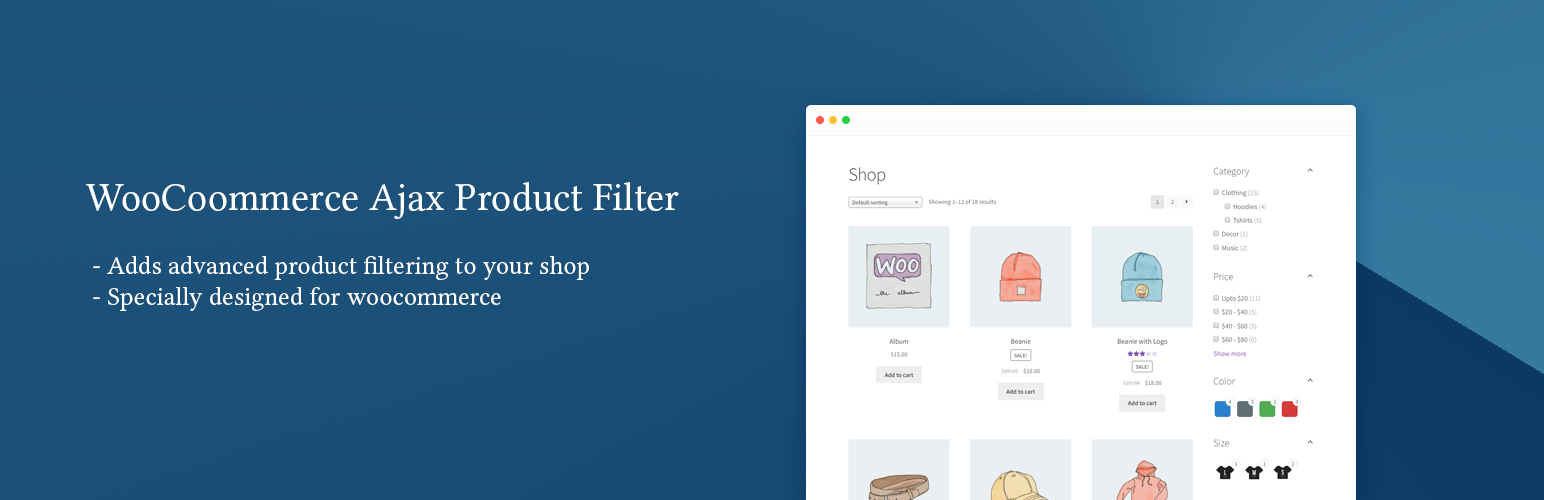
WCAPF – Ajax Product Filter for WooCommerce
Description
WCAPF – Ajax Product Filter for WooCommerce helps customers filter WooCommerce products by category, tag, attribute, price, rating, author, meta fields, and keyword using AJAX. The plugin updates results instantly without reloading the page, helping customers find products faster on WooCommerce shop and archive pages.
View Demo | Documentation | 💎 Upgrade to Pro
WooCommerce Product Filtering Options
-
Taxonomy: Let customers browse products by category, tag, or any custom taxonomy.
-
Attribute: Narrow down results using product attributes such as size, color, material, and more.
-
Price: Help customers find items within their budget using a flexible price range filter.
-
Rating: Show products based on customer ratings.
-
Product Status: Allow customers to filter products by status such as Featured or In Stock.
-
Post Author: Filter products by their author.
-
Post Meta: Filter products using custom post meta values.
-
Keyword: Search for products using keywords.
Flexible Filter Display Options
-
Multiple Display Formats: Present filter options using checkboxes, radio buttons, dropdowns, multiselect, or labels.
-
Styling and Layout: Choose from list, inline, grid, or hierarchical display for taxonomies, with accordion support for hierarchies.
-
Price Filter Options: Use a price slider with minimum and maximum inputs (custom price ranges are available in the Pro version).
-
Product Count & Tooltips: Show the number of products available for each filter and display informative tooltips on hover.
-
Automatic Filter Generation: Automatically generate filter options from taxonomy terms, attributes, or other supported data sources.
-
Include/Exclude Options: Control visibility by including or excluding specific terms, users, or meta values.
-
Search Field & Toggles: Include a search field within filters for quick navigation and use show more/less toggles to keep the interface clean.
-
Color/Image Swatches: Display filter options using visual color or image swatches for a better shopping experience.
Advanced Filtering Functionality
-
Variable Product Support: Works seamlessly with variable products and WooCommerce attribute lookup tables.
-
Ajax Pagination & Sorting: Navigate filtered results and apply product sorting without page reloads.
-
Active Filters Display: Show selected filters above the product loop for quick adjustments by the user.
-
Dynamic Product Count: Update product counts in real time based on applied filters to avoid “no results found” messages.
-
Smart Visibility: Automatically hide or disable empty filters and irrelevant options that return zero products.
Easy Integration
Create your filters and display them on WooCommerce shop and archive pages. Add the filters using the WCAPF – Product Filter Form widget or place the [wcapf_form] shortcode in a page, post, or theme template.
Premium Features (Pro)
The Pro version adds more advanced filtering capabilities and extra configuration options for more complex stores. Some of the enhanced features include:
-
Different Filters for Different Archives: Show more relevant filters depending on the current product category or archive. Documentation
-
Filters on Custom Pages: Build custom product layouts outside default WooCommerce templates using the
[wcapf_products]shortcode. Documentation -
Multi-Vendor Support: Compatible with popular multi-vendor plugins, allowing customers to filter by store name or vendor. Documentation
-
Advanced Controls: Includes manual filter options, sort by filter, per page filter, custom price ranges, and additional configuration settings.
Drag and Drop Filter Creation
Create filters quickly using the intuitive admin interface. Add filters, configure settings, reorder them, and remove them easily.
Custom Filter Keys in URL
Define the filter key used in the URL to identify the type of filter applied.
For example, in the URL ../?category=shirts&color=white, category, and color are the filter keys.
Option to Disable Ajax Filtering
Allow users to disable AJAX filtering if needed. While AJAX filtering is generally recommended for seamless browsing, users can choose to disable it to troubleshoot any potential JavaScript conflicts that may arise after updating the product loop.
Customization
Easily customize the appearance of the filters to match the design and style of your theme. The plugin provides a variety of settings on the plugin settings page, including CSS variables for styling, allowing developers to quickly customize the global filter appearance.
Theme Compatibility
The plugin is designed to be highly compatible with a wide range of themes that follow the standard guidelines set by WooCommerce. This means it is likely to work effectively with almost any theme you choose.
Developer Friendly
The plugin includes essential hooks, filters, and template overrides so developers can adjust filter data, customize output, and extend the plugin functionality.
Screenshots

Filters Demo 1

Filters Demo 2

Filters Demo 3

List of Forms

Form Filters

Plugin Settings
Faq
If you have any questions or need support, free users can use the WordPress.org support forum. Premium users can contact us through our support page. You can also check the documentation for guides and detailed usage instructions.
You can explore the plugin features and filtering behavior on our demo site.
The plugin is compatible with most WordPress themes that follow standard WooCommerce theme guidelines. Some themes with heavily customized product loops may require small adjustments.
Yes. If enabled in the filter settings, users can select multiple options from a filter to refine product results more precisely.
Yes. WCAPF can filter WooCommerce products using any registered taxonomy, including custom product taxonomies created by themes or other plugins.
If the filters are not working as expected, try the following steps:
- Ensure your WordPress and WooCommerce versions meet the minimum requirements.
- Test with a default WordPress theme to rule out theme conflicts.
- Temporarily deactivate other plugins and reactivate them one by one to identify possible conflicts.
If the issue persists, please open a support topic and we will help investigate the problem.
Reviews
Does not display stock status of variable products correctly.
By 
Everything about this filter plugin is great except for one thing. As the title reads, this plugin will not display stock status correctly for variable products. Developers have confirmed that the instock filter assumes variables products are instock until all variable products are out of stock. So the below feature is incorrect.
Filter by Product Status: Allow customers to filter products based on their status, such as featured or in-stock items.
Seeing as ecommerce stores display a mix of simple and variable products, having a filter system that does not correctly display the stock availability of variable products makes this particular aspect of the filter pointless and the above statement false.
Customer service has also been fairly prompt, I have had no issues here. Will change this review if the developer fixes the stock status filter.
Greath plugin
By 
Great plugin and friendly support
The WCAPF plugin does not work when opened in the additional language; it says t
By 
Please advise how to fix the issue with displaying attributes on the category page.
No Customer Service !
By 
They start to work on the problem , but after they told us is working now we check and is not working. Now we have send several emails again but no answer ! you can check all here trewanoclothing.com , the filter like Size are not working if you select a Size like M ( all our products have M ) only some product is showing, This filter are not working till now ! We will update if they answer our emails and siolve after 3 months our problem . Today is 6/01/2025
A GREAT PLUGIN
By 
I've been looking for a plugin for a product category filters on WooCommerce for a long time, and to be honest, only this plugin is without any roadblocks or errors, it works great and is very easy to use, I recommend it to everyone!!!
Functional and intuitive
By 
I was able to build solid filter on Free version.
I checked almost all available filter plugins, and they either didn't have required tweaks, or had non-intuitive interface, or often both. WCAPF combines super-easy interface and maximum instruments and options to create a filter of desired complexity.
I contacted support couple times and got cheerful and useful response.
Лучший плагин
By 
Использовал различные плагины, но этот самый лучший и удобный и быстрый. В бесплатной версии покрыл все мои потребности, некоторые платные особо не покрывали. Вы лучшие! Продолжайте в том же духе. Спасибо большое!!!
Best WooCommerce filter plugin available!
By 
I tested recently most of the filter plugins and many of them have problems with product ordering, pagination and "and/or" relations. WCAPF was the only solution that covers al the problems I had before. Even the free version is much more powerful than most over the other premium solutions.
Mainul, keep up the great work!
Great plugin and features even in free version
By 
I must have attempted at least 6 to 8 filter plugins but ultimately I found this one as the best. It did the job for me. It offers great flexibility and control and specially the nesting chains across multiple filters was what I was looking for.
Great plugin.
Absolutely amaxing
By 
This plugin has such a slick design and clean code base, all the features you might need are there, absolutely amazing!
Changelog
4.4.0 (1 April 2026)
- New – Options to disable noUiSlider and Tippy.js from plugin settings
- Changed – Settings tabs reorganised: “Others” renamed to “Phrases”
- Deprecated – [wcapf_filter] shortcode; use [wcapf_form] instead
- Fix – Active filter and reset button IDs are now stable across AJAX updates
- Fix – Post-author active filter was showing user ID instead of display name
- Fix – Native search forms were being pre-filled with the keyword filter value
- Enhancement – Range slider and keyword filter interactions improved
4.3.0 (16 March 2026)
- Security – Fixed SQL injection vulnerability and improved query safety
- Performance – Improved hierarchical taxonomy term counting
- Fix – Resolved issues using non-ASCII characters in filter keys
- Enhancement – Improved escaping and output handling across frontend templates
- Enhancement – Improved WordPress coding standards compliance and overall code quality
- Enhancement – Updated plugin name to “WCAPF – Ajax Product Filter for WooCommerce”
4.2.3 (2 March 2025)
- Fix – Prevent errors by skipping undefined taxonomies when they are unregistered
4.2.2 (20 January 2025)
- Fix – Deprecated react render issue
- Fix – Dynamic property creation issue
- Fix – Translations loading issue
- Enhancement – Add spacing to radio input
4.2.1 (30 July 2024)
- Compatibility – Ensured plugin compatibility with WordPress 6.6
4.2.0 (27 August 2023)
- Fix: Resolved issue with unwanted filter options on attribute filters using lookup tables
- Security: Addressed vulnerabilities for enhanced plugin security
4.1.0 (20 July 2023)
- New Feature – Added keyword filter to enable product filtering using keywords
- Compatibility – Ensured plugin compatibility with WordPress 6.0
- UI Enhancement – Improved the admin user interface
4.0.0 (15 June 2023)
-
Redesigned Admin UI: We have revamped the plugin’s admin interface to provide a more intuitive and user-friendly experience. You’ll find it easier than ever to configure and manage your product filters.
-
Codebase Refactoring: We have refactored the codebase to optimize performance and lay a solid foundation for future enhancements.
-
Filter-Form Association: Filters are now linked to a form. This means that filters are contained within a specific form, simplifying management and organization. The form shortcode is now used to display all filters linked to that form on the frontend.
-
Additional Settings: We have introduced additional settings that offer you more control over your filters.
-
Bug Fixes: We have diligently addressed and fixed several bugs reported by our valued users. These fixes contribute to a more stable and reliable plugin performance.
3.3.2 (04 January 2023)
- Prevent redirect to product page while filtering on the search page and getting a single result.
- Fix SQL error caused by joining alias
3.3.1 (27 September 2022)
- Make it compatible with woo-variation-swatches
3.3.0 (13 September 2022)
- Feature – Option to specify user roles for post author filter
3.2.0 (01 August 2022)
- Fix – custom loading image issue
3.1.0 (29 July 2022)
- Fix – loading image upload button js issue
- Fix – product sorting via ajax issue
- Fix – products count result not updating issue
3.0.0 (17 July 2022)
- Release pro version
- Refactor the plugin
2.0.3
- Fixed bug – ‘wcapf_get_term_objects’ function was working incorrectly
2.0.2
- Added option to disable transients
- Added option to clear transients
2.0.1
- Fixed filtering bugs on product taxonomy pages
- Added more functionality to price filter display type list widget
- Added option to enable/disable font awesome
- Updated localization
2.0
- Fixed PHP version related issue
- Fixed translation and localization issue
- Fixed compatibility issue with WooCommerce Average Rating Filter
- Added functionality to filter products by price list
- Added functionality to clear all active filters with one click
1.0
- Initial release