Key Manager – Effortlessly sell license keys, game keys, pin codes, gift cards, and more with WooCommerce
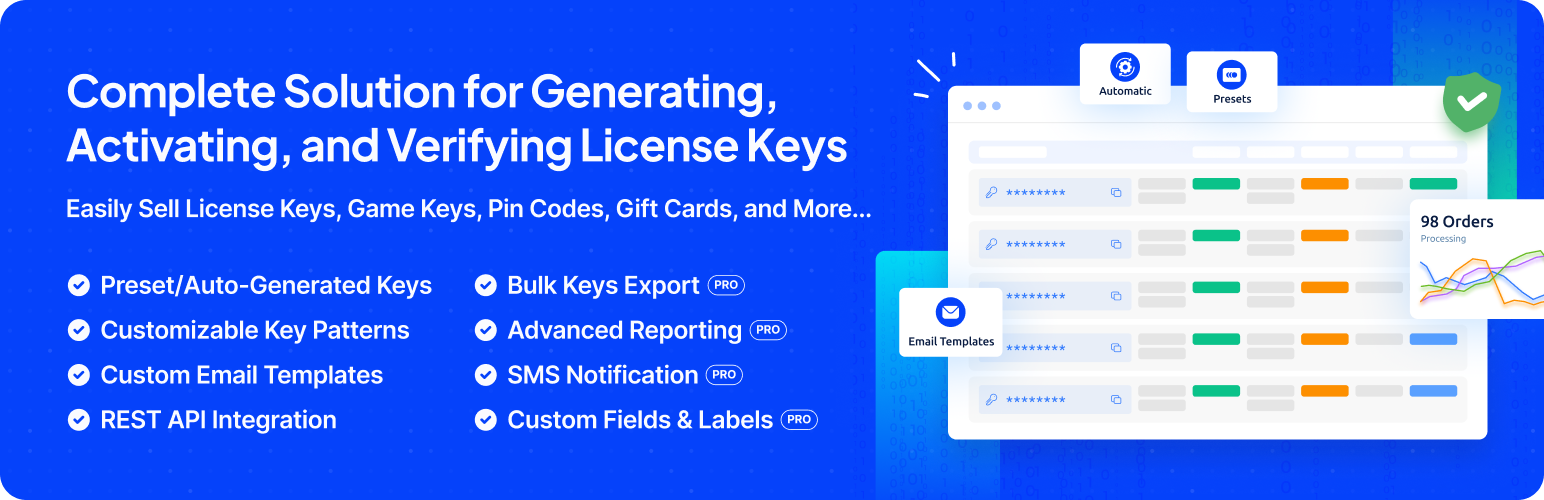
Key Manager – Effortlessly sell license keys, game keys, pin codes, gift cards, and more with WooCommerce
Description
Key Manager is the complete License Manager for WooCommerce. It lets you sell and manage software license keys, game keys, gift cards, PIN codes, serial numbers, and other secret codes.
The plugin provides a secure and automated license key delivery system with options for custom key generation, bulk import/export, expiry control, and key activation tracking.
🚀 Upgrade to Pro | 💻 Live Demo Site | 📄 Plugin Documentation
💵 WHAT YOU CAN SELL USING KEY MANAGER:
- Software licenses, WordPress themes/plugins
- Game keys, digital gift cards, serial numbers, activation codes
- Login credentials, membership keys, access codes
- Online courses, eBooks, coaching sessions
- Any physical or digital product that requires a license or secret key
- API keys for SaaS products
- Custom PIN codes for promotions or giveaways
- And many more.
🛠️ HOW IT WORKS:
- Create a product in WooCommerce and configure it as a key product.
- Add keys for the product or let the plugin generate them automatically.
- When a customer places an order and completes the payment, the plugin automatically sends the key for that product.
🎯 Free Features
- Add and manage license keys manually or generate them in bulk
- Import keys from CSV or TXT files
- Define key patterns: alphanumeric, numeric, or fully custom
- Set license expiry: fixed date, relative date, or never expire
- Limit or allow unlimited activations per key
- View activation history: user, date, order ID, and activation count
- Reuse keys from canceled or refunded orders
- Auto-deliver keys on order completion or payment confirmation
- Display keys on the customer’s My Account and Order Details pages
- REST API access for external license validation and automation
- Manage stock levels based on available keys
- Enable or disable duplicate key selling per product
- Built-in software license manager for WooCommerce
🚀 Pro Features
- Sell license keys with variable products and variations
- Generate detailed license usage reports with filters
- Integrate with WooCommerce Subscriptions for recurring licensing
- Sync license key expiry with subscription expiration
- Encrypt license keys for secure storage and delivery
- Add custom metadata fields to each key (public or private)
- Create and assign custom product attributes to keys
- Upload unlimited keys per variation or product
- Generate QR codes and barcodes for each license key
- Send SMS notifications via Twilio with customizable templates
- Use webhooks to trigger external services on key events
- Bulk export license keys with advanced field filtering
- Priority customer support and regular feature updates
Key Integrations
- WooCommerce Subscriptions – Link license key expiry with subscription status
- Dokan Multivendor – Vendors can sell license-based products
- PDF Invoices & Packing Slips – Attach keys inside invoices
- Twilio SMS Gateway – Send license keys via SMS to customers
- WhatsApp Notification – Notify customers via WhatsApp
REST API Support
Manage licenses through REST API for integration with external systems:
- Generate, activate, deactivate, and validate license keys
- API documentation
Installation
Minimum requirements
- PHP 7.4 or greater is required (PHP 8.0 or greater is recommended)
- MySQL 5.6 or greater, OR MariaDB version 10.1 or greater, is required
Automatic installation
Automatic installation is the easiest option, as WordPress handles the file transfers itself, and you don’t need to leave your web browser. To install Key Manager automatically, log in to your WordPress dashboard, navigate to the Plugins menu, and click “Add New.”
Type “Key Manager” in the search field and click Search Plugins. Once you have found the plugin, you can view its details, such as the point release, rating, and description. Most importantly, you can install it by clicking “Install Now.”
Manual installation
- Upload the plugin files to the
/wp-content/plugins/wc-key-managerdirectory, or install the plugin directly through the WordPress plugins screen. - Activate the plugin through the ‘Plugins’ screen in WordPress
Updating
Automatic updates should work well; as always, though, ensure you back up your site just in case.
Screenshots

Key Manager - Dashboard

Keys - List

Add Key

Edit Key

Generators - List

Add Generator

Edit Generator

Activations - List

Activate Key/Add Activation

Edit Activation

Tools - Bulk Keys Generators

Tools - Import Keys from CSV or TXT file

Settings - General - Key Settings

Settings - General - Product Settings

Settings - Advanced

Settings - Email

Settings - Manage Email Templates

Settings - API

My Account - Keys

My Account - Key Details

My Account - Order Details

Email Templates
Faq
Key Manager allows you to sell a variety of products, including digital assets like themes, plugins, digital arts, photos, videos, music, NFTs, and templates, as well as digital tools, entries, gifts, custom activation codes, license keys, online courses, eBooks, and more.
You can manually assign keys to orders in addition to the automatic key generation and distribution option.
With Key Manager, you can easily track the activation date, activation count, and user information associated with each key to monitor its usage history.
Yes, based on your product requirements, you can set specific key expiry dates or choose to make them never expire.
The keys are primarily delivered to the order details page of the customer’s account and their emails.
Absolutely! Customers can conveniently view their keys on the My Account page, and you can customize the display to suit your store’s branding and layout preferences.
Yes, with this plugin, you can sell your custom keys, and bulk import them via CSV and TXT file format.
Yes, this plugin comes with HTTP-based API integration and REST API functionality. You can easily integrate the license validation function into any software.
Yes, all the strings in this plugin can be translated, and we hope to offer many translations out of the box over time.
Reviews
Exellent
By 
Excellent plugin and excellent customer service. Lots of people can take a leaf out of your book!
Parexcellence plugin
By 
I have bought this plugin for my business. Its very lightweight, and fast running plugin with features that doesn't anyone can do settings. I have been looking for such type of plugin since long for my digital product business. The pluginever team are very good, they give bit by bit detail guidance.
I highly recommend this plugin for key assignment for products.
Amazing support
By 
They went above and beyond to help me sort the issue with my site so that I could send keys. Fantastic support and very friendly. Highly recommend any plugin they have.
Changelog
1.4.0 (2026-08-20)
- Minor maintenance update.
- Compatibility: Check compatibility with the latest version of WooCommerce and WordPress.
1.3.9 (2026-06-04)
- Fix: Deactivation API no longer works when Allow Deactivation is disabled.
- Fix: Prevented fatal error during key activation when the Instance field is left empty.
- Enhancement: Update the Key Dispatch Notice to align with order status changes.
- Compatibility: Check compatibility with the latest version of WooCommerce(v10.8) and WordPress (V7.0).
1.3.8 (2026-05-19)
- Fix: Prevent PHP warning and blank validation page when an invalid key is submitted.
- Fix: Sync key status to Activated when re-activating an existing instance after expiry was extended.
- Fix: Scope Key Manager panel padding so it no longer breaks the layout of the variation Downloadable section.
1.3.7 (2026-04-23)
- Minor maintenance update.
- Compatibility: Check compatibility with the latest version of WooCommerce(v10.7)
1.3.6 (2026-03-16)
- Enhance: Update few filter hooks prefixes for better code readability and consistency.
- Compatibility: Check compatibility with the latest version of WooCommerce(v10.6)
1.3.5 (2026-02-05)
- Enhance: Modified the product data panel UI for better user experience.
- Fix: Product data panel issues fixed.
1.3.4 (2026-02-03)
- Fix: Few known issues are fixed.
1.3.3 (2026-01-07)
- Fix: Resolved several minor bugs to improve overall stability and reliability.
1.3.2 (2025-12-10)
- Fix: Licensing API issue fixed for activating the keys passing customer email.
- Fix: Few minor issues are fixed.
- Compatibility: Check compatibility with the latest version of WooCommerce(v10.3) & WordPress(v6.9).
1.3.1 (2025-11-24)
- Enhance: Update the plugin notices.
- Fix: Few minor issues are fixed.
1.3.0 (2025-11-12)
- Fix: Fixed minor issues.
1.2.9 (2025-11-11)
- Fix: Few minor issues are fixed.
- Fix: Updated plugin naming to comply with WordPress.org trademark guidelines.
- Enhance: Improved readme content clarity and removed promotional language per guidelines.
1.2.8 (2025-10-23)
- Enhance: Update the plugin notices.
- Compatibility: Check compatibility with the latest version of WooCommerce(v10.3).
- Fix: Fixed chart.js dependency issue.
1.2.7 (2025-09-24)
- Compatibility: Check compatibility with the WooCommerce v10.2 & WordPress v6.8
1.2.6 (2025-08-31)
- Fix: Fixed pending keys notice displaying in admin order details page even if the item is not a key product.
- Compatibility: Compatibility check for the latest version of WordPress and WooCommerce.
1.2.5 (2025-08-4)
- Fix: Remove sending keys from the cancelled, refunded, and failed orders.
- Compatibility: Compatibility check for the latest version of WordPress and WooCommerce.
1.2.4 (2025-07-13)
- Compatibility: Compatibility check for the latest version of WordPress and WooCommerce.
1.2.3 (2025-06-18)
- New – Update Plugin Framework and directory structure.
- Enhance – Improved the plugin’s performance and security.
- Fix – Few known bugs and issues have been resolved.
- Compatibility: Compatibility check for the latest version of WooCommerce.
1.2.2 (2025-05-18)
- Typo: Fixed a typo in the plugin advanced settings.
- Fix: Remove the unused code from the plugin.
- Enhance: Allow overriding every default templates within the theme.
1.2.1 (2025-04-28)
- Fix: Allow overriding the default templates within the theme.
1.2.0 (2025-04-25)
- Fix: Fixed few known issues.
- Compatibility: Compatibility check for the latest version of WordPress and WooCommerce.
1.1.9 (2025-03-25)
- Fix: Few minor bug fixes.
1.1.8 (2025-03-05)
- Fix: Report is not showing the correct data.
1.1.7 (2025-02-27)
- Fix: The report is not showing the correct data.
1.1.6 (2025-02-9)
- Fix: Validate key is not working correctly if the key has already been activated.
1.1.5 (2025-02-5)
- Fix: Fixed the issue with the key not being assigned properly
1.1.4 (2024-12-23)
- Enhance: Enhance the import key feature.
- Compatibility: Latest version of WordPress & WooCommerce compatibility added.
1.1.3 (2024-11-13)
- Fix: Fixed assets not loading properly
1.1.2 (2024-11-13)
- Enhance: Update the plugin framework & directory structure
- Fix: Few known issues that were causing the plugin to not work properly for v1.1.1
- Compatibility: WordPress 6.7 compatibility added
1.1.1 (2024-11-12)
- Fix: Import is not working when custom field is used
1.1.0 (2024-11-10)
- Fix: Few known issues fixed
- Compatibility: WooCommerce Cart and Checkout blocks compatibility added
1.0.6 (2024-08-29)
- New: Add new tab in settings.
1.0.4 (2024-08-25)
- Fix: Stock management issue fixed
1.0.3 (2024-08-24)
- Enhance: Optimized code for better performance
- Fix: Minor bug fixes
1.0.2
- Enhance: Optimized code for better performance
1.0.1
- Enhance: Optimized code for better performance
1.0.0
Initial release