Minimum Price Required to Checkout for WooCommerce
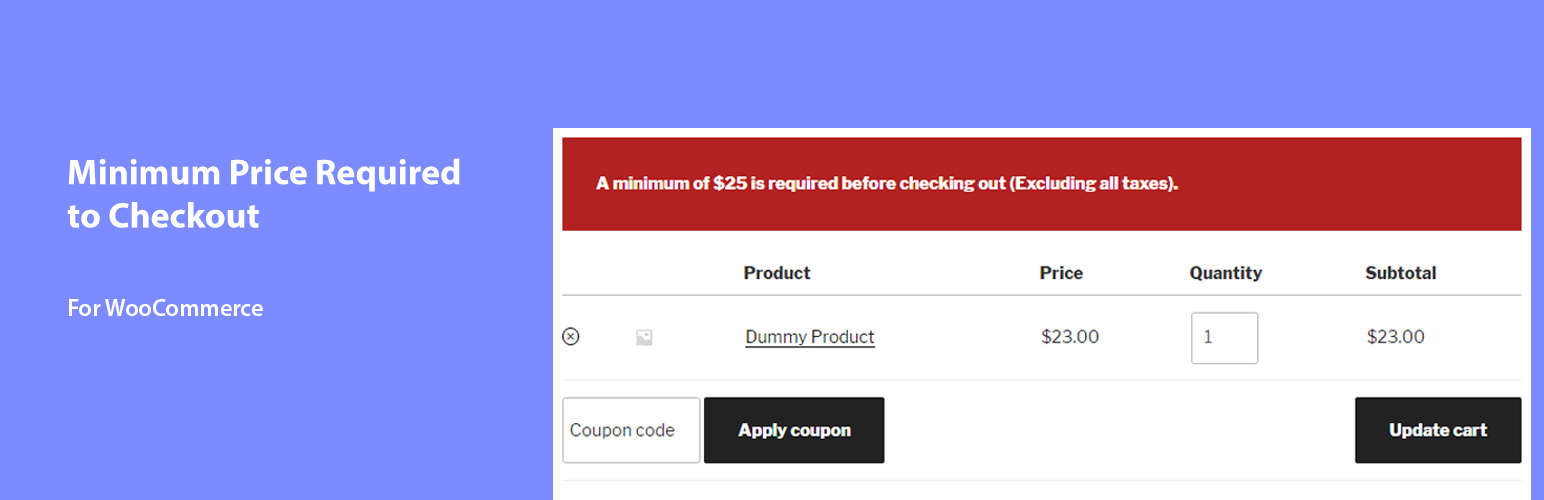
Minimum Price Required to Checkout for WooCommerce
Description
Installation
Automatic installation
- log in to your WordPress dashboard, go to the Plugins menu and click Add New.
- Search for “Minimum price required to checkout for WooCommerce”.
- Once found, install by clicking “Install Now” button.
- Click on activate after installation.
- A menu will appear under Settings main menu after activation( Minimum price required to checkout for WooCommerce ).
Manual installation
- Download the plugin(zip format).
- Go to Plugin dashboard, Add new and upload the zip folder.
- Activate the plugin after unzipping/installation.
- A menu will appear under Settings main menu after activation( Minimum price required to checkout for WooCommerce ).
Screenshots

Dashboard.

After settings - Frontend.
Reviews
Changelog
0.1
Initial release.