NET-30 Terms for Woocommercee

NET-30 Terms for Woocommercee
Description
Adding net-30 terms to woocomerce is simple.
The plugin works like this – You (the admin) sets up a cheque payment option for checkout.
Every time the checkout page is visited, the plugin will check to see if the user has NET-30 terms enabled, if not the cheque option is removed.
Usage
- Download the plugin and activate
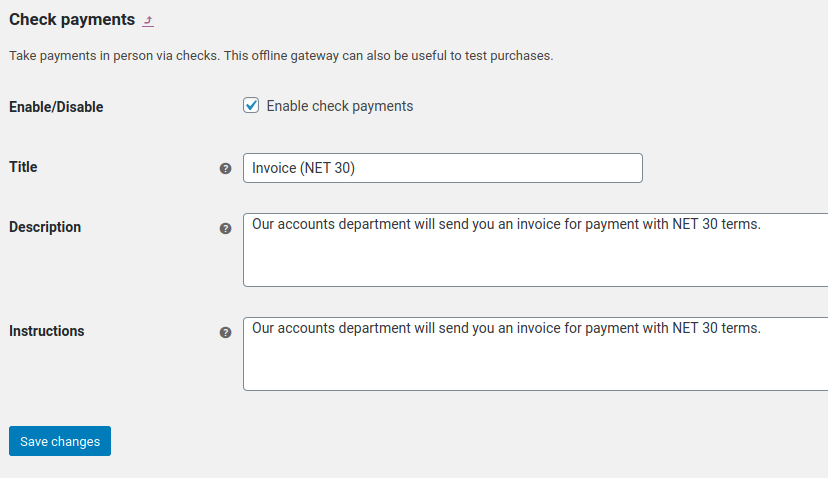
- Add a “Cheque” payment option and title it accordingly (NET 30 Invoice)
- Edit a user to enable NET-30 checkout.
Screenshots
Setup a cheque option in the payment methods screen.
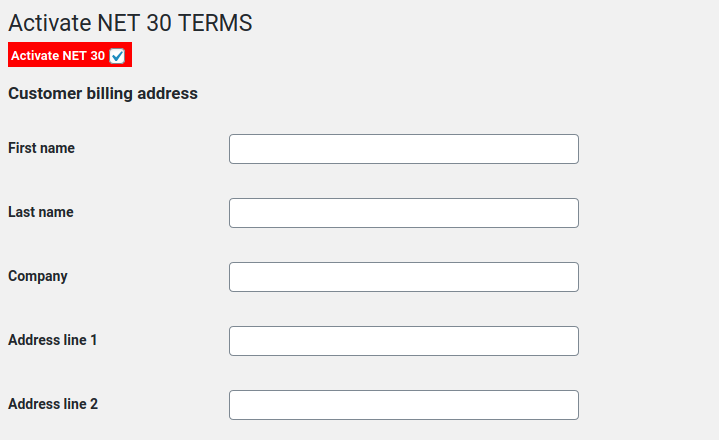
Provide a user the NET-30 terms option by enabling it on the 'EDIT USER' page.
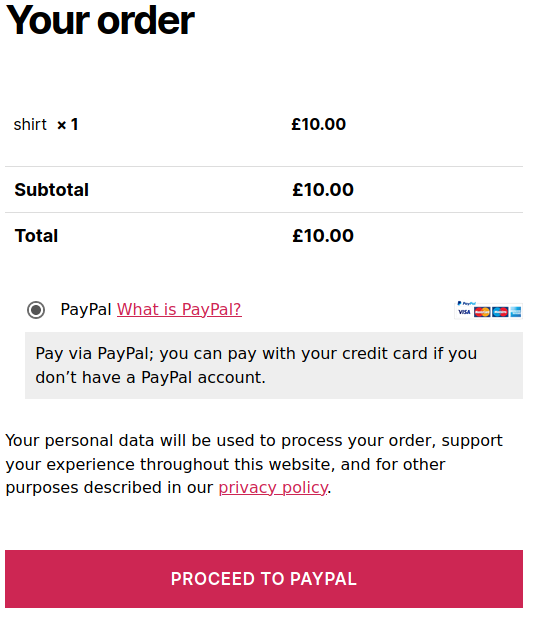
An example of a user without NET-30 terms enabled checking out from your website.
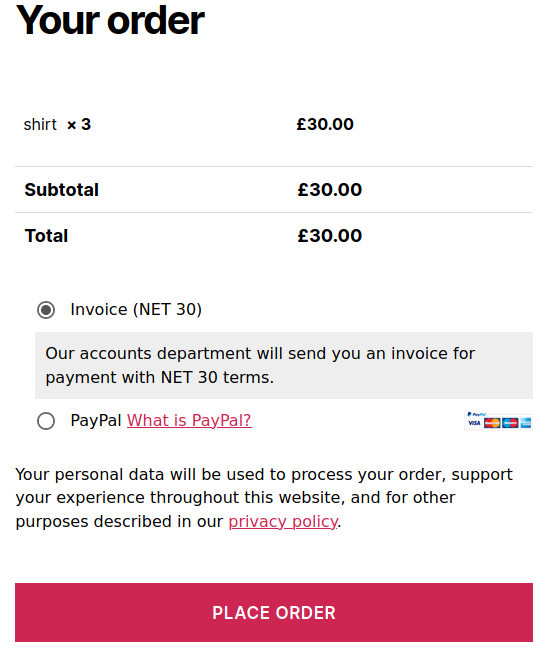
An example of a user WITH NET-30 terms enabled checking out from your website.
Faq
Setup a “cheque” payment option, then enable a user to checkout with NET-30
CLick the “Users” tab, edit a user and find the red checkbox that says “Enable net-30 checkout”
Reviews
Net 30 terms works great!
By 